Template details
NextJS Quickstart Template
A Next.js boilerplate with SCSS, linting, reusable layout, CSS framework scaffolding, and Docker support.
About this template
The NextJS Quickstart Template is an open-source Next.js boilerplate that gives you a pre-configured project with SCSS styling, linting, a reusable layout, a CSS-framework scaffold script, and Docker support.
What is the NextJS Quickstart Template?
The NextJS Quickstart Template is a starter boilerplate for building Next.js applications, created by janaSunrise and released under the Apache 2.0 license. It takes a blank Next.js project and gives you a folder structure with pages, styles, public assets, components, and utility methods. The output is a runnable app with auto-routing, a global layout, SCSS modules, and linting/formatting rules already in place.
Key Features
- Pre-configured folder structure — pages/, styles/, public/, components/, and utils/ directories; pages/test.jsx becomes /test automatically.
- SCSS styling with linting — SCSS modules and component stylesheets, plus ESLint, Prettier, and SCSS lint already set up.
- Global layout — components/Layout.jsx wraps every page with Navbar and Footer components, applied through pages/_app.jsx.
- Scaffolding script — run node scaffold.js with a CSS framework name to automatically integrate Bootstrap, Tailwind, or Bulma.
- API routes — the pages/api directory maps to /api/*, with a sample endpoint at /api/hello.
- Docker integration — docker-compose.yml for containerized development, with commands for build, start, stop, and rebuild.
- Custom document — pages/_document.jsx to adjust the HTML head and body tags.
Who should use the NextJS Quickstart Template?
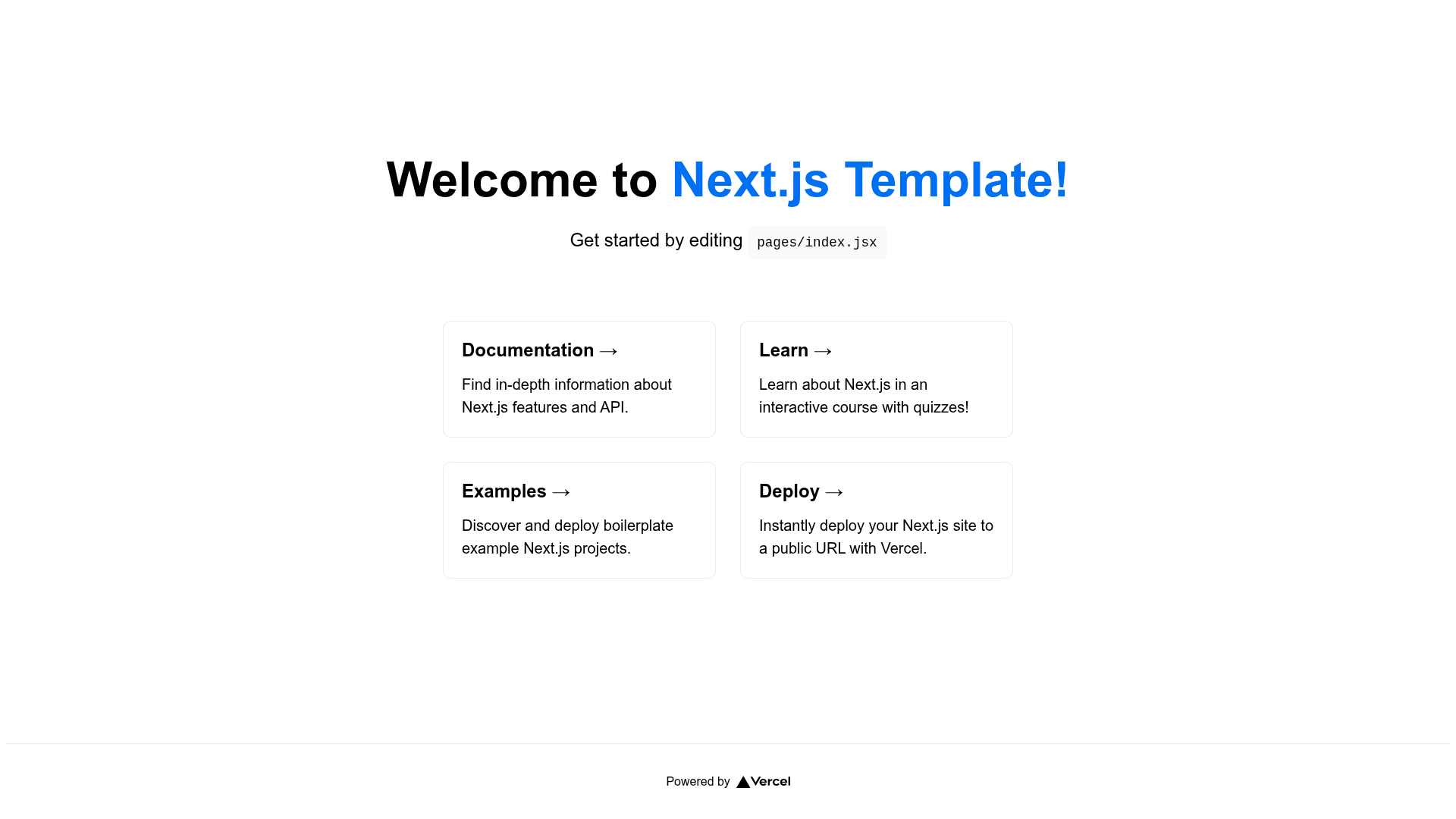
- Next.js beginners — get a working project structure and learn by editing files like pages/index.jsx.
- Frontend developers — start with SCSS, linting, and a layout already configured instead of setting them up manually.
- Developers using CSS frameworks — use the scaffold script or manual instructions to add Bootstrap, Tailwind, or Bulma.
- Teams needing Docker — use the docker-compose setup to run and share a consistent development environment.
What can you do with it?
- Prototype a site quickly — clone the repo, run npm install and npm run dev, then edit pages/index.jsx; the page auto-updates.
- Add a CSS framework — run node scaffold.js bootstrap, tailwind, or bulma to integrate the framework into globals.css.
- Customize the UI — edit components/Navbar.jsx and Footer.jsx to change navigation and footer across all pages at once.
- Containerize the app — run docker-compose up to serve the project in a Docker container.
How does the template work?
The template follows standard Next.js conventions. After installing dependencies and starting the dev server, Next.js reads the pages directory for routing. The Layout component from components/Layout.jsx is applied around each page in pages/_app.jsx, so every route gets the same header and footer. To integrate a CSS framework, you can run the scaffold script or follow the manual setup in the README.
FAQ
How do I change the navbar and footer?
Edit components/Navbar.jsx and Footer.jsx. The Layout component in components/Layout.jsx imports them and includes them on every page, so changes apply globally.
Does the scaffold script support all frameworks?
Currently the scaffold script only supports CSS frameworks. Bootstrap, Tailwind, and Bulma are documented; other integrations are not yet implemented.
Can I use this template with Docker?
Yes. The repo includes a docker-compose.yml. Use docker-compose up --build to build and start, docker-compose down to stop, and docker-compose build to rebuild.
What license is this template under?
The template is released under the Apache 2.0 license.
Is this template free to use?
Yes, it is open source under Apache 2.0, so you can use and modify it freely according to the license terms.