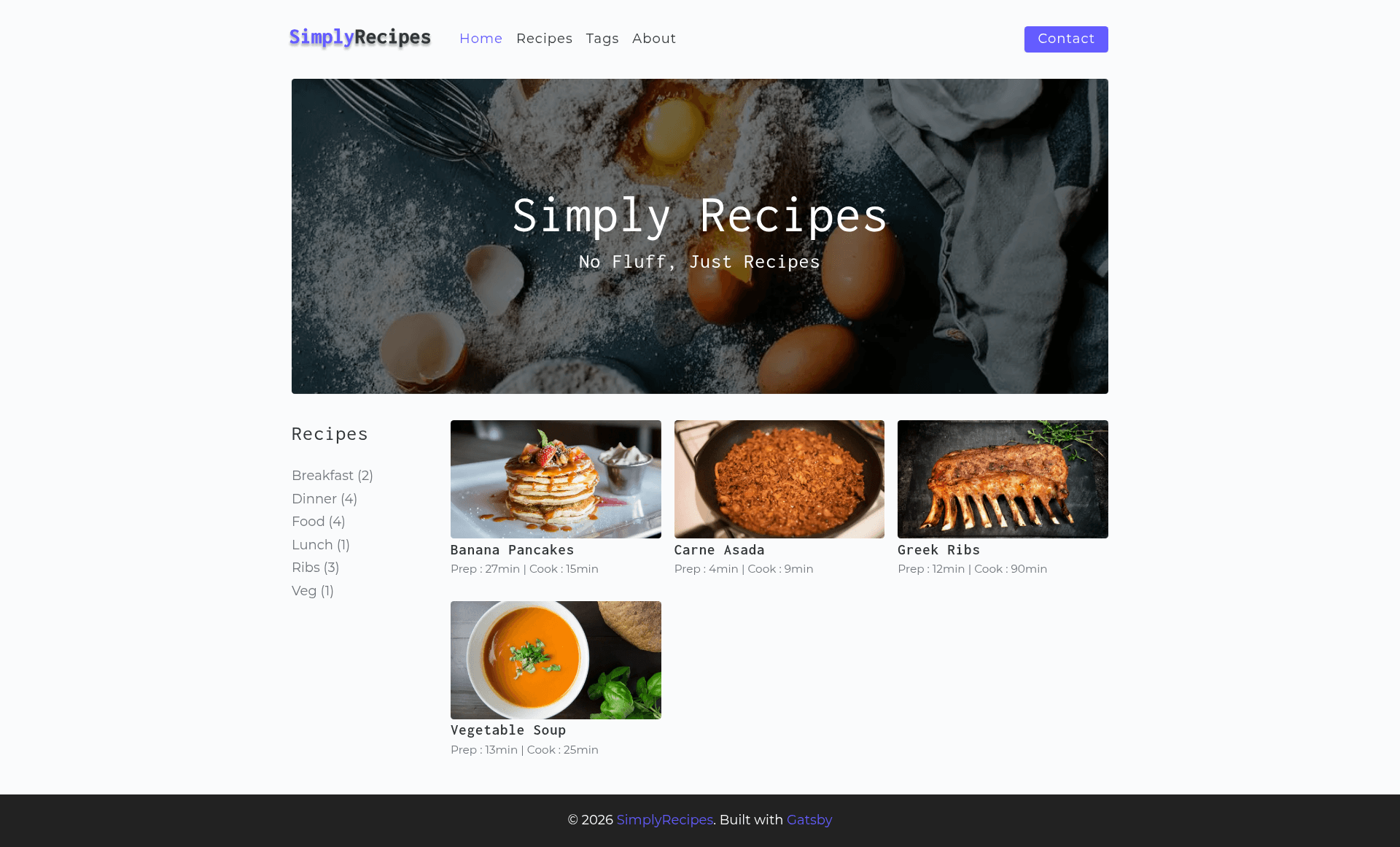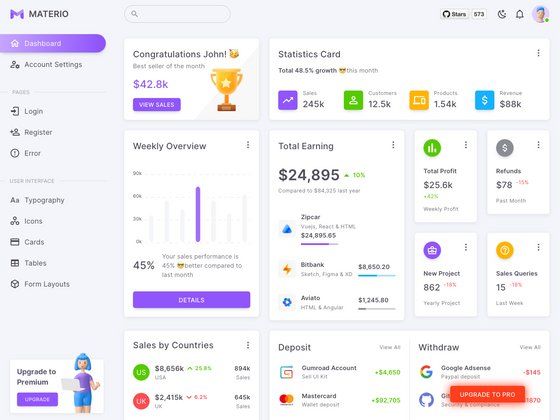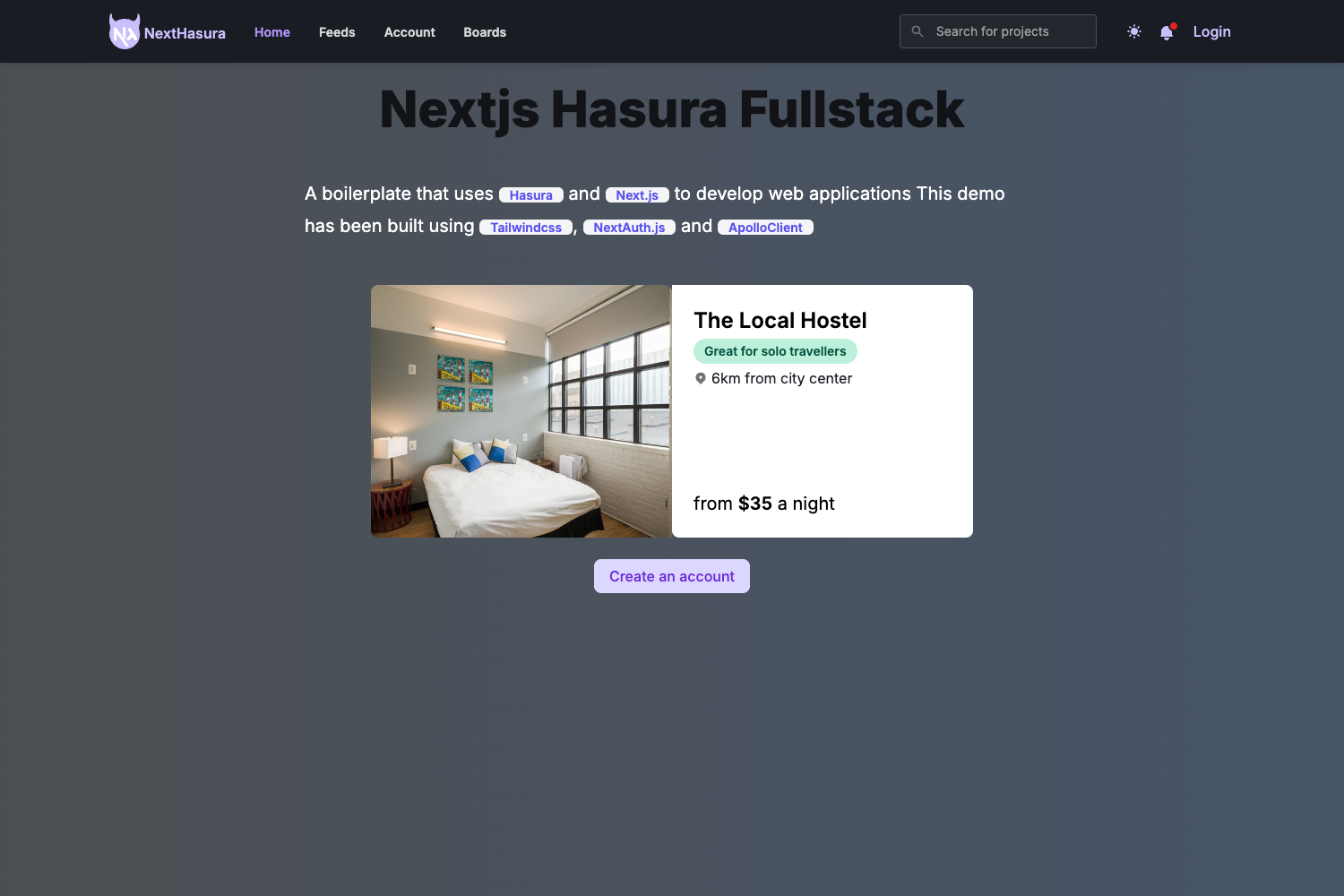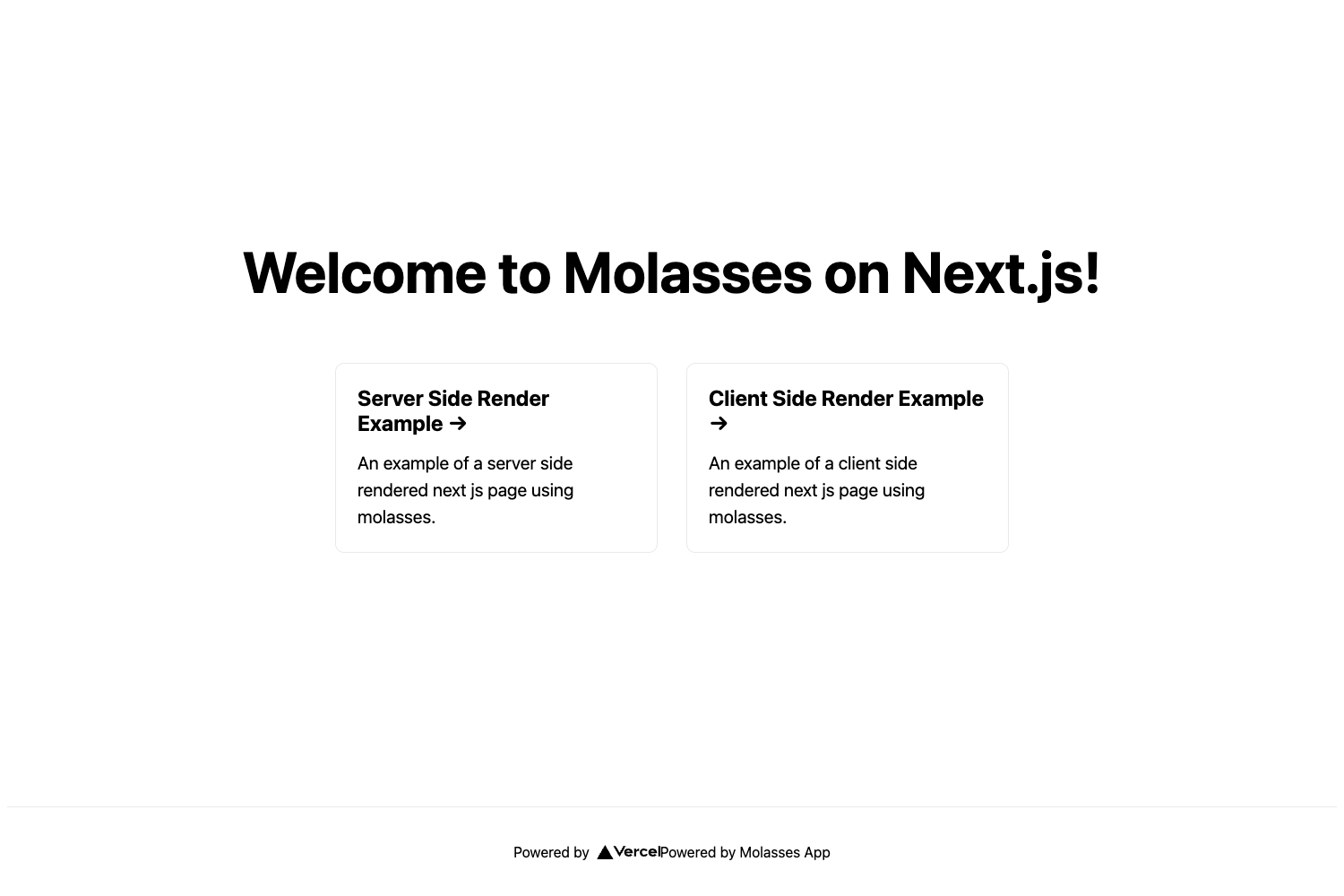
Template details
Gatsby minimal starter
Official Gatsby starter for scaffolding a minimal React-based static site with the Gatsby framework.
About this template
Gatsby minimal starter is an official boilerplate from Gatsby, Inc. that scaffolds a new Gatsby site running on React, giving developers a bare-bones project structure to build static websites from. It is the entry point recommended in Gatsby's own quick start guide, designed to be the smallest possible foundation you can extend with plugins, pages, and components.
What is the Gatsby minimal starter?
The Gatsby minimal starter is a starting template for the Gatsby framework, a React-based static site generator. It provides the essential files—including a src/pages/index.js entry point—and wires up the build tooling so you can run a development server with npm run develop. The starter is distributed through the Gatsby CLI, so you create a new project with the single command npm init gatsby. It is maintained by the Gatsby team and is the default option when you initialize a new Gatsby site.
Key Features
- Gatsby CLI scaffolding — Create a new site by running
npm init gatsby; the CLI downloads the starter and installs dependencies. - Development server —
npm run developstarts the site at http://localhost:8000 with hot reloading, so edits tosrc/pages/index.jsappear instantly. - One-click Gatsby Cloud deploy — The README includes a Deploy to Gatsby Cloud button that lets you publish the starter to Gatsby's hosting platform without leaving the browser.
- Official documentation links — Pointers to Gatsby docs, tutorials, guides, API reference, plugin library, and cheat sheet are embedded in the README.
- Minimal file structure — Only the core files needed to run Gatsby are included, keeping the project lean and easy to understand.
- React component model — Pages are written as React components, so you use JSX and component composition from the start.
Who is it for?
- New Gatsby developers — Learn the framework by starting from the official minimal setup and following the linked tutorials.
- React developers — Build a static site with a familiar component-based workflow without configuring build tools yourself.
- Hobbyists and side-project builders — Spin up a basic site in seconds and iterate with hot reload.
What can you do with it?
- Scaffold a personal site: Start with the minimal starter and add React components for a portfolio, blog, or landing page.
- Prototype a Gatsby feature: Use the starter as a sandbox to test Gatsby plugins, data sources, and API integrations without extra boilerplate.
- Pair with Gatsby Cloud: Deploy instantly using the provided button and take advantage of Gatsby's preview and CDN hosting.
How does the Gatsby minimal starter work?
The README's quick start walks you through four steps: run npm init gatsby to create the project, navigate into the directory, run npm run develop to launch the local server, and edit src/pages/index.js to see changes in real time. The starter itself comes preconfigured with Gatsby's build pipeline, so no additional setup is required before you start coding.
FAQ
How do I create a Gatsby site with this starter?
Run npm init gatsby in your terminal, which invokes the Gatsby CLI to generate a new project from the minimal starter. After the command finishes, you'll have a working Gatsby site in a new folder.
Where do I edit the homepage content?
The homepage is defined in src/pages/index.js. Changes to this file are reflected at http://localhost:8000 when the development server is running, thanks to hot reloading.
Is the Gatsby minimal starter free?
Yes, it is an open-source starter provided by Gatsby, Inc., and the resulting project uses the open-source Gatsby framework. You can use it without licensing fees.
Can I deploy this starter to Gatsby Cloud?
Yes. The README includes a Deploy to Gatsby Cloud button that triggers a one-click deployment, connecting the starter repository to Gatsby's cloud hosting.