Template details
Nextjs Hasura Fullstack
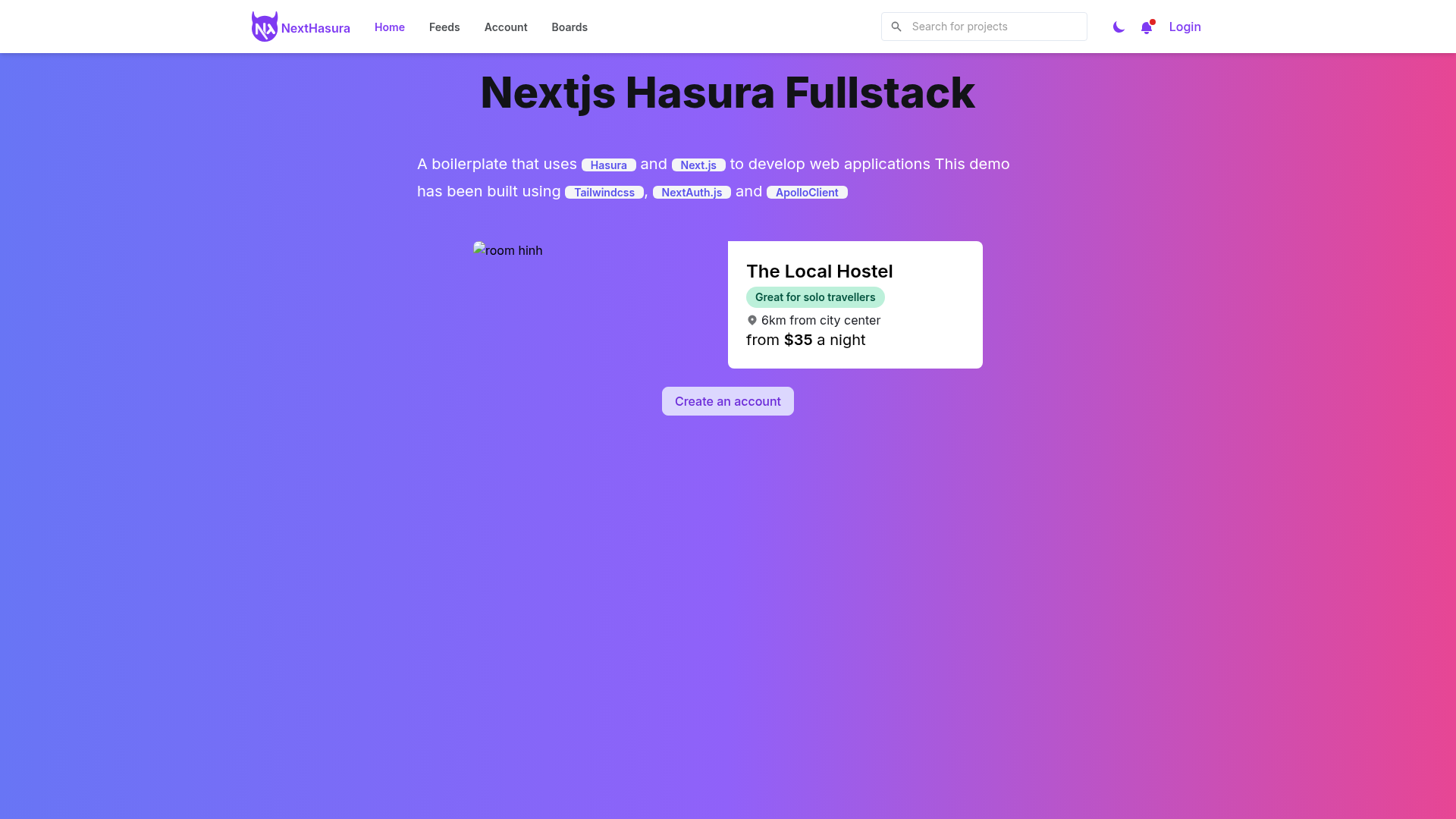
A fullstack boilerplate which combines Next.js and Hasura to quickly develop applications.
About this template
Nextjs Hasura Fullstack is an unmaintained fullstack boilerplate that pairs Next.js with the Hasura GraphQL Engine to quickly scaffold a web application with a GraphQL API, Google OAuth auth, and a Tailwind-styled React frontend. The repository is explicitly labeled as a learning resource, so it is best used as a reference rather than a production base.
What is Nextjs Hasura Fullstack?
Nextjs Hasura Fullstack is a boilerplate project (repository: nextjs-hasura-fullstack) authored by Son Do Hong (Twitter: @sondh0127) that combines a Next.js frontend with a Hasura GraphQL backend. The repo contains two main folders: "hasura" for the GraphQL engine and database setup via Docker Compose, and "nextjs" for the React application. It is released under the MIT License and explicitly marked as unmaintained, intended as a learning resource.
Key Features
- Next.js frontend — A React framework app in the "nextjs" folder with pages served by Next.js, configured for deployment on Vercel.
- Hasura GraphQL backend — Hasura GraphQL Engine runs via docker-compose and exposes a GraphQL endpoint (http://localhost:8080/v1/graphql) supporting query, mutation, and subscription out of the box.
- Google OAuth authentication — NextAuth.js is integrated through Next.js API Routes and requires Google client credentials (Client ID and Client Secret) in the Next.js environment file.
- GraphQL code generation — GraphQL Code Generator creates fully typed React hooks for every GraphQL query during development.
- Apollo Client — Used as the GraphQL client to fetch, cache, and update UI state automatically.
- Tailwind CSS styling — The UI is styled with Tailwind CSS and the Retail UI component library, also by the same author.
- TypeScript — The frontend is written in TypeScript for typed JavaScript.
- Automated keys generation — Running node generateKeys.js creates hasura/.env and nextjs/.env files with an AUTH_PRIVATE_KEY, HASURA_GRAPHQL_JWT_SECRET, and HASURA_GRAPHQL_ADMIN_SECRET.
Who is it for?
- Developers learning fullstack GraphQL — Can study how Next.js, Hasura, NextAuth, and Apollo Client are wired together in one repo.
- Developers who need a fast scaffold — Can clone the repo and run the documented steps to get a working Next.js + Hasura app with Google login.
- Developers targeting free hosting — The README includes deployment instructions for Heroku (Hasura) and Vercel (Next.js), both free tiers.
What can you do with Nextjs Hasura Fullstack?
- Build a fullstack app skeleton: Get a Next.js frontend and Hasura backend running locally with docker-compose in a few commands.
- Set up Google authentication quickly: Follow the steps to create a Google OAuth Client and configure NextAuth with Next.js API Routes.
- Deploy to production: Use the provided Heroku and Vercel buttons to deploy the backend and frontend separately.
How does Nextjs Hasura Fullstack work?
The setup is a 7-step process: clone the repository, run node generateKeys.js to create env files, start Hasura with docker-compose, open the Hasura console (http://localhost:9695) for migrations and metadata, install Next.js dependencies with yarn, add Google OAuth credentials, then run yarn dev to start the app on http://localhost:3000. A GraphQL Code Generator watches for query changes and regenerates typed hooks.
Pros and cons
- Pros: Includes a complete tech stack (Next.js, Hasura, GraphQL, NextAuth, Apollo Client, GraphQL Code Generator, Tailwind CSS, TypeScript); has one-click deployment buttons for Heroku and Vercel; documents migration flows with Hasura CLI.
- Cons: The repository is explicitly marked as unmaintained and intended as a learning resource, so it may contain outdated dependencies or lack active support.
Pricing
The boilerplate is free and open-source under the MIT License. Its README highlights that the production deployment can be done with free hosting tiers on Heroku and Vercel.
FAQ
Is Nextjs Hasura Fullstack still maintained?
No. The README labels the project as unmaintained and recommends using it as a learning resource rather than a production base.
What are the main requirements to run this boilerplate?
You need Node.js (preferably installed via nvm), npm/yarn, Docker with Docker Compose, and the Hasura CLI. The backend runs in a Docker container, so Docker must be running before starting Hasura.
Does the boilerplate include authentication?
Yes. It integrates NextAuth.js for Google OAuth login through Next.js API Routes. You must create a Google OAuth Client and provide the Client ID and Client Secret in the nextjs/.env file.
What hosting platforms are supported?
The README provides deployment instructions for Heroku (for the Hasura backend) and Vercel (for the Next.js frontend), including one-click deploy buttons.
What does the generateKeys.js script do?
It creates the hasura/.env and nextjs/.env files with values for AUTH_PRIVATE_KEY, HASURA_GRAPHQL_JWT_SECRET, and HASURA_GRAPHQL_ADMIN_SECRET, which are used to secure the Hasura console and JWT authentication.