Template details
FCL Next.js Quickstart
A basic React/NextJS project showing how to use the Flow Client Library (FCL)
About this template
FCL Next.js Quickstart is a boilerplate starter repository that shows Next.js developers how to integrate the Flow Client Library (FCL) for blockchain authentication and transactions on the Flow network.
What is FCL Next.js Quickstart?
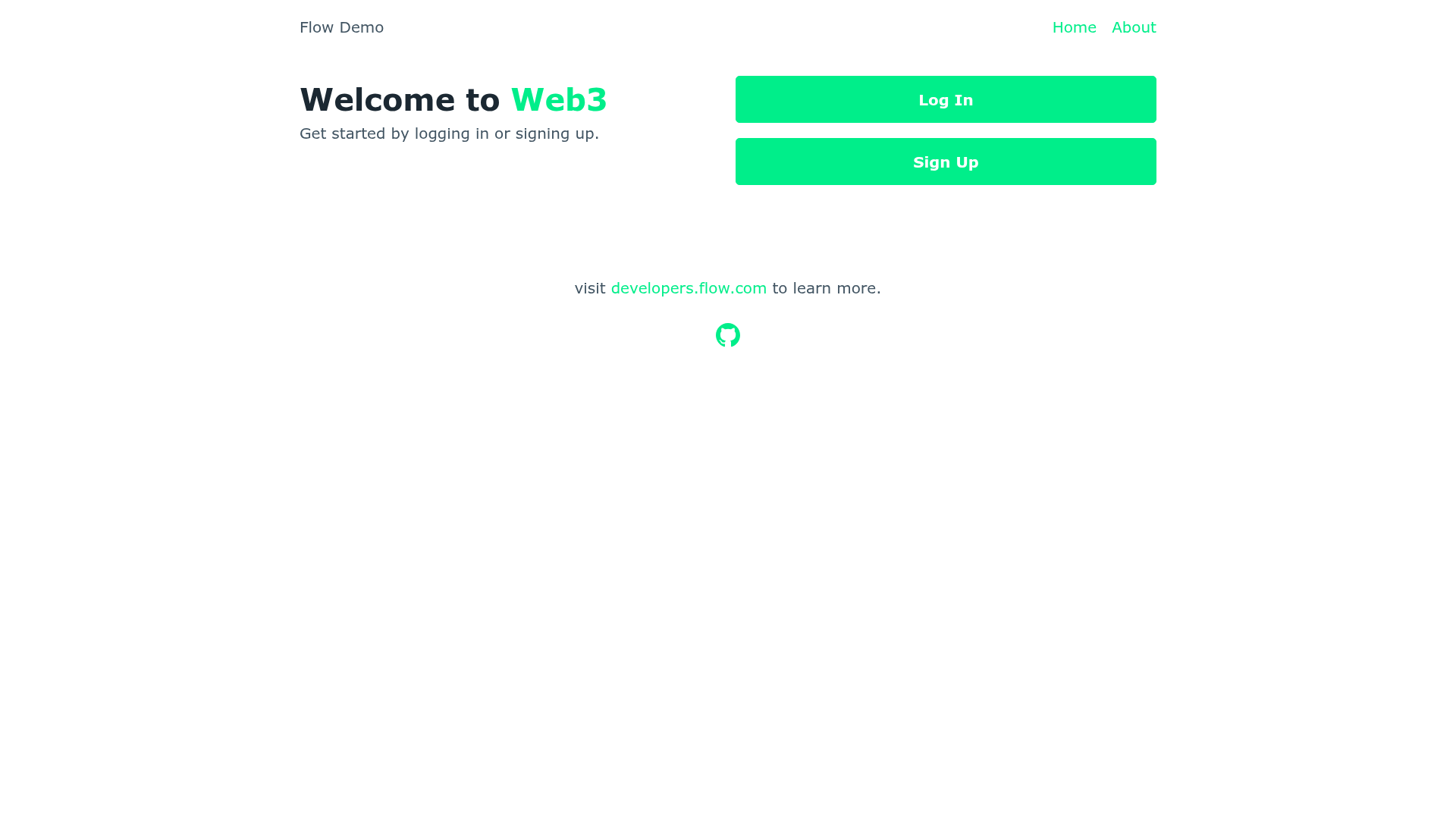
FCL Next.js Quickstart is a basic React/NextJS project that demonstrates using the Flow Client Library (FCL) in a Next.js application. It takes a Next.js project scaffold and adds FCL configuration, a login flow, and example UI components, producing a deployable web app that runs on the Flow testnet or against a local Flow emulator. The repository is maintained by GitHub user muttoni, who also publishes an equivalent SvelteKit example.
Key Features
- Next.js framework — Built on Next.js with React, so it supports static generation, server-side rendering, and the full Next.js ecosystem.
- Flow Client Library integration — FCL is wired in for user authentication and blockchain communication, so you can log in with a Flow wallet and run Cadence scripts.
- Testnet ready — Running
npm run buildfollowed bynpm run startdeploys the app on the Flow testnet without extra configuration. - Local emulator support — With the Flow CLI installed, you can start a local emulator with
flow emulator start --dev-wallet, deploy contracts withflow project deploy --network emulator, and run the development server vianpm run dev. - Live demo — A deployed version is available at fcl-nextjs-quickstart.vercel.app, built on Vercel.
- Cross-framework sibling — The same author provides an FCL SvelteKit quickstart repo, useful for comparing implementations.
Who is it for?
- Next.js developers building dApps on Flow who want a minimal starting point with FCL already configured.
- Flow blockchain developers looking for a frontend reference implementation to test wallet authentication and transactions.
- Web developers new to FCL who want to see a working integration they can run locally with the Flow emulator.
What can you do with it?
- Authenticate users: Implement FCL login so visitors can connect their Flow wallet to your app.
- Deploy Cadence contracts: Use the included Flow project configuration to deploy contracts to the emulator or testnet.
- Switch environments: Move between the local emulator and testnet, keeping in mind that FCL sessions persist per tab.
- Learn FCL by example: Read the code to see how FCL methods are called from a React/Next.js component tree.
How does it work?
Getting started requires Node and npm (or pnpm/yarn). First, install dependencies and, if developing locally, start the Flow emulator with flow emulator start --dev-wallet and deploy contracts with flow project deploy --network emulator. Then launch npm run dev to open the app in your browser; for testnet, npm run build and npm run start are used instead.