Template details
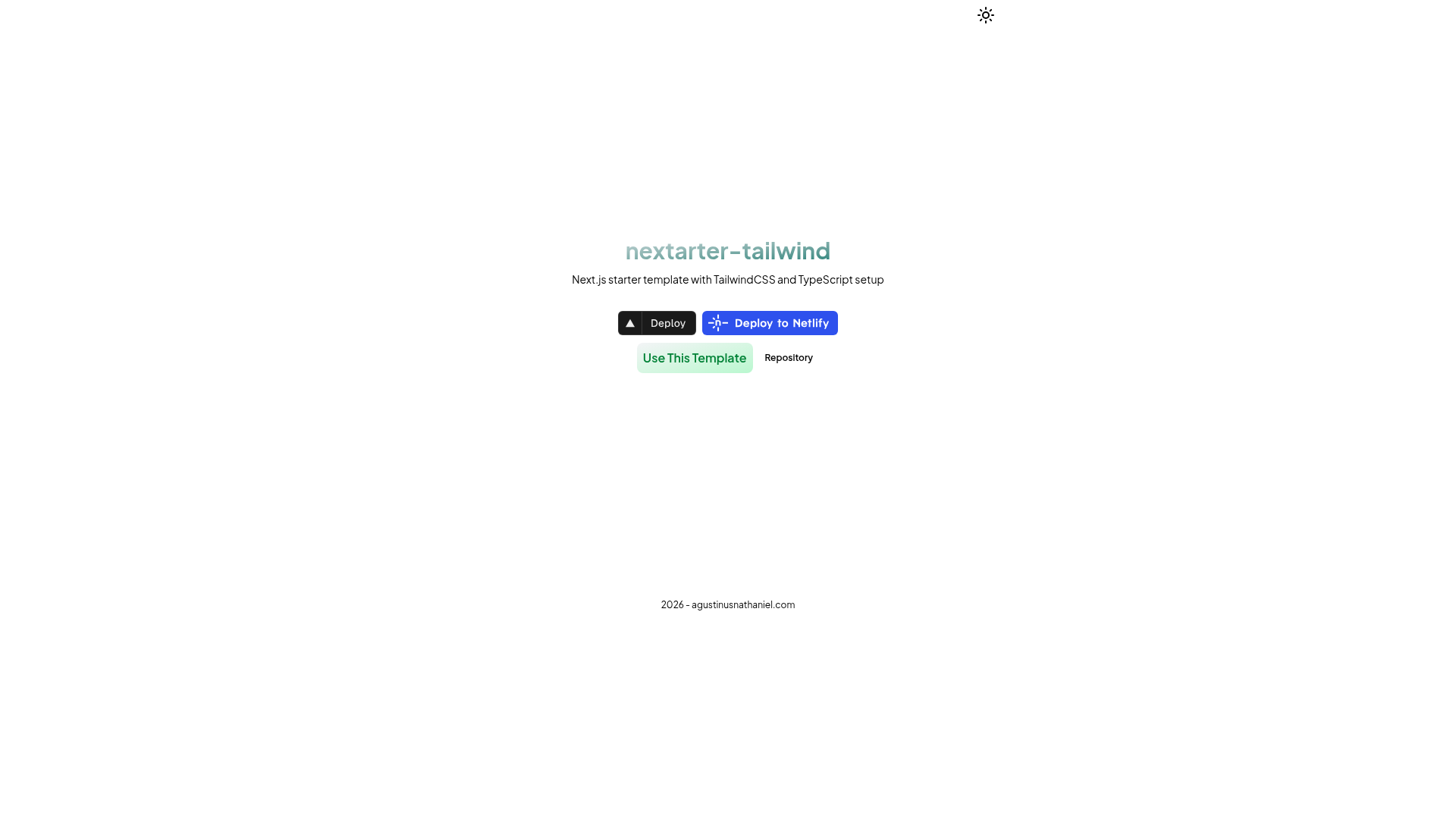
nextarter-tailwind
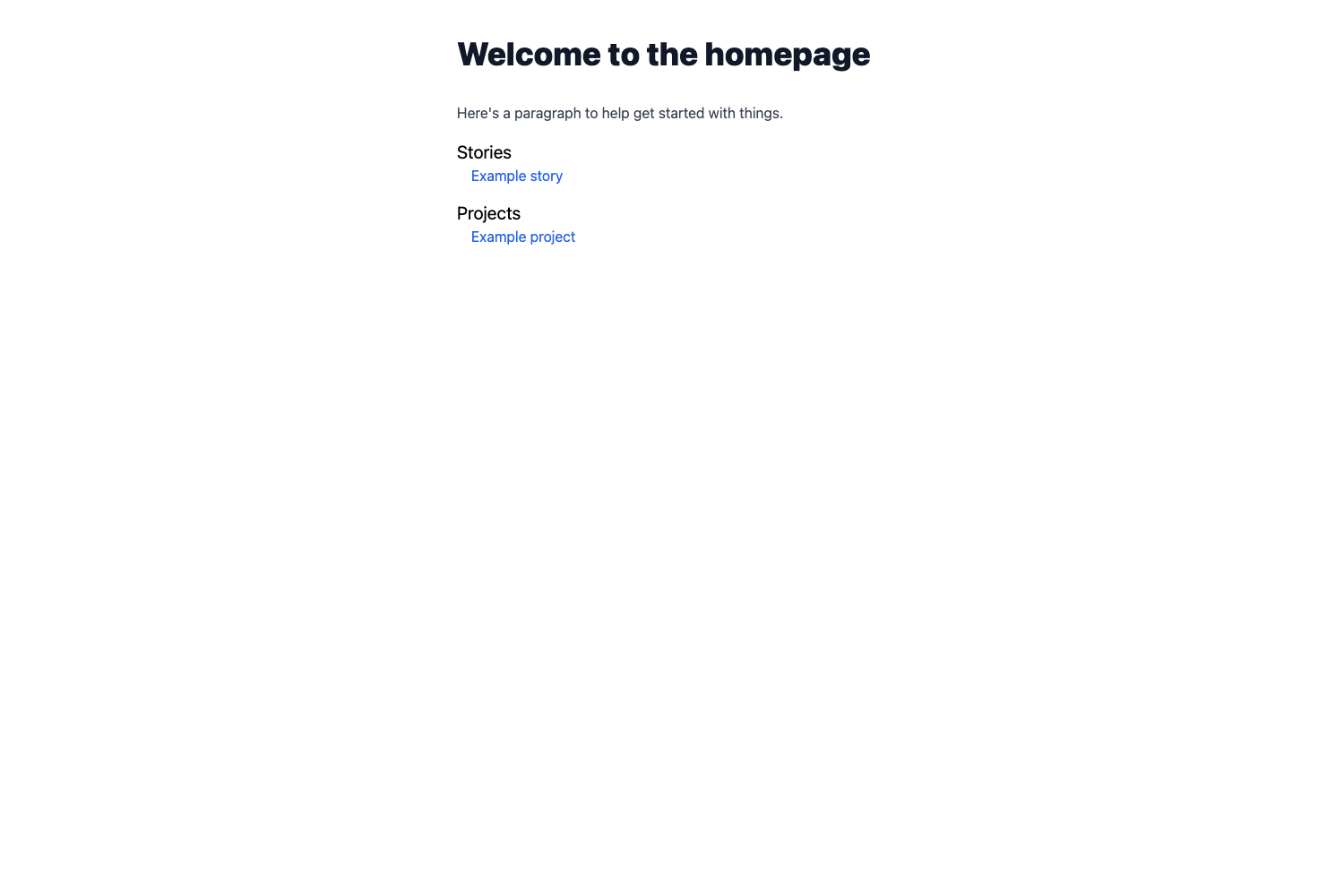
Battery-packed template / boilerplate to initialize PWA-ready Next.js app with TailwindCSS & TypeScript setup ✨
About this template
nextarter-tailwind is a highly opinionated Next.js boilerplate that scaffolds a PWA-ready application using the App Router, Tailwind CSS v4, and TypeScript, with a curated toolchain for code quality and performance.
What is nextarter-tailwind?
nextarter-tailwind is an open-source starter template created by Agustinus Nathaniel (@agstnsnathaniel) for initializing Next.js projects. It takes a project name via npx degit and outputs a running Next.js App Router application with React 19, Tailwind CSS v4, Biome linting/formatting, Turborepo, pnpm, and preconfigured SEO tooling. The template is MIT-licensed and deployable to Vercel or Netlify in one click.
Key Features
- Next.js App Router & React 19 — Uses the latest Next.js version with the App Router for file-based routing and server components.
- Tailwind CSS v4 — Styling is handled by the latest Tailwind CSS engine, configured with a CSS-first approach.
- Biome for linting & formatting — A single tool replaces ESLint and Prettier, and the project claims it runs 35x faster than those alternatives.
- Turborepo build system — Optimizes build caching and pipelining to speed up development and production builds.
- pnpm package management — Uses pnpm for fast installation and efficient disk usage.
- SEO optimized — Comes with
next-sitemappreconfigured and metadata utilities built in. - Lib-Delegation architecture — Keeps the routing layer (
src/app) separate from implementation code (src/lib), making the structure easier to maintain. - AI-friendly AGENTS.md — Includes a file specifically designed to help AI coding assistants understand the codebase and follow its conventions.
Who is nextarter-tailwind for?
- Next.js developers who want a production-ready starter without manually configuring linting, formatting, and testing tools.
- Startups and indie hackers who need to launch a PWA-ready web app quickly and deploy straight to Vercel or Netlify.
- Tech teams that value strict code quality and want a standardized workflow with type checking, E2E tests, and release scripts out of the box.
- AI-assisted developers who use tools like Copilot or Cursor and want a codebase with an AGENTS.md file that guides AI contributions.
What can you do with nextarter-tailwind?
- Scaffold a new project: Run
npx degit agustinusnathaniel/nextarter-tailwind <APP_NAME>to create a fresh Next.js app with everything wired up. - Build a production-ready app: Use the provided
pnpm buildandpnpm releaseworkflows to prepare your application for deployment. - Maintain code quality: Run
pnpm biome:fixfor linting/formatting,pnpm type:checkfor type safety, andpnpm test:e2efor end-to-end tests. - Deploy instantly: Click the Vercel or Netlify deploy buttons in the repository to connect the template directly to your hosting account.
How does nextarter-tailwind work?
Getting started involves three steps. First, initialize a project with npx degit agustinusnathaniel/nextarter-tailwind <APP_NAME>. Second, install dependencies using pnpm install. Third, start the development server with pnpm dev and open http://localhost:3000. The template uses a Lib-Delegation pattern where src/app contains only Next.js entry points and the actual page/layout implementations live in src/lib.
Pricing
nextarter-tailwind is free to use. It is distributed under the MIT License, allowing personal and commercial use, modification, and redistribution.
Alternatives
- create-next-app — The official Next.js starter, which is more minimal and does not come with Biome, Turborepo, or the same level of preconfigured SEO and architecture.
FAQ
Is nextarter-tailwind free?
Yes, nextarter-tailwind is open-source under the MIT License. You can freely use, modify, and distribute it in personal or commercial projects without paying any fees.
What does nextarter-tailwind include?
It ships with Next.js App Router, React 19, Tailwind CSS v4, Biome, Turborepo, pnpm, and next-sitemap. It also includes a Lib-Delegation architecture and an AGENTS.md file for AI assistants.
How do I create a new project with nextarter-tailwind?
Run npx degit agustinusnathaniel/nextarter-tailwind <APP_NAME>, then cd into the new folder, run pnpm install, and start with pnpm dev. An internet connection is needed to fetch dependencies.
Does nextarter-tailwind support PWA?
Yes, the repository description states that it is "PWA ready," meaning the template is built as a solid foundation for progressive web apps. You will likely add a web manifest and service worker yourself, but the project structure is set up to support that, and the included SEO metadata handling complements PWA requirements.
What is the Lib-Delegation architecture?
It is a structural pattern where the routing layer (src/app) exports only Next.js entry points, and all implementation logic goes into src/lib. This keeps route files clean and delegates page construction to dedicated layout and component modules.