Template details
gatsby-theme-firebase
A Gatsby Theme for adding Firebase to your application.
About this template
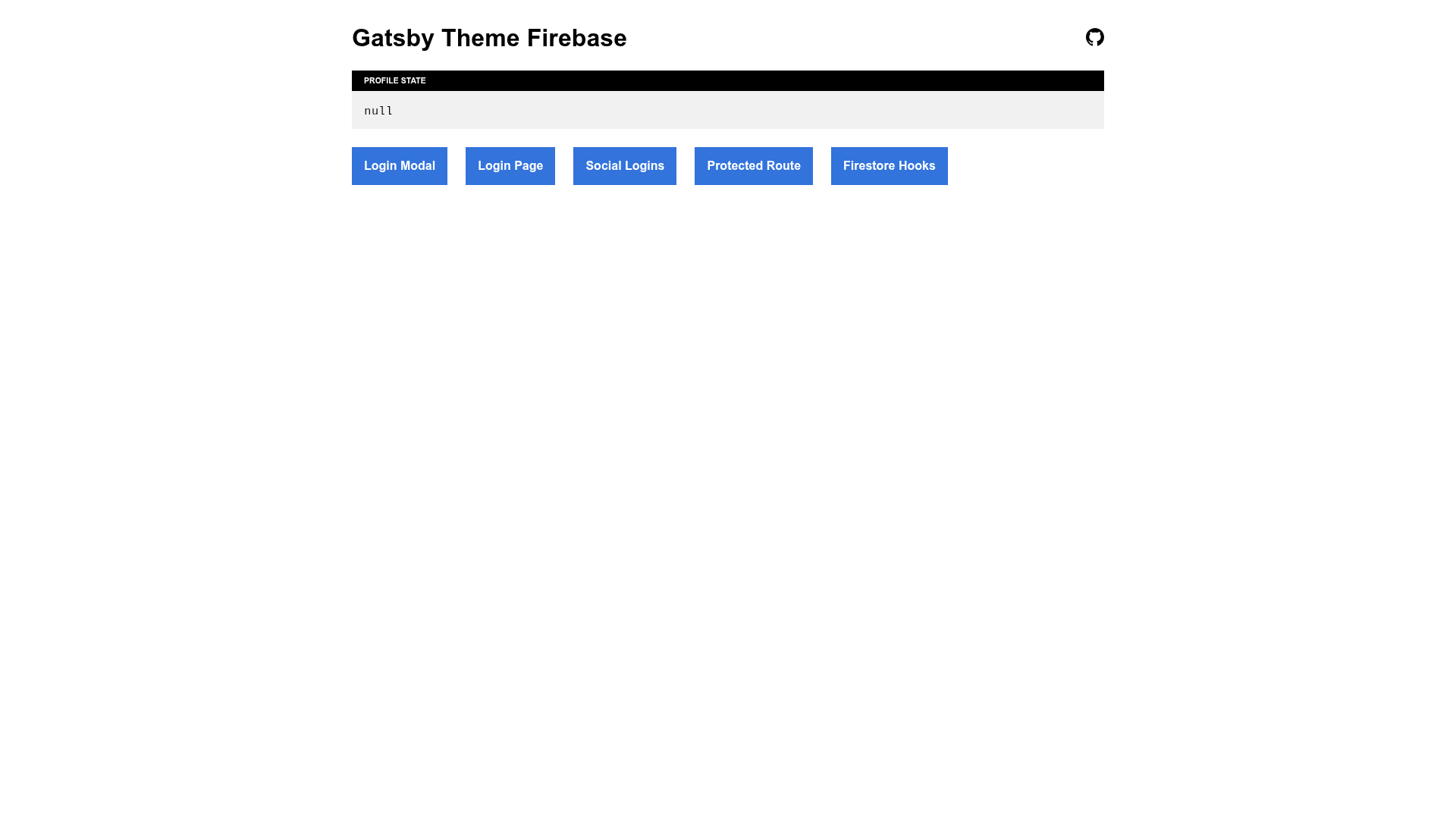
gatsby-theme-firebase is an open-source Gatsby theme that adds Firebase authentication, Firestore hooks, and a configurable login page to Gatsby applications.
What is gatsby-theme-firebase?
gatsby-theme-firebase is a Gatsby theme that bundles Firebase initialization, authentication UI, and React hooks for Auth and Firestore. It accepts Firebase credentials and theme options through the gatsby-config.js plugins array, and it outputs a ready-to-use login page, a set of composable components, and hook functions. The theme is written in TypeScript and styled with theme-ui; it is maintained by epilande on GitHub.
Key Features
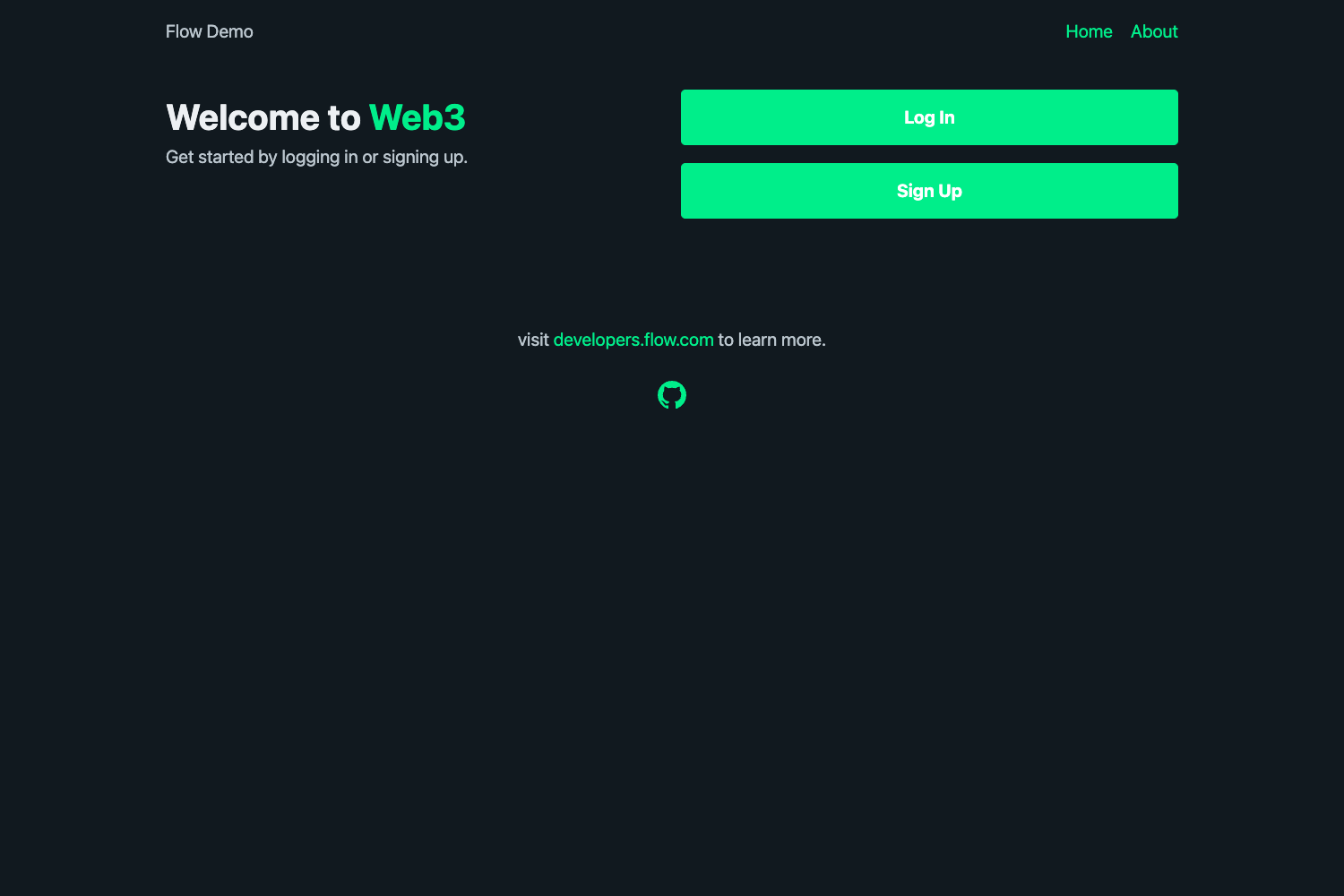
- Firebase setup — Provide your Firebase API keys and other credentials once in the theme options, and the theme initializes Firebase for your pages.
- Login page — Setting the
loginPathoption creates a working login page; if you leave it unset, no page is generated. - Authentication components — The
FormandFormStatecomponents handle email/password authentication, whileSocialLoginsadds login buttons for Google, Twitter, Facebook, and GitHub. - React hooks —
useAuthexposesisLoading,isLoggedIn, andprofile;useFirestoreDocanduseFirestoreQueryreturn Firestore document/query data with loading and error states. - Shadowable event handlers — Files under
src/gatsby-theme-firebase/firebase/auth/, such ashandleLoginSuccess, can be overridden with Gatsby component shadowing. - TypeScript source — The theme ships TypeScript definitions and is written in TypeScript, so consumers get compile-time type checking.
- theme-ui theming — The login UI is built on theme-ui, allowing you to customize components with your own theme tokens.
Who is it for?
Gatsby developers who want Firebase authentication without manual wiring, React developers who want ready-made hooks for Firestore data, and teams building authenticated Gatsby apps that need a login page, social logins, and protected routes in a single installable theme.
What can you do with gatsby-theme-firebase?
- Add login to a Gatsby site — Configure credentials and a
loginPath, and the theme provides a functional login page with optional social login providers. - Protect routes — Use the
useAuthhook to check login state and conditionally render dashboards or redirect visitors to the login page. - Read Firestore data — Use
useFirestoreDocoruseFirestoreQueryto load documents and collections with loading and error handling. - Customize the auth flow — Embed the
FormandFormStatecomponents on any page, or shadow the theme's auth success handlers to insert your own database or navigation logic.
How does gatsby-theme-firebase work?
Install the package with npm, add it to the plugins array in gatsby-config.js, and pass Firebase credentials plus optional settings. The theme generates the configured login page and exposes its components and hooks. For deeper changes, you shadow any file from the theme's source folder.
Alternatives
Related projects credited in the repository: gatsby-plugin-firebase (a drop-in Firebase plugin for Gatsby), gatsby-starter-firebase (a Gatsby starter with Firebase setup), and gatsby-theme-auth0 (a Gatsby theme for the Auth0 identity platform).
FAQ
Is gatsby-theme-firebase free?
Yes, the project is open source under the MIT license.
How do I enable social logins?
Set the socialLogins theme option to an array containing google, twitter, facebook, or github. The login page then renders buttons for the enabled providers.
Can I use the login form without creating a login page?
Yes, omit the loginPath option and place the Form and FormState components on any page of your application.
What Firebase services does the theme support?
The theme configures Firebase core and provides hooks for Authentication and Cloud Firestore. It also supports many social login providers through Firebase Auth.