Template details
Flex-BP Hugo CV
Flexbox-based Hugo CV theme by Sebastian Pech with SEO best practices, print CSS, image resizing, and multilingual support.
About this template
Flex-BP Hugo CV is a Flexbox-based Hugo theme for publishing a personal CV or résumé as a static website, created by Sebastian Pech and built around his hugo-best-practices checklist. The theme takes standard Hugo content and configuration files, then outputs a fast, SEO-ready, print-friendly CV page with Schema.org structured data and Open Graph tags. It is distributed on GitHub and runs on any Hugo static-site setup without needing a CMS or server-side runtime.
What is Flex-BP Hugo CV?
Flex-BP Hugo CV is a resume and CV theme for the Hugo static site generator, authored by Sebastian Pech as part of his BP theme family that also includes Bootstrap-BP and Materialize-BP. It accepts Hugo content written in Markdown and a TOML or YAML config file, and produces a static HTML site styled with Flexbox. The theme implements conventions from hugo-best-practices, the Front-End Checklist, and the Front-End Performance Checklist, so performance and SEO defaults are built in rather than requiring manual setup.
Key Features
- SEO best practices — Includes Schema.org support (activated by defining an author in the config), Open Graph tags, and meta information; the native Hugo Google Analytics template is removed to avoid duplicate tracking setups.
- Print CSS media — A print stylesheet styles the on-screen CV into a clean, paper-friendly layout when visitors use the browser print function.
- Automatic image resizing — Images are processed and resized automatically by Hugo's image pipeline, so no manual thumbnail generation is needed.
- One minified file per resource — All JavaScript and CSS are merged and minified into a single file per type, reducing HTTP requests.
- Custom CSS/JS with merging — Write site-specific styles to
assets/css/custom.cssand scripts toassets/js/custom.js; the theme merges them with its own files into one minified output. External files can also be loaded via thejscdnandcsscdnconfig arrays. - CDN font support — Google Fonts and other CDN-hosted fonts can be referenced using
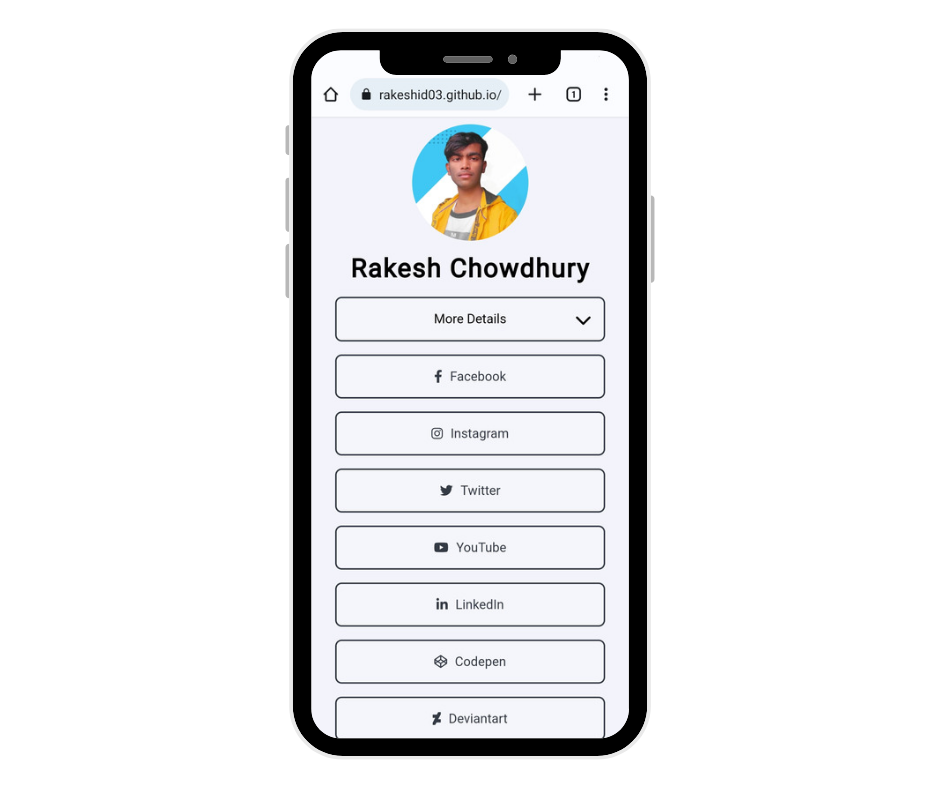
csscdnconfiguration options. - Social media icons — A config block with more than 30 icon slots (GitHub, LinkedIn, Instagram, Telegram, Discord, and more) renders icons that link to the user's profiles.
- Multilingual and i18n support — The theme integrates with Hugo's internationalization system so CV content can be published in multiple languages.
Who is it for?
Job seekers and professionals who want a personal CV site that is already optimized for search engines and page speed, avoiding manual meta tag and Schema.org work. Freelancers and consultants who need a single-page introduction of their skills, experience, and social links, plus a clean print view for handing over a PDF. Hugo developers who want a theme they can extend with custom CSS and JS, and use as a base for their own portfolio or resume layouts.
What can you do with it?
Publish a multilingual CV: Use Hugo's i18n features to offer the same CV in several languages, with the theme handling layout and navigation differences. Add structured data with one config block: Define the author under [params.author] in the config, and Schema.org support is enabled automatically for search engines. Load fonts and scripts from CDNs: Set jscdn and csscdn arrays in the config to pull in libraries like Vue.js or Google Fonts without editing templates. Restyle the CV without touching templates: The theme exposes color themes and layout settings that let you change the look from the config file.
How does it work?
Clone the repository into the themes folder of a Hugo site, then run the example site from themes/flex-bp-hugo-cv/exampleSite with hugo server --themesDir .. --minify. To update the theme later, run git pull inside the theme directory. The theme is designed to run best with Hugo's --minify flag enabled.
FAQ
Does Flex-BP Hugo CV support printing?
Yes, the theme includes a print CSS media block. When a visitor triggers the browser's print function, the page is restyled as a clean, compact CV layout without navigation or other on-screen elements.
Can I add my own JavaScript and CSS?
Yes. Place custom styles in assets/css/custom.css and scripts in assets/js/custom.js, and the theme merges them with its own files into one minified file per type. For external resources, use the jscdn and csscdn config options.
Is the theme multilingual?
Yes, the theme supports Hugo's i18n and multilingual features, so you can configure multiple languages and generate the CV for each locale from the same content structure.
Is Google Analytics included?
No. The native Hugo Google Analytics template has been removed from this theme. To use Google Analytics, you would add your tracking script through the custom JS mechanism, since the theme does not embed the template itself.