Template details
Minimalist
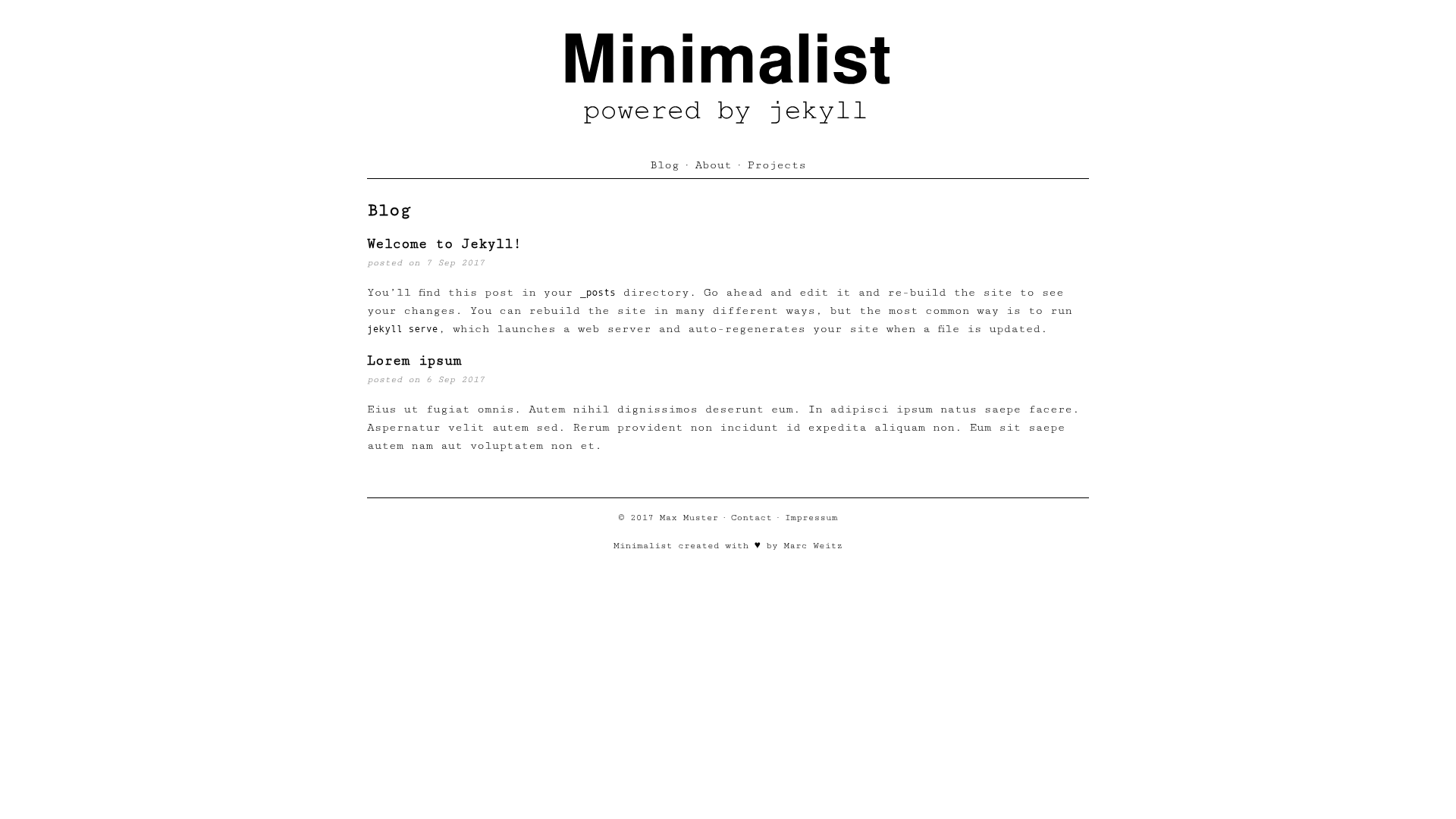
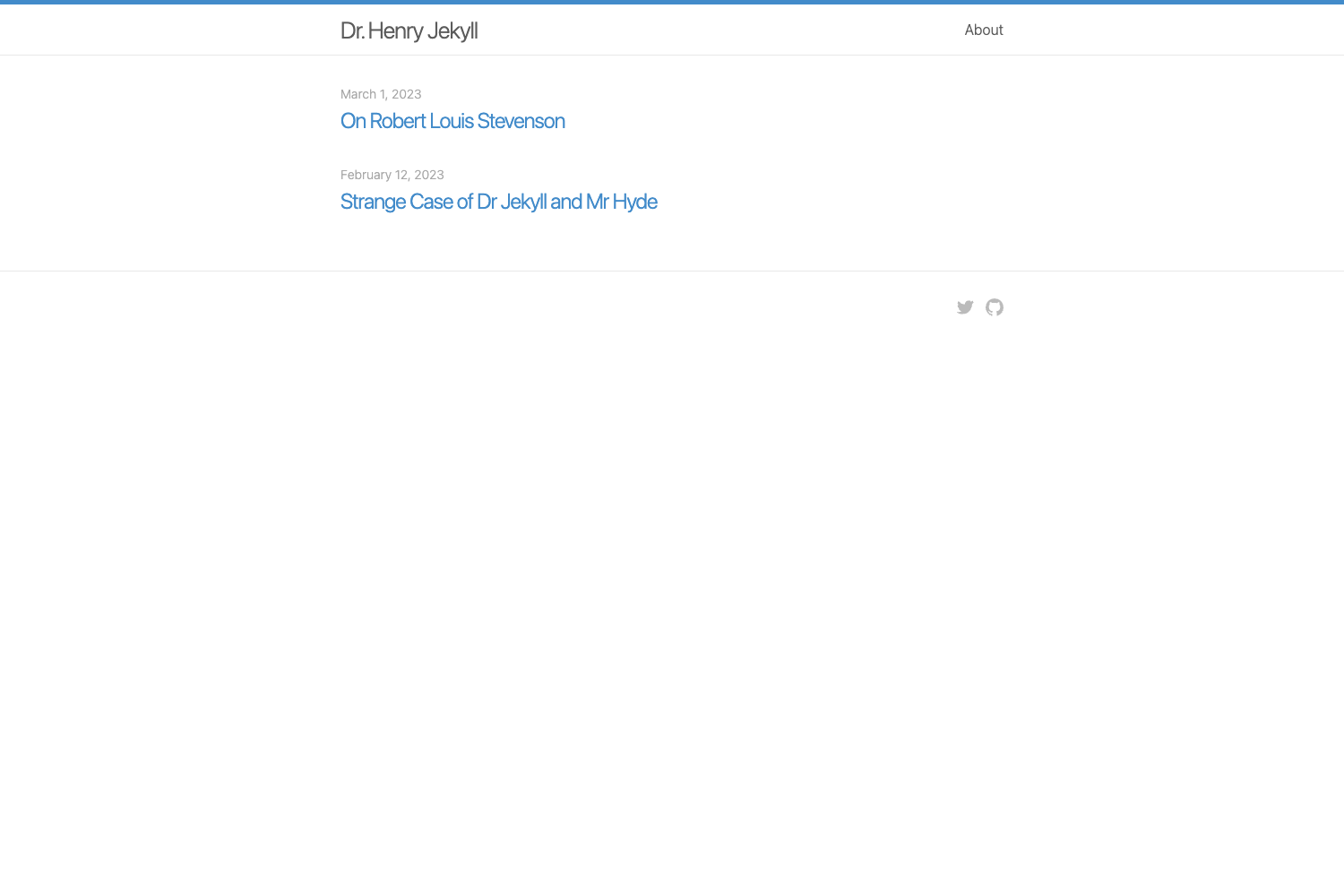
A simple and minimalistic Jekyll blogging theme with category support, MIT licensed.
About this template
Minimalist is a lightweight Jekyll theme for personal blogs that pairs a minimalistic design with standard blogging features, built by Trybnetic and released under the MIT license. The theme is designed to be installed locally by cloning the GitHub repository and running Jekyll, and it can be deployed to GitHub Pages by forking the repository.
What is Minimalist?
Minimalist is a simple Jekyll theme for personal blogging, focused on a clean, minimal design while still supporting posts, categories, and homepage previews. It takes Markdown files with YAML front matter as input and renders them into a static blog site that can be served locally with bundle exec jekyll serve or hosted on GitHub Pages. The theme is maintained by Trybnetic and is available on GitHub under the MIT license.
Key Features
- Lightweight and minimal design — the theme intentionally strips away extra decoration to keep reading the focus, with no JavaScript framework or build step beyond Jekyll itself.
- Category support — blog posts can be assigned categories in their front matter, and each category gets its own rendered page at a URL like
/categories/category-name/. - Custom category pages — adding a new category requires creating a
.mdfile in thecategories/folder with alayout: categoryfront matter entry; the README includes the exact file structure. - Post preview delimiter — inserting
<!--more-->in a post body tells the theme to use the preceding text as the homepage excerpt. - Conventional post naming — posts must be placed in
_postsand follow theyear-month-day-title.mdfilename convention. - GitHub Pages ready — the simplest hosting route described is forking the repository and enabling the gh-pages feature on GitHub.
- MIT licensed — the theme can be used, modified, and distributed according to the MIT license terms linked in the repository.
Who is it for?
Minimalist is aimed at developers and writers who already use Jekyll and want a clean, no-frills blog theme. It suits personal bloggers who want a readable layout without heavy design elements, and Jekyll users who want a theme they can extend themselves by editing Jekyll layouts and adding category files.
What can you do with Minimalist?
- Personal bloggers: write posts in Markdown with YAML front matter, publish them to GitHub Pages, and organize content by categories such as "thoughts" or "tutorials."
- Jekyll learners: study the theme's simple folder structure and post front matter examples to understand how Jekyll layouts and categories fit together.
- Open-source contributors: fork the MIT-licensed repository, modify the layout or add a custom category, and distribute your own version under the same license.
How does Minimalist work?
After installing Jekyll, you clone the repository, run bundle exec jekyll serve, and open http://127.0.0.1:4000/ to see the site locally. Changes to most files are reflected immediately; only edits to config.yml require a restart. To add content, create a new file in _posts named with the year-month-day-title.md convention and include front matter specifying layout, title, date, and categories.
FAQ
Is Minimalist free?
Yes, the theme is licensed under the MIT license, which permits free use, modification, and distribution with attribution. The license text is included in the repository.
Does Minimalist work with GitHub Pages?
Yes. The README recommends forking the repository and using GitHub Pages' gh-pages functionality to host the blog. Because Jekyll is natively supported by GitHub Pages, the theme builds without extra configuration.
What file naming convention do posts need?
Posts must be placed in the _posts directory and named using the format year-month-day-title.md, for example 2017-09-06-lorem-ipsum.md. Deviating from this convention will prevent Jekyll from recognizing the file as a post.
How do I add a new category?
Create a new .md file inside the categories/ folder with front matter that specifies layout: category, the category name, and a permalink like /categories/your-category-name/. Then assign that category value to posts in their front matter.