Template details
Rifyll
A simple blog template for Jekyll based on Twitter Bootstrap 3.
About this template
Rifyll is a minimal blog template for Jekyll that pairs the static-site generator with Twitter Bootstrap 3.2.0 and Font Awesome 4.2.0 to produce a responsive personal blog with a separate about-me page.
What is Rifyll?
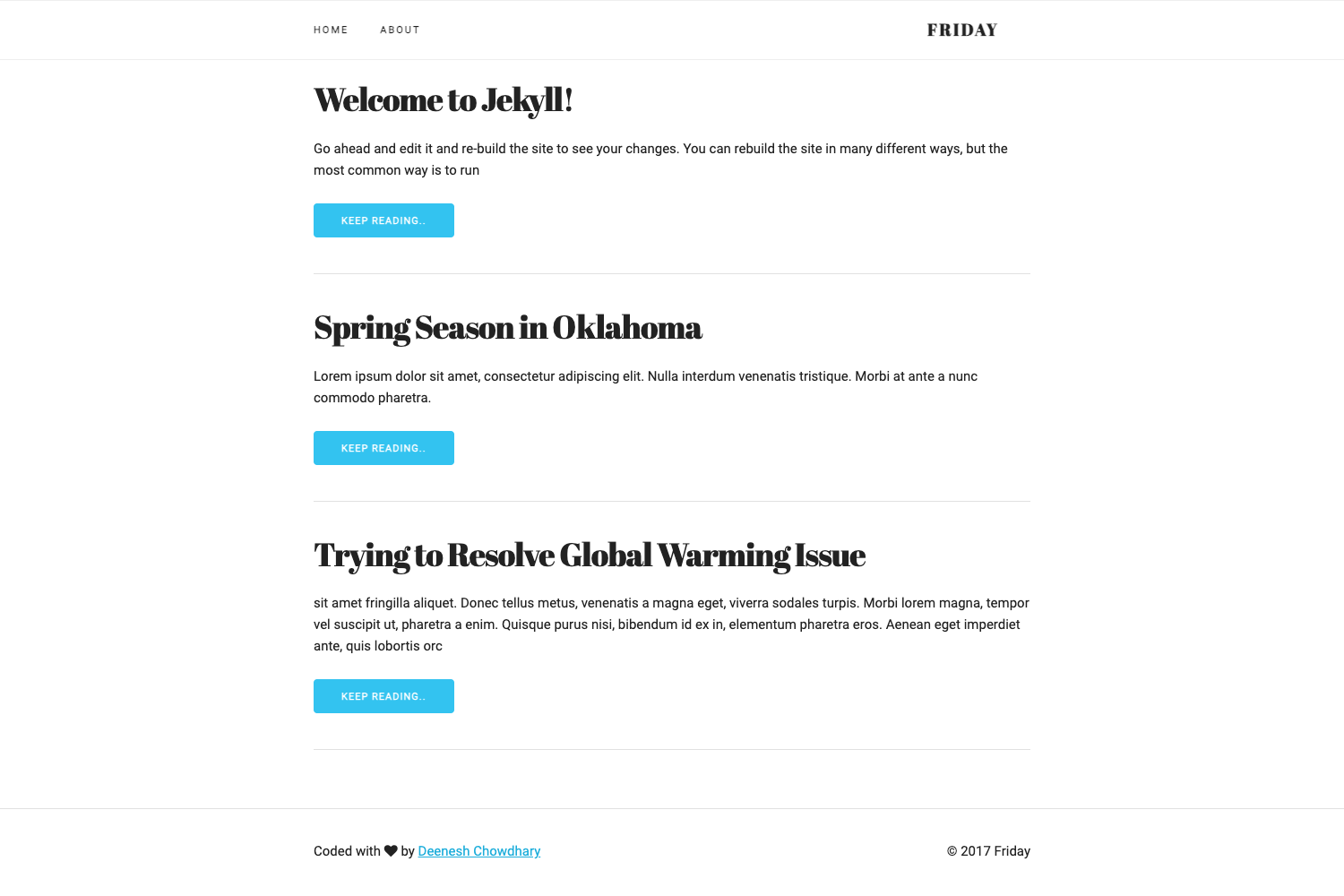
Rifyll is a Jekyll-based blog template that outputs a static website using Twitter Bootstrap 3.2.0 for its layout and Font Awesome 4.2.0 for icons. It takes Markdown posts (with .md or .markdown extensions) placed in the _posts directory and renders them into a blog homepage with post thumbnails. The template also includes a personal about-me page whose content is driven by the _data/personal.yml file. The demo is hosted at itsrifat.github.io/rifyll.
Key Features
- Twitter Bootstrap 3.2.0 styling — The entire interface is built on Bootstrap's grid and components, giving a responsive layout out of the box.
- Font Awesome 4.2.0 icons — Icon support is included via Font Awesome, so you can add icons to menus, posts, and page elements without extra dependencies.
- Post thumbnails — Each post's YAML front matter can specify a thumbnail image, which is displayed on the homepage for every article.
- Menu configuration — The navigation menu is edited through the _data/menu.yml file, letting you change links without touching HTML.
- Personal info page — An "about me" section pulls its content from _data/personal.yml, so you can update your bio and contact details in one place.
- Logo location setting — _config.yml contains a logo_location option to set your own logo in the site header.
- Simple post creation — Add a new Markdown file to the _posts folder and it becomes a blog post; no database or build pipeline beyond Jekyll itself is needed.
Who is it for?
- Developers who already know Jekyll — They can fork the repo, edit the YAML data files, and have a blog running in minutes without writing HTML templates.
- Technical writers — They can publish Markdown-based posts with thumbnails and maintain a minimal personal bio page without touching the underlying Bootstrap code.
- Personal site owners — Anyone who wants a clean, Bootstrap-styled blog and prefers to manage content through flat files and YAML rather than a database.
What can you do with it?
- Independent bloggers — Set up a no-frills blog by forking the repository, editing logo_location in _config.yml, and writing posts in Markdown with a thumbnail image for each one.
- Portfolio-adjacent personal sites — Use the about-me page powered by _data/personal.yml to present a short bio and contact details alongside occasional blog posts.
- Jekyll learners — Study the template's use of Bootstrap 3.2.0 and the Jekyll data-file pattern to see how a static blog can separate content from presentation.
How does Rifyll work?
Rifyll follows the standard Jekyll flow: you fork the repository, update _config.yml (specifically logo_location), and customize _data/menu.yml and _data/personal.yml. To publish, create a .md or .markdown file in the _posts directory with a thumbnail image declared in its front matter; Jekyll then builds a static site that shows that thumbnail on the homepage. The built output is plain HTML, CSS, and JavaScript, ready to host anywhere Jekyll supports.