Template details
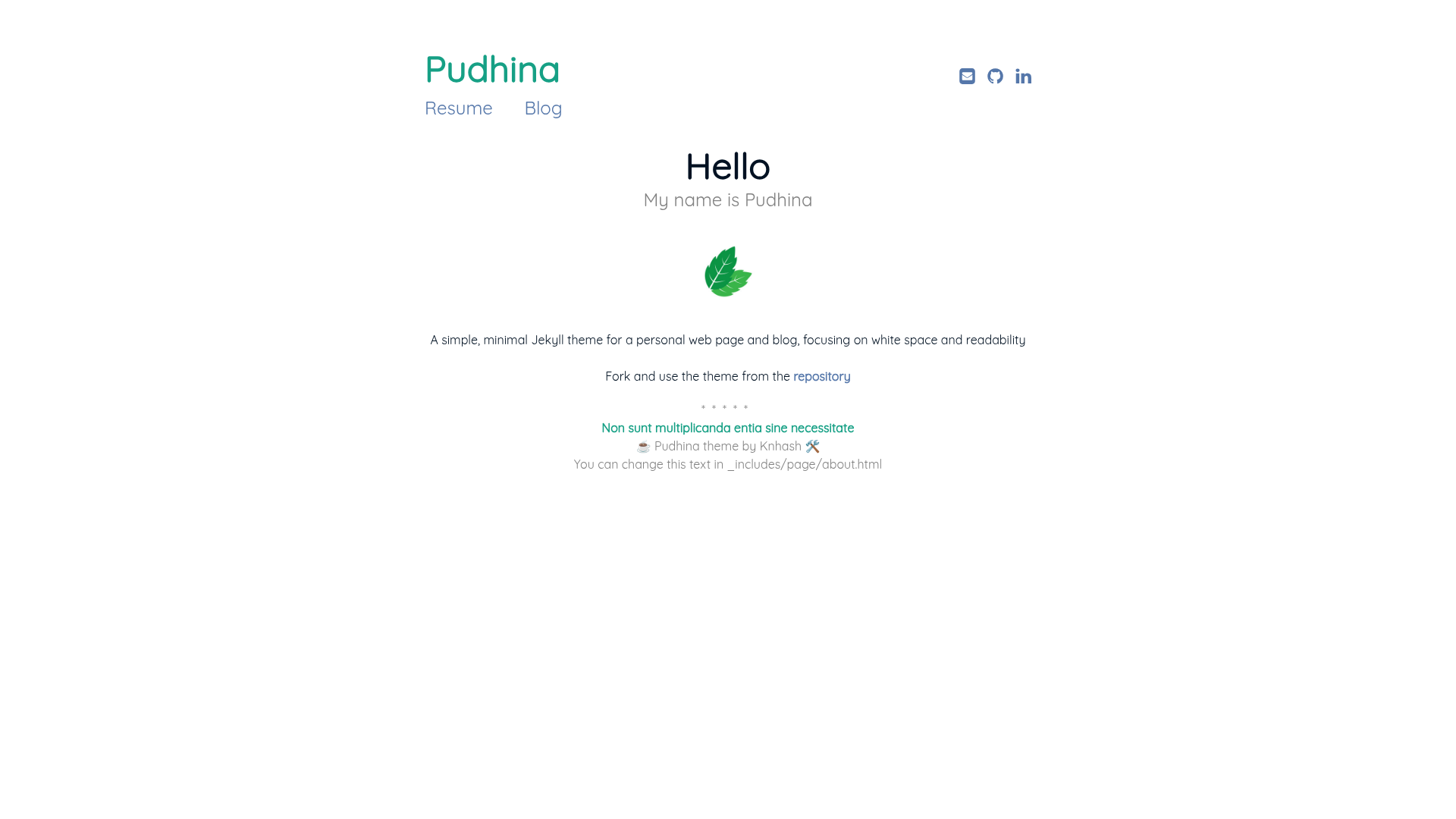
Pudhina
A simple, minimal Jekyll theme for a personal web page and blog, focusing on white space and readability
About this template
Pudhina is a minimal Jekyll theme for a personal web page and blog, prioritizing white space and readability. It is open source under the MIT License and inspired by the Daktilo theme.
What is Pudhina?
Pudhina is a Jekyll theme that generates a static personal website and blog. It takes Markdown files from the _posts directory and site configuration from _config.yml, then outputs a responsive site with categorized blog posts, a resume page, and a custom glitchy 404 page. The theme is built with HTML and CSS, and uses highlight.js for syntax highlighting and Font Awesome for icons.
Key Features
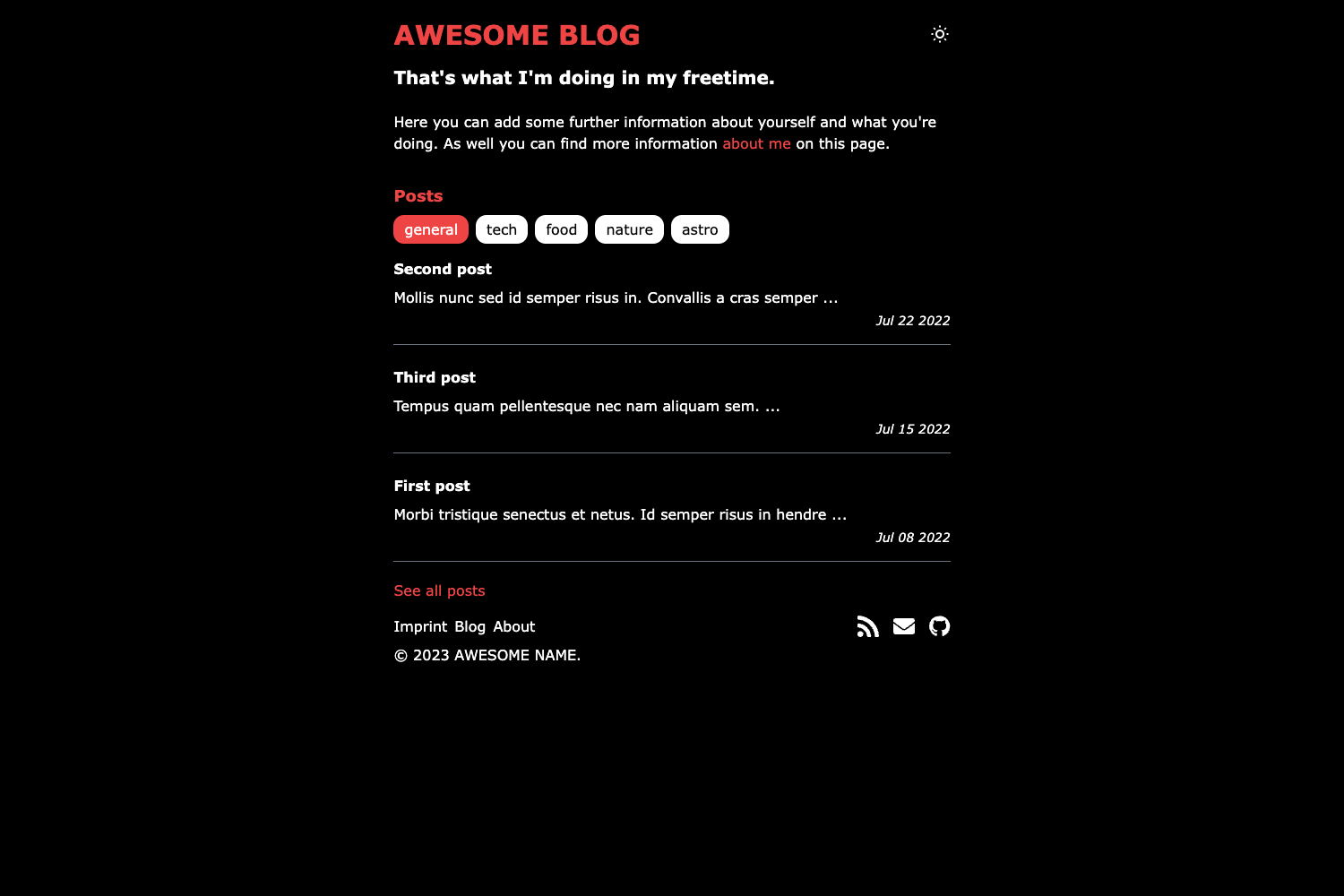
- Minimal, clean design — focuses on white space and readability, with simple layouts for home, blog, resume, post, and 404 pages.
- Categorized blog posts — front matter requires title, subtitle, categories, and date, enabling automatic blog categorization.
- Responsive layout — adapts to different screen sizes for mobile and desktop viewing.
- Syntax highlighting — integrates highlight.js to color code blocks in posts.
- Font Awesome icons — includes icon support for social links or other UI elements.
- Customizable 404 page — features a glitchy effect to visually indicate a missing page.
- Easy content customization — main content is edited in
index.md,blog.md, andresume.md; site-wide details live in_config.yml.
Who is it for?
Pudhina suits developers and writers who want a clean, minimal Jekyll-powered personal site. It works well for:
- Jekyll users who need a straightforward theme with a blog and resume page.
- Personal bloggers who want to write in Markdown and publish categorized posts.
- Portfolio seekers who want a simple resume page without a complex site builder.
What can you do with Pudhina?
- Publish blog posts — add Markdown files to
_postswith the required front matter (title, subtitle, categories, date) and the blog page lists them by category. - Create a resume page — edit
resume.mdto present work history and skills; the theme provides a dedicated resume layout. - Customize branding — replace the main picture and icon in
/assets/img/pudhinaand adjust CSS in/assets/css/main.cssto change the look. - Preview locally — clone the repository, run
jekyll serve, and view the site atlocalhost:4000before deploying.
How does Pudhina work?
Clone the repository and start by editing _config.yml; the title property becomes the displayed logo. Then run jekyll serve to preview at localhost:4000. New posts are added to the _posts directory following the naming convention from the sample files.
FAQ
Is Pudhina free to use?
Yes, Pudhina is released under the MIT License, so you can use, modify, and distribute it freely.
What front matter does a post need?
Each post in _posts requires a title, subtitle, categories, and date in its front matter. The theme uses these to build the blog listing and categorize posts.
Why does the download PDF button 404 on the demo?
The demo's download PDF button intentionally links to a missing file to showcase the glitchy 404 page effect. This is by design and not a bug in the theme.
Can I change the logo?
Yes, set the title property in _config.yml and the theme displays it as the site logo. You can also replace the icon and main picture in /assets/img/pudhina.