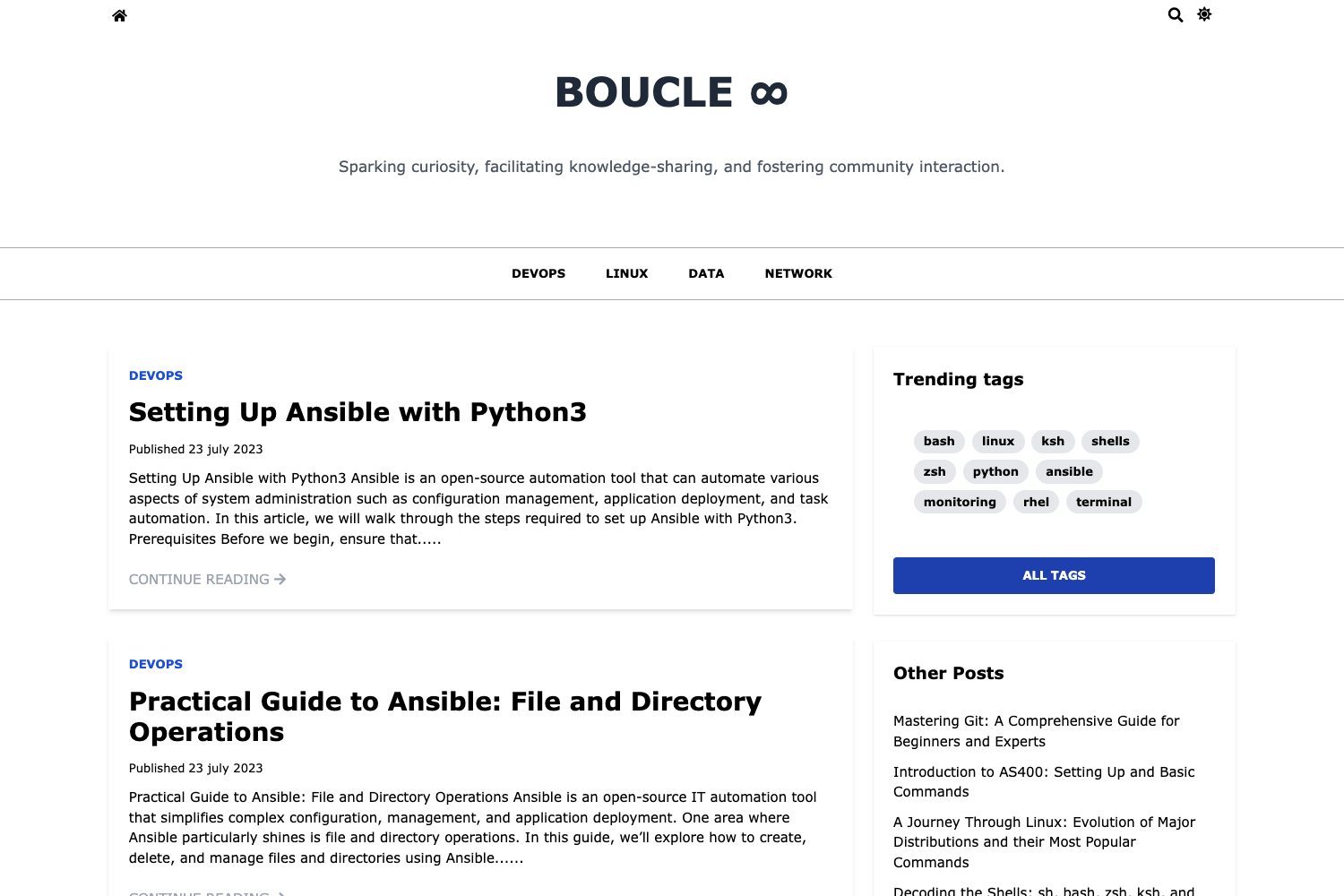
Template details
Fuwari
Static blog template built on Astro, MIT-licensed, with easy deployment to Netlify or Cloudflare Pages.
About this template
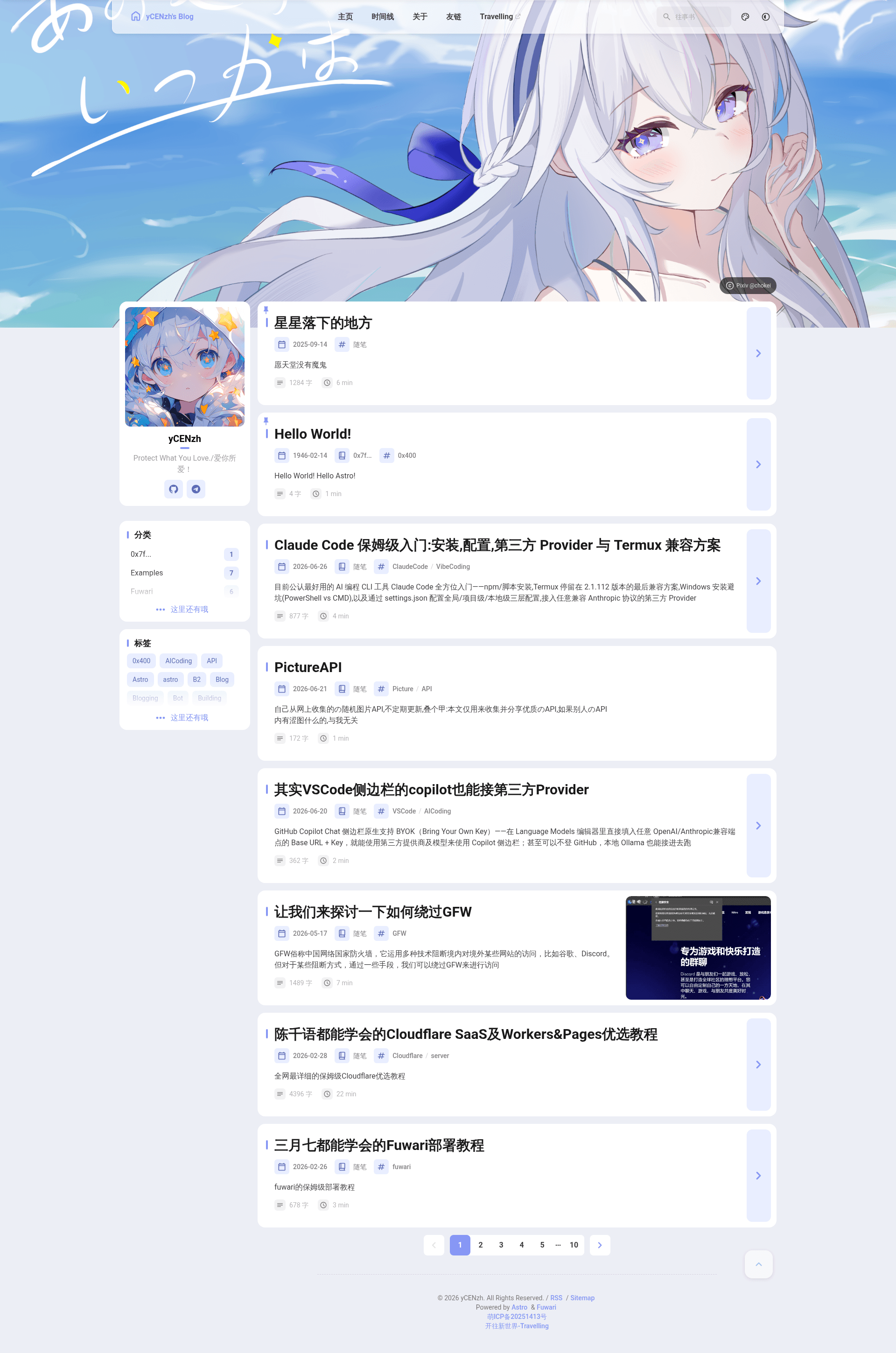
Fuwari is an open-source static blog template built on the Astro framework, designed to let developers launch a fast, deployable blog with minimal setup.
What is Fuwari?
Fuwari is a static blog template built on the Astro framework, distributed under the MIT License. It takes a GitHub repository as its starting point and produces a fully functional static blog site that can be deployed to platforms like Netlify or Cloudflare Pages. The project is maintained by a single developer, and its source code is hosted at github.com/yCENzh/fuwari. A live demonstration and documentation site is available at fuwari.oh1.top.
Key Features
- Astro framework — The template is developed on Astro, providing static site generation and fast loading out of the box.
- MIT License — The entire project is released under the MIT License, allowing free commercial and personal use without restrictions.
- Deployment ready — Fork the repository and connect it to Netlify or Cloudflare Pages to build with pnpm; no additional configuration is required.
- Documentation and demo site — A dedicated site at fuwari.oh1.top serves as the official documentation, live demo, and community hub for the theme.
- Community contribution guidelines — The repository includes a Code of Conduct and a Contributing guide, making it clear how to participate in the project.
- Sponsorship acknowledgment — The project publicly thanks sponsor ZMTO, showing a supported open-source development model.
Who is it for?
- Personal bloggers — Individuals who want a modern, performance-focused blog without building a site from scratch can fork Fuwari and customize it to their needs.
- Astro developers — Developers already using Astro can use Fuwari as a reference implementation or a quick starting point for their own blog projects.
- Open-source contributors — People interested in contributing to a small, MIT-licensed project can follow the included Code of Conduct and Contributing guide to submit improvements.
What can you do with Fuwari?
- Personal bloggers: Set up a blog by forking the repository, adding your content, and deploying to Netlify or Cloudflare Pages in minutes.
- Web developers: Use the template as a foundation for client blogs, taking advantage of Astro's performance features.
- Open-source contributors: Help shape the template by reporting issues or submitting pull requests according to the contribution guidelines.
How does Fuwari work?
- Fork the Fuwari repository from GitHub.
- Create a new project on Netlify or Cloudflare Pages and import the forked repository.
- Save and build; the project uses pnpm as the package manager. The site is then live.
FAQ
Is Fuwari free?
Yes, Fuwari is open-source under the MIT License, so it is free to use, modify, and distribute, including for commercial purposes.
How do I deploy Fuwari?
Fork the repository, then create a project on Netlify or Cloudflare Pages, import the fork, and build with pnpm. The deployment process requires no additional configuration.
What technologies does Fuwari use?
Fuwari is built on the Astro static site generator and uses pnpm for package management. The exact UI stack is not listed in the documentation.
Who maintains Fuwari?
The project is maintained by a single developer, the owner of the GitHub repository yCENzh, with sponsorship from ZMTO.
Where can I see a live demo?
A live preview of Fuwari is available at https://fuwari.oh1.top.