Template details
Sigma Theme for Jekyll
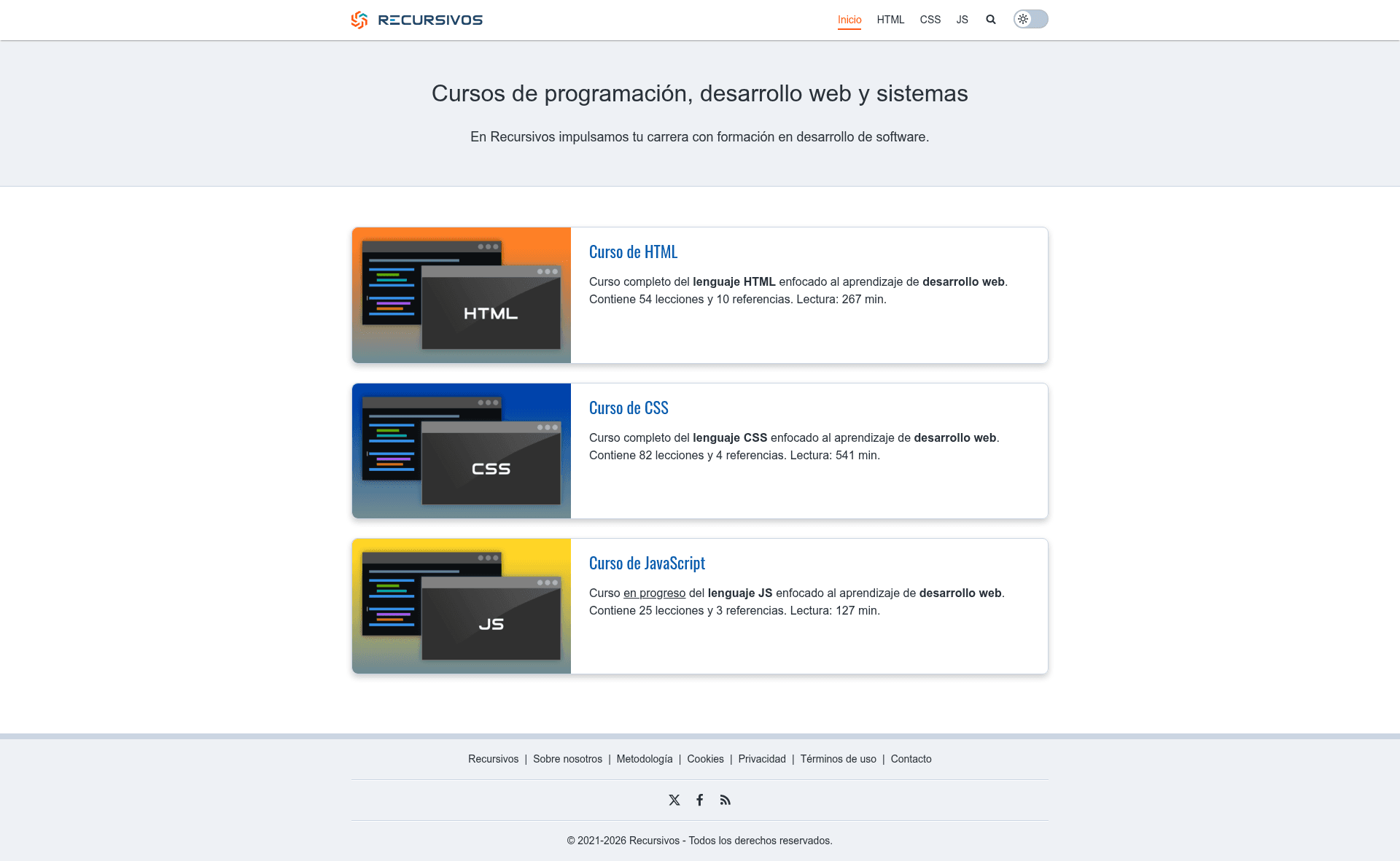
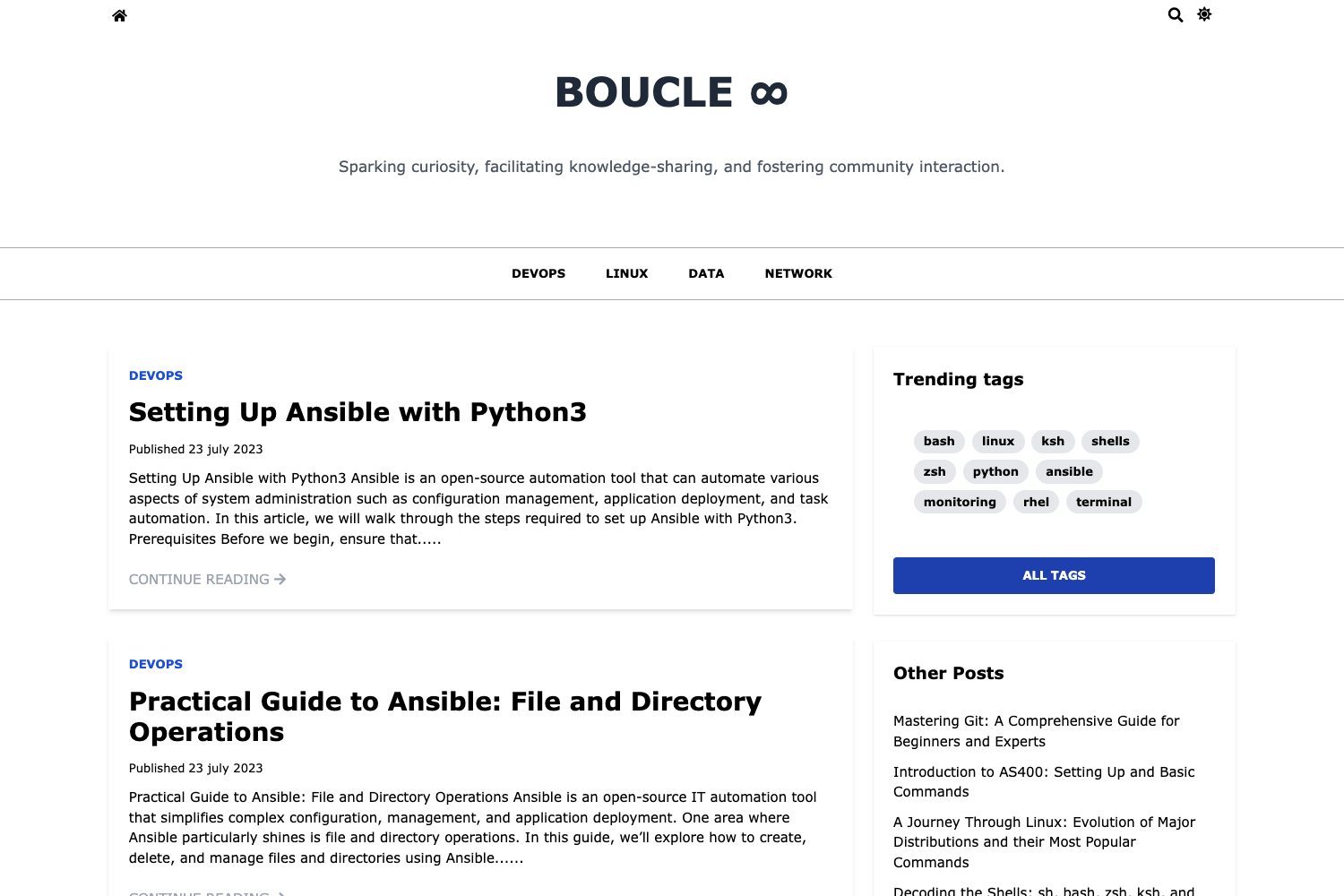
A speed- and SEO-focused Jekyll theme with golden-proportion header, dark mode, lunr.js search, and Schema.org breadcrumbs.
About this template
Sigma Theme is an open-source Jekyll theme built for speed and SEO, delivering a static blog layout with a light/dark toggle, lunr.js search, and Schema.org structured data for posts, categories, and breadcrumbs.
What is Sigma Theme?
Sigma Theme is a Ruby gem-based Jekyll theme (package name sigma-theme) created by gerardbm for Jekyll v4.3.3. It transforms standard Jekyll content — markdown posts, pages, and _config.yml settings — into a static site with a responsive layout, a golden-proportion header, optional sidebar positions (right, left, or none), and a set of SEO and analytics integrations. The theme is distributed under the MIT License and installable via a Gemfile or gem install sigma-theme. It requires the jekyll-data and jekyll-feed plugins, with optional jekyll-sitemap and jekyll-minifier for sitemaps and minified output.
Key Features
- Speed and SEO focus — The theme prioritizes speed and SEO, with built-in Schema.org markup for posts, categories, and breadcrumbs, plus support for Open Graph, Twitter Cards, Google Analytics, and site verification meta tags.
- Golden proportion header — The header layout uses the golden ratio, along with a modern responsive design and a light/dark color toggle controlled by the
color_toggleconfig option. - lunr.js search — Client-side full-text search is powered by lunr.js; you create a search page and include
search-lunr.htmlin it, with the path set viasearch_url. - Sticky elements — The menu and sidebar can be made sticky (
sticky_menu,sticky_side), and a scroll-up button is toggleable viascrollup. - Sidebar system — Each post or page can define
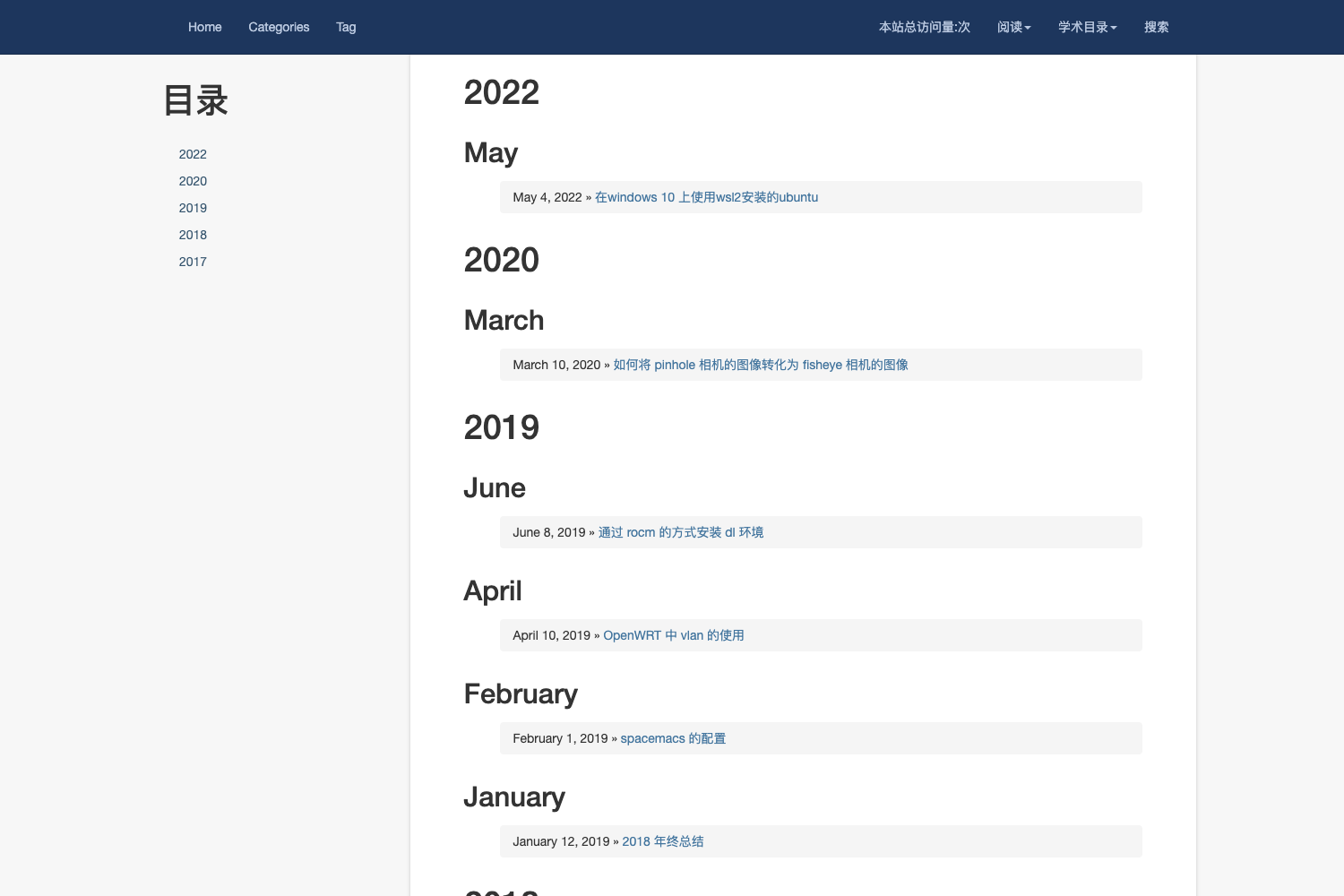
sidebar: right,left, orfalse, enable a sidenav listing categories/posts/pages, and inject a custom sidebar layout viasidebar_custom. Ad zones can be inserted at the top/bottom of the sidebar and content. - LaTeX maths with KaTeX — Setting
latex: truein front matter loads the KaTeX library for rendering LaTeX math in posts and pages. - Syntax highlighting — Code blocks use Rouge highlighting; set
rouge: truein front matter to load the Rouge CSS. - Navigation — Next/prev post links can appear in the top navbar (
navbar) and at the bottom (posts_np), navigated by category or by tag (nav_by: catornav_by: tag). - Course mode — With
course: trueandcourse_path, posts are marked as lessons and category pages as courses in Schema.org JSON-LD, suitable for online lesson content. - Multilingual UI — The user interface is translatable, and per-page/locale Open Graph data is configurable via
og_locale,fb_admins, andfb_app_id.
Who is it for?
Sigma Theme is aimed at Jekyll users who want a fast, SEO-optimized blog without hand-coding structured data. Bloggers can publish posts with automatic breadcrumbs, social meta tags, and next/prev navigation within the same category or tag. Developers and webmasters who need custom sidebars, ad slots, and sticky navigation can control those behaviors through front matter and _config.yml. Online course creators can enable course: true to emit lesson/course Schema.org types. It also suits multilingual sites thanks to the UI translations and og_locale setting.
What can you do with it?
- Bloggers: publish posts with a light/dark toggle, lunr.js search, and schema-marked breadcrumbs, then measure traffic by plugging a Google Analytics ID into
google_analytics. - Course creators: turn a category of posts into a structured course by setting
course: trueandcourse_path, with each post marked as a lesson. - Ad-supported sites: place advertisement zones above/below content and in the sidebar by creating HTML partials and referencing them in front matter under
zone. - Multilingual publishers: configure
og_localeand translate the interface, so each language site can declare its own social locale via Open Graph.
How does the theme work?
Installation follows the standard Jekyll gem workflow: add gem "sigma-theme" to the Gemfile, set theme: sigma-theme in _config.yml, list the required plugins (jekyll-data, jekyll-feed, optionally jekyll-sitemap and jekyll-minifier), and run bundle. The theme is then configured through _config.yml keys and per-post front matter; for example, you set sidebar, share, latex, and sidenav options directly in the YAML front matter of a post or page. Category pages are created as markdown files with layout: category, a cat field matching the post category, and an included Liquid loop tag to list posts.
Pros and cons
- Pros: feature-rich for an SEO/marketing blog; supports dark mode, search, math, custom sidebars, ads, and course structured data; per-page configuration via front matter is granular; MIT-licensed.
- Cons: no pagination support at the moment, so category pages list all posts on one page and
rel=prev/rel=nextare not generated; categories with spaces require manual permalink setup because Jekyll's auto-slugification won't handle them; the theme's philosophy expects one primary category per post, which may not suit sites that use multiple intersecting categories.
FAQ
Is Sigma Theme free?
Yes, Sigma Theme is open source and available under the terms of the MIT License. You can use it on personal or commercial Jekyll sites without a licensing fee.
How do I install Sigma Theme?
Add gem "sigma-theme" to your Gemfile and set theme: sigma-theme in _config.yml, along with the required plugins jekyll-data and jekyll-feed. Then run bundle to install the gem and any dependencies.
Does Sigma Theme have a dark mode?
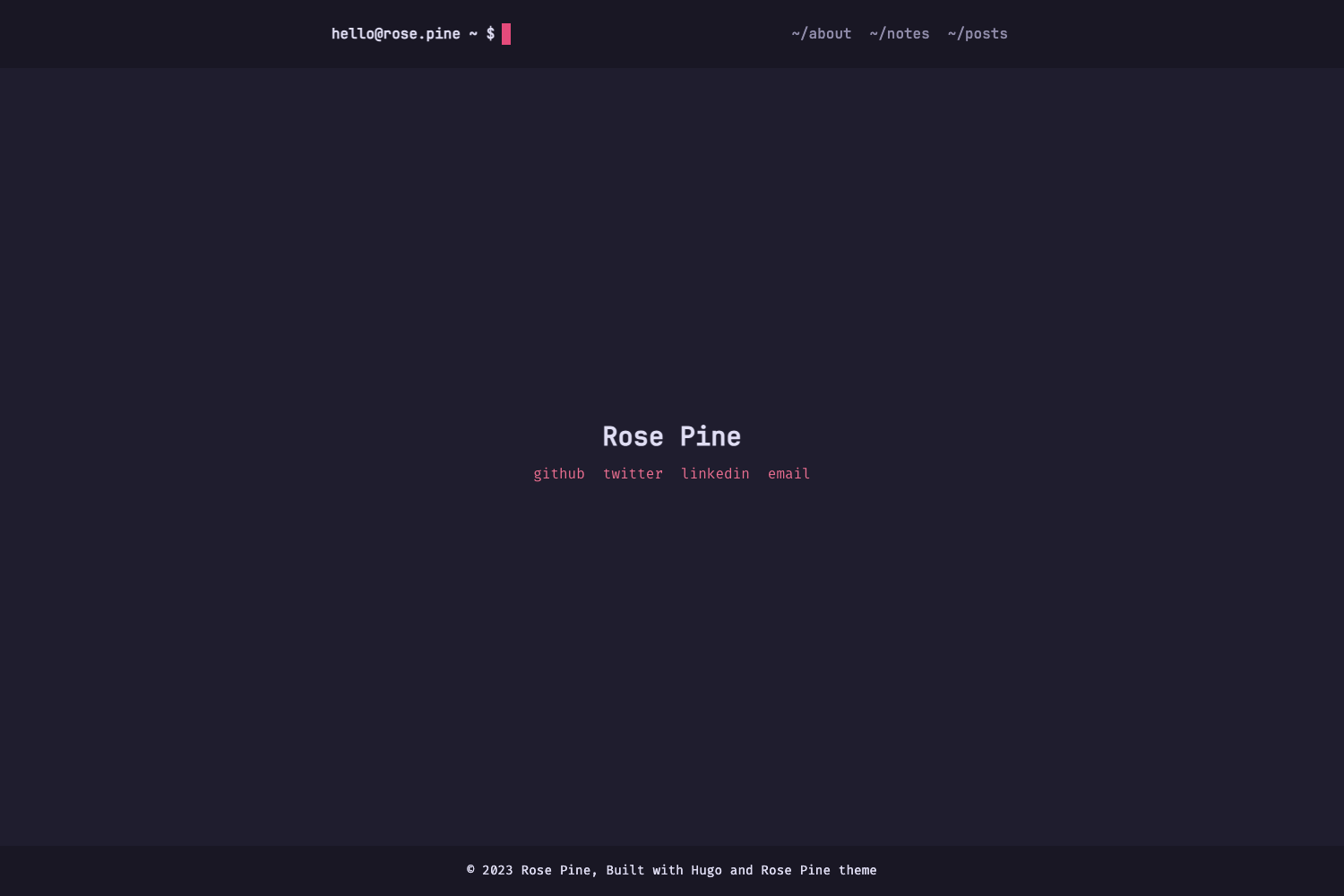
Yes, a light/dark color toggle is built in. Enable it with the color_toggle setting in _config.yml, and the toggle button appears in the header. Dark-mode styles are applied by a .dark class on the root element.
Does Sigma Theme support LaTeX math?
Yes, KaTeX is integrated. To render math in a post or page, set latex: true in that item's front matter. KaTeX is then loaded on that page only.
Can I use multiple categories per post?
The theme is designed around a single primary category per post; each post should declare one category. If you use multiple, navigation in next/prev links uses the last (subcategory) level, so you'll want same-level categories in a project.