Template details
MyBlog
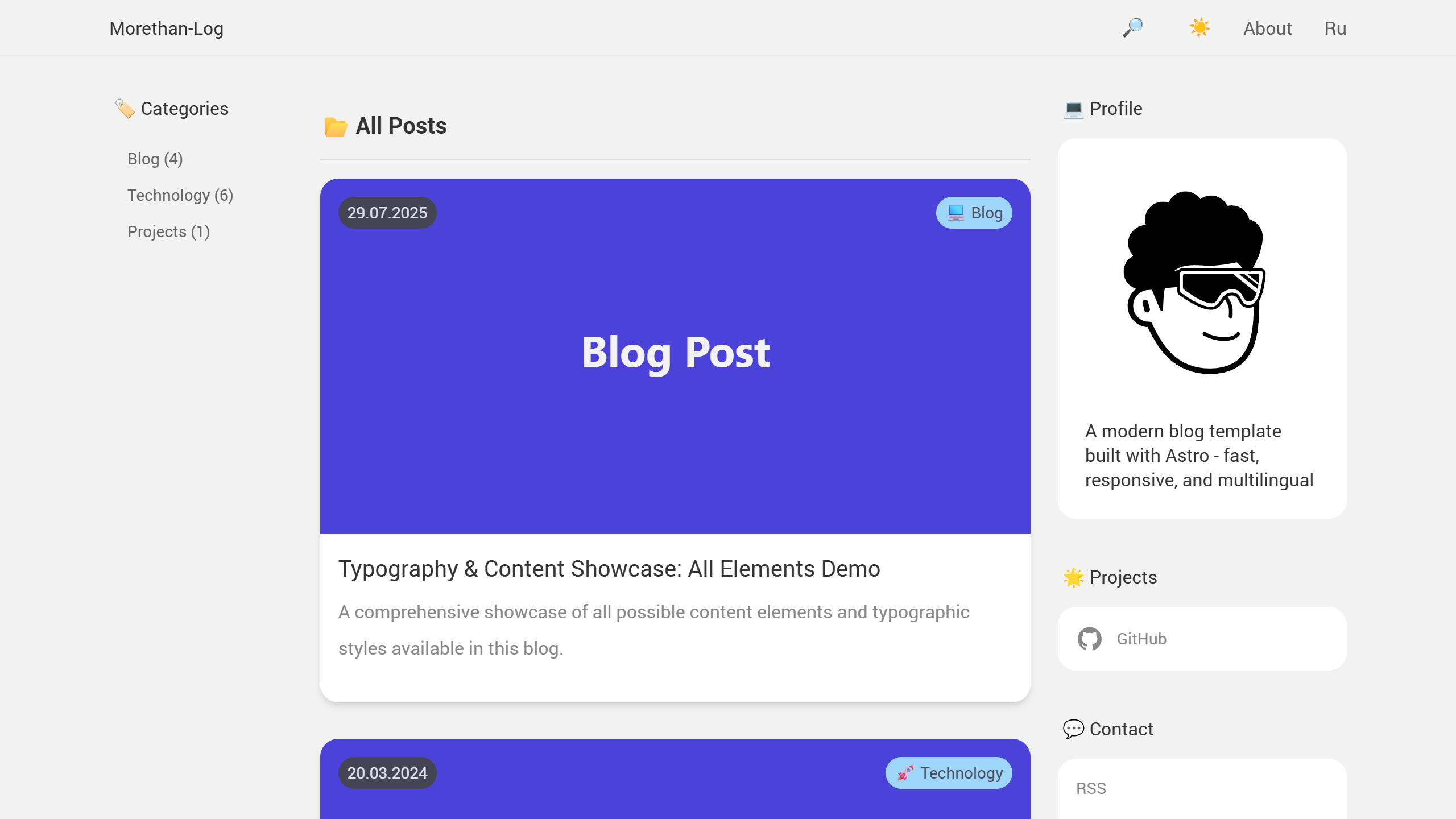
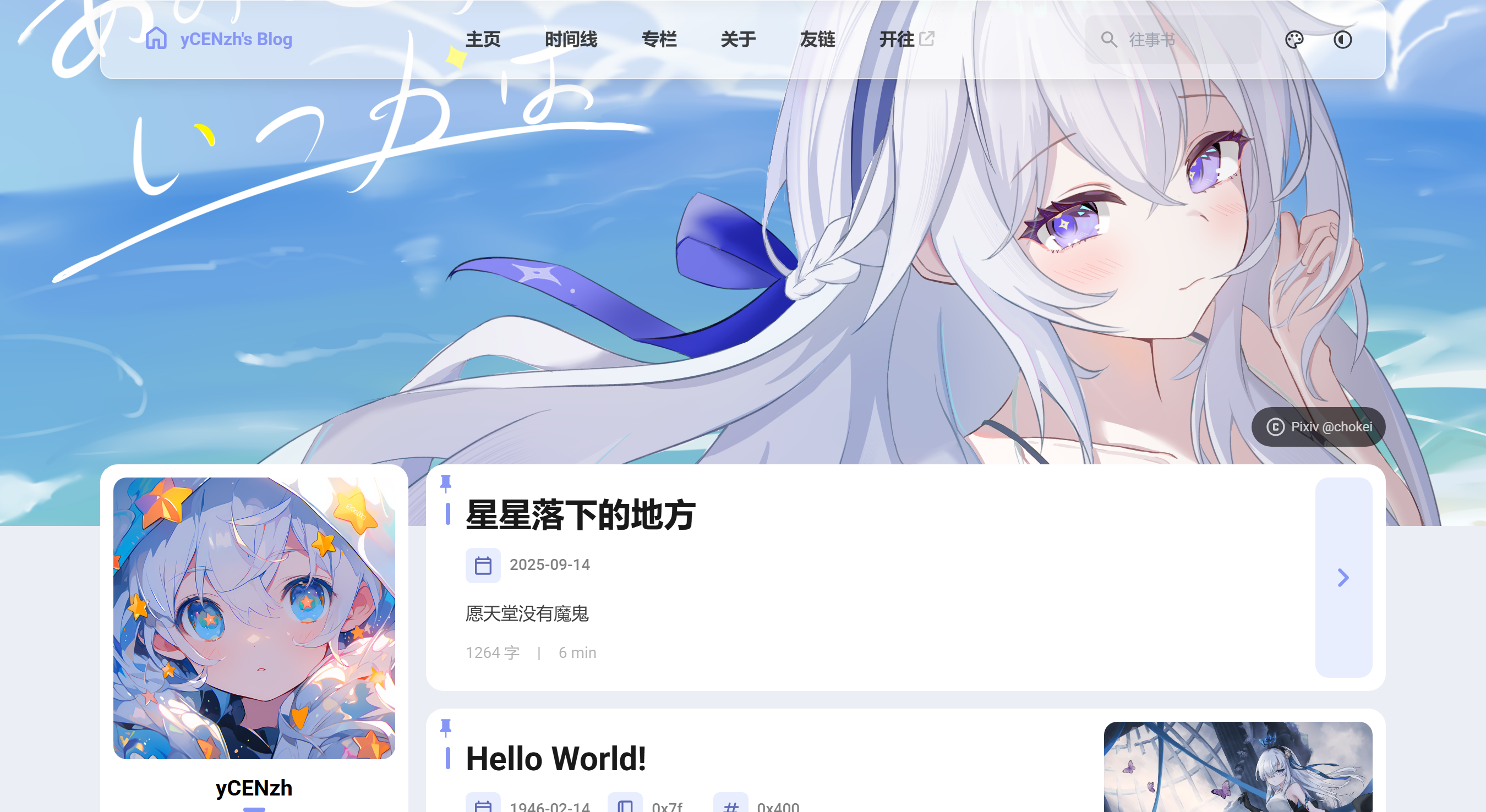
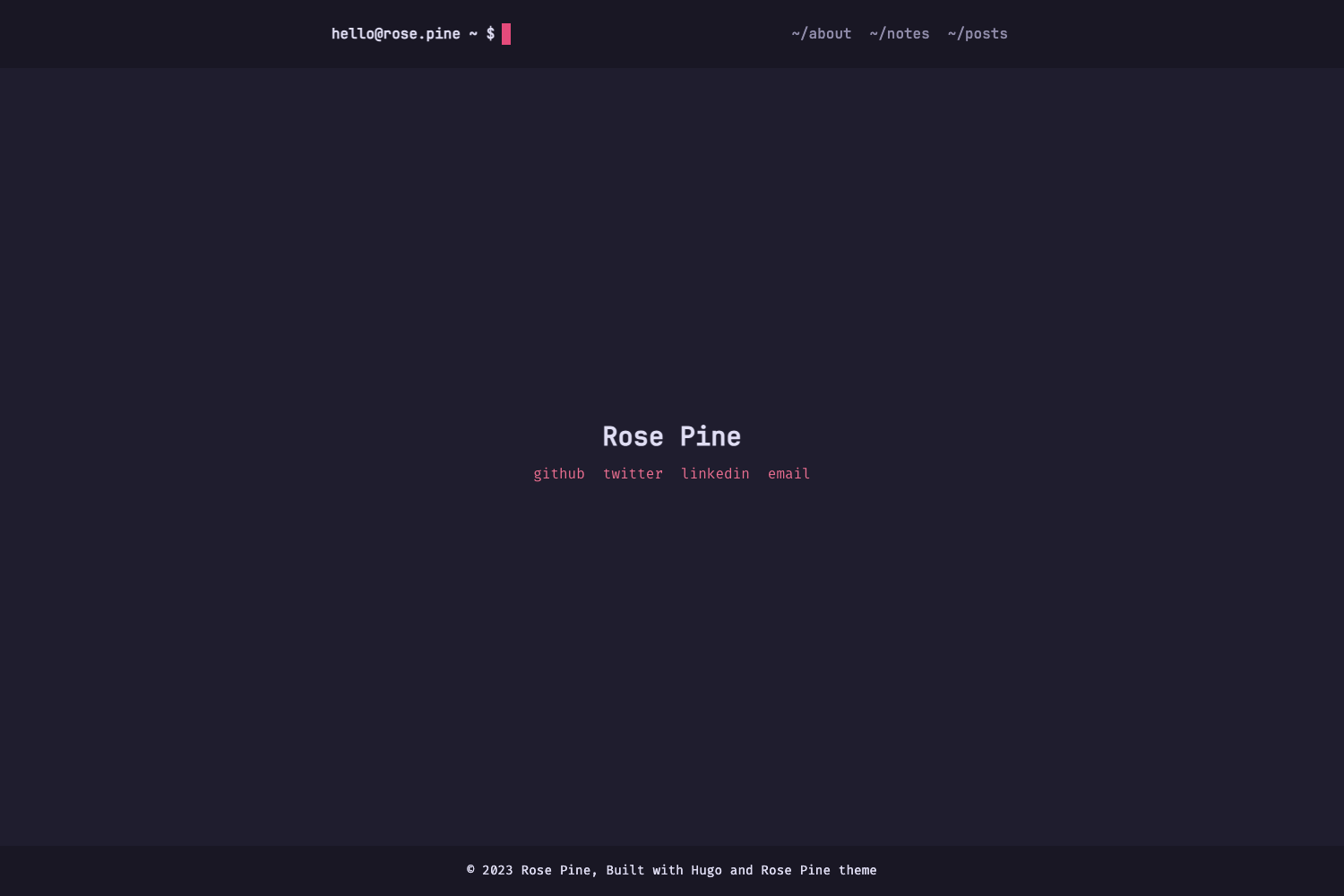
A Jekyll blog theme for note-taking, forked from LessOrMore, using Collections and a Python menu builder.
About this template
MyBlog is a Jekyll-powered blog theme forked from LessOrMore, designed specifically for taking Markdown notes rather than publishing traditional blog posts.
What is MyBlog?
MyBlog is a Jekyll blog theme that repurposes Jekyll Collections as note repositories, allowing images to sit alongside Markdown files in the same folder — something the standard _posts directory cannot do. The theme runs on Jekyll and GitHub Pages and is maintained by GitHub user marquistj13. It takes collections defined in menu_config.yml and Markdown notes placed in corresponding folders, then renders them as navigable blog pages.
The theme was adapted from LessOrMore, but its configuration differs from the original: instead of editing the root _config.yml, users edit template_config.yml and menu_config.yml inside the _config_with_python folder, then run buildMenu.py to regenerate site navigation.
Key Features
- Collection-based notes — notes live in Jekyll Collections (e.g., ReadingNotes, ScholarThings), so each note's images can be stored in the same directory as the Markdown file.
- Python menu builder —
buildMenu.pyreadsmenu_config.ymland generates header dropdown menus, requiringPyYAMLandjinja2. - Bilingual menus —
menu_config.ymlsupports both Chinese and English names for each menu item, as in阅读笔记 / ReadingNotes. - Subfolder indexing — the theme auto-generates index listings for subfolders inside each collection, based on URL paths and Liquid's
url_decodefilter. - Local preview —
jekyll serve -w -b ""provides live preview during note writing; Ubuntu and Windows run scripts are included. - Search, comments, and analytics — an update adds Google site search, Disqus comments, and visitor counting to the theme.
- Standard Jekyll features — pagination, sitemap, and jemoji are supported via a sample Gemfile.
Who should use MyBlog?
MyBlog suits Jekyll users who want a self-hosted knowledge base or notebook on GitHub Pages, especially those who frequently include images in notes and find _posts image handling limiting. It is also for developers comfortable editing YAML and running Python scripts.
Students and researchers can organize reading notes into separate collections; technical bloggers can use subfolders to group notes by topic; command-line users who don't mind running buildMenu.py after each config change will find the workflow straightforward.
What can you do with MyBlog?
- Researchers: keep literature notes in a ReadingNotes collection, with figures stored directly beside each note's Markdown file.
- Learners: create topic-specific collections like ScholarThings and use dropdown menus to switch between subjects.
- Bloggers: migrate an existing Jekyll blog to Collections to work around the
_postsimage insertion limitation.
How does MyBlog work?
After cloning the repository, edit template_config.yml for blog metadata and menu_config.yml for navigation menus inside _config_with_python, then run buildMenu.py to regenerate the data files and serve the site with jekyll serve. Steps:
- Clone the repo from https://github.com/marquistj13/MyBlog.
- Edit
template_config.yml(setbaseurlto your project name) andmenu_config.yml(define menu items and collection folders). - Run
python3 buildMenu.py(requiresPyYAMLandjinja2). - Start
jekyll serve --port 4000 --incrementalfor local preview, or push to GitHub Pages.
Pros and cons
Pros:
- Supports images inside note folders, a key advantage over
_posts. - Menu structure is data-driven via YAML, making it easy to add new sections.
- Local preview with incremental builds speeds up writing.
Cons:
- Subfolder names containing Chinese characters appear as ASCII codes in generated indexes when the Liquid version doesn't support
url_decode. - The author states the template is not polished and has rough edges, being built mainly for personal use.
Alternatives
- LessOrMore — the original Jekyll theme from which MyBlog is forked, offering conventional blog features without the Collection-based note-taking approach.
FAQ
How do I configure the blog metadata?
Edit template_config.yml in the _config_with_python folder. The baseurl should match your GitHub project name, or be empty if using a *.github.io repository.
What Python libraries does buildMenu.py need?
It depends on PyYAML and jinja2. If you use Anaconda, you can create an environment with conda -n myblog python=3.6 PyYAML jinja2.
Why do my Chinese folder names show as ASCII codes in the index?
The automatic subfolder index extracts names from URLs and decodes them with Liquid's url_decode filter, which is only available in newer Liquid versions. On older versions, the raw ASCII-encoded URL is displayed.
Do I need to run buildMenu.py every time I change the menu?
Yes. Any edit to template_config.yml or menu_config.yml must be followed by running buildMenu.py so the navigation menus are regenerated before serving the site.
Can I preview the blog locally before pushing changes?
Yes, if Jekyll is installed locally, run jekyll serve -w -b "" to preview with live reload. The repository includes example scripts for Ubuntu and Windows.