Template details
Jekyll Starter Blog
A Jekyll static-site blog starter with SEO, Disqus, live search, and GitHub Pages deploy automation.
About this template
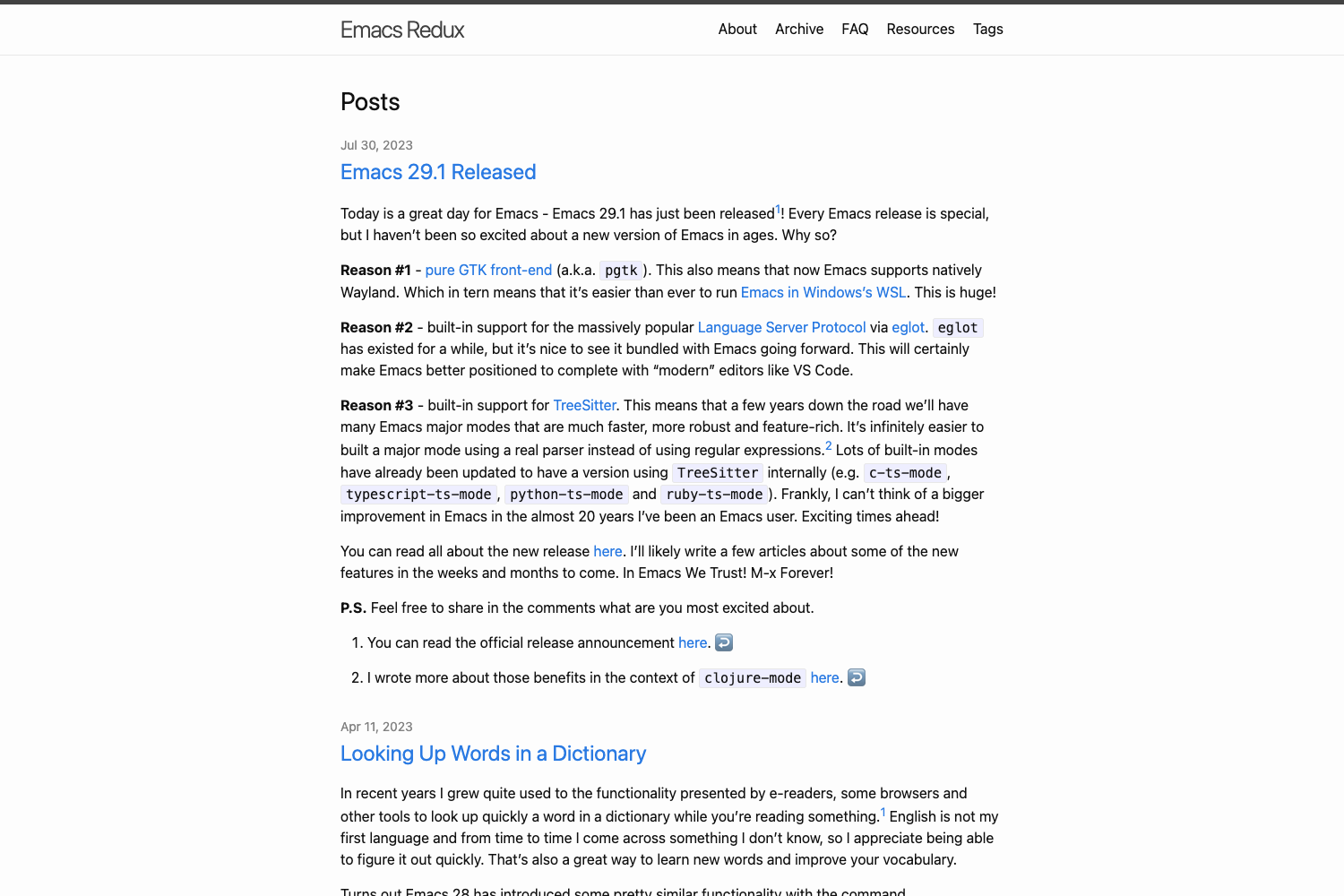
Jekyll Starter Blog is an open-source Jekyll theme that produces a static blog site with SEO, live search, Disqus comments, and automated GitHub Pages deployment from Markdown posts.
What is Jekyll Starter Blog?
Jekyll Starter Blog is a static-site template built on the Jekyll framework, created by developer Gading Fadhillah Nasution and published on GitHub for free. It takes Markdown files placed in the _posts folder as input and generates a complete static website as output, including an RSS feed, sitemap, robots.txt, and search functionality. The template is designed for deployment to GitHub Pages or any other static web host.
Key Features
- SEO optimized — Includes built-in meta tags and structured front-matter fields for description, keywords, twitter_text, and image, and scores well on Lighthouse SEO checks.
- Mobile friendly with PWA support — The template is responsive and supports Add to Home Screen on mobile devices, with Lighthouse PWA scoring included as a badge.
- Disqus comment system — Comment integration is enabled by setting a
disqus_usernamein_config.yml, with an adjustable$comment-themeSCSS variable. - Live search — Client-side search that filters blog posts instantly without page reloads.
- AJAX pagination — Older posts load dynamically through AJAX, avoiding full page refreshes when navigating archives.
- Feed RSS — An RSS 2.0 feed is generated automatically so readers can subscribe to new posts.
- Sitemap and robots.txt — Preconfigured
sitemap.xmlandrobots.txtfiles are generated for search engine crawling. - Shell script for post management — The
./postcommand creates posts with-c, creates drafts with-d, and publishes drafts with-p, each producing a Markdown file with front-matter.
Who is it for?
- Developers who want a personal blog on GitHub Pages — They get a complete Jekyll site with SEO, comments, and search already wired up, so they only need to write Markdown.
- Command-line oriented writers — The included post script lets them create and publish posts from the terminal instead of manually copying front-matter.
- Static site enthusiasts — The template works with any static host, not just GitHub Pages, and includes automation scripts for building and deploying.
What can you do with it?
- Create a new post quickly — Run
./post -c "My Title"to generate a new Markdown file in_postswith a ready-to-fill front-matter block containing title, date, image, description, tags, and categories. - Manage drafts and publishing — Use
./post -d "Title"to create a draft and./post -p "Title"to promote it to a published post. - Customize the visual theme — Edit
src/sass/_variables.scssto change the primary color, sidebar background, hover color, text color, code highlight color, Disqus comment theme, and the responsive breakpoint. - Deploy to GitHub Pages automatically — Run
npm run buildto compile Sass and JavaScript, thennpm run deployto push the built site to the publishing branch, or use./deploy.shfor one-command automation.
How does the template work?
First, install NodeJS and Ruby on your system. Fork the repository, clone it, and run npm install to pull down npm and Bundler dependencies. Edit _config.yml with your site name, description, author, avatar, and social usernames, then add Markdown posts to _posts. Run npm start to launch a local Jekyll server for development, or npm run build followed by npm run deploy to publish the generated static site to GitHub Pages.
FAQ
What software do I need to install to use this template?
You need NodeJS and Ruby installed. NodeJS is required for the npm build and deploy scripts, and Ruby is required to run the Jekyll static site generator itself.
How do I create a new blog post?
Run ./post -c "Your Post Title" from the repository root. This creates a new Markdown file in _posts with a front-matter block. Fill in the title, date, image, description, tags, categories, twitter_text, and keywords fields, then write your content below the front-matter.
How do I deploy the site to GitHub Pages?
First run npm run build to compile the Sass and JavaScript and generate the site files. Then run npm run deploy to deploy to the GitHub Pages branch. Alternatively, use ./deploy.sh to automate the entire build-and-deploy process.
Can I change the theme colors?
Yes. Open src/sass/_variables.scss and adjust the SCSS variables such as $main, $sidemenu, $hover, $sec, $texts, and $colorcode. There is also a $cut variable that sets the responsive breakpoint at 37.5rem.
Does this template have a comment system?
Yes, it uses Disqus. Add your Disqus username as disqus_username in _config.yml. You can also change $comment-theme in the SCSS variables so the comment area matches your Disqus theme (light or dark).