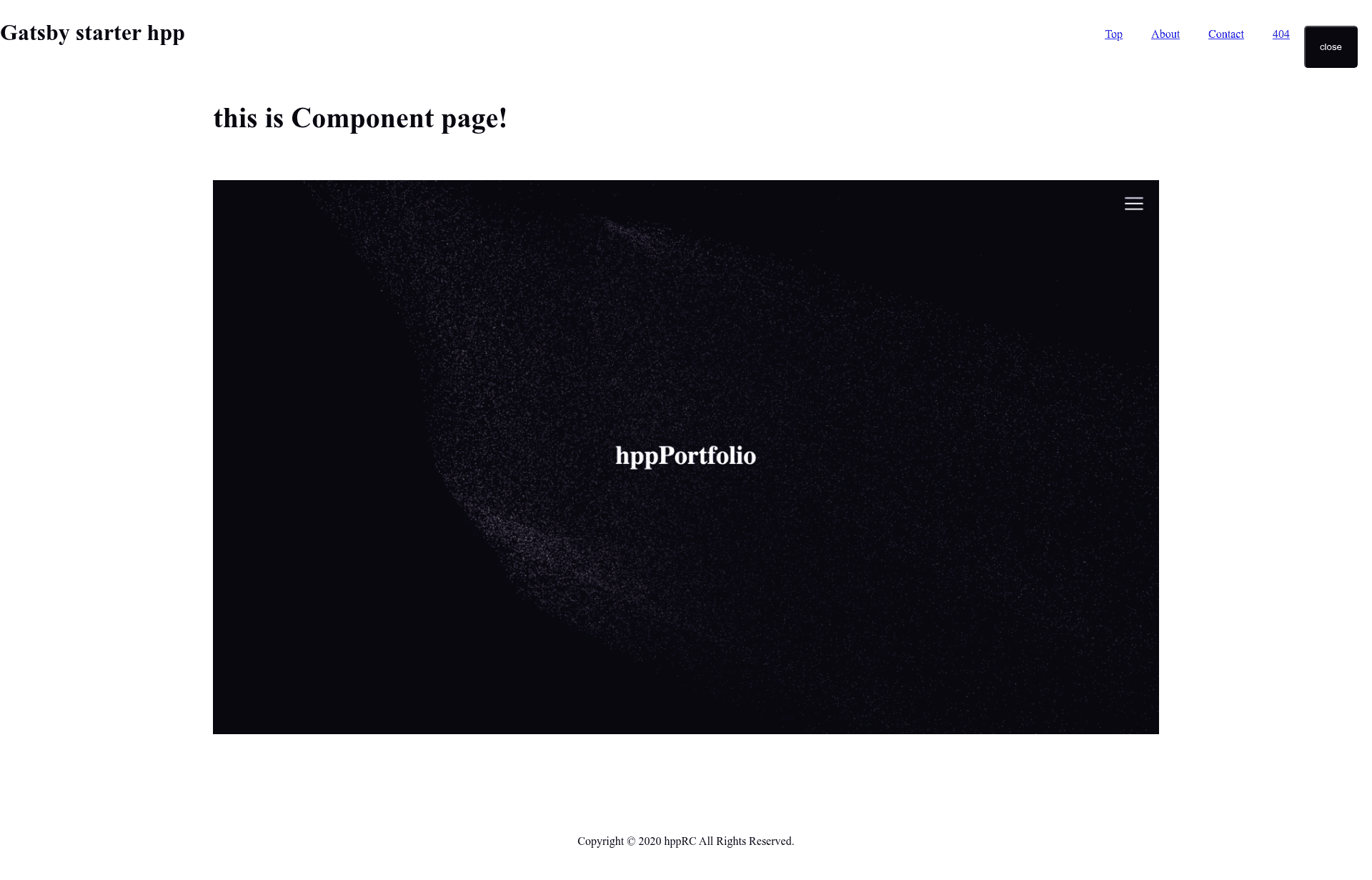
Template details
Gatsby Starter Hpp
A simple Gatsby starter with TypeScript and many tools
About this template
Gatsby Starter Hpp is a minimal, TypeScript-based starter for Gatsby that provides a pre-configured static site skeleton with GitHub Actions CI workflows, Lighthouse checks, and ready-to-use deployment for Netlify and GitHub Pages.
What is Gatsby Starter Hpp?
Gatsby Starter Hpp is a minimal Gatsby starter built with TypeScript. It takes the standard Gatsby skeleton and adds TypeScript support, MDX content integration, and automated GitHub Actions workflows. The template outputs a static website that can be built locally or deployed via the included pipelines. The repository is maintained by hppRC and hosted publicly on GitHub.
Key Features
- TypeScript support — the starter is written in TypeScript, so all source files get static type checking.
- MDX integration — content is authored in MDX, mixing Markdown with embedded JSX for interactive components.
- Lint workflow — GitHub Actions runs a linter on every push to enforce code style.
- Build and Lighthouse CI workflow — a second workflow builds the project and runs Lighthouse audits for performance, accessibility, and SEO.
- GitHub Pages deployment — a dedicated workflow publishes the built site to GitHub Pages.
- Netlify readiness — the README includes a Netlify deployment status badge, showing the starter has been deployed to Netlify.
- Minimal setup — only two commands are needed to start developing:
yarnto install dependencies andyarn startto launch the dev server.
Who is it for?
Developers who want a lean Gatsby starter with TypeScript pre-configured, without the complexity of larger templates. It suits developers deploying to Netlify or GitHub Pages who want CI checks like Lighthouse running automatically. It also works for content-focused developers who want MDX to combine Markdown with React components, and for anyone learning how Gatsby, TypeScript, and GitHub Actions work together.
Use cases
- Static site developers: scaffold a Gatsby project with TypeScript and automated workflows from the start, skipping manual configuration.
- Performance-conscious teams: rely on the built-in Lighthouse CI workflow to catch performance regressions on every push.
- MDX content authors: write pages in MDX, embedding JSX directly in Markdown for custom interactive sections.
How does it work?
Clone the repository and run yarn to install Node modules. Then run yarn start to start the Gatsby development server. On each push, GitHub Actions workflows run linting and Lighthouse CI, and a separate workflow can deploy the production build to GitHub Pages.
FAQ
What Node.js version does Gatsby Starter Hpp require?
The README recommends Node.js version 14.0.0 and yarn version 1.22.4. Using these versions ensures the starter's dependencies and scripts behave as tested by the maintainer.
How do I create a new site with this starter?
Clone the GitHub repository, install dependencies with yarn, and start the development server with yarn start. The project is a complete Gatsby skeleton, so no additional CLI commands are needed beyond the standard Gatsby workflow.
What CI workflows are included?
Three GitHub Actions workflows are visible: a Lint workflow, a Build project and Run Lighthouse CI workflow, and a GitHub Pages deployment workflow. These run automatically on pushes to keep code quality high and publish the site.