Template details
MVPable
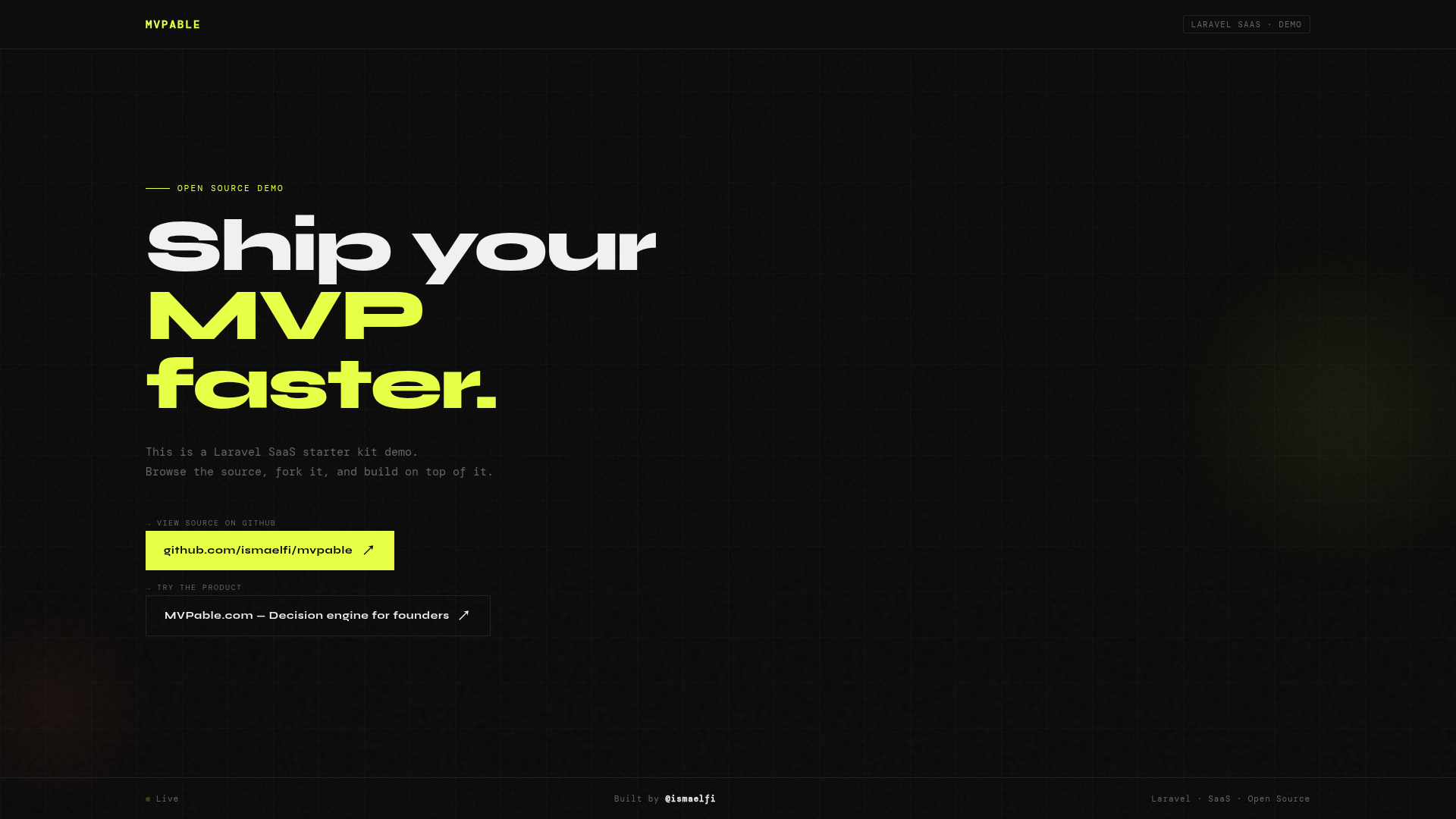
Complete SaaS starter kit based on the TALL stack (Tailwind CSS 4, Alpine.js, Laravel 12, Livewire 3) and Filament Admin Panel 4.
About this template
MVPable is a TALL stack (Tailwind CSS 4, Alpine.js, Laravel 12, Livewire 3) SaaS starter kit with a Filament admin panel, Stripe billing, and production-ready SEO, built to launch a subscription-based product quickly. It is released under the MIT license and the source is available on GitHub.
What is MVPable?
MVPable is an open-source SaaS boilerplate that provides the foundational parts of a subscription product: user authentication, account management, Stripe subscription checkout, a customizable admin panel, and a centralized branding and SEO configuration. It runs on Laravel 12 with Livewire 3 and Filament Admin Panel 4, and it produces a working web app with a responsive frontend styled by Tailwind CSS 4 and DaisyUI. The template is built by ismaelfi and aims to reduce the setup time for an MVP.
Key Features
MVPable's main features are the prebuilt admin, billing, and SEO tooling:
- TALL stack — Built on Tailwind CSS 4, Alpine.js, Laravel 12, and Livewire 3, with a Filament Admin Panel 4 for back-office management.
- Stripe subscriptions — Includes Stripe checkout integration, subscription plans, and billing cycle management; the admin panel can import your Stripe plans into pricing cards.
- User management — Prebuilt registration, login, password reset, user profiles, account settings, and activity logs.
- Branding + SEO configuration — A single
config/branding.phpfile controls the site name, tagline, description, support contacts, SEO defaults (title, description, keywords, OG, robots), and brand assets like logo, mark, favicon, and OG image. - Advanced SEO — Ships with Google Sitelinks optimization (SiteNavigationElement and BreadcrumbList schemas), structured data for Organization, WebSite, Article, and FAQPage, enhanced meta tags (Open Graph, Twitter Cards, Article metadata), automatic sitemap generation with lastmod dates, and an optimized robots.txt.
- Theme system — Responsive design with Tailwind CSS and DaisyUI, including two ready themes (dark and light) and access to 32 DaisyUI themes.
- Developer tooling — One-command setup via
php artisan dev:setup(copies.env, generates app key, runs migrations and seeders) and CI/CD pipelines with GitHub Actions. - Security — Blocks disposable email addresses to reduce spam and non-serious signups.
Who is it for?
MVPable is for developers and founders who need to ship a subscription SaaS quickly, and it gives concrete value to these roles:
- Indie hackers and solo founders launching a subscription SaaS who want auth, Stripe billing, and an admin panel ready in minutes instead of weeks.
- Laravel developers building client projects who want a maintainable starting point with a Filament admin, SEO foundation, and clear configuration files.
- Agencies and freelancers delivering MVPs fast who can reuse MVPable as a repeatable base and customize the branding via environment variables.
What can you do with MVPable?
With MVPable you can go from a fresh clone to a working subscription app, and these are the concrete tasks it enables:
- Set up recurring billing: Connect a Stripe account, configure plans in the admin panel, and let users sign up and manage their subscriptions through Stripe checkout.
- Publish SEO-optimized content: Use the article SEO blade component with breadcrumbs and published time to mark up posts for rich results.
- Generate sitemaps automatically: The built-in sitemap command (
php artisan sitemap:generate) creates an XML sitemap with lastmod dates, and it also runs daily by default. - Customize the brand from one place: Change the site name, SEO tags, and brand assets either in
config/branding.phpor through.envvariables likeBRAND_NAMEandBRAND_SEO_TITLE.
How does MVPable work?
After cloning the repository, you install PHP and JavaScript dependencies, then run php artisan dev:setup to copy the .env file, generate an application key, set up the database, and execute migrations and seeders. Next you configure config/branding.php or environment variables for your brand and SEO, build assets with npm run build, and start the dev server with php artisan serve. The app then runs at http://localhost:8000 with the admin panel, auth, and Stripe features ready.
FAQ
Is MVPable free?
Yes. MVPable is open-source and released under the MIT license, so you can use it for commercial projects without a subscription fee.
What stack does MVPable use?
MVPable uses the TALL stack: Tailwind CSS 4, Alpine.js, Laravel 12, and Livewire 3. The admin panel is built with Filament Admin Panel 4, and the frontend leverages DaisyUI for themes.
Does MVPable include Stripe integration?
Yes. MVPable ships with Stripe checkout integration, subscription plans, billing cycles, and an admin interface to import your Stripe plans into pricing cards.
What are the installation requirements?
The prerequisites are PHP 8.3 or higher, Composer 2.x, Node.js 18 or higher with npm, and MySQL 8.0+ or PostgreSQL 13+. Redis is optional for caching and queues.
How do I customize branding and SEO?
You can edit config/branding.php or set environment variables such as BRAND_NAME, BRAND_DESCRIPTION, BRAND_SEO_TITLE, and BRAND_SEO_ROBOTS. The SEO defaults, meta tags, structured data, and sitemap behavior are all controlled from this configuration.