Template details
Gatsby TypeScript Tailwind
Build static sites with this Gatsby, TypeScript, and Tailwind CSS boilerplate.
About this template
Gatsby TypeScript Tailwind is a boilerplate starter template that preconfigures the Gatsby static site generator with TypeScript and Tailwind CSS so you can build a new site without manually setting up the toolchain.
What is Gatsby TypeScript Tailwind?
Gatsby TypeScript Tailwind is an open-source starter project that combines the Gatsby static site framework, the TypeScript language, and the Tailwind CSS utility system into one minimal codebase. It produces a local development server with hot reloading when you run the Gatsby Develop command, and it can be built into a production static site. The repository is maintained by the GitHub user impulse and is published under the MIT license.
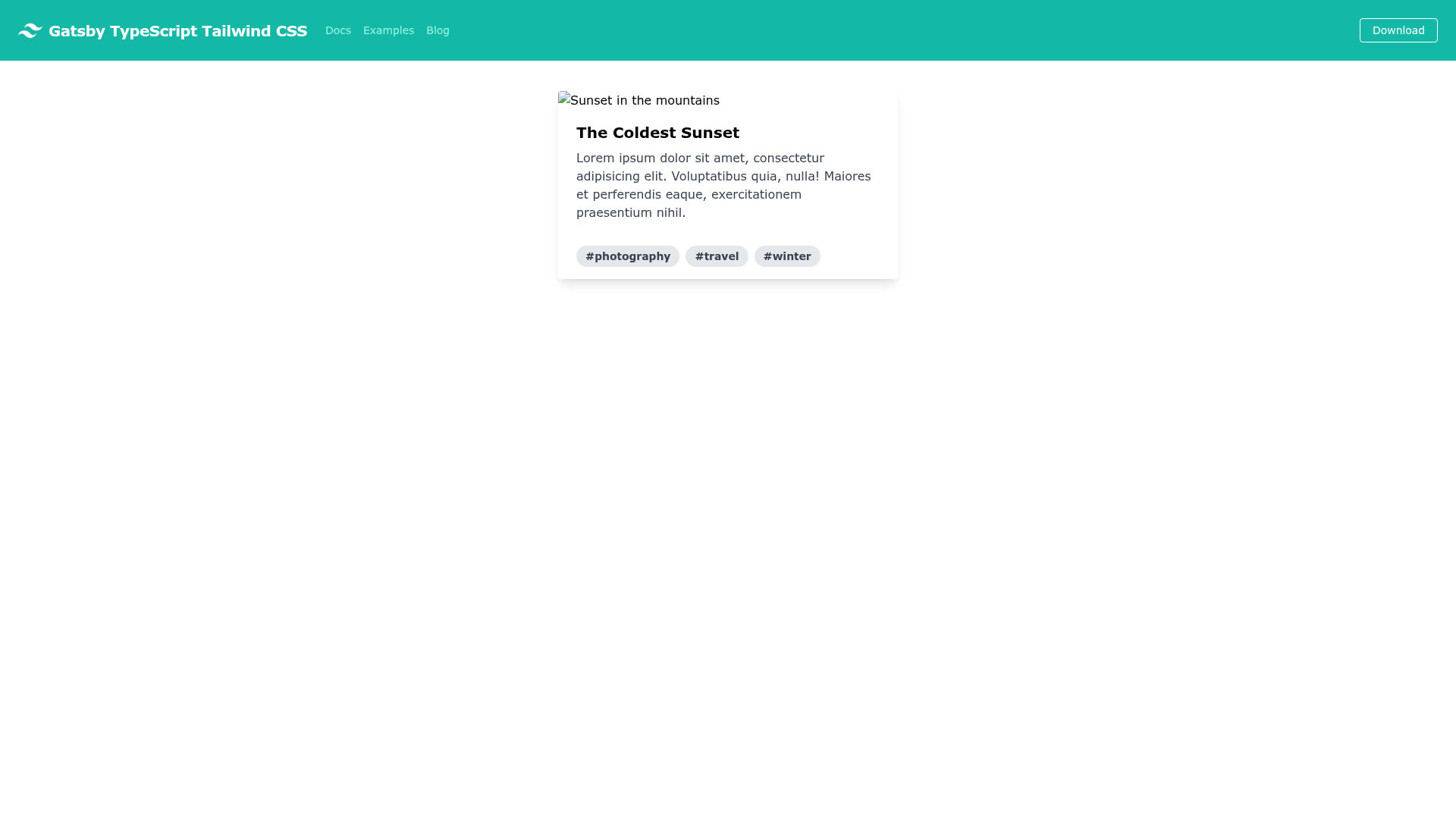
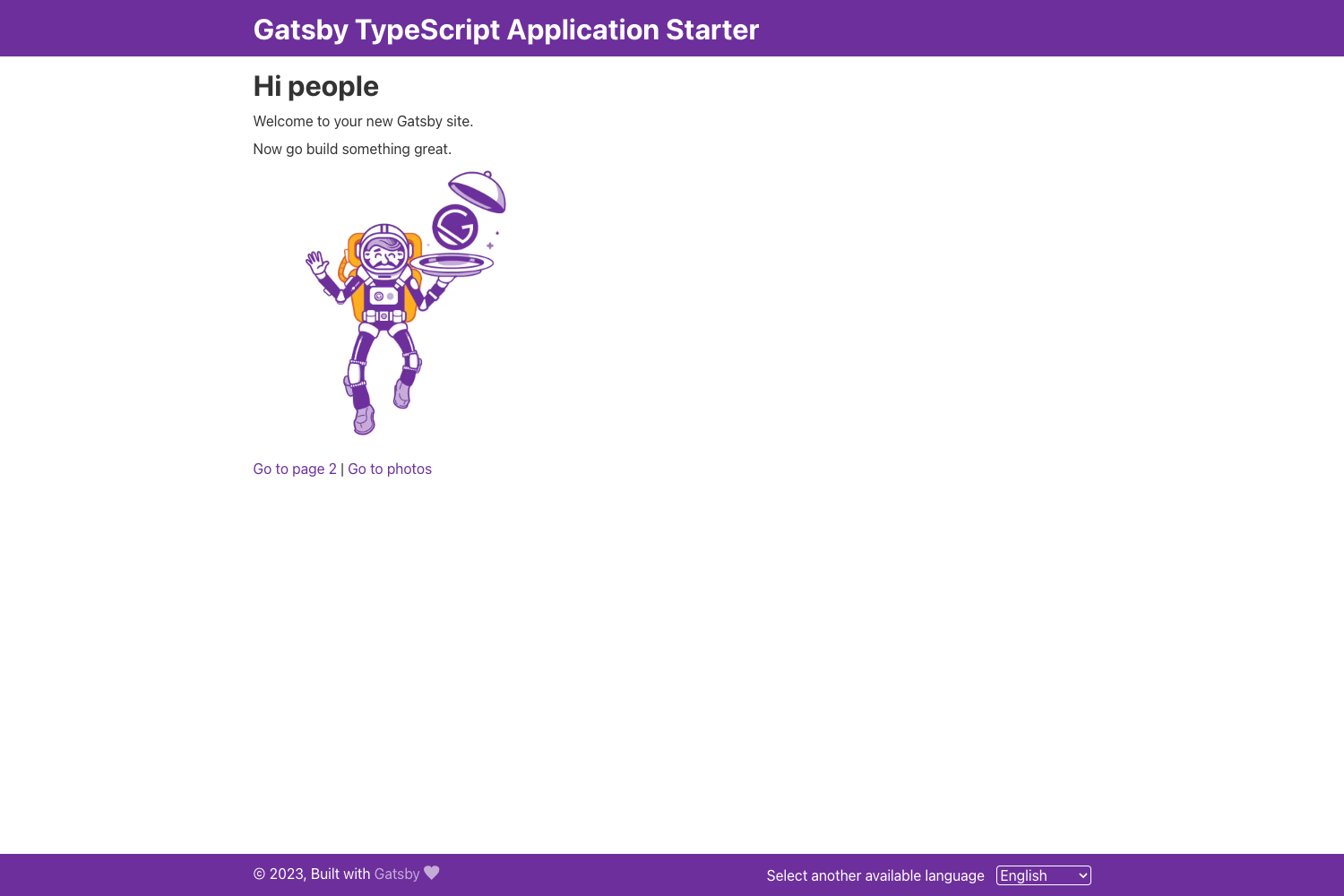
The template includes a single example page at src/pages/index.tsx, a GraphiQL query interface at localhost:8000/___graphql, and a configuration that lets you style components directly with Tailwind utility classes in TSX files. Because it is a boilerplate rather than a complete theme, you start with minimal pages and add your own routes and content.
Key Features
- TypeScript preconfiguration — The starter includes TypeScript support out of the box, so you can write typed components in .tsx files and have them compiled by Gatsby.
- Tailwind CSS integration — Tailwind's utility-first classes are set up and ready to use, letting you style elements directly in markup without writing custom CSS.
- Gatsby development server — Running gatsby develop starts a live server with hot module replacement and opens the GraphiQL data explorer at a second URL.
- GraphiQL explorer — The built-in GraphQL IDE at localhost:8000/___graphql lets you query and test the site's data during development.
- Minimal structure — The project contains just the essentials, with a single home page and a clear file layout for adding pages and components.
- MIT license — The starter is free for personal and commercial use, with no restrictions beyond preserving the copyright notice.
- All-contributors specification — The README includes a contributors table and a badge that follows the all-contributors guidelines.
Who is it for?
- Developers new to Gatsby who want a working TypeScript and Tailwind setup without reading through separate setup guides can clone this starter and start editing immediately.
- Front-end teams that standardize on TypeScript and Tailwind can use this repo as a baseline for internal projects and content sites.
- Open-source maintainers looking for a small, well-structured foundation for a docs site or personal page can extend the existing home page and GraphQL data layer.
What can you do with Gatsby TypeScript Tailwind?
- Create a custom static site: Replace the content in src/pages/index.tsx with your own components, using Tailwind classes to style everything from buttons to layouts.
- Prototype design ideas: Leverage Tailwind's utility classes with hot reloading to test color, typography, and spacing variations in real time.
- Learn Gatsby and GraphQL: Use the GraphiQL interface to experiment with queries on the starter's data and understand how Gatsby builds pages.
How does it work?
Clone the repository, navigate into the folder, and run gatsby develop. The terminal then starts a local server at localhost:8000 that reloads whenever you save changes. To experiment with data, visit localhost:8000/___graphql, and to customize the homepage, edit src/pages/index.tsx.
Pricing
Gatsby TypeScript Tailwind is free. It is released under the MIT license, which allows commercial and personal use without cost.
FAQ
Is Gatsby TypeScript Tailwind free?
Yes, the starter is fully free and open source. It uses the MIT license, so you can use it for any project, including commercial work, without paying a fee.
How do I start a new site with Gatsby TypeScript Tailwind?
Run the git clone command from the README, change into the project directory, and execute gatsby develop. Your site will be available at localhost:8000, and the GraphiQL data explorer can be opened at localhost:8000/___graphql.
Does this template come with Tailwind CSS?
Yes, Tailwind CSS is preconfigured as part of the starter, and the example page uses Tailwind utility classes within a .tsx file so you can style components directly.
What is the all-contributors badge?
The badge and contributors table in the README follow the all-contributors specification, which provides a standardized way to recognize contributions to open-source projects.