Template details
Havyt Next
A Next.js boilerplate starter with TypeScript, Tailwind CSS, Prisma setup, and Railway deployment instructions.
About this template
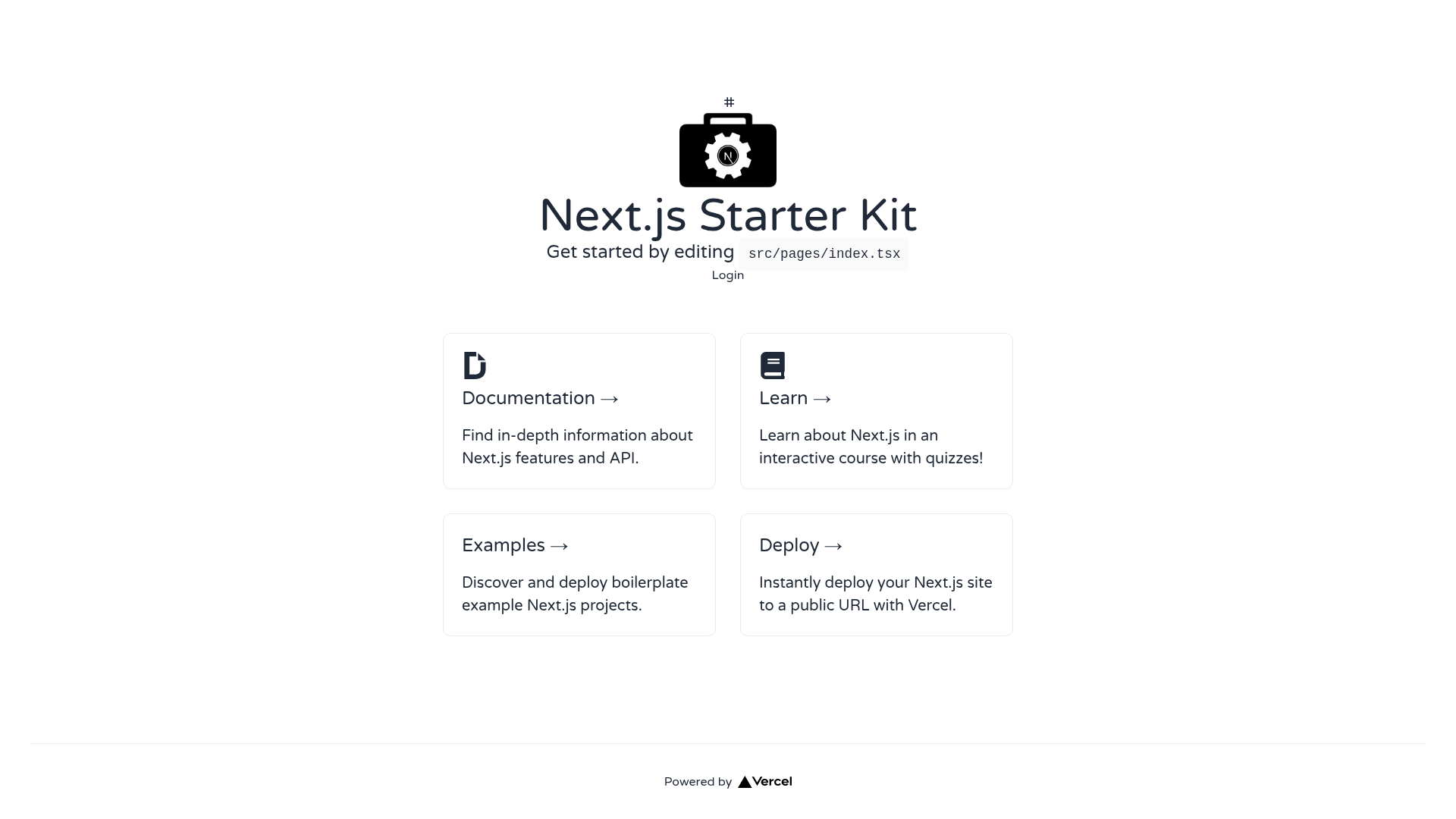
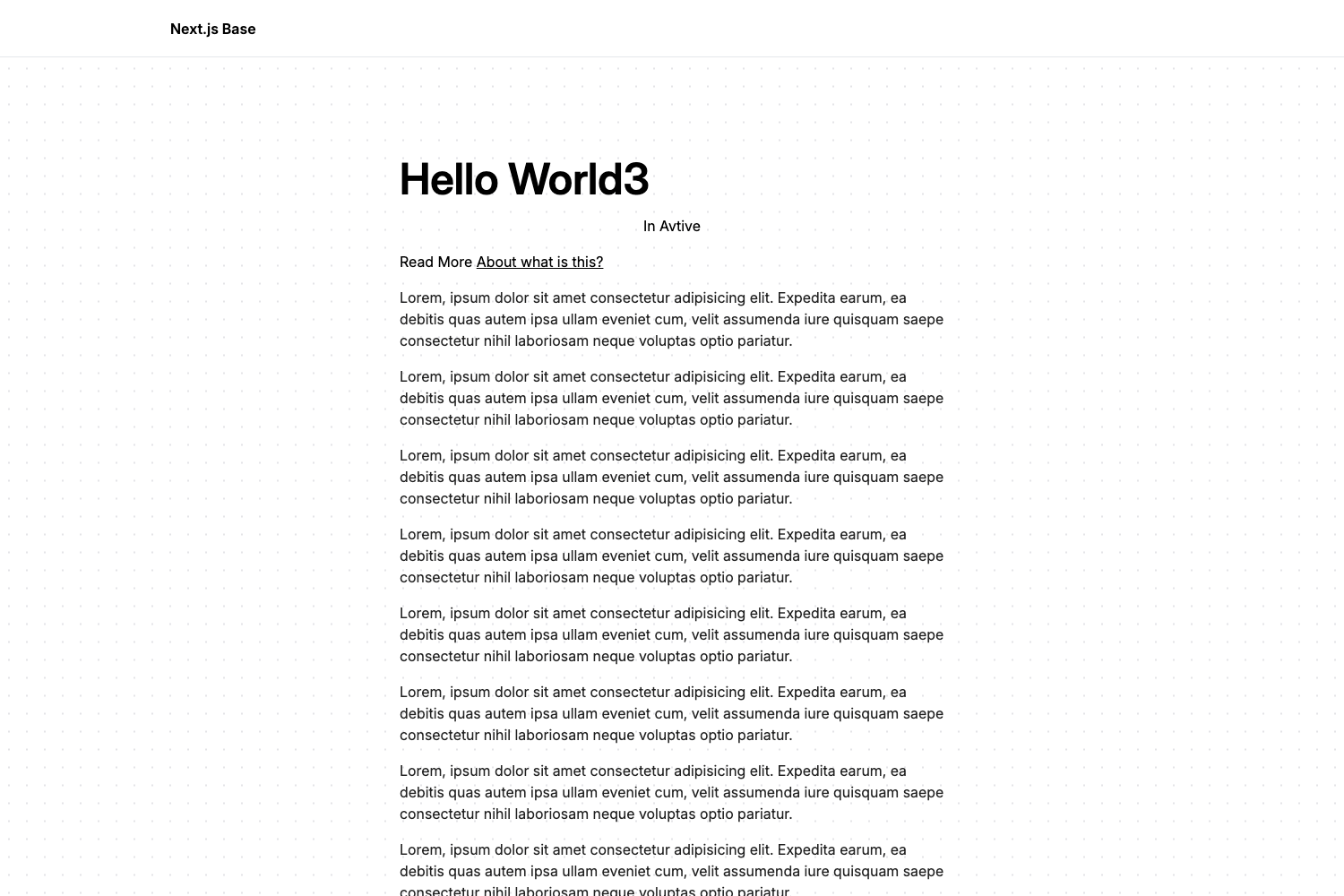
Havyt Next is a Next.js boilerplate starter that bundles TypeScript, Tailwind CSS, ESLint, Prettier, pre-configured SEO, and a ready-made Message/Alerts component so you can begin building a web app immediately.
What is Havyt Next?
Havyt Next is a starter template for Next.js that gives you a typed codebase in TypeScript, utility-first styling via Tailwind CSS, and a consistent developer toolchain with ESLint and Prettier. It runs on the Next.js framework, uses the src/pages/api directory for serverless API routes, and includes a sample endpoint at src/pages/api/hello.ts. The repository also provides step-by-step instructions for wiring up a PostgreSQL database through Prisma and deploying the app on Railway.
Key Features
- TypeScript — The entire codebase is written in TypeScript, providing static typing for components, pages, and API routes from the start.
- Tailwind CSS — Tailwind is pre-installed so you can style elements with utility classes directly in your JSX without maintaining separate CSS files.
- ESLint — Static analysis is configured to flag errors and enforce code quality as you write.
- Prettier — Automatic formatting is set up to keep code style consistent across your project.
- Pre-configured SEO — The template includes SEO meta tags and best practices, so pages are better prepared for search engines.
- Icons & SVG support — Icons and SVG assets can be imported and used without additional configuration.
- Message/Alerts component — A reusable message and alert component ships with the template so you can display notifications out of the box.
- API routes ready — The
src/pages/apidirectory is mapped to/api/*, and a sample hello endpoint is included atsrc/pages/api/hello.ts.
Who is it for?
- Next.js developers who want to skip project scaffolding and go straight to writing features in a TypeScript + Tailwind environment.
- Full-stack developers who plan to use Prisma with a PostgreSQL database and want a working setup guide that includes database seeding and Prisma Studio.
- Developers deploying to Railway who need a deployment walkthrough that covers Railway CLI login, project linking, and environment variable configuration.
What can you do with it?
- Start a web app quickly: Clone the repo, run
npm run devoryarn dev, and the app is available athttp://localhost:3000with hot-reloading as you edit files. - Build API endpoints: Add new files under
src/pages/apito create serverless functions that are automatically routed under/api/*. - Connect a database: Follow the Prisma setup to define a schema, point your
DATABASE_URLto a PostgreSQL connection string, seed the database withnpx prisma db seed --preview-feature, and inspect data usingprisma studio.
How does it work?
The README describes a setup flow: install and log in to the Railway CLI, initialize a project, copy the PostgreSQL connection URL from the Railway plugin page, set it as DATABASE_URL in your .env file, then run railway up to deploy. After that, initialize Prisma with prisma init, generate the Prisma Client, and use npx prisma db seed --preview-feature to load initial data before starting the development server.
FAQ
How do I start the development server for Havyt Next?
Run npm run dev or yarn dev in the project root and open http://localhost:3000 in your browser. Editing pages/index.js (or the TypeScript equivalent) will auto-update the page as you save.
What database does Havyt Next use?
The Prisma setup instructions say to keep postgresql as the database type. The README shows how to get a PostgreSQL connection URL from Railway and set it as DATABASE_URL in your .env file.
Does Havyt Next come with API routes?
Yes. The src/pages/api directory is mapped to /api/* and the template includes a sample endpoint at src/pages/api/hello.ts. Files added to this directory become serverless API routes.