Template details
Tailwind 4 Angular Starter
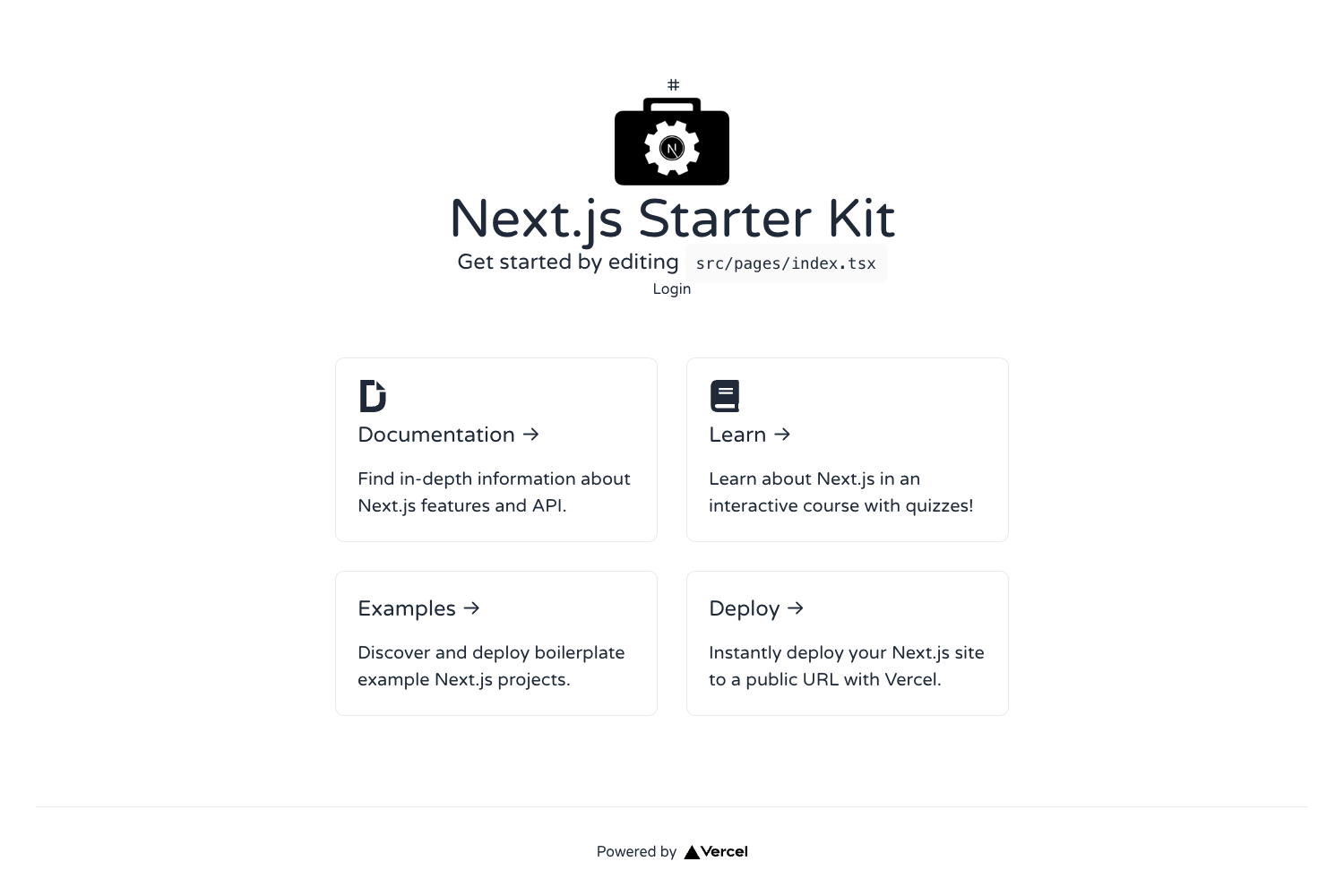
Free and open-source starter project to help you get started with Angular, Tailwind CSS and the Flowbite UI components
About this template
Tailwind 4 Angular Starter is a free and open-source boilerplate that walks you through creating an Angular project styled with Tailwind CSS and enhanced with interactive Flowbite UI components.
What is the Tailwind 4 Angular Starter?
This starter project is a step-by-step setup guide plus configuration files that take you from an empty Angular CLI project to one running Tailwind CSS and the Flowbite component library. It produces an Angular application on localhost:4200 with utility-first styling and interactive UI components such as navbars, modals, cards, buttons, and dropdowns.
Key Features
- Angular CLI setup — Instructions for installing the Angular CLI globally with
npm install -g @angular/cliand creating a new project withng new flowbite-app, where you select "CSS" as the stylesheet option. - Tailwind 4 integration — Uses the current Tailwind CSS 4 toolchain: installs
tailwindcss,@tailwindcss/postcss, andpostcssvia npm, then configures a.postcssrc.jsonfile and adds@import "tailwindcss"to the globalstyles.css. - Flowbite component activation — After
npm install flowbite, the guide shows how to import the default theme, the Flowbite plugin, and source files, then callinitFlowbite()fromapp.component.tsso components work via data attributes. - Server-side rendering support — Provides a
FlowbiteServicethat dynamically imports the library only in the browser usingisPlatformBrowser, preventing the "document is undefined" error in SSR applications. - Prebuilt UI library access — Once configured, the project connects to the Flowbite UI Library and Blocks, giving access to marketing, feature, and dashboard sections.
Who is it for?
- Angular developers who want to add a utility-first CSS framework and a ready-made component set to their projects without writing custom CSS from scratch.
- Tailwind CSS beginners who need a working
postcssconfiguration and can follow the Angular-specific setup steps to see Tailwind 4 in action. - Full-stack teams using Angular with SSR that need a correct pattern for loading Flowbite in a browser-only context while keeping server rendering intact.
What can you do with it?
- Prototype an Angular interface fast — Scaffold a project, drop in Flowbite's navbar, modal, and button markup, and get interactive behavior without writing JavaScript.
- Set up a design system foundation — Use the Tailwind utility classes and Flowbite theme variables as the starting point for consistent spacing, color, and typography across an app.
- Integrate Flowbite into an existing Angular app — The guide's steps for installing Flowbite and initializing it in
app.component.tsapply to any Angular project, not just the starter.
How does it work?
The guide works as a sequence of terminal commands and file edits. You first create an Angular project with the CLI, then install Tailwind via npm and set up PostCSS, then install Flowbite and configure its theme and plugin in your CSS, and finally import and call initFlowbite in your root component. For SSR, you replace that direct import with a service that loads Flowbite dynamically on the client.
Pricing
The starter project is free and open source, and both Tailwind CSS and the Flowbite library are free to use.
FAQ
Is the Tailwind 4 Angular Starter free?
Yes, the starter project is free and open source, as are Tailwind CSS and the Flowbite UI library. You can use them in personal and commercial projects without a license fee.
Does the starter work with Angular SSR?
Yes. The guide includes a FlowbiteService that uses isPlatformBrowser to dynamically import Flowbite only in the browser. This avoids the "document is undefined" error that can occur after Flowbite version 2.4.1 in server-side rendered applications.
What UI components are included?
Flowbite provides interactive components such as navbars, modals, cards, buttons, and dropdowns. They are activated through data attributes after calling initFlowbite. The starter also links to the wider Flowbite UI Library and Blocks collection.
Do I need to install any extra tools?
You need Node.js to use the Angular CLI. The commands include installing the Angular CLI globally, creating a project, and running ng serve --open. No additional build tools are required beyond the npm packages listed.