Template details
Gwc Home
Next.js starter template for the Gwc Home non-profit site, with Tailwind CSS, API routes, and Vercel deployment.
About this template
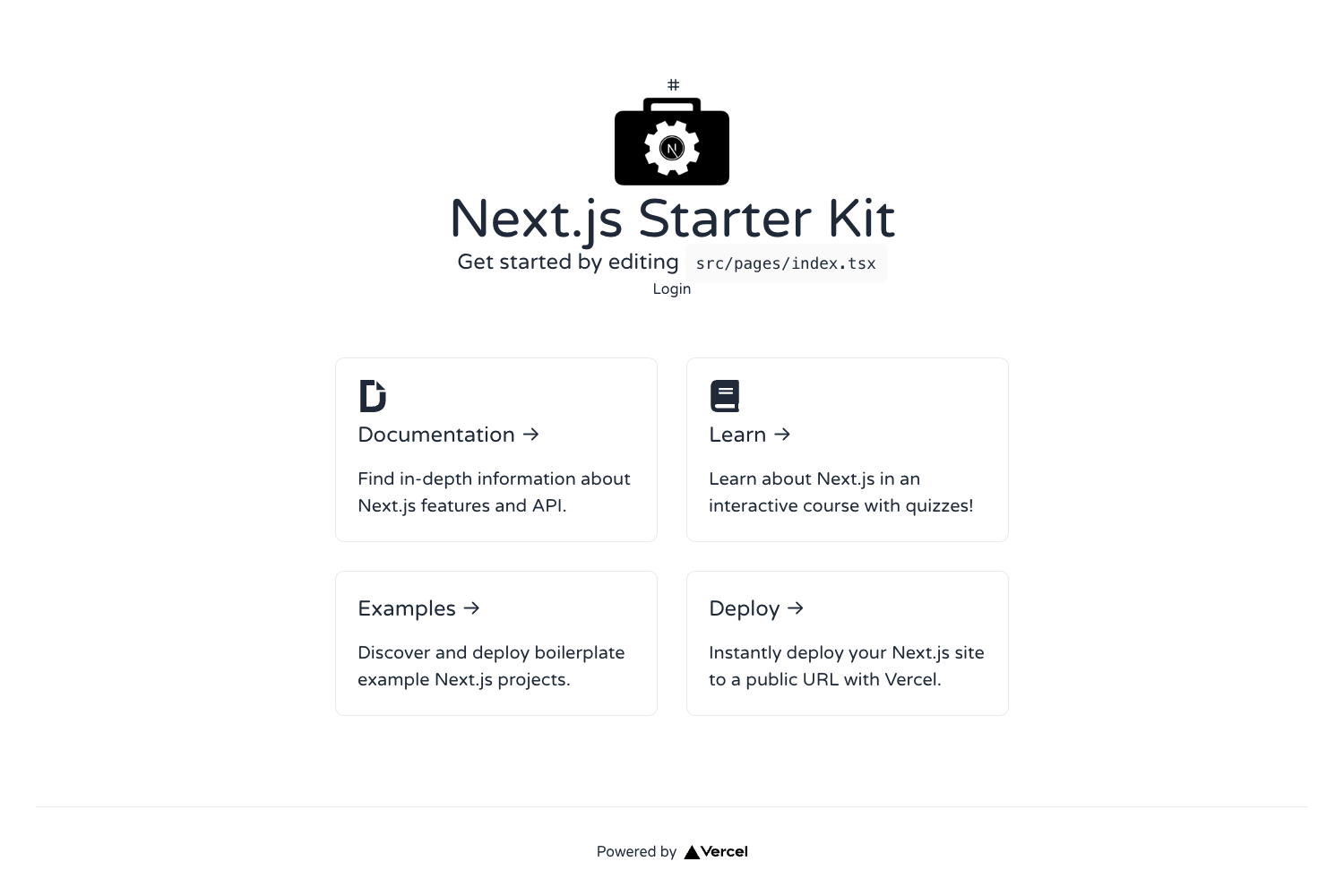
Gwc Home is a Next.js starter project for a non-profit organization's home page, bootstrapped with create-next-app and styled with Tailwind CSS. It provides a minimal file structure with a pages directory for React pages and API routes, and it deploys easily on Vercel.
What is Gwc Home?
Gwc Home is a boilerplate web project built with Next.js, the React framework from Vercel. It was created using create-next-app and includes the default starter files: a home page at pages/index.js, a global stylesheet, and an example API route at pages/api/hello.js. The repository tags include tailwindcss and tailwindui, indicating the template is associated with the Tailwind CSS utility framework and the Tailwind UI component library. It runs as a server-rendered React application that can output static and dynamic pages.
Key Features
- Next.js framework — Uses file-based routing in the pages directory, with automatic code splitting and server-side rendering support.
- API routes — The pages/api directory maps to /api/*, so files there become serverless endpoints; the included hello endpoint returns a JSON response.
- Tailwind CSS — Referenced in the repository tags and source hints, pointing to a utility-first styling setup via PostCSS.
- Tailwind UI — The tailwindui tag suggests integration with the Tailwind UI library of pre-built components.
- Live development server — Commands
npm run devoryarn devstart the app on http://localhost:3000, with hot reloading as pages are edited. - Vercel deployment — The README links to the Vercel Platform for deployment, and Next.js is natively supported on that host.
Who is it for?
- Non-profit organizations — Launch a home page for a cause or community group using a pre-built Next.js setup.
- React developers — Begin a new project with the familiar create-next-app structure and Tailwind already integrated.
- Learners — People following the Next.js tutorial can use this template to explore file-based routing and API routes.
What can you do with Gwc Home?
- Non-profits: Customize pages/index.js to present the organization's mission, events, and donation links without starting from scratch.
- Developers: Add new files under pages/api to create backend endpoints for forms, newsletters, or data queries.
- Designers: Use Tailwind utility classes to restyle layouts quickly and ship a responsive site on Vercel.
How does Gwc Home work?
The workflow is described in the README: run npm run dev to start the local server, edit pages/index.js to change page content, and the browser updates automatically. API endpoints are placed in the pages/api directory and can be tested at URLs like /api/hello. For production, connect the repository to Vercel and deploy through its standard process.
FAQ
How do I run Gwc Home locally?
After cloning the repository, install dependencies and run npm run dev or yarn dev in the project root. The site will be available at http://localhost:3000.
What does the pages/api directory do?
The pages/api directory is mapped to /api/*. JavaScript files placed there become serverless API routes instead of React pages. The starter includes pages/api/hello.js as an example.
Can I deploy Gwc Home to Vercel?
Yes, the README provides a link to the Vercel Platform for deploying the Next.js app. Next.js also offers a deployment guide in its official documentation.
Is Tailwind CSS included in this template?
The repository tags include tailwindcss and tailwindui, and the source hints list Tailwind and PostCSS. The default create-next-app README does not mention Tailwind explicitly, but the project appears configured for it.