Template details
Next.js Starter
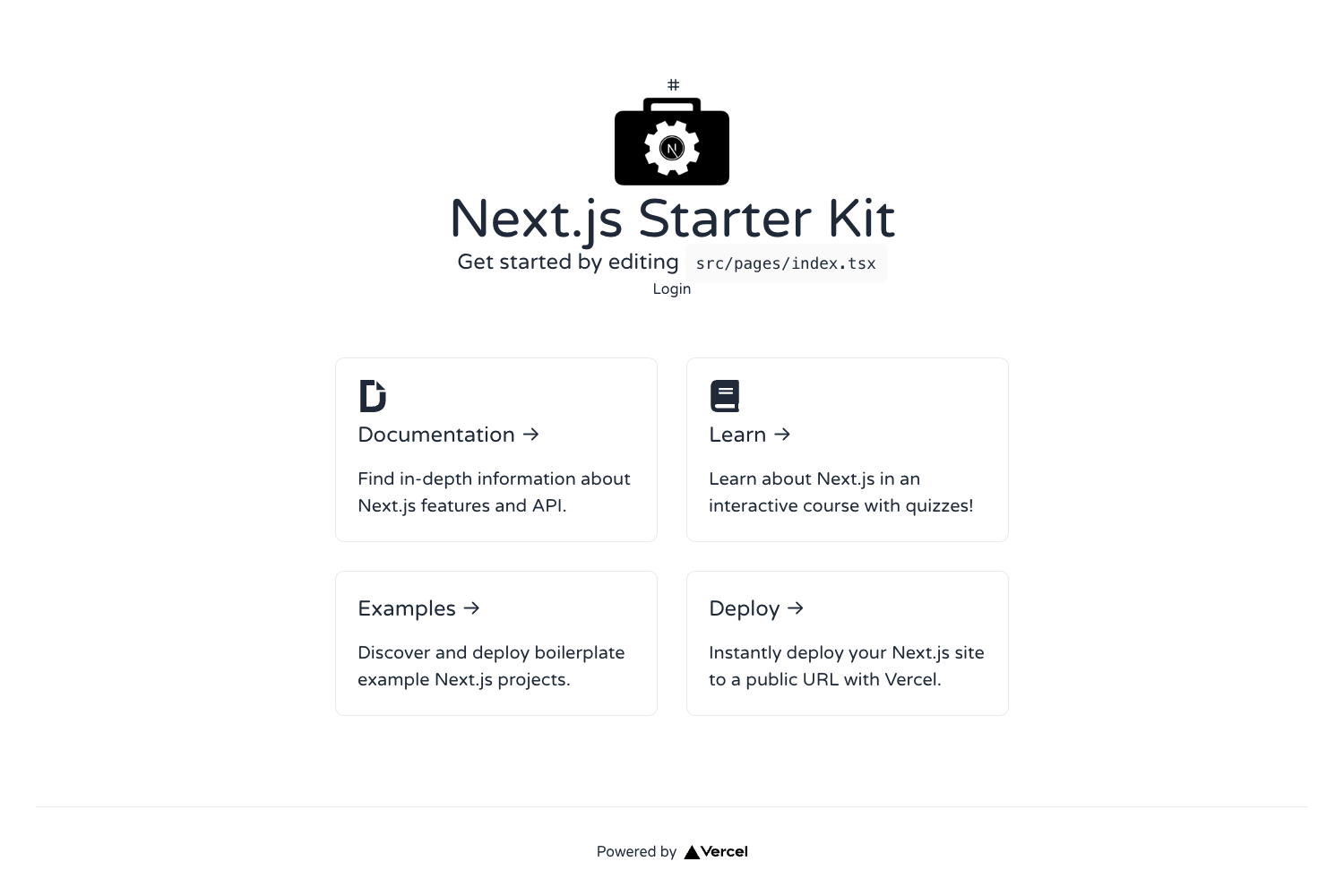
A minimal Next.js boilerplate with TypeScript, file-based routing, API routes, and Vercel deployment.
About this template
This is a Next.js starter project bootstrapped with create-next-app, the official scaffolding tool from Vercel. It provides a minimal React application with file-based routing, API routes, and TypeScript files already configured, ready to run locally or deploy to the Vercel platform.
What is the Next.js Starter?
The Next.js Starter is the default output of create-next-app, a command-line tool that generates a new Next.js project. It includes a pages directory for UI routes, a pages/api directory for backend endpoints, and TypeScript configuration (as seen in pages/index.tsx and pages/api/hello.ts). The project runs on Node.js and uses the Next.js framework. It produces a development server at http://localhost:3000 and can be built for production and deployed to Vercel.
Key Features
- File-based routing — Every file in the pages directory becomes a route; pages/index.tsx maps to the home page.
- API routes — Files in pages/api are mapped to /api/* and run server-side, so you can create backend endpoints without a separate server.
- TypeScript included — The starter references .tsx and .ts files, meaning TypeScript is set up by default.
- Hot reloading — Editing pages/index.tsx auto-updates the page in the browser while the development server runs.
- Simple dev commands — Run
npm run devoryarn devto start the local server. - Vercel deployment — The README points to the Vercel Platform as the easiest way to deploy, with a direct link from the project.
Who is it for?
Developers who want to start a new Next.js project without manually configuring Webpack, Babel, or routing. Teams building React applications that need server-side rendering or static generation can use this as a foundation. Learners following the Next.js documentation or Learn Next.js tutorial can use the starter as a sandbox for experimenting with pages and API routes.
What can you do with it?
- Web developers: create a new site by adding files to the pages directory, each mapping to a distinct URL.
- API developers: add endpoint files under pages/api to expose server-side logic at /api/* paths.
- Hackathon teams: get a working app with routing and API support in minutes, then deploy to Vercel for a live URL.
How does it work?
The README documents a simple workflow: start the development server with npm run dev or yarn dev, open http://localhost:3000, then edit files like pages/index.tsx. The server auto-updates on changes. API routes in pages/api are served on the same port. For production, the README recommends deploying through the Vercel Platform, which integrates directly with Next.js.
FAQ
How do I run the development server?
Use either npm run dev or yarn dev from the project root, then open http://localhost:3000 with your browser to see the result.
Where do I edit the home page?
The home page is defined in pages/index.tsx. Edits to that file auto-update the page in the browser while the dev server is running.
How do I create an API route?
Create a new file in the pages/api directory, such as pages/api/hello.ts. It becomes accessible at /api/hello and can export a function to handle requests.
How do I deploy the project?
The README says the easiest way to deploy is the Vercel Platform, which is built by the creators of Next.js. It links to the deployment documentation for more details.