Template details
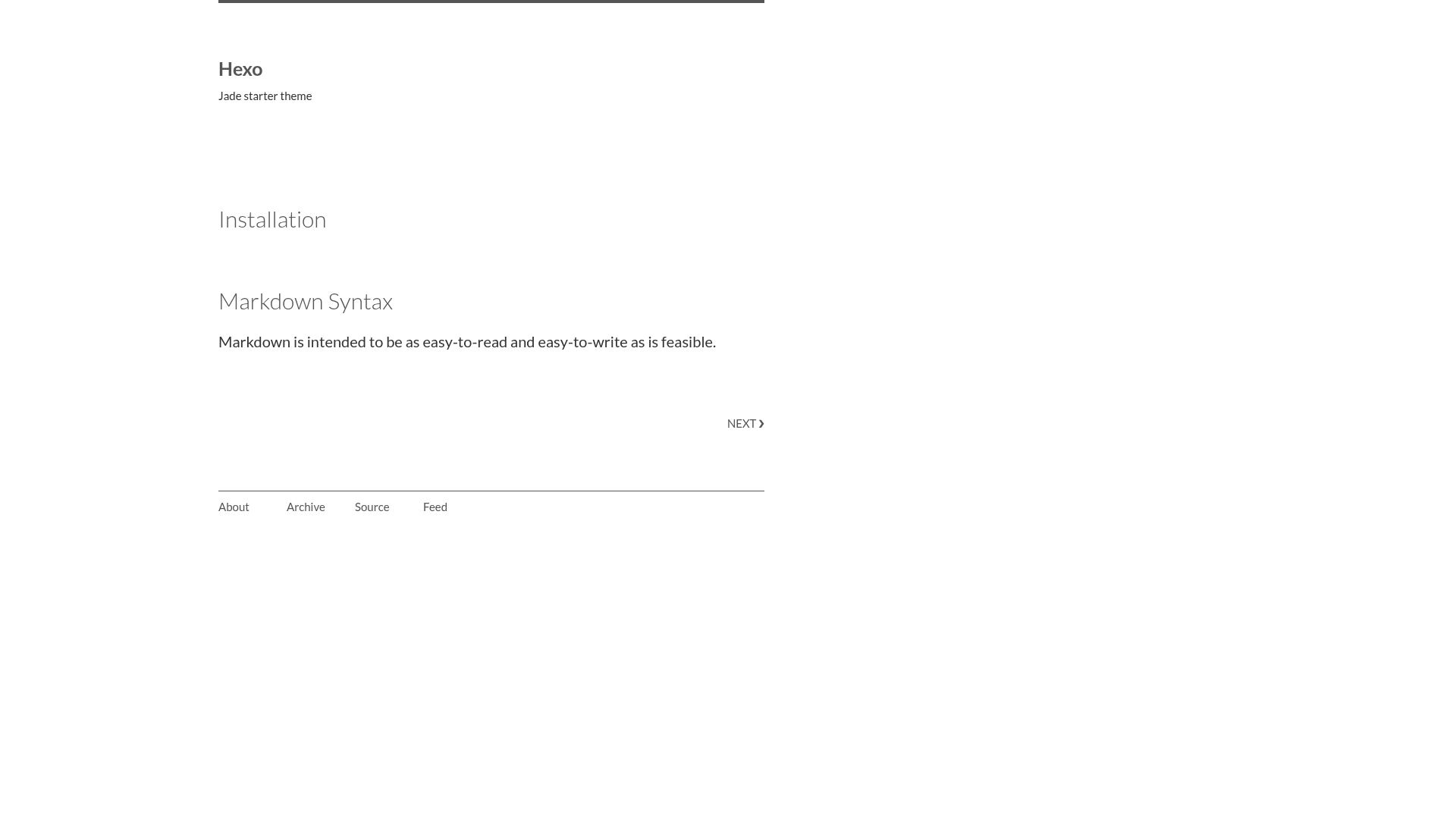
Hexo Jade Starter
Starter theme for Hexo implemented with Jade and Less.
About this template
Hexo Jade Starter is a boilerplate theme for the Hexo static site generator, implemented with Jade (Pug) templating and the Less CSS preprocessor, that gives developers a minimal foundation for building custom Hexo themes. The theme is published by widatama on GitHub and is intended as a starting point rather than a finished theme, so it ships with just the essential layout files and a development workflow.
What is Hexo Jade Starter?
Hexo Jade Starter is a starter theme for Hexo that replaces the default EJS or Swig templates with Jade and uses Less for stylesheets. It takes Hexo content as input and renders it into static HTML through Jade templates, while Less files compile into CSS. The theme is created by widatama and available on GitHub. Its single core function is to give theme authors a pre-configured base that demonstrates how to wire Jade and Less into Hexo.
What makes Hexo Jade Starter stand out?
- Jade templating — Uses Jade's indentation-based syntax to reduce typing compared to HTML, and supports template inheritance with
extendandblockfor flexible layout composition. - Less CSS compatibility — Less accepts standard CSS syntax, so existing CSS stylesheets can be dropped into the theme without conversion, unlike Stylus which requires converting CSS to Stylus syntax first.
- Hashgrid development helper — Includes Hashgrid, a JavaScript grid overlay tool; pressing the 'g' key on a local instance displays a grid overlay to check alignment during theme development.
- Structured development folders — Custom stylesheets go into
css/_dev/and are imported intocss/dev.less; JavaScript libraries are manually included inlayout/_partial/site/head.jadebefore thejavascript/devscript. - Simple installation — Installation requires installing the
hexo-renderer-jadeandhexo-renderer-lessnpm packages, cloning the repository into the Hexothemesfolder, and setting the theme config tojade-starter. - Extensible layout structure — The theme includes partial layout files such as
site/head.jade, giving developers a clear structure for adding custom components.
Who should use Hexo Jade Starter?
- Hexo theme developers — As a starting point for creating a custom theme using Jade instead of Hexo's defaults, avoiding the need to build file structure from scratch.
- Developers with existing CSS — Because Less supports standard CSS, you can reuse current stylesheets without converting them, saving effort when re-skinning a site.
- Static site builders — For those who want to leverage Hexo's content workflow while keeping full control over front-end markup with Jade.
Use cases
- Building a custom Hexo theme — Start from this scaffold and add your own Jade partials, layouts, and Less styles to produce a unique site, rather than forking a fully designed theme and stripping it down.
- Prototyping layouts — Use Jade's block inheritance to define reusable page structures and extend them per page, reducing duplication for common sections like headers and footers.
- Aligning designs during development — Press 'g' on your local Hexo server to toggle the Hashgrid overlay, which helps verify that elements align to a consistent grid while you write markup.
How does Hexo Jade Starter work?
Setup requires installing the hexo-renderer-jade and hexo-renderer-less packages, cloning the theme into themes/jade-starter, and selecting it in _config.yml. Custom styles are placed in css/_dev/ and imported into the main Less file; third-party scripts are included manually in the head partial before the development script because no bundling is provided. The theme then renders Hexo posts and pages through the Jade layouts using the configured Less styles.
Pros and cons
- Pro: Minimal and clean starter — no sample content or excess components to remove.
- Pro: Direct CSS compatibility through Less — migrate existing styles without rewriting them.
- Con: No JavaScript bundling — you must manually include third-party libraries and manage script load order.
FAQ
How do I add a third-party JavaScript library?
Include the script tags in layout/_partial/site/head.jade after your other third-party scripts but before the != js("javascript/dev") line, then initialize the library in source/javascript/dev.js. The theme's development script expects to load after those libraries, so order matters.
Does Hexo Jade Starter require both npm packages?
Yes. You must install both hexo-renderer-jade and hexo-renderer-less as dev dependencies in your Hexo site before the theme can render Jade templates and compile Less styles.
What should I do with css/_dev/?
Put your custom stylesheets into css/_dev/ and import them into css/dev.less. This keeps development styles separate from the compiled output and uses Less's importing mechanism.
Why choose Less over Stylus?
The theme's author chose Less because Less fully supports CSS syntax, so you can drop in existing CSS files directly without converting them. Stylus, while powerful, requires converting CSS to its syntax first, which is an extra step when reusing base styles.