Template details
SvelteKit Boilerplate
A SvelteKit starter app with nested routes, layouts, and page endpoints, optimized for Edge-first deployment on Vercel.
About this template
SvelteKit Boilerplate is a Vercel-published starter template for building SvelteKit applications, scaffolded by create-svelte and pre-configured for one-click deployment to Vercel's edge network.
What is SvelteKit Boilerplate?
SvelteKit Boilerplate is a minimal SvelteKit application scaffolded with create-svelte and optimized for deployment on Vercel. It takes a fresh SvelteKit project structure — with nested routes, layouts, and page endpoints — and gives you a working app that runs locally in development and builds to a production bundle you can preview or deploy. The template is maintained by Vercel and is part of the company's curated collection of examples and patterns for building scalable applications.
Key Features
- create-svelte scaffolding — The project is generated using the official create-svelte tool from the SvelteKit repository, giving you the standard SvelteKit file layout from day one.
- Vercel Deploy button — A one-click deploy flow clones the repository into Vercel and provisions a project with a live URL, demo title, and repo name pre-filled.
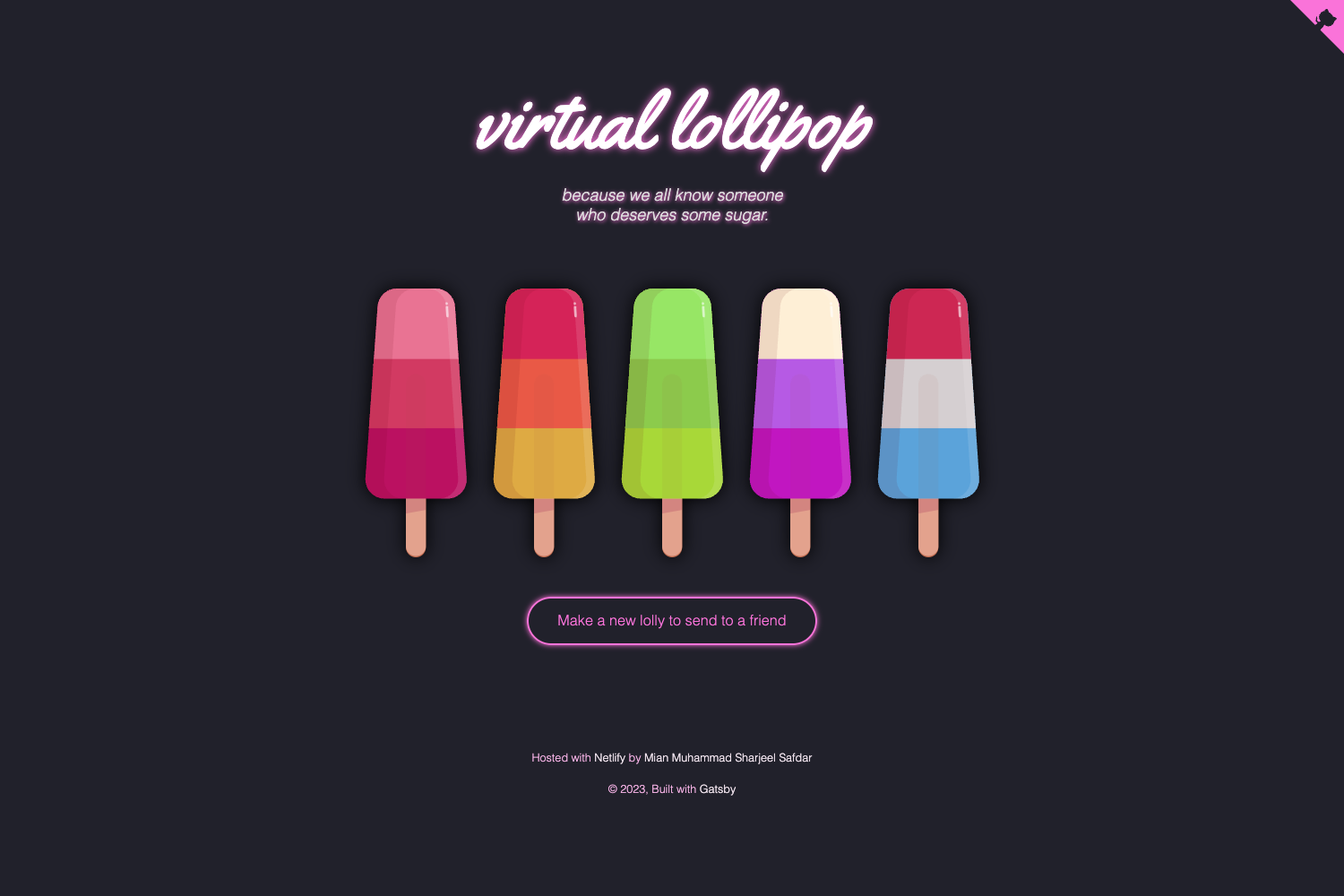
- Live demo — A hosted example runs at https://sveltekit-template.vercel.app so you can see what the built app looks like before you start.
- pnpm-based scripts — Development server (
pnpm run dev), production build (pnpm run build), and preview (npm run preview) are all defined in package.json. - Nested routes and layouts — Included as part of the create-svelte template, so your app starts with the routing conventions SvelteKit uses for layouts and page endpoints.
- Edge-first optimization — The demo description states the app is "optimized Edge-first," aligning with Vercel's deployment model for SvelteKit adapters.
Who is it for?
- SvelteKit beginners — Developers who want a known-good starting point from Vercel instead of hand-configuring a new project.
- Vercel users — Teams already on Vercel who want a template that deploys with a single click and follows platform conventions.
- Prototype builders — Anyone spinning up a quick SvelteKit proof-of-concept who needs a small, focused codebase to extend.
What can you do with it?
- Scaffold a new SvelteKit project: Clone or deploy the template, run
pnpm installandpnpm run dev, then start editing routes and layouts locally. - Deploy an Edge-first app to Vercel: Use the Deploy button to create a Vercel project without leaving the browser; the live URL is ready immediately.
- Preview production builds: Run
pnpm run buildfollowed bynpm run previewto test the built output locally before shipping it.
FAQ
How do I run this template locally?
Install dependencies with pnpm install, then start the development server with pnpm run dev. To launch it in a new browser tab, append -- --open to the command.
How do I create a production build?
Run pnpm run build to compile the app for production. After the build completes, you can preview the output locally with npm run preview.
How do I deploy this to Vercel?
Click the "Deploy with Vercel" button in the README, which copies the repository into a new Vercel project and provides a demo URL. Alternatively, connect your own GitHub repository and import it into Vercel.
What does "Edge-first" mean here?
The template's demo description describes the app as "optimized Edge-first," meaning it is built to run on Vercel's edge network using the platform's SvelteKit adapter rather than a traditional Node.js server.