Template details
Hexo + Netlify CMS Starter
Hexo blog starter with Netlify CMS, Material Design theme, language-based redirects, and one-click deploy to Netlify.
About this template
Hexo + Netlify CMS Starter is a blog boilerplate that pairs the Hexo static site generator with Netlify CMS, preconfigured for one-click deployment to Netlify and based on Viosey's Material Design theme.
What is Hexo + Netlify CMS Starter?
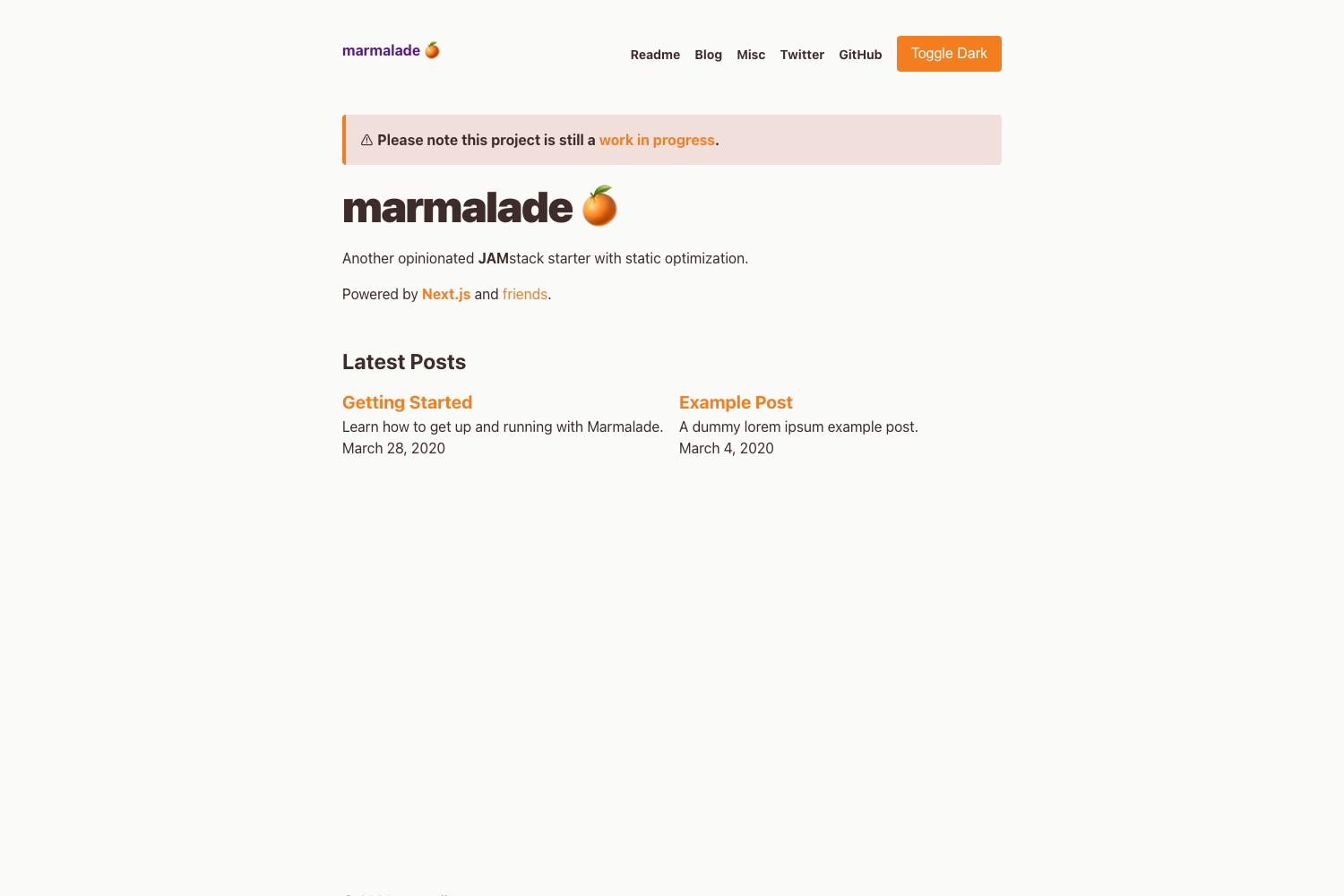
The starter is a ready-to-run example site that combines Hexo, a fast Node.js static site generator, with Netlify CMS, a git-based headless CMS. It takes a repository with sample markdown posts and a preconfigured admin panel, and produces a deployable blog with a CMS for editing content in the browser. The project is based on Viosey's hexo-theme-material and is hosted live at https://hexo-material-cms.netlify.com, with the source repository at github.com/lunaceee/hexo-material-netlify.
Key Features
- One-click Netlify deployment — A Deploy to Netlify button is included so you can clone the repository to GitHub or GitLab and immediately run the site with the CMS stack enabled.
- Netlify CMS admin panel — The admin folder ships with config.yml and index.html, so the CMS interface is available at /admin on your deployed site or at localhost:4000/admin locally.
- Material Design theme — The site uses Viosey's hexo-theme-material, which is included as a git submodule, so cloning requires the --recursive flag or a manual git submodule init/update.
- Language-based redirects — Netlify redirect rules in the _redirects file can route visitors to language-specific paths like /zh-cn and /es based on their browser language.
- i18n post filtering — The hexo-generator-index-i18n plugin lets the home page show only posts in the visitor's default language, instead of mixing all languages.
- Local development flow — After
git clone --recursive, runnpm installandhexo serverto preview the blog locally on port 4000. - Flexible source structure — The source folder separates content into _posts, zh-cn language folders, admin, images, and a _data/head.json for global data.
Who is it for?
- Bloggers who want a fast static blog with a Material Design look and a visual editor for writing posts without editing markdown directly.
- Developers who need a working Hexo + Netlify CMS integration and want to avoid configuring the CMS backend, redirects, and i18n from scratch.
- Multilingual content teams who create posts in multiple languages and need automatic browser-language redirects plus per-language home page filtering.
What can you do with Hexo + Netlify CMS Starter?
- Launch a blog in minutes: Use the Deploy to Netlify button to get a live site with a CMS admin panel, then start writing posts in the browser.
- Localize content by language: Set the site's language list in _config.yml, add a lang field to each post's front matter, and create language folders like zh-cn to serve translated pages.
- Customize the CMS collections: Edit admin/config.yml to change which content types are editable, add fields, and control the markdown front matter structure.
- Preview posts locally: Run
hexo serverto view the site at localhost:4000 and use the admin panel at localhost:4000/admin to test the editing flow.
How does it work?
The starter wires together three pieces: Hexo generates the static site from markdown in source/_posts and translated pages in folders like source/zh-cn; Netlify CMS provides an editing interface backed by the config at admin/config.yml; and Netlify's platform handles Git-based deploys, redirects, and language detection. For local development, the repository relies on a git submodule for the Material theme, so you must clone with --recursive or run git submodule update after cloning.
FAQ
Why do I need the --recursive flag when cloning?
Because the Material theme is included as a git submodule. Without the flag, the theme folder stays empty and Hexo won't render the site. You can also run git submodule init and git submodule update after a normal clone to fetch it.
Where is the Netlify CMS admin panel?
It lives at /admin on your deployed site, for example localhost:4000/admin during local development. The admin/index.html and admin/config.yml files are part of the repository, so no separate setup is required.
How do I enable language-based redirects?
Add a language list to your root _config.yml using language: and i18n_dir: :lang, set a lang value in each post's front matter, then add redirect rules in the _redirects file matching your folder structure, such as / /zh-cn 302 Language=zh.
Does the home page show posts from all languages?
By default the theme shows all posts. To show only the visitor's language, install and configure the hexo-generator-index-i18n plugin, which filters the home page index based on the current language path.