Template details
Login Template
Login and signup template with dark theme and animations, built with Next.js, Tailwind CSS, and Framer Motion.
About this template
Login Template is a front-end boilerplate for login and signup pages built with Next.js, styled with Tailwind CSS, and animated with Framer Motion, all presented in a dark theme.
What is Login Template?
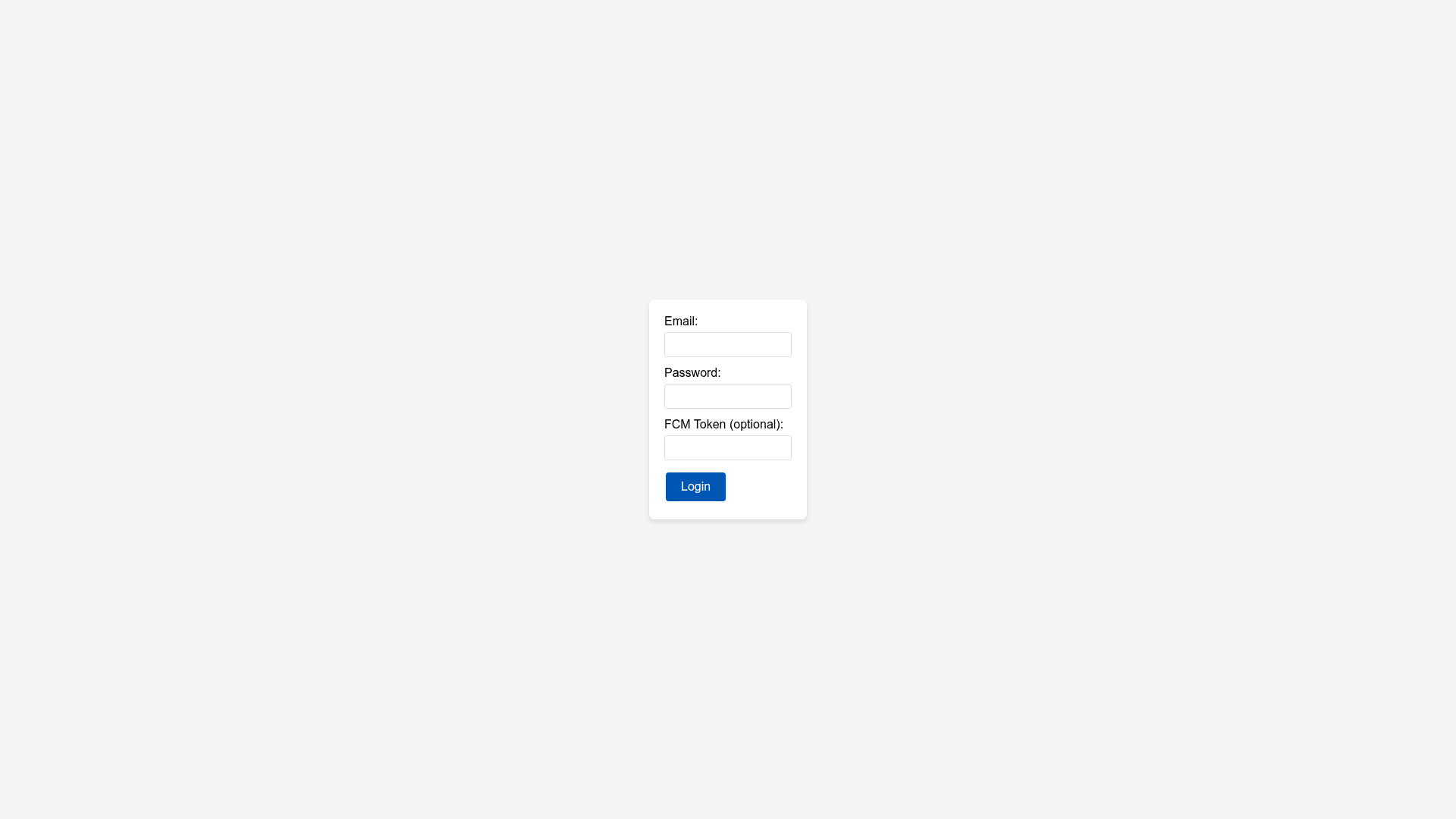
Login Template is a ready-made authentication interface built with the Next.js React framework. It provides the two core pages — login and signup — as a starting point for any web application that needs user accounts. The visual design uses Tailwind CSS for styling and Framer Motion for animations, and the whole interface follows a dark color scheme. The project is publicly accessible and includes a live production deployment at https://login-template.vercel.app so you can see the final result before installing it.
Key Features
- Next.js framework — The template runs on Next.js, so it gets React rendering, file-based routing, and the standard Next.js project structure out of the box.
- Tailwind CSS styling — All utility classes are written with Tailwind CSS, making it straightforward to modify colors, spacing, and responsive behavior in the dark theme.
- Framer Motion animations — Form fields, panels, and page transitions are animated with Framer Motion, adding motion without writing custom animation code.
- Dark theme — The entire layout uses dark tones, making it suitable for applications that match a dark-mode design system.
- Live demo — The production build is hosted on Vercel and can be visited at the provided link to preview the login and signup screens.
- Simple installation — The project uses Yarn; running
yarninstalls all dependencies andyarn devstarts the local development server.
Who is it for?
Login Template is aimed at developers who need a visually polished authentication interface as a starting point. Next.js developers can drop the pages into a new or existing project and wire them to their backend. Front-end learners can study how Tailwind and Framer Motion are combined in a real repository. Hobbyists can deploy the demo directly to Vercel to have a working auth mock-up in minutes.
Use cases
- Building an app login flow: Use the login and signup pages as the basis for your user authentication screens, then connect them to an API.
- Design reference: Developers working on a dark-mode web app can examine the Tailwind classes and Framer Motion transitions used here to guide their own UI.
- Rapid prototyping: Spin up the template locally or on Vercel to demonstrate a realistic authentication experience to stakeholders or clients.
How does Login Template work?
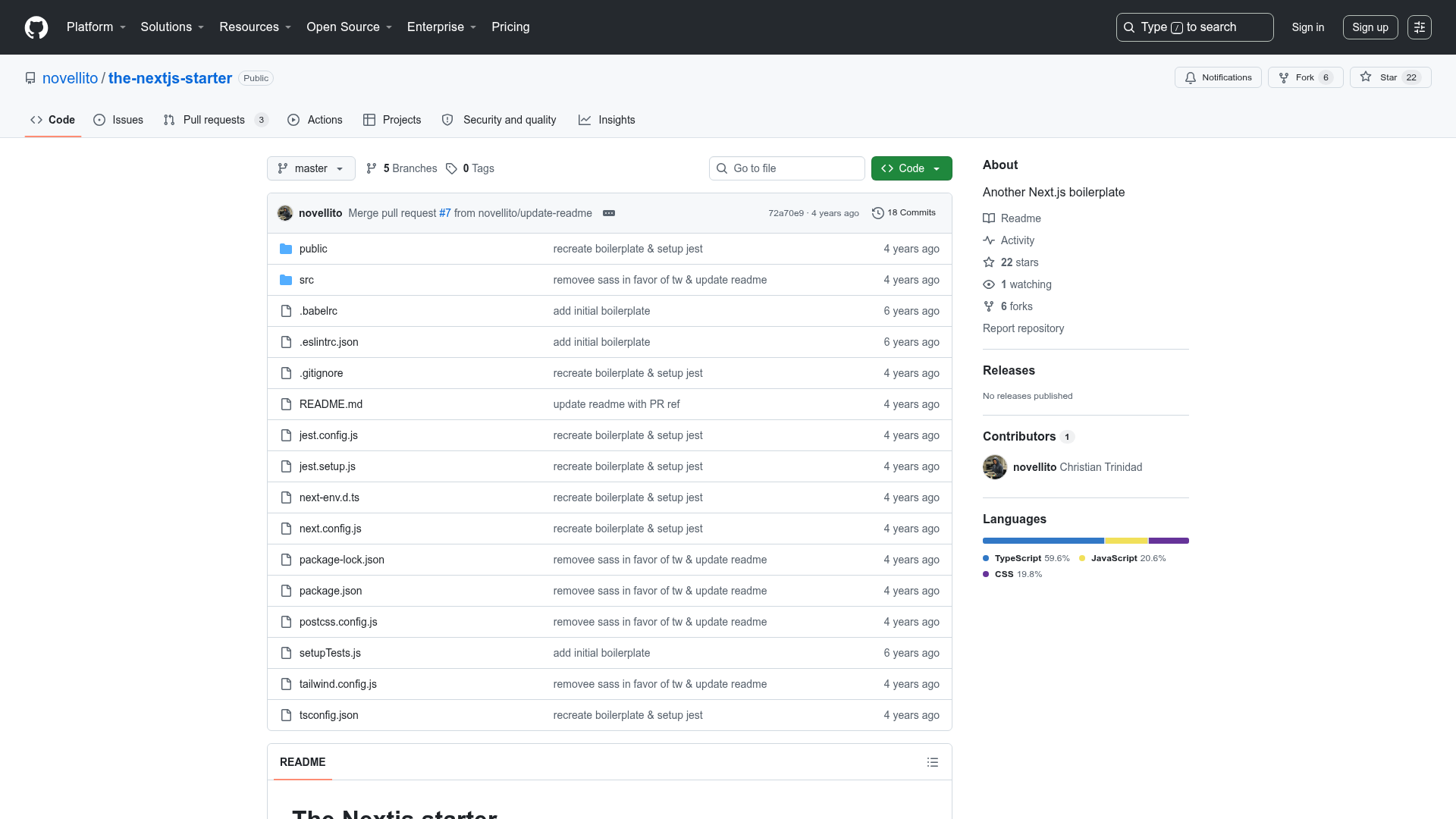
The template is a standard Next.js application. After cloning the repository, you install dependencies with yarn, then run yarn dev to serve the login and signup pages locally. The live deployment on Vercel shows the same pages running in production.
FAQ
What stack does Login Template use?
Login Template uses Next.js as the React framework, Tailwind CSS for styling, and Framer Motion for animations. It also uses Yarn as the package manager and is deployed on Vercel.
Is there a live demo?
Yes. The template is published at https://login-template.vercel.app, where you can view the login and signup screens in production.
Does the template include a signup page?
Yes, it includes both login and signup pages — the description is "login e cadastro", which means login and registration.
How do I run Login Template locally?
Clone the repository, run yarn to install dependencies, and then run yarn dev to start the development server. The app will be served on your local Next.js port.