Template details
Run Aspnetcore Basics
One-solution, one-project ASP.NET Core boilerplate for a basic e-commerce web app with Razor Pages, EF Core, and Identity.
About this template
Run Aspnetcore Basics is a free, MIT-licensed ASP.NET Core boilerplate that provides a one-solution, one-project template for building a basic e-commerce web application with Razor Pages and Entity Framework Core.
What is Run Aspnetcore Basics?
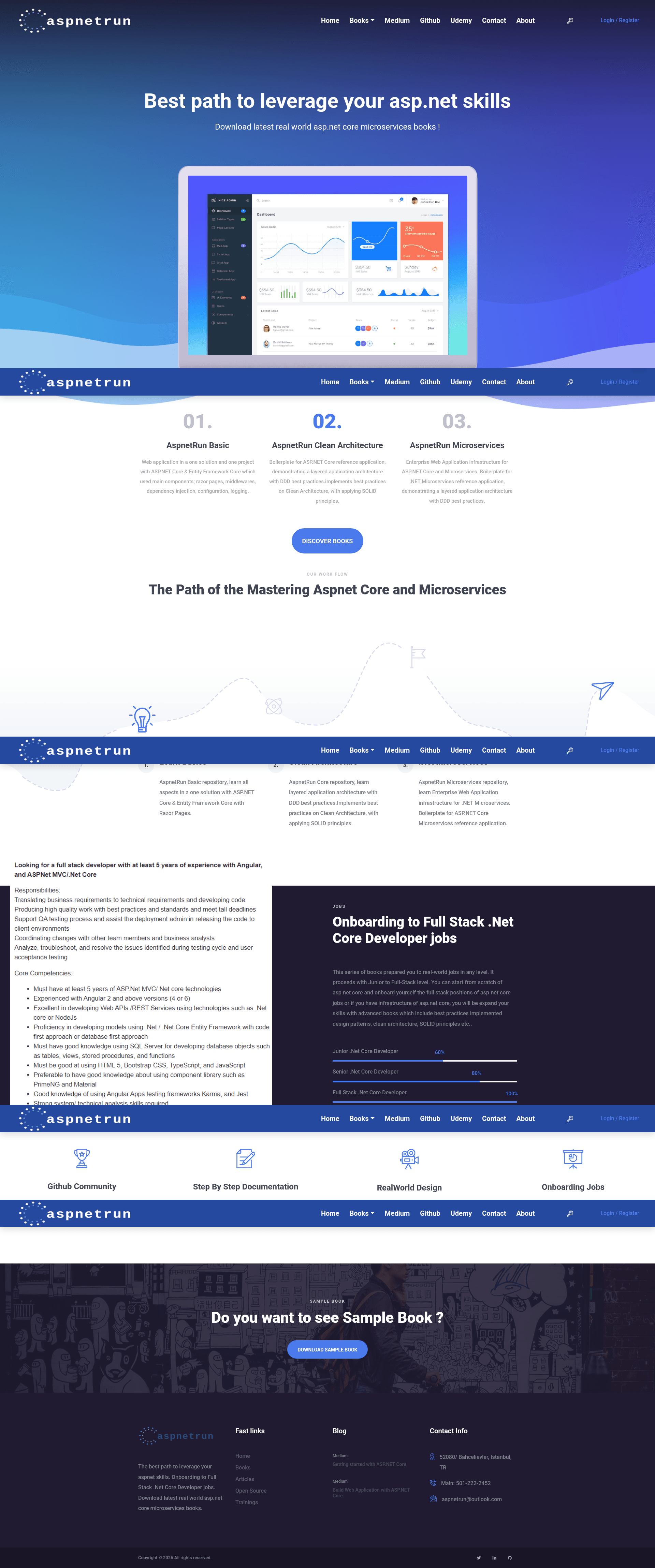
Run Aspnetcore Basics is a boilerplate repository by Mehmet Ozkaya (aspnetrun) that implements a real-world basic e-commerce web application in a single ASP.NET Core web project. It runs on .NET Core 3.0, uses Razor Pages for the UI, Entity Framework Core 3.0 for data access, and includes product and category CRUD pages with an in-memory database by default. The template is designed for fast implementation, minimum development, MVP creation, idea validation, and startup development with limited time and resources, using HTML5, CSS, and JavaScript.
Key Features
- Bootstrap 4 theme — The web UI is styled with Bootstrap 4, providing a responsive layout out of the box.
- ASP.NET Core built-in dependency injection — Services are wired up in Startup.cs using the native DI container, with no third-party containers.
- Identity and authorization — The template includes ASP.NET Core Identity configuration and applies authorization to the Products page, so only authenticated users can manage products.
- Razor Pages tooling — Uses View Components, partial views, tag helpers, model bindings, model validations, Razor sections, and dynamic layouts from the default Razor Pages template.
- Repository pattern — Data access is abstracted behind IProductRepository and ProductRepository, with methods for product list, by id, by name, by category, and add/update/delete operations.
- Entity Framework Core with InMemory or SQL Server — Default configuration uses InMemoryDatabase; switching to SQL Server requires updating ConfigureDatabases in Startup.cs and running EF Core migrations.
- AutoMapper — Included for object-to-object mapping.
- Monolithic single-project structure — One solution with one web project containing Data, Entities, Migrations, Pages, Repositories, wwwroot, Startup.cs, and Program.cs folders, making it simple to understand and modify.
Who is it for?
- Startup founders and indie developers — Quickly validate a product idea by scaffolding a working e-commerce site with product catalogs and a simple shopping-cart-oriented data model.
- ASP.NET Core beginners — Follow the AspnetRun learning path starting with this basic template to understand Razor Pages, DI, configuration, logging, and EF Core before moving on to more advanced repositories.
- Students and educators — Use it as a reference implementation for Clean Architecture, DDD concepts, and SOLID principles in a minimal .NET Core codebase.
- Developers needing a CRUD starter — Build a product/category management admin interface without spending time on boilerplate setup.
What can you do with Run Aspnetcore Basics?
- Create a basic e-commerce MVP — Manage products and categories through Razor Pages that support listing, searching by name, filtering by category, and full CRUD operations.
- Add authentication — Use the included Identity setup and authorization policy to restrict access to product management pages.
- Switch to a persistent database — Replace the InMemory database with SQL Server by updating the connection string and running
update-databasevia EF Core migrations. - Learn the AspnetRun architecture — Study how the single project is organized into Data, Entities, Repositories, and Pages folders to see a simplified version of the layered architecture used in the larger AspnetRun templates.
How does Run Aspnetcore Basics work?
Clone the repository, then run dotnet restore, dotnet build, and dotnet run from the AspnetRun.Web directory. The app launches at http://localhost:5400/. By default, it uses an in-memory database seeded with sample products and categories; to use SQL Server, edit the connection string in appsettings.json, update the ConfigureDatabases method in Startup.cs, and run dotnet ef database update -c AspnetRunContext. After starting, the first run seeds the database with a few records so you can immediately browse products and categories.
Pros and cons
- Pros: Minimal one-project setup, no third-party packages, clear folder structure, built-in Identity and authorization, InMemory default for instant startup, open-source MIT license.
- Cons: The repository itself disclaims that it is not a definitive solution and warns against using it in production; it deliberately avoids over-engineering and omits many 3rd-party packages found in larger AspnetRun templates.
Pricing
Run Aspnetcore Basics is free and open-source under the MIT License. There are no paid tiers or licensing fees.
Alternatives
- run-aspnetcore — The next step in the AspnetRun path, adding Clean Architecture with DDD best practices and multiple projects (Core, Application, Infrastructure, Presentation).
- run-aspnetcore-cqrs — Builds on the previous template to implement CQRS design pattern in a Single-Page Application using ASP.NET Core Web API.
- run-aspnetcore-microservices — The most advanced AspnetRun template, adding microservices, Docker, RabbitMQ, Ocelot API Gateway, MongoDB, Redis, and more.
FAQ
Is Run Aspnetcore Basics free?
Yes, the repository is licensed under the MIT License, so it is free to use, modify, and distribute, including for commercial purposes.
What .NET version does it target?
The template targets .NET Core 3.0 and requires Visual Studio 2019 or later, with EF Core 3.0 or later installed.
Does it use a real database or an in-memory one?
By default it uses Entity Framework Core's InMemoryDatabase, so you can run it immediately with no setup. To use SQL Server, you must change the database configuration in Startup.cs and run the provided migration commands.
Can I use this template in production?
The repository explicitly states it is not intended to be a definitive solution and warns against using it in production. It is designed as a learning and MVP starter, favoring minimalism over production readiness.
How do I switch from InMemory to SQL Server?
Update the connection string in appsettings.json, change the ConfigureDatabases method in Startup.cs to use UseSqlServer, then run dotnet ef database update -c AspnetRunContext from the Web folder to create the database tables.