Template details
Hugo Apéro
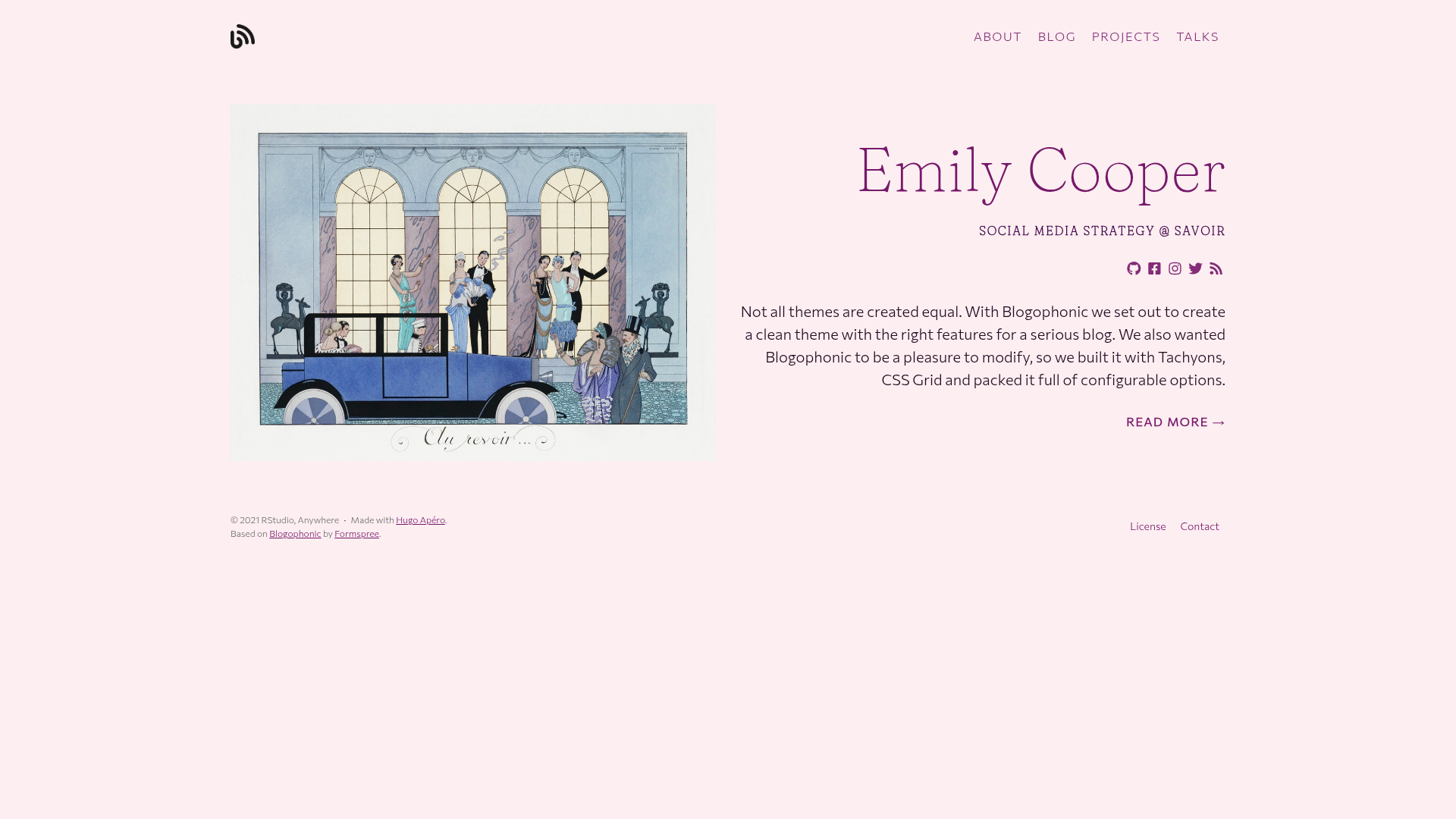
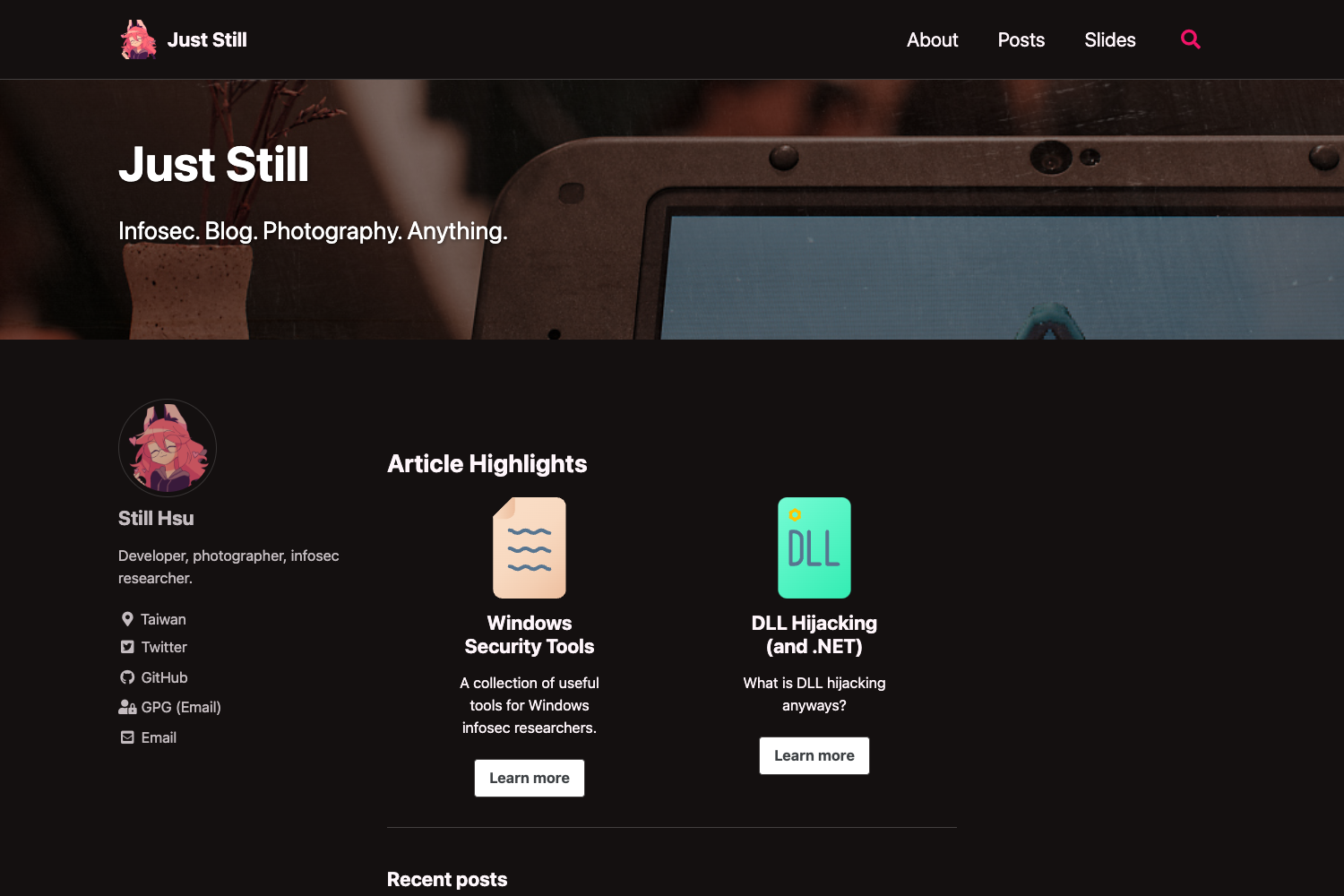
A Hugo theme for personal websites with blog, project, and talk sections, built-in color themes, and Formspree contact forms.
About this template
Hugo Apéro is an open-source personal website theme for the Hugo static site generator, created by RStudio and based on Formspree's Blogophonic theme, that turns Markdown content into a multi-section personal site with blog, project, and talk pages. It ships with flexible layouts, built-in color themes, and integrations for social icons, comments, forms, and syntax highlighting.
What is Hugo Apéro?
Hugo Apéro is a Hugo theme designed for personal websites with built-in support for blogs, projects, and talks. It takes Markdown files organized in content/blog, content/project, and content/talk plus a config.toml configuration file, and produces a static website that can be deployed to Netlify or any Hugo-compatible host. The theme was made by RStudio and is maintained as part of the Hugo Apéro project, with a live demo and separate documentation site.
Key Features
- Built-in color themes — pick one of eight named themes (forest, grayscale, peach, plum, poppy, sky, violet, water) in
config.toml, or use Tachyons named colors and custom hex codes through an optional SCSS file inassets/. - Flexible font options — choose between embedded fonts (e.g., Commissioner, Fraunces), attractive system font stacks, or fully custom fonts via
textFontFamilyandheadingFontFamilysettings. - Three content sections — blog, project, and talk sections each offer
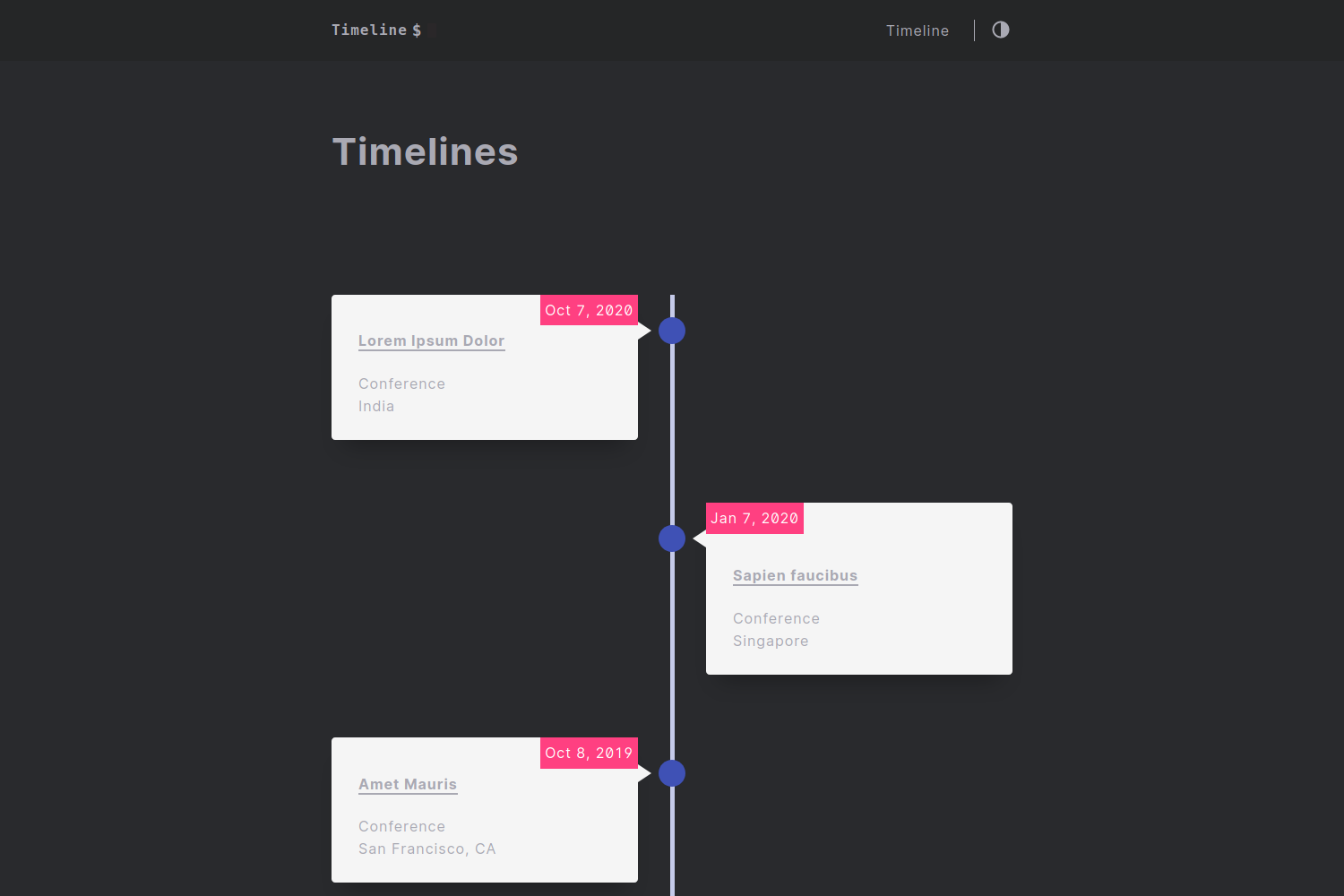
list,list-sidebar, andlist-gridlisting layouts, with control over thumbnails, bylines, and dates per section. - Featuring and social sharing images — any image with "featured" in the filename becomes the page thumbnail and the social sharing image; the word "hex" enables hex-sticker-style cropping.
- Social icons with Font Awesome and Academicons — add GitHub, YouTube, or academic profiles using
icon_packvaluesfab,fas,far, orai. - Commenting via Disqus or utterances — set
show_comments: truein front matter and choose your provider in the site config. - Contact form via Formspree — a ready-made
contact.mdpage includes aformspree_form_idfield and layout options likesplit-rightorsplit-left. - Tachyons CSS framework — the responsive, utility-first framework is baked in so the site looks good on mobile without custom CSS.
Who is it for?
- R users and data scientists — set up a personal site with R's blogdown package using a one-line command, then write content in R Markdown.
- Academics and researchers — showcase publications, talks, and projects with dedicated section layouts and the option to include an audio file and avatar on the about page.
- Workshop or course instructors — use the included starter repository with a Deploy to Netlify button to spin up a teaching site in minutes.
What can you do with Hugo Apéro?
- Data science communicators: publish blog posts, project case studies, and talk pages with per-page layouts (
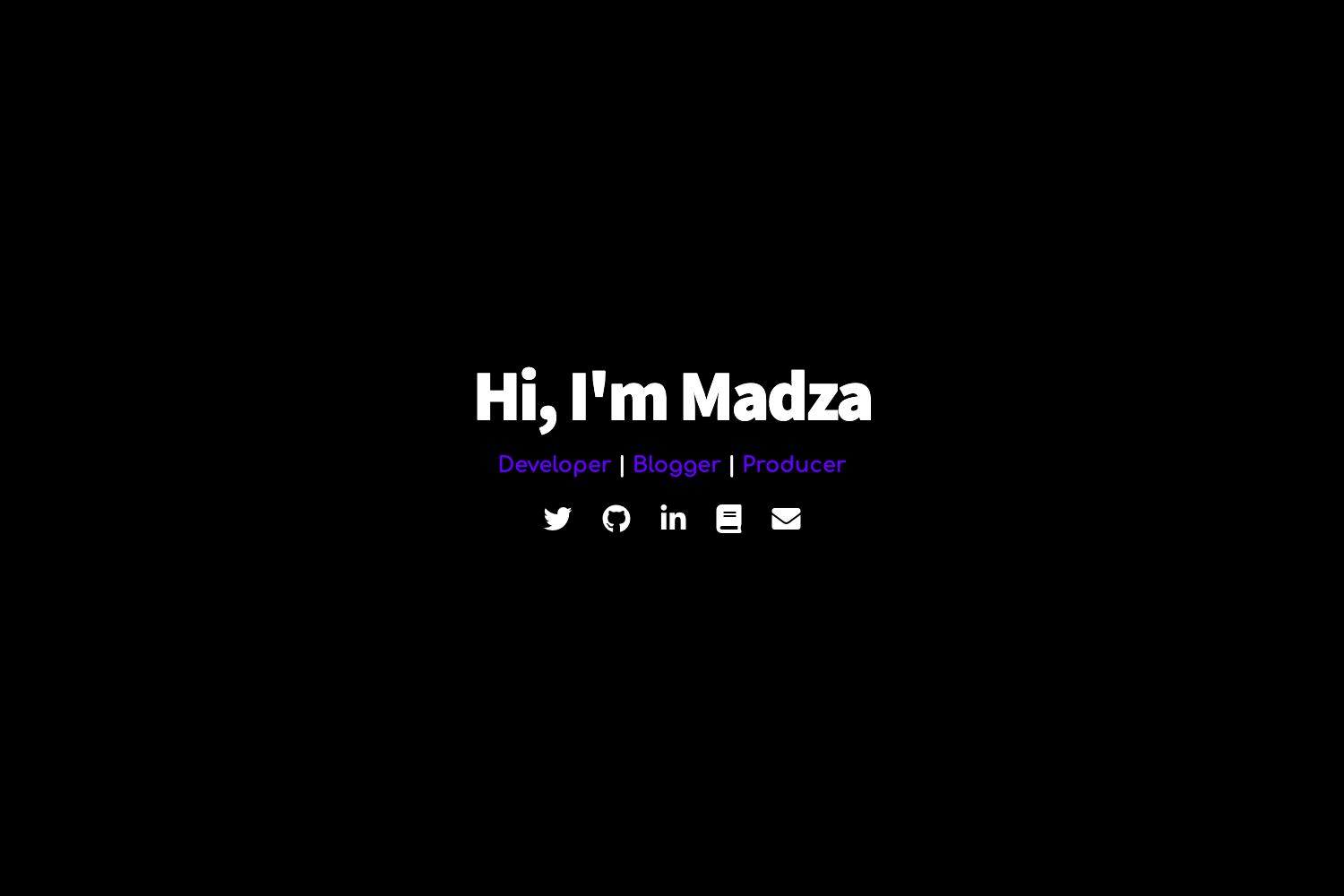
singleorsingle-sidebar) and external resource buttons. - Portfolio owners: configure a homepage with a large image, social links, and an action button linking to an about page built from four separate Markdown files.
- Open-source enthusiasts: deploy the starter repo directly to Netlify via the Deploy to Netlify button in the README.
How does Hugo Apéro work?
In R, run blogdown::new_site(theme = "hugo-apero/hugo-apero", format = "toml") to generate a new Hugo site with the theme's example content. Then edit or discard pages under content/, adjust config.toml for colors, fonts, and social links, and add your formspree_form_id to activate the contact form. Finally, connect the repository to Netlify or use the one-click deploy button to publish the static site.
FAQ
Is Hugo Apéro free?
Hugo Apéro is an open-source Hugo theme, so the theme itself is free. You pay only for hosting and any external services you choose, such as Netlify free tier or a Formspree plan.
Do I need to know CSS to customize the design?
No for built-in themes and Tachyons named colors — you just set values in config.toml. For fully custom hex colors, you create an SCSS file in assets/ with "hex" in the filename and reference it via custom_theme.
How do I enable comments on posts?
Add show_comments: true to your page's front matter, then choose either Disqus or utterances as the provider in your site configuration. The theme includes the required integration code for both.
What is the contact form powered by?
The contact form is handled by Formspree, a static-friendly form backend. After you create a form, you get a formspree_form_id (like https://formspree.io/ plus a hash) that you paste into the contact.md front matter.
Can I use Hugo Apéro for a blog only?
Yes — you can ignore the project and talk sections and just write under content/blog. All three sections are optional, though the theme is designed to present a fuller personal website with all three.