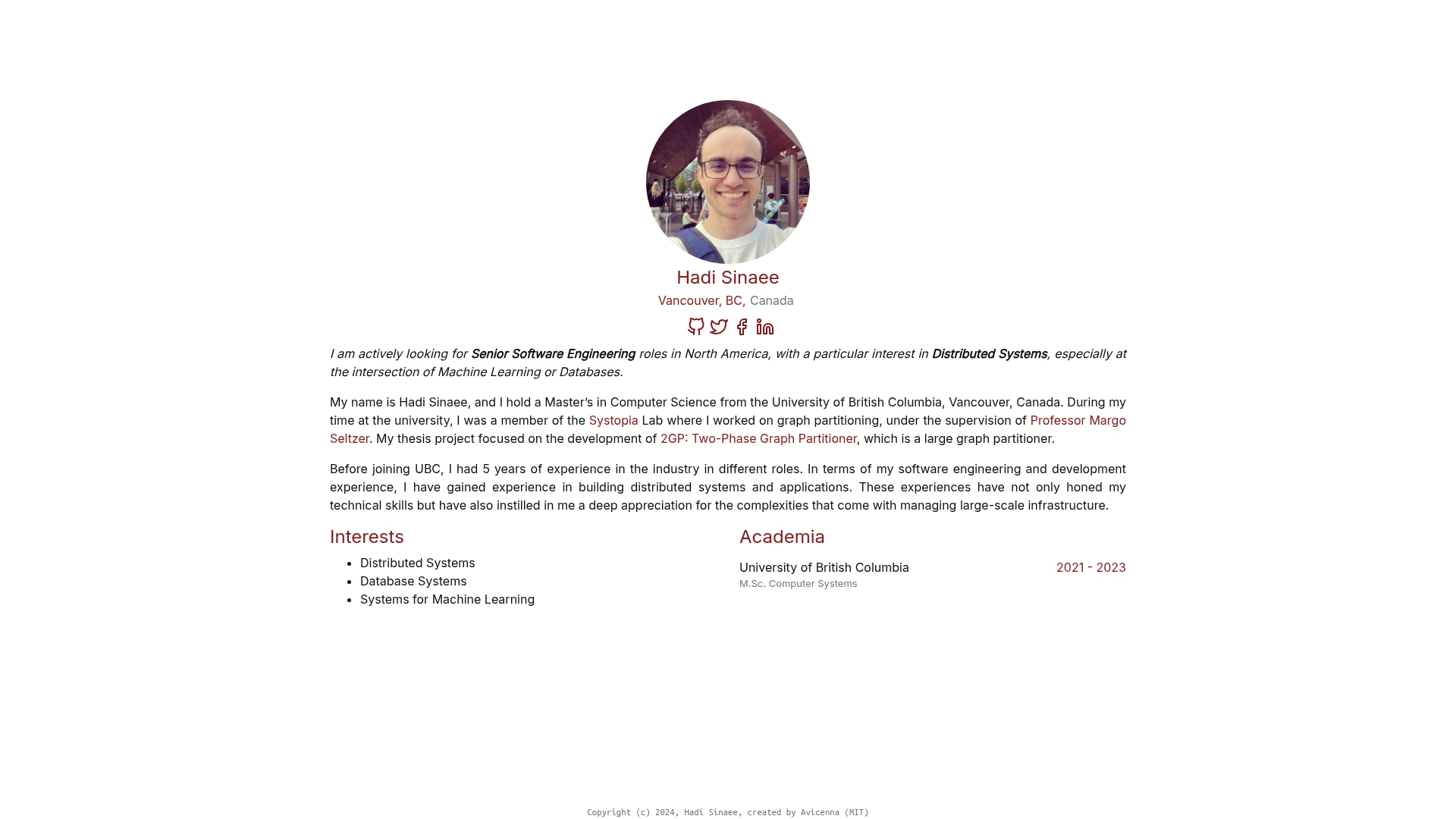
Template details
Minimal Light
A simple and elegant Jekyll theme for an academic personal homepage.
About this template
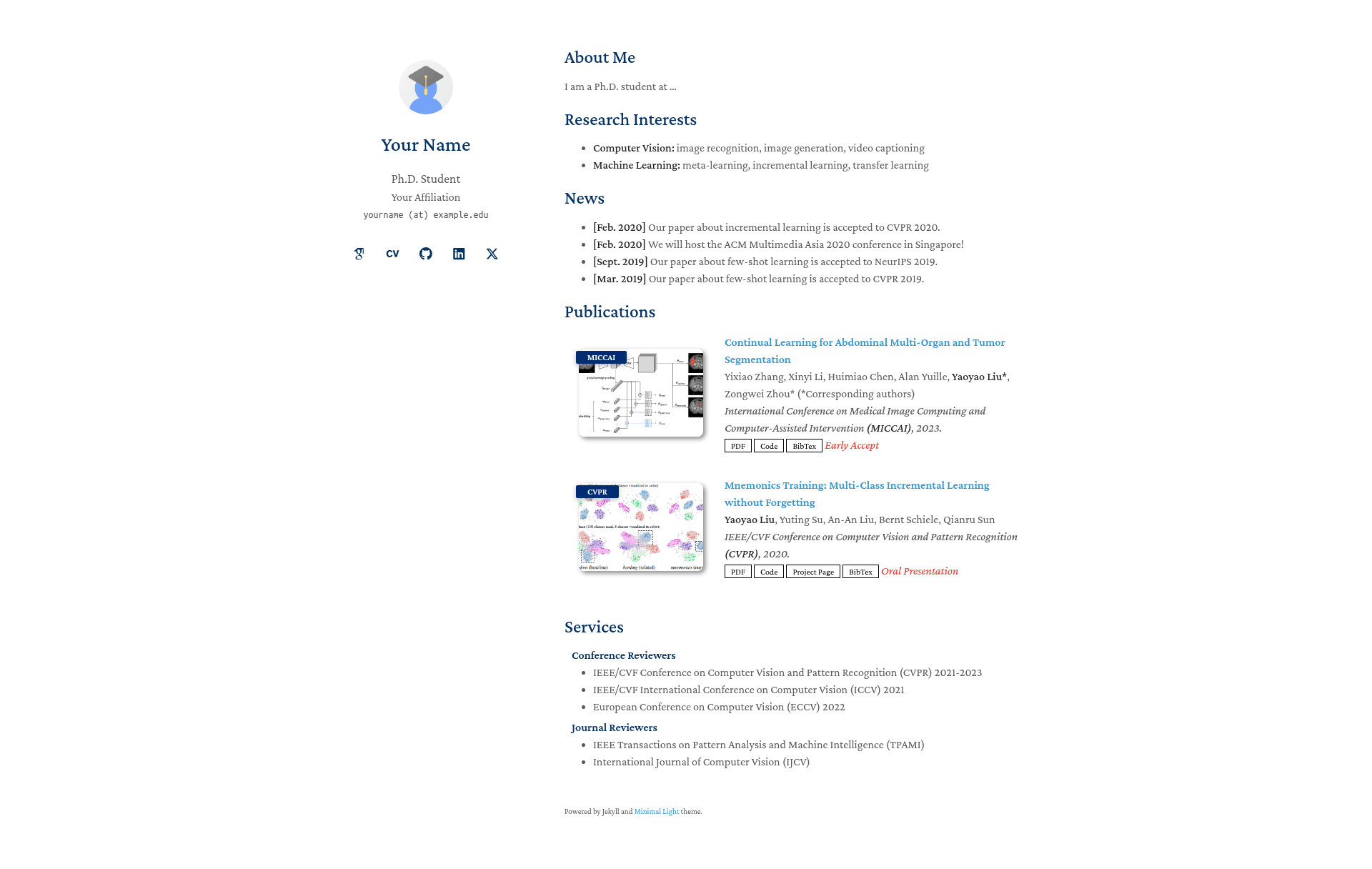
Minimal Light is a simple and elegant Jekyll theme for academic personal homepages, converting Markdown and YAML input into a single-page static website that deploys automatically via GitHub Pages.
What is Minimal Light?
Minimal Light is a Jekyll theme created by Yaoyao Liu, built on the "minimal" theme by orderedlist. It takes Markdown files (like index.md), YAML data (_data/publications.yml), and a _config.yml file as input, and produces a static HTML personal homepage. It runs on Jekyll and can be hosted through GitHub Pages or locally, and a pre-compiled HTML version is available in the html_source_file folder.
Key Features
- Markdown and HTML content — Write your homepage in
index.md; include publication and service sections via_includes/publications.mdand_includes/services.md. - Dark mode — Automatic dark theme with separate favicon support (
faviconandfavicon_dark); can be disabled viaauto_dark_modein_config.yml. - Search engine optimization — Set
keywords,description, andcanonicalvariables in_config.ymlto improve traffic from search engines. - Configurable links — Add Google Scholar, CV, GitHub, LinkedIn, and Twitter links through simple
_config.ymlentries. - Customizable styling — Edit
_sass/minimal-light.scssor use the includedminimal-light-no-dark-mode.scssto control the look; choose Serif or Sans Serif fonts. - Mobile friendly and basic SEO — Responsive layout and configurable metadata for search engines.
Who is it for?
- PhD students and academics — Build a professional homepage listing publications, CV, and contact info without designing from scratch.
- Researchers — Share services (teaching, reviewing) and publication lists using the provided YAML-driven templates.
- Developers — Use it as a Jekyll remote theme (
remote_theme: yaoyao-liu/minimal-light) or fork the repository to customize deeper.
What can you do with Minimal Light?
- Academics: Present your research profile with a publication list, CV link, and Google Scholar profile in one clean page.
- Students: Set up a personal site on GitHub Pages in minutes by forking and renaming the repository to
your-username.github.io. - Web developers: Extend the theme by editing layouts (
_layout/homepage.html) and stylesheets (_sass/minimal-light.scss), or use the compiled HTML files to avoid Jekyll entirely.
How does Minimal Light work?
You can use GitHub Pages by forking the repository and enabling Pages, or by adding remote_theme: yaoyao-liu/minimal-light to your _config.yml. For local use, install Ruby and Jekyll, clone the repo, run bundle install and bundle exec jekyll server, then view at localhost:4000. The generated static files appear in the _site folder.
Pricing
Minimal Light is free and open-source, released under the Creative Commons Zero v1.0 Universal License. You can use and share the source code anywhere.
Alternatives
- al-folio — Another open-source Jekyll academic website theme (acknowledged as an inspiration in the project).
- minimal — The base theme by orderedlist it is built on.
FAQ
Is Minimal Light free?
Yes. The project is licensed under Creative Commons Zero v1.0 Universal, so you can use, modify, and share the source code without restrictions.
How do I deploy Minimal Light on GitHub Pages?
Fork the repository and change its name to your-username.github.io, then enable GitHub Pages in the repository settings. Alternatively, add remote_theme: yaoyao-liu/minimal-light to your own repository's _config.yml.
Does Minimal Light support dark mode?
Yes. It includes an automatic dark mode that can be toggled via auto_dark_mode in _config.yml, and it supports separate favicons for light and dark modes.
Can I edit the styles and layout?
Yes. The stylesheet is in _sass/minimal-light.scss, and the HTML layout is in _layouts/homepage.html. Both are editable, and you can rely on the compiled HTML files in html_source_file if you prefer not to use Jekyll.