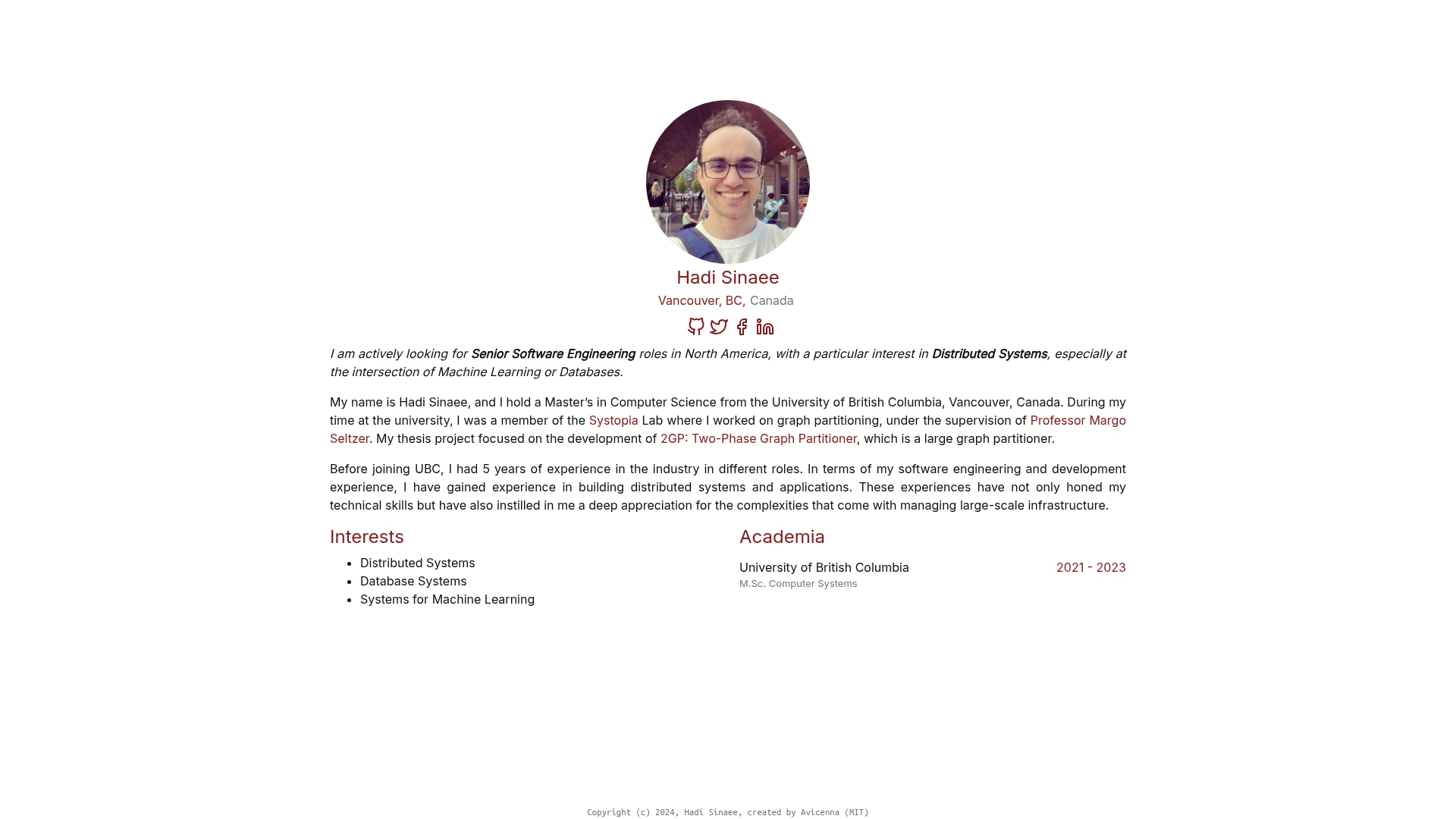
Template details
Timeline CV Hugo
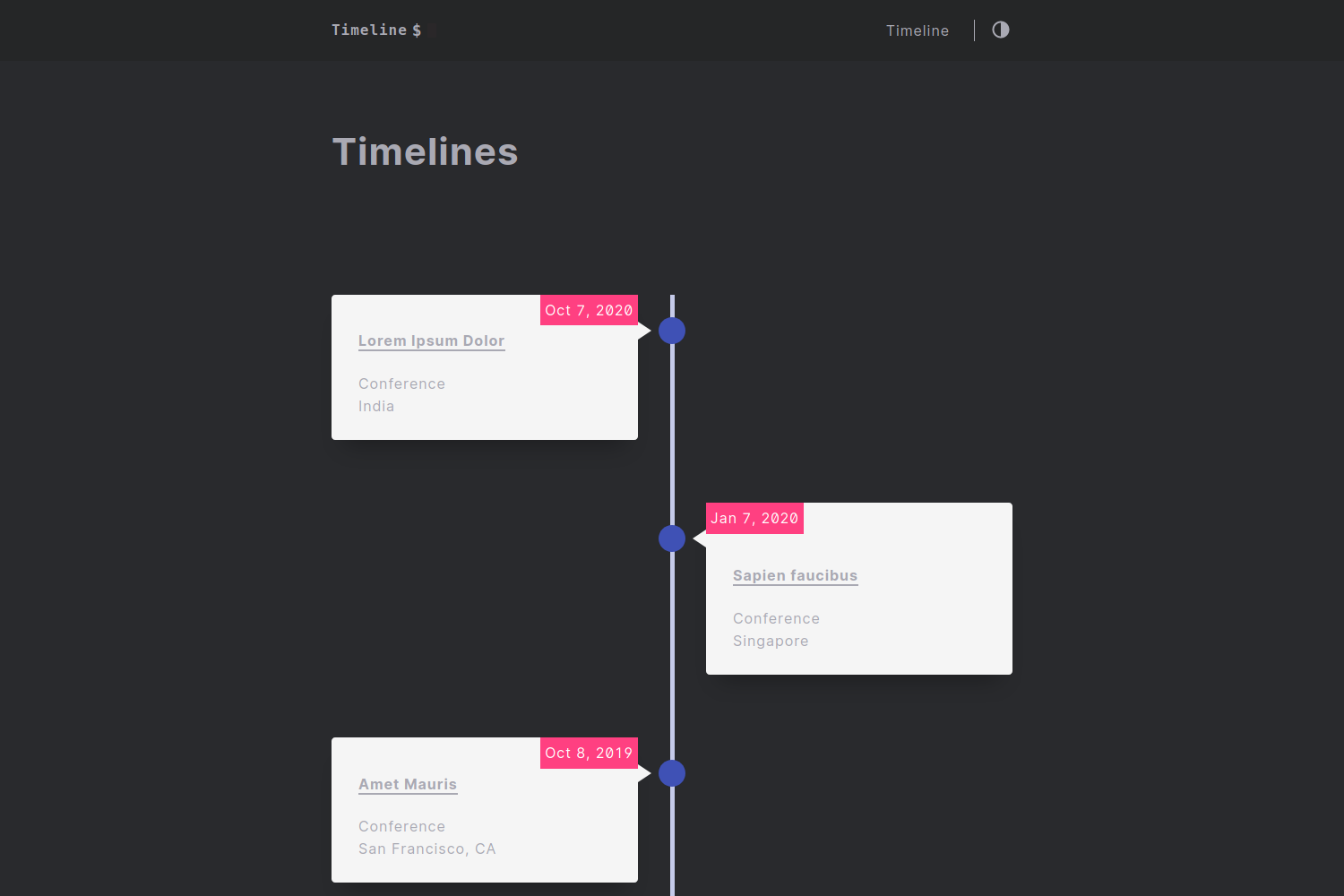
Hugo theme for building timeline-style CV websites with A4 print view and client-side PDF export.
About this template
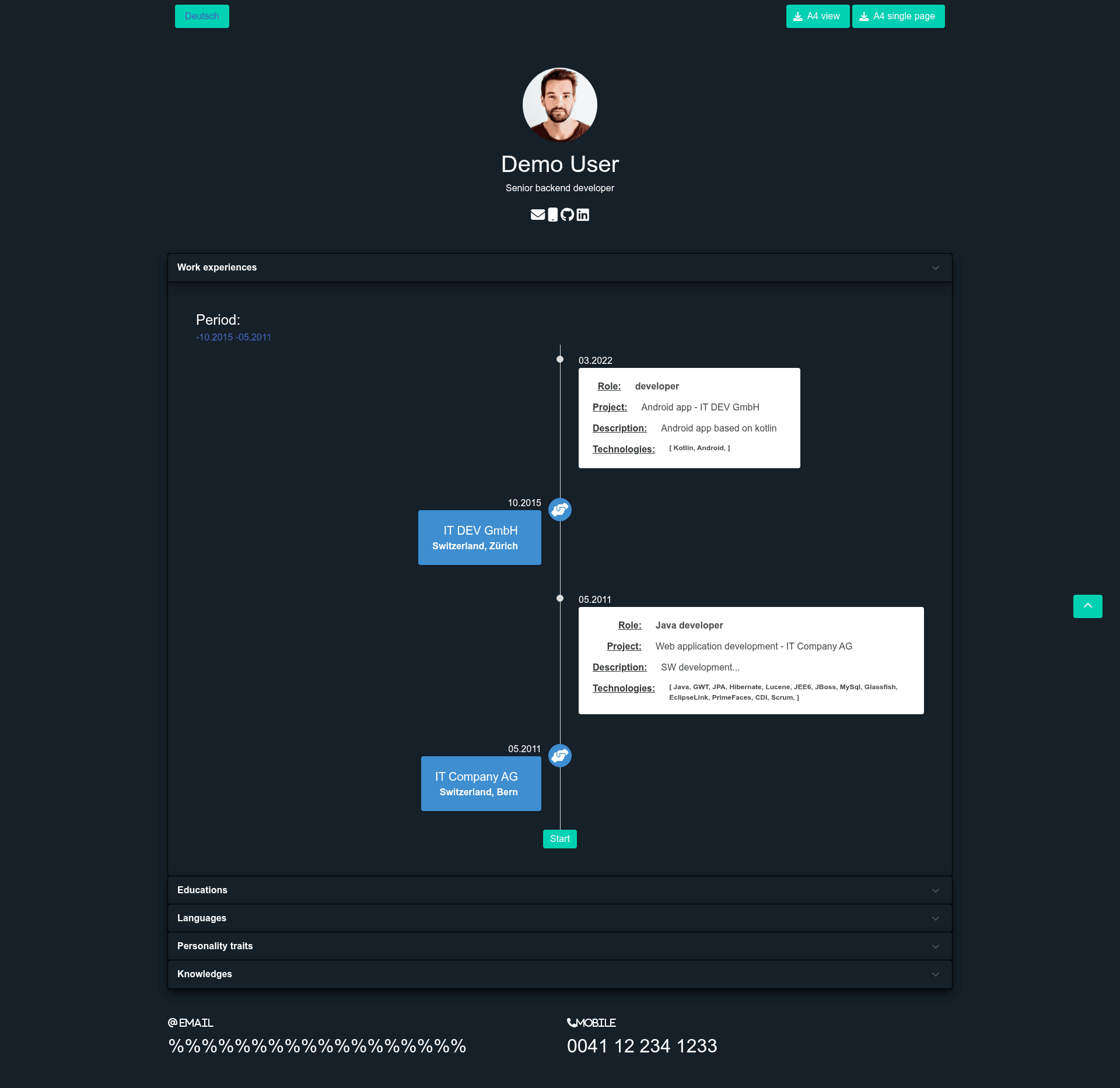
Timeline CV Hugo is a Hugo theme built for creating timeline-style CV and résumé websites, with a built-in A4 print view and client-side PDF export.
What is Timeline CV Hugo?
Timeline CV Hugo is an open-source Hugo theme for CV websites, maintained by GitHub user simon-laszlo. It takes Hugo content files (experience, education, contacts) and renders them into a single-page timeline layout, with a separate A4 view for print and a client-side PDF export powered by jsPDF and html2canvas. The theme requires Hugo version 0.140.0 or later and is distributed under the MIT license.
Key Features
- Timeline view — Displays work experience, school, and personality sections in a chronological timeline layout.
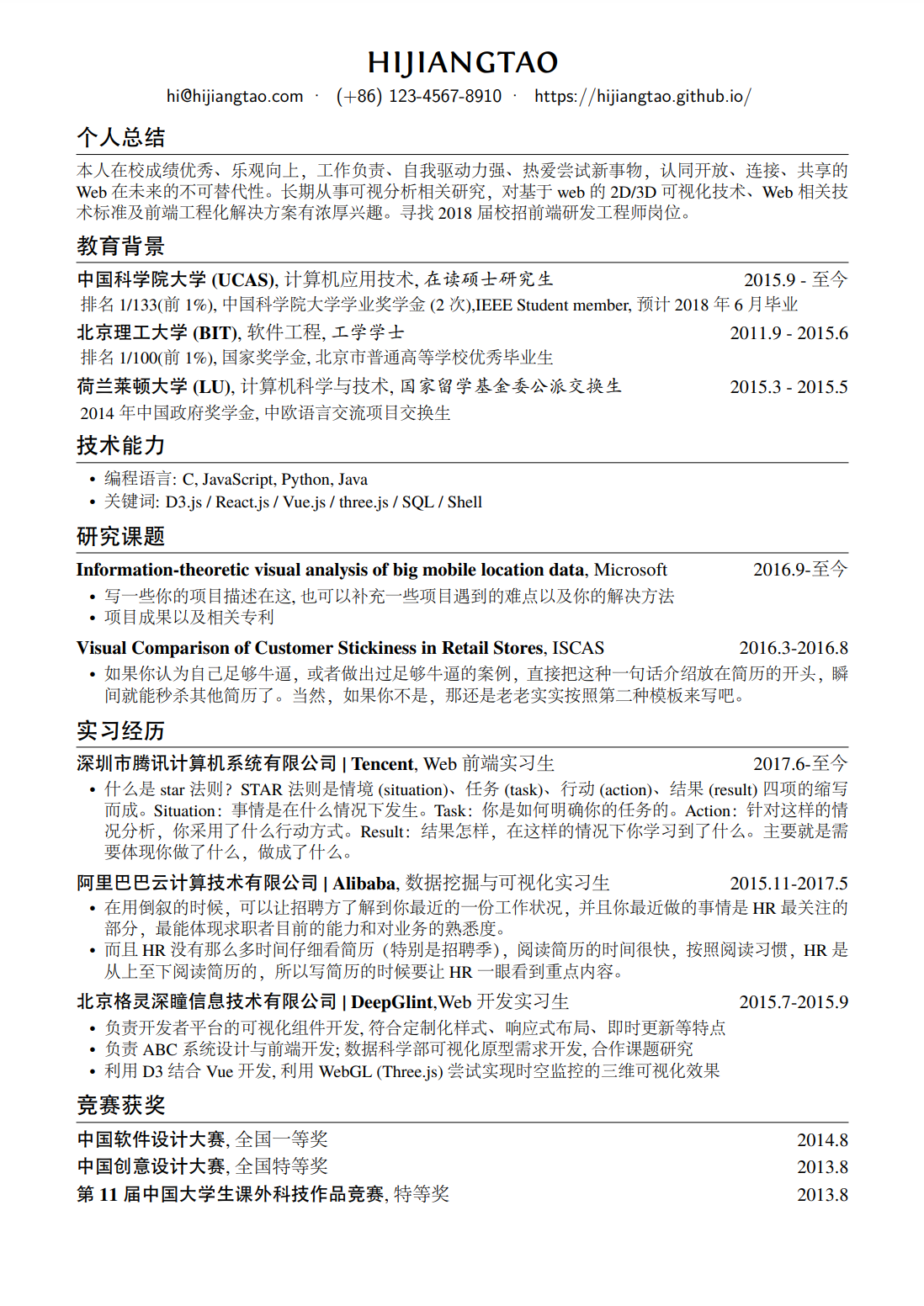
- A4 view — A dedicated print-friendly A4 layout that matches standard paper dimensions for resume output.
- Client-side PDF export — Visitors can export the CV as a PDF directly in the browser using jsPDF and html2canvas, with no server-side processing.
- Matomo analytics support — Built-in configuration for self-hosted Matomo analytics to track site visits.
- Email obfuscation — Encodes email addresses on the page to reduce spam harvesting.
- CSS and JS bundling — Uses Hugo Pipelines to concatenate and minify CSS and JavaScript assets.
- Netlify deployment presets — Includes a preconfigured deploy button and settings for one-click deployment to Netlify.
- Google PageSpeed optimized — Aimed at fast loading and high PageSpeed scores.
- Built on Bulma — Styling is based on the Bulma CSS framework, with Font Awesome icons for timeline entries.
Who should use Timeline CV Hugo?
- Developers and IT professionals building a personal CV site that lists technical skills and job history in a timeline.
- Job seekers who want a clean, printable resume format plus an online version they can share via URL.
- Students and recent graduates showcasing education, internships, and extracurricular activities in chronological order.
- Freelancers exporting their CV to PDF from the browser without needing a PDF generator service.
What can you do with Timeline CV Hugo?
- Create a timeline CV — Structure experience, school, and contact sections as timeline entries and preview them on a single page.
- Export a PDF resume — Use the A4 view and the built-in client-side export to save a formatted PDF directly from the browser.
- Deploy to Netlify — Use the one-click Deploy to Netlify button or the preconfigured Netlify settings to host the site.
- Track visitor analytics — Plug in your Matomo instance to monitor page views without relying on Google Analytics.
How does Timeline CV Hugo work?
To run the theme locally, clone the repository and start the Hugo dev server from the exampleSite directory with hugo server --themesDir ../... To use it in a new site, create a Hugo site, add the theme as a git submodule, and set theme = "timeline-cv-hugo" in config.toml. The README also includes a Deploy to Netlify button that connects the repository and runs the build automatically.
Pricing
Timeline CV Hugo is free and open source under the MIT license.
FAQ
Is Timeline CV Hugo free?
Yes, the theme is released under the MIT license, so you can use, modify, and distribute it freely, including for commercial purposes, as long as the copyright notice is preserved.
What Hugo version does Timeline CV Hugo require?
The theme requires Hugo 0.140.0 or later. The README includes a badge indicating the minimum version.
How do I export my CV as a PDF?
Using the A4 view, the theme bundles jsPDF and html2canvas to generate a PDF entirely on the client side. You can trigger the export from the page; no server or API key is needed.
Does Timeline CV Hugo support analytics?
Yes, it has built-in support for Matomo analytics. You can add your Matomo instance details in the theme configuration to start tracking visits. The theme does not include Google Analytics by default.