Template details
Landing Page
Personal landing page template built with plain HTML, CSS, and Font Awesome, featuring customizable dark themes and a simple one-file setup.
About this template
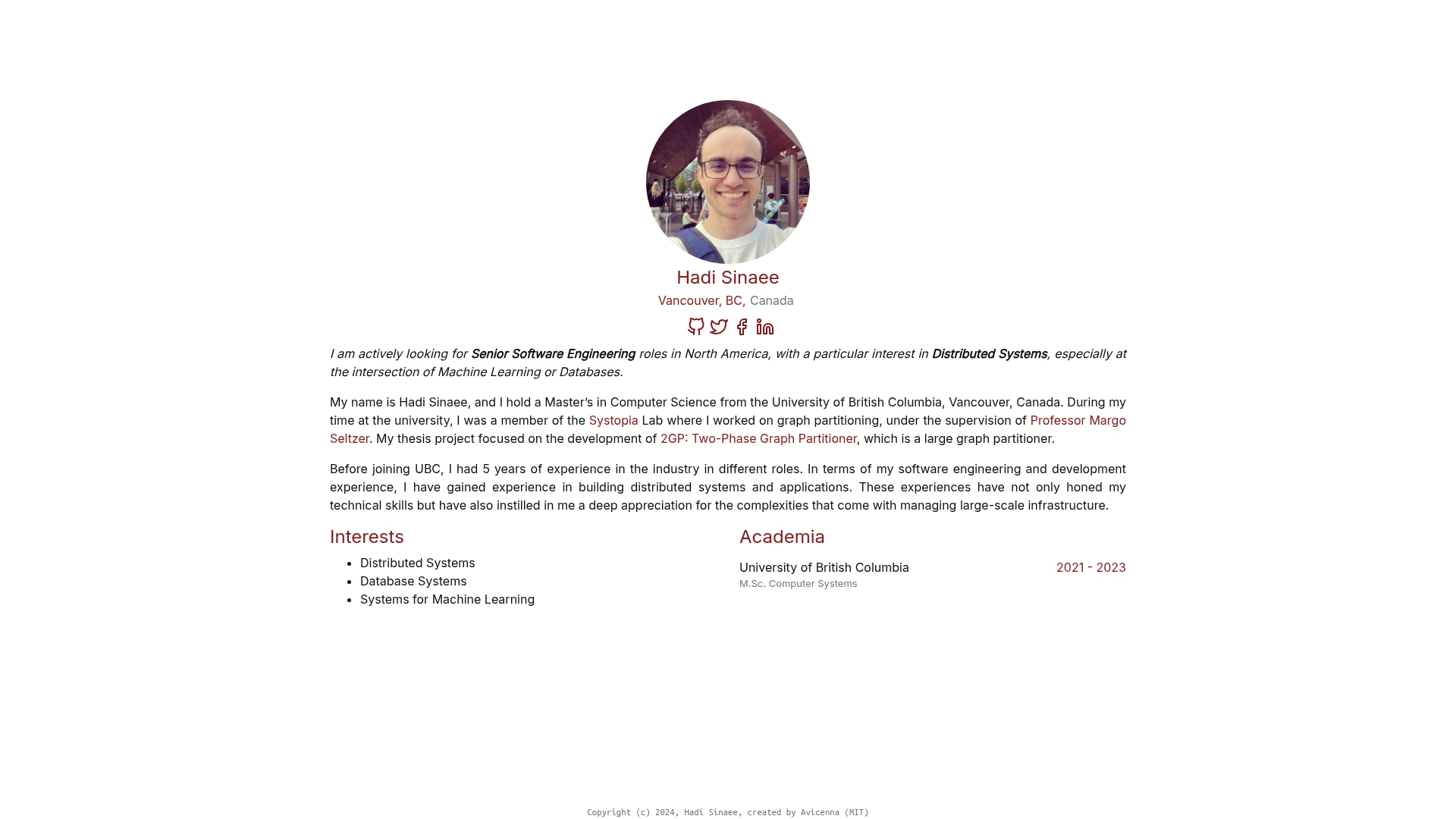
Landing Page is a minimal personal landing page template built with plain HTML, CSS, and Font Awesome, designed to be set up by cloning a Git repository and opening a single HTML file. It provides a clean one-page layout with customizable dark themes and no build step.
What is the Landing Page template?
The Landing Page template is a static personal landing page starter that uses only HTML and CSS, with Font Awesome for icons. It takes the contents of a GitHub repository and outputs a fully styled one-page site; there is no framework, no JavaScript framework, and no installation beyond opening index.html. The template was created by developer madzadev and is published on GitHub with 119 stars, under the MIT license.
Key Features
- Simple stack — Built with vanilla HTML and CSS, so there are no dependencies to install and no build tools required.
- Font Awesome icons — Includes Font Awesome for icon support out of the box.
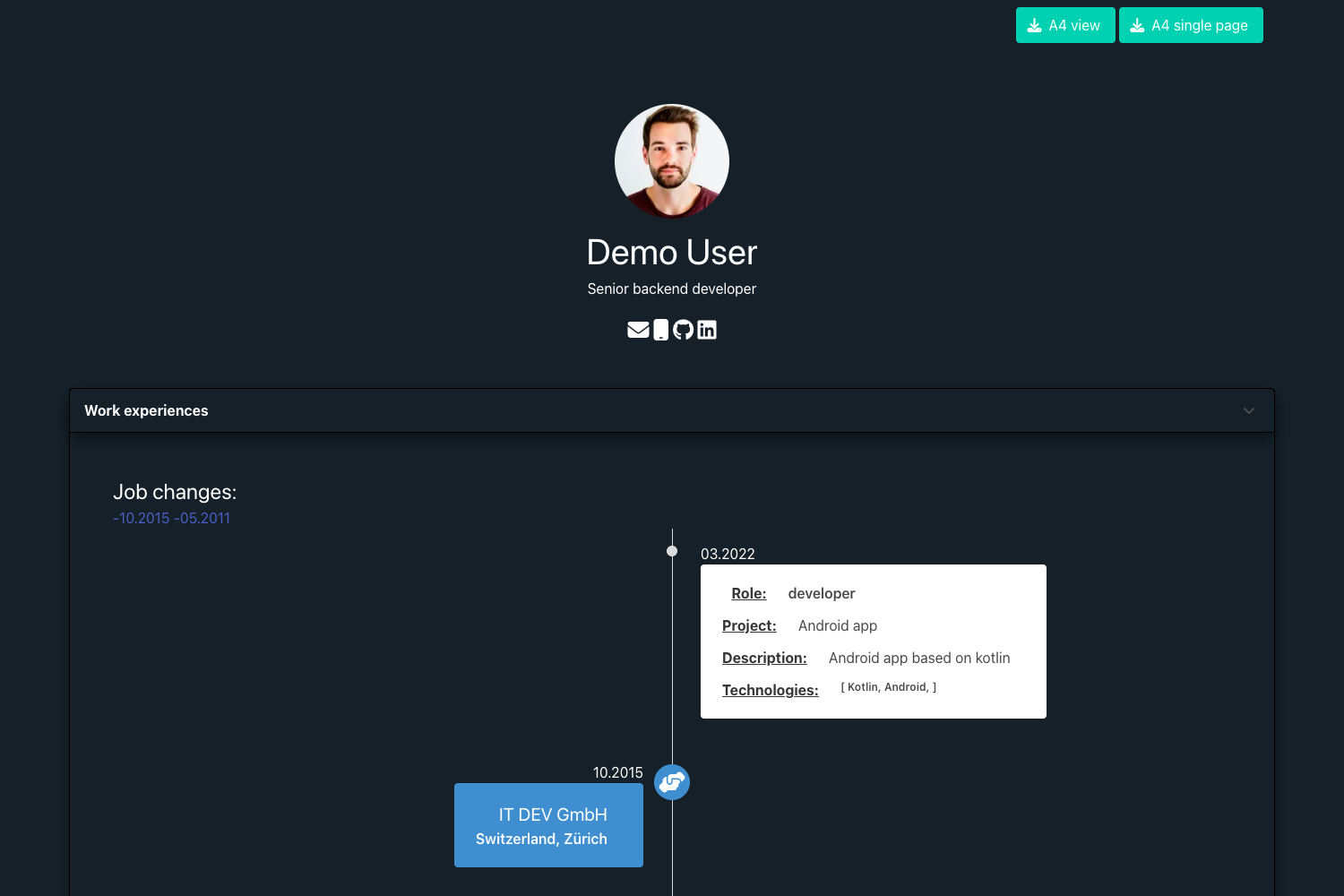
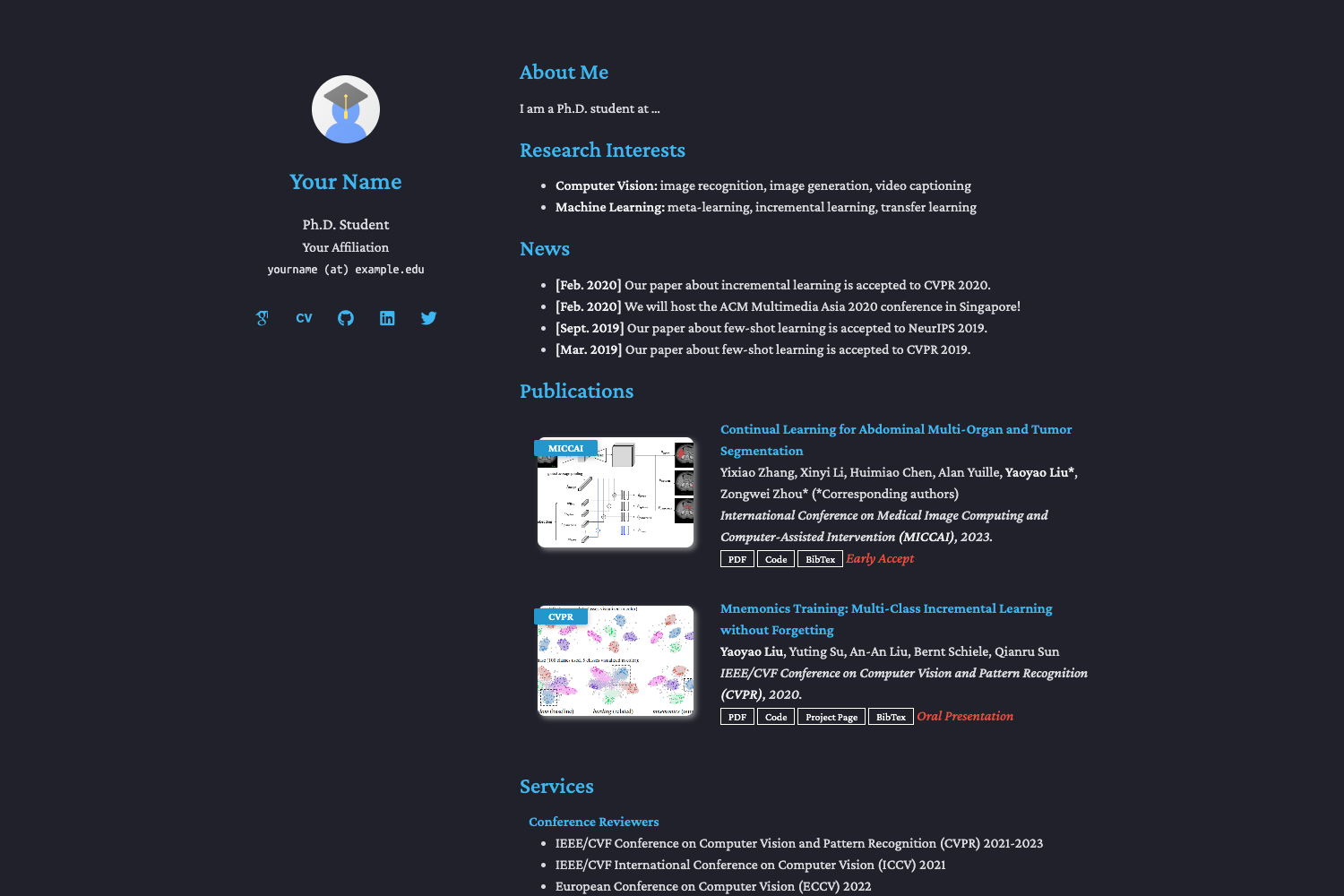
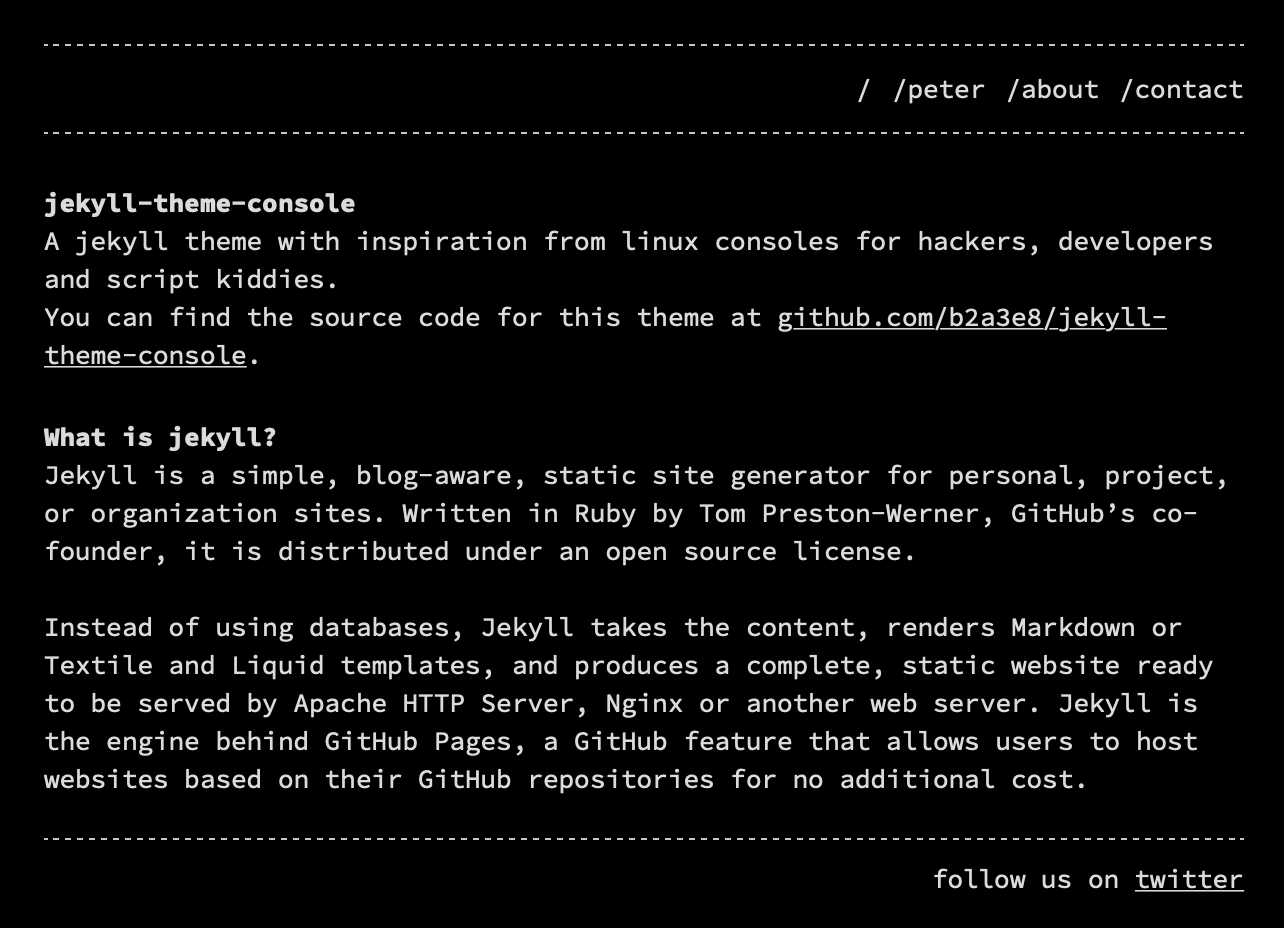
- Custom dark themes — Ships with a couple of dark color combinations for inspiration, such as black, white, and magenta (
#FF33F5), and black, white, and green (#50FC00). - Minimal setup — Installation is a two-step process:
git clonethe repository, then openindex.html. - Single-page layout — Designed as a personal landing page, meaning one page with all content visible at once.
- MIT license — Free to use, modify, and distribute, even commercially.
Who is it for?
- Developers who need a quick personal landing page for their GitHub profile or side project and prefer plain HTML/CSS over static site generators.
- Designers who want a small, minimal template to customize with their own colors and content without touching a complex framework.
- Students and hobbyists learning web development who want a simple project to study or fork.
What can you do with the Landing Page template?
- Personal branding: Put your name, photo, and links on a single-page site in minutes.
- Portfolio placeholder: Use it as a temporary portfolio while building a larger site.
- Learning resource: Inspect the HTML and CSS to understand how a lightweight landing page is structured.
How does the Landing Page template work?
- Clone the repository with
git clone https://github.com/madzadev/landing-page.git. - Open
index.htmlin any web browser. That is the entire setup. Because there are no frameworks or build steps, any edits you make to the HTML or CSS appear immediately on refresh.
Pricing
The template is free and open source under the MIT license, so you can use it without paying and without attribution requirements.
FAQ
Is the Landing Page template free?
Yes, the project is released under the MIT license, which allows free use, modification, and distribution, including for commercial projects.
Does the Landing Page template require a build tool?
No. It uses only plain HTML and CSS with Font Awesome icons. You do not need Node.js, npm, or any bundler; just open the HTML file in a browser.
What themes are included?
The template includes a couple of custom dark theme examples. The featured color combinations are black, white, and magenta (#FF33F5), and black, white, and green (#50FC00). You can adjust the colors in the CSS.