Template details
hugo-theme-timeline
Minimal Hugo theme for chronological timelines with dark/light mode and automatic date sorting.
About this template
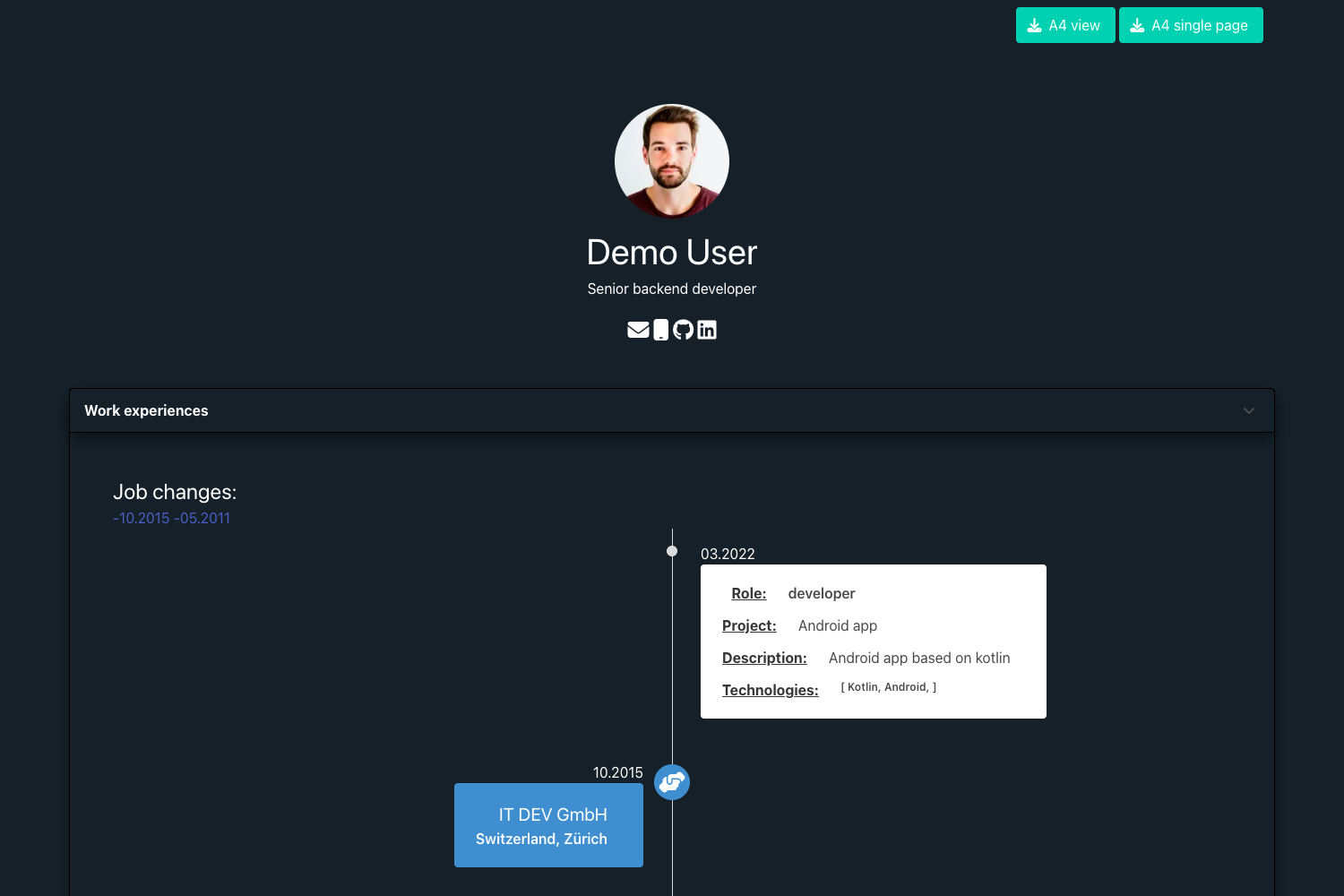
hugo-theme-timeline is a minimal Hugo theme for displaying chronological timelines, such as career histories or project milestones, with automatic date sorting and dark/light mode.
What is hugo-theme-timeline?
hugo-theme-timeline is a Hugo theme that turns timeline content into a clean web page. It accepts content files with dates and descriptions from a Hugo site and produces a sorted, minimal timeline view. The theme runs on the Hugo static site generator, is created by s4n7h0, and is released under the MIT License. It is a modified work inspired by the hello-friend-ng Hugo theme by Djordje Atlialp.
Key Features
- Hugo-based integration — Installs into any Hugo project by cloning the repository into the themes directory, then it can be selected as the active theme.
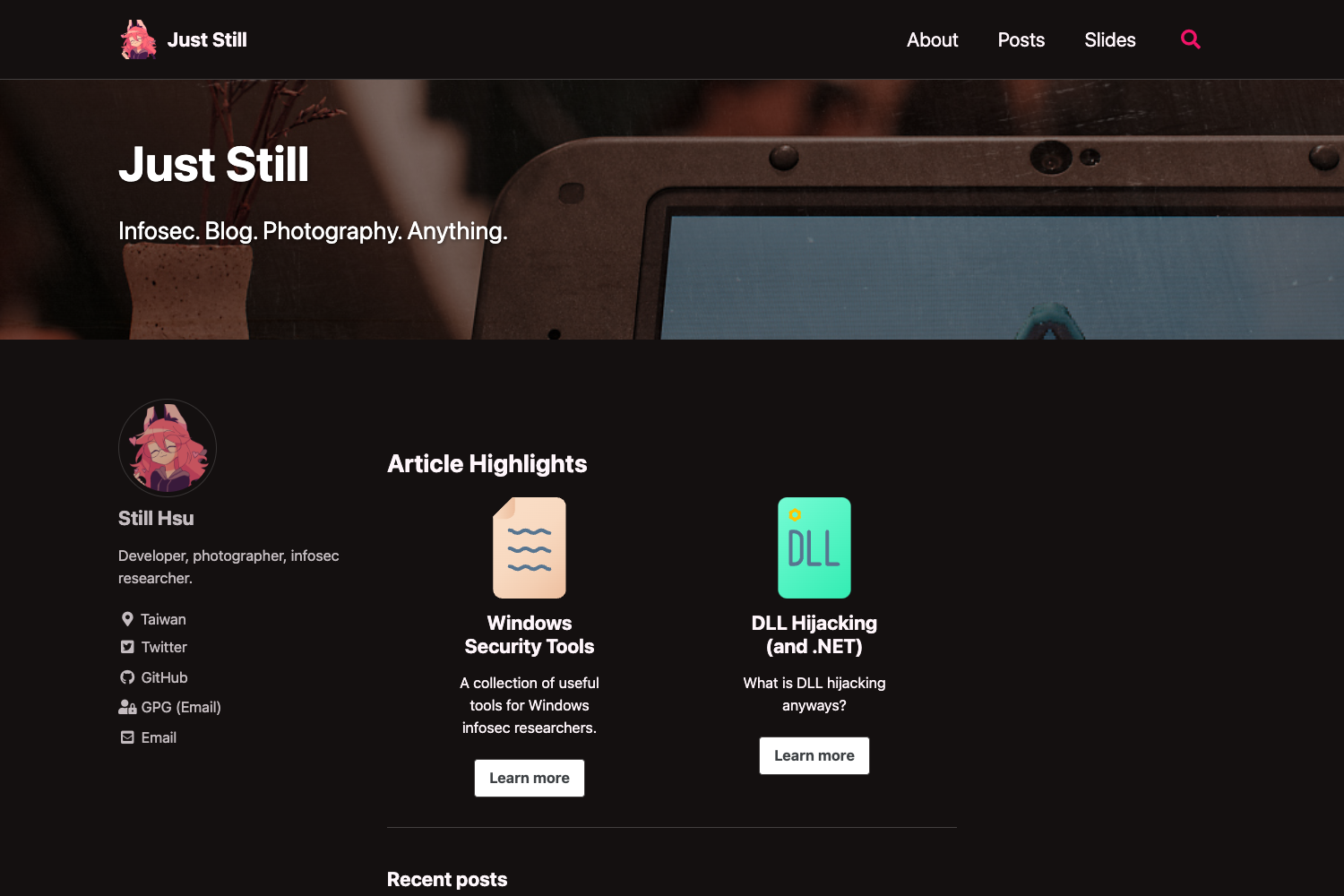
- Dark/light mode — Provides both dark and light appearance options, with black as the default color scheme.
- Automatic date sorting — Timeline entries are arranged newest to oldest automatically, eliminating manual ordering.
- Customizable timeline options — Offers configuration settings to adapt the timeline's behavior and visual style.
- Minimal design — A clean, content-focused layout that keeps the timeline itself the center of attention.
Who is it for?
- Professionals building a career timeline to showcase work history on a personal website.
- Hugo developers who need a lightweight theme for a chronological log, changelog, or roadmap.
- Students and researchers creating project timelines or publication histories.
- Freelancers presenting project milestones to clients in a clear format.
What can you do with it?
- Personal websites: Display life milestones, education, and work experiences in a chronological timeline.
- Project documentation: Maintain a dated changelog or release roadmap.
- Portfolio presentations: Show the progression of projects with dates and descriptions.
How does it work?
Clone the repository into your Hugo site's themes directory, then create timeline content files with date fields. The theme automatically sorts the entries by date and renders them in the selected dark or light layout.
Pricing
The theme is free and open source under the MIT License, allowing unrestricted personal and commercial use.
FAQ
Is hugo-theme-timeline free?
Yes, the theme is released under the MIT License, which permits free use, modification, and redistribution for both personal and commercial projects.
How do I install hugo-theme-timeline?
Clone the repository into your Hugo project's themes directory using a git clone command, then set the theme name to "timeline" in your Hugo configuration.
Does it support dark mode?
Yes, the theme includes both dark and light modes, with dark as the default. Users can switch between the two appearances.
Can I customize the timeline appearance?
The theme provides customizable timeline options that let you adjust various visual and behavioral aspects of the timeline display.