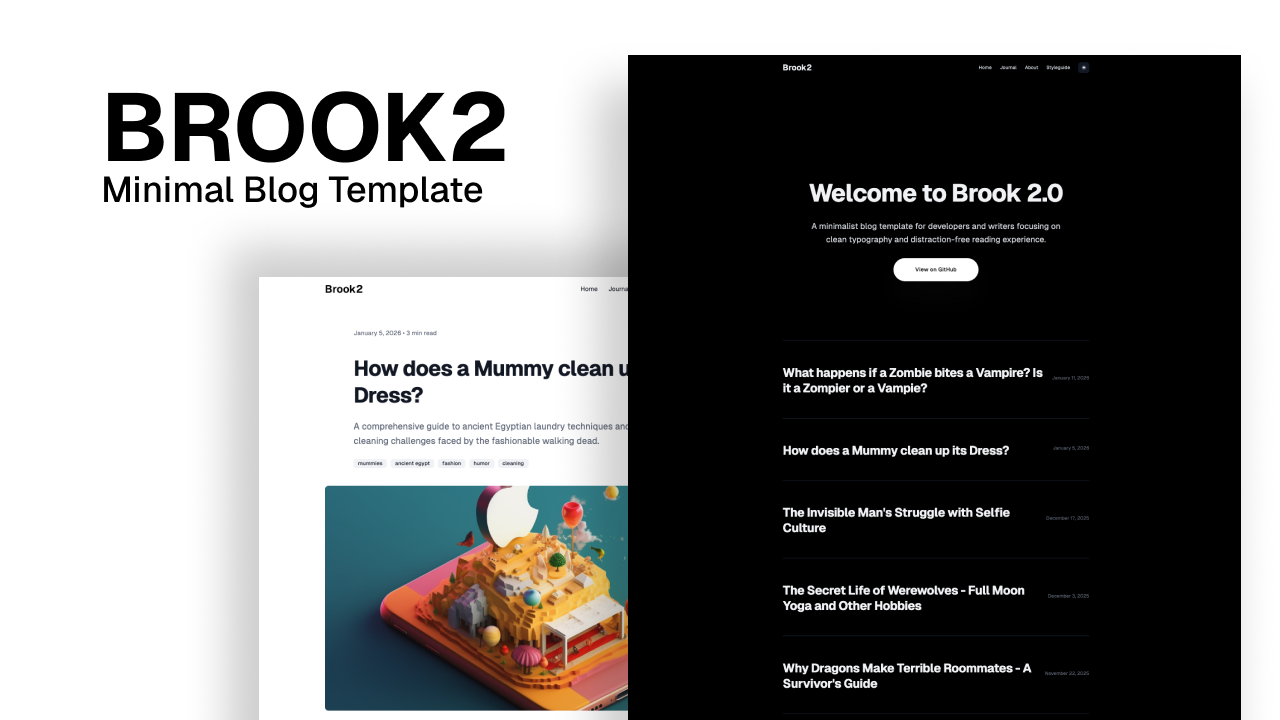
Template details
Hugo Classic
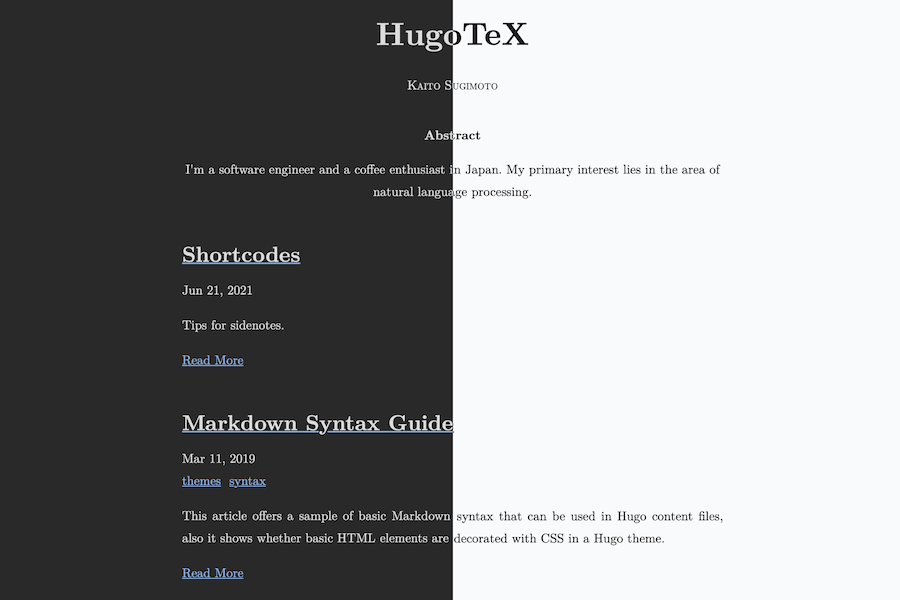
A simple, text-centric Hugo blog theme with dark mode, syntax highlighting, and customizable colors.
About this template
Hugo Classic is a simple, text-centric blogging theme for the Hugo static site generator, forked from Yihui Xie's XMin theme and maintained by goodroot.
What is Hugo Classic?
Hugo Classic is a Hugo theme that converts Markdown content into a minimalist blog with syntax highlighting, emoji support, and optional dark mode. It runs on Hugo, the open-source static site generator, and is installed by cloning the repository into a Hugo site's themes directory. The theme is a stylized fork of XMin, and its source is publicly available on GitHub under the goodroot account.
Key Features
- Text-centric design — A minimalist layout that prioritizes readability, with Inter as the default font.
- Syntax highlighting — Uses highlight.js to color code blocks in blog posts, making code samples easier to read.
- Emoji support — Renders emoji shortcodes as emoji icons directly in your posts.
- Dark mode — Matches or overrides system-wide dark/light settings via CSS media queries (prefers-color-scheme), with separate styles for dark and light.
- Customizable header — The header background and font colors are defined in static/css/style.css; change a single background value to recolor the header.
- Simple installation — Install Hugo via Homebrew, clone the theme, copy the exampleSite contents, and run
hugo serverto have a live site. - New post workflow — Create posts with
hugo new post/slug.md, and the theme will render them in the blog layout. - Live demo — A working example of the theme is available at goodroot.ca.
Who is it for?
Hugo Classic suits bloggers and developers who want a fast, no-frills blogging platform. It is ideal for individual writers who want a personal blog with code snippets and emoji, for developers who are comfortable editing CSS to customize colors, and for Hugo beginners who want a small, well-structured theme to understand how Hugo themes are built.
Use cases
- Personal bloggers: Create a personal blog with Markdown posts and a clean layout, then host it as a static site on any web server or CDN.
- Technical writers: Publish tutorials or documentation with syntax-highlighted code blocks and a distraction-free reading experience.
- Portfolio sites: Use the minimal blog structure to present writing samples or project write-ups without a heavy design.
How does Hugo Classic work?
Hugo Classic is installed by cloning the repository into the themes directory of a new Hugo site, then copying the exampleSite files to the site root. The theme uses Hugo's template system to render Markdown content into HTML pages. To publish, run hugo to generate a static folder that can be deployed anywhere.
FAQ
Does Hugo Classic support dark mode?
Yes. Hugo Classic includes dark mode that respects the system-wide prefers-color-scheme setting. You can also manually set the dark and light styles in static/css/style.css.
How do I change the header color?
Edit static/css/style.css and change the background value in the header rule. For the header text color, change the color value in the header a rule.
Is Hugo Classic free to use?
Yes. Hugo Classic is an open-source theme published on GitHub under the goodroot account. You can download, modify, and use it for any website.
Where can I see Hugo Classic in action?
A live demo is hosted at goodroot.ca. The theme was also featured in a blog post listing 15 Hugo framework blog themes by paskal.