Template details
Pinexio
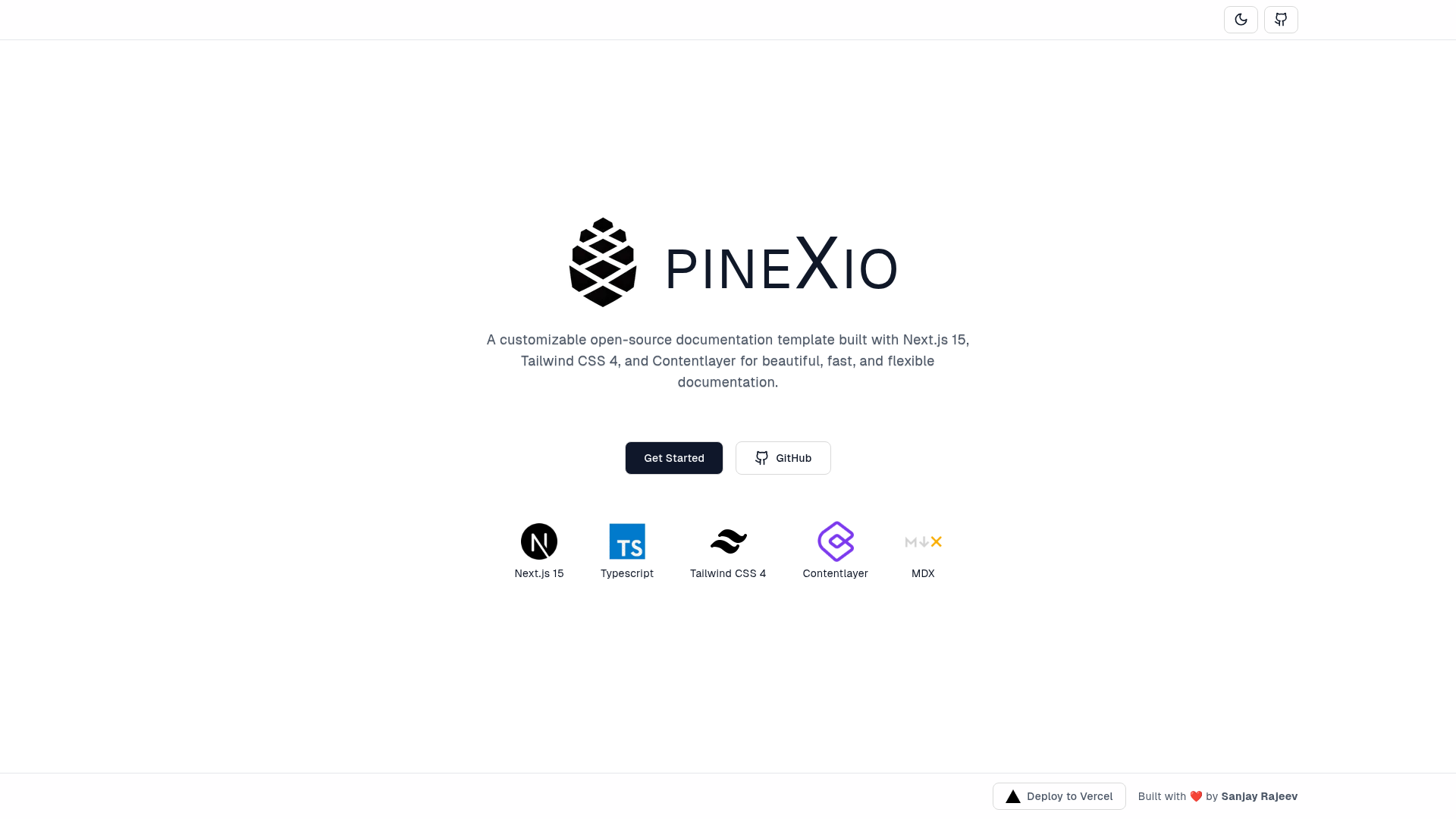
A modern, customizable documentation template for Next.js 15, Tailwind CSS 4, and MDX.
About this template
Pinexio is an open-source documentation template that converts MDX files in a docs folder into a searchable, SEO-friendly documentation site built on Next.js 15 and Tailwind CSS 4.
What is Pinexio?
Pinexio is a free, open-source documentation template for Next.js 15 that renders MDX files from a docs directory into a fully styled documentation website. It uses Tailwind CSS 4 for responsive layout, MDX for combining Markdown with React components, and Contentlayer to automatically index pages for search. The template was created by developer sanjayc208 and is distributed via GitHub.
What makes Pinexio stand out?
- MDX-natively authored pages — Documentation is written as MDX, so you can embed React components, tables, and interactive examples directly in your prose.
- Automatic content indexing — Contentlayer scans the
docsfolder and builds a searchable index every time you add an MDX page, with no manual setup. - Zero-setup page publishing — Adding a new
.mdxfile to/docsmakes it appear on the site immediately; no route registration or configuration is needed. - Light and dark themes — The UI ships with light and dark mode support built on Tailwind CSS 4, using minimal UI libraries so the look stays clean.
- One-click Vercel deployment — A deploy button clones the GitHub repository and launches the site on Vercel, making the template usable within minutes.
- SEO-friendly output — Next.js 15 server-side rendering produces crawlable, fast-loading pages, which helps documentation rank in search engines.
Who should use Pinexio?
- Open-source project maintainers — publish API references, contributor guides, and usage docs for their repositories without building a custom site.
- Technical writers — write in MDX with JSX components for interactive code examples, and preview changes locally through the Next.js dev server.
- Startup teams — stand up product documentation in hours instead of weeks, then deploy the site to Vercel or any Next.js-compatible host.
- Front-end developers — customize the template's React components and Tailwind utility classes to match a product's design language.
What can you do with Pinexio?
- Publish project documentation quickly — clone the repo, drop MDX files into
/docs, and get a live documentation website with search and theming. - Embed interactive components — use MDX's JSX support to include live code demos, data tables, and custom React components inside documentation pages.
- Deploy to production in minutes — use the Vercel deploy button to launch the site with a single click, or push to any Next.js-compatible platform.
- Customize the visual design — adjust Tailwind CSS variables and theme settings to apply brand colors, typography, and dark mode defaults.
How does Pinexio work?
The workflow is intentionally short: clone the repository (or click the Vercel deploy button), add your documentation as MDX files in the /docs folder, and start the Next.js development server. Contentlayer automatically indexes each new MDX file, making it available at its corresponding route. When you're ready, deploy the site to Vercel or any other Next.js host.
Pricing
Pinexio is open-source and free to use. There are no paid plans, licenses, or premium features mentioned on the project page.
FAQ
Is Pinexio free?
Yes. The Pinexio repository is released as open-source software, and the project page states it is free to use. No payment or account is required beyond the GitHub or Vercel hosting you choose.
What does Pinexio do?
Pinexio turns MDX documentation files into a searchable, themed documentation website. It handles content indexing, page routing, and responsive styling so you can focus on writing.
What technologies does Pinexio use?
Pinexio is built with Next.js 15, Tailwind CSS 4, MDX, and Contentlayer. It runs on Node.js and supports deployment to Vercel through a one-click button.
How do I add a new page?
Create an MDX file inside the docs folder. Contentlayer will detect it and make it accessible at a URL based on the file path, with no extra configuration.
Does Pinexio have search?
Yes. Contentlayer automatically indexes all MDX pages, and the template includes search functionality for the indexed content.