Template details
HugoBlox Documentation Theme
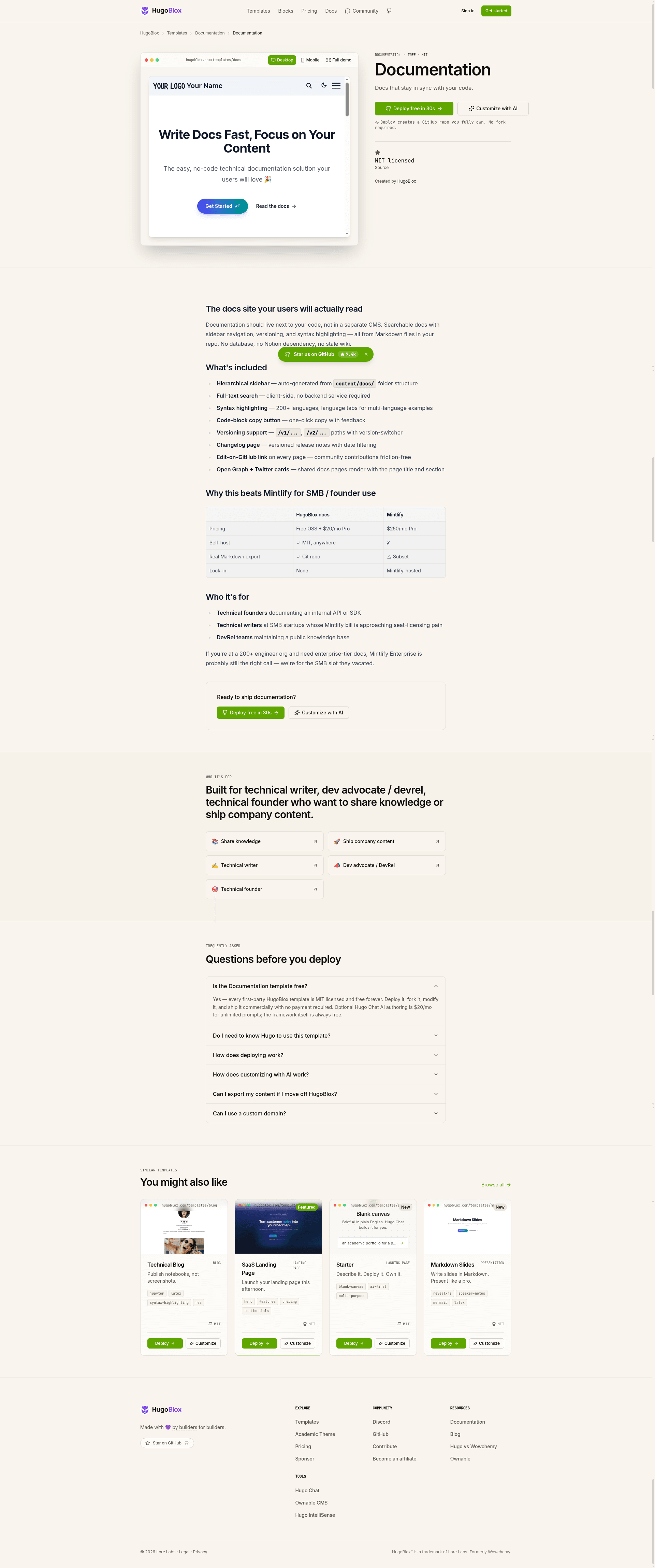
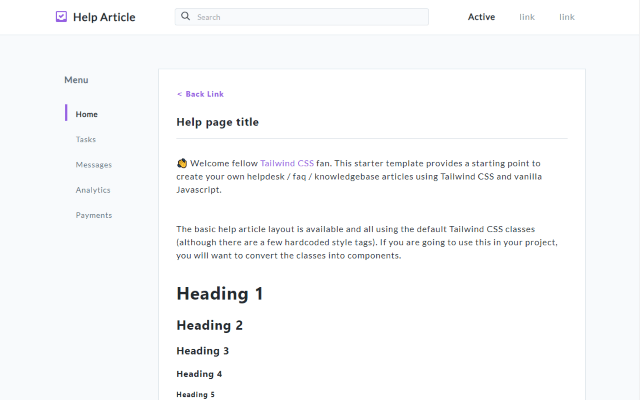
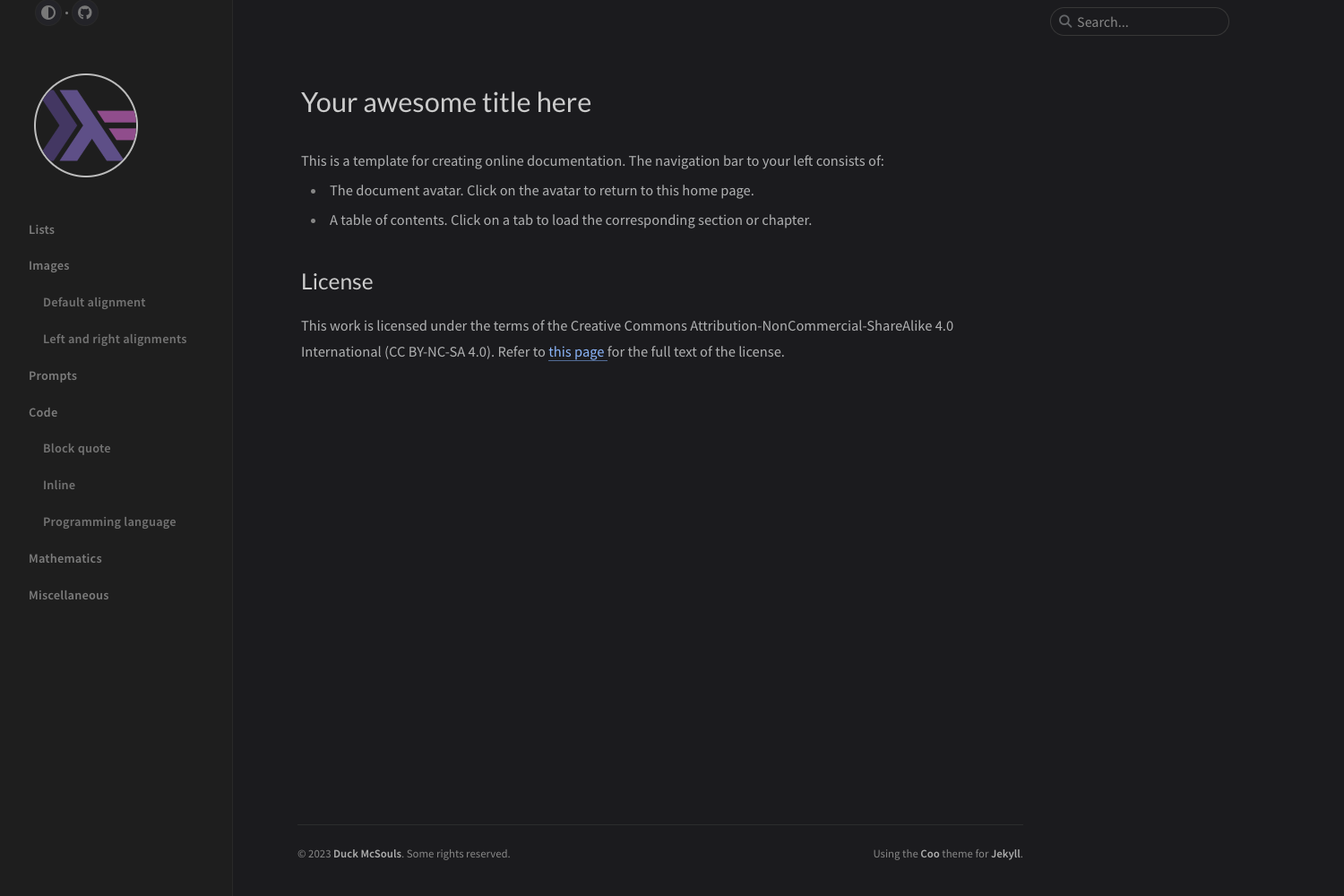
Hugo documentation template with sidebar nav, built-in search, syntax highlighting, and AI page generation from Markdown.
About this template
HugoBlox Documentation Theme is a Hugo-based documentation website template that turns Markdown files in your repository into a searchable docs site with sidebar navigation, built-in search, and syntax highlighting. Produced by Lore Labs under the HugoBlox ecosystem, it outputs a static site that can be deployed for free to GitHub Pages, Netlify, Vercel, or Cloudflare Pages.
What is the HugoBlox Documentation Theme?
The HugoBlox Documentation Theme is a documentation website template built on the Hugo static site generator. It takes plain Markdown files as input and produces a static documentation site with automatic sidebar navigation, offline search, and code syntax highlighting. The template is maintained by Lore Labs as part of the HugoBlox ecosystem, which reports over 150,000 sites and a 4.9/5 rating from an official survey since 2016.
What makes it stand out?
The HugoBlox Documentation Theme combines fast static builds with AI-assisted content generation and visual editing tools. Here are its defining features:
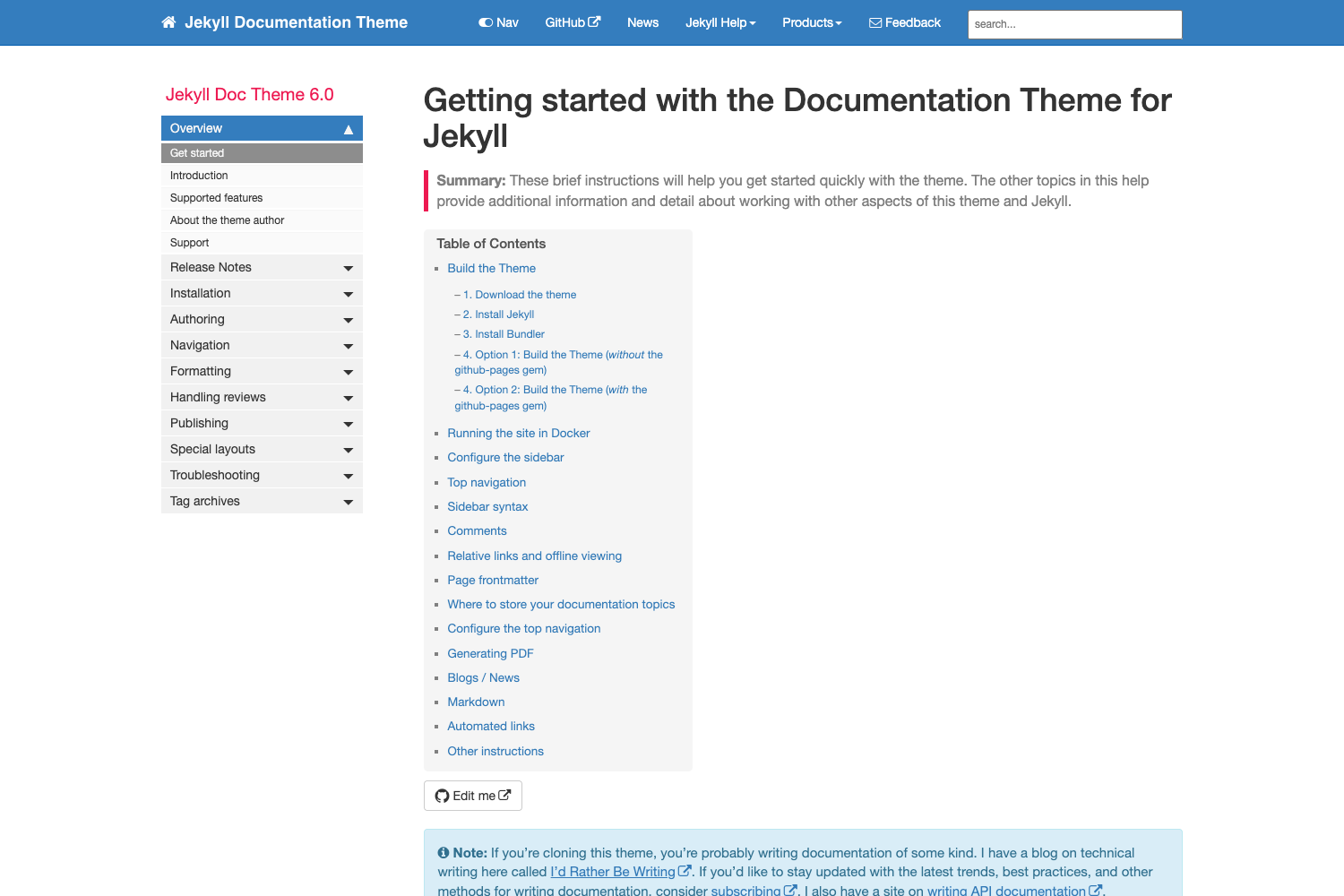
- Automatic sidebar navigation — The sidebar is generated from your folder structure, so no manual menu configuration is needed; nested pages become nested navigation.
- Built-in offline search — Search indexes the entire docs site and works without any external service, so queries resolve even without connectivity.
- Syntax highlighting for 100+ languages — Code blocks include a copy button, supporting a wide range of programming languages out of the box.
- Block-based homepage builder — The landing page is composed of drag-and-drop blocks (hero, features, quickstart), all configurable without code.
- Dark and light mode — The theme follows the system color preference automatically.
- AI page generation with Hugo Chat — Describe what you need in plain English and Hugo Chat generates structured pages with correct front matter for this template.
- Visual editing with Ownable CMS — A VS Code extension provides drag-and-drop block editing, removing the need to write code to build pages.
- Fast builds and low dependencies — A 1,000-page site builds in about 1 second, using only the Hugo binary and Tailwind CSS, unlike Docusaurus or MkDocs which pull larger dependency trees.
Who should use it?
The template fits teams and individuals who want documentation that lives with their code and stays easy to maintain. It is suited for:
- Open-source maintainers — Ship professional documentation without paying for a hosted documentation platform; the template is MIT-licensed and free to host.
- Developer tools teams — Keep API references, guides, and tutorials in the same repository as the code, so docs update in the same pull request as the feature.
- Internal teams — Build a versioned knowledge base that stays in sync with the codebase using branches or subdirectories for version-specific docs.
- Anyone with an overgrown README — Replace a single README with a structured site that has real navigation, search, and page organization.
What can you do with it?
The template supports several practical documentation workflows, from reducing support load to generating content with AI. Typical uses include:
- Reducing support tickets — A documented side navigation helps users find answers themselves; one maintainer cited a 40% drop in support tickets after moving from a GitHub wiki.
- Keeping docs in sync with code — Docs live alongside code and deploy on merge, avoiding stale wikis or the need for sync scripts.
- Building with AI assistance — Generate initial documentation pages by describing sections like "installation, configuration, and first steps" to Hugo Chat.
- Editing visually or in Markdown — Use Ownable CMS inside VS Code for a page builder experience, or write plain Markdown directly; no Hugo knowledge is required.
How does it work?
Deploy in one of two ways: use the browser-based deploy to get a live site in about 60 seconds, or run npx hugoblox create site --template documentation locally with Hugo Extended and Node.js. After the site is created, customize it through Hugo Chat for AI-generated content or through Ownable CMS for visual editing. Every page is a Markdown file in your repository, so content remains portable with no database or vendor lock-in.
Alternatives
Docusaurus and MkDocs are the two most common alternatives for documentation sites. Key differences from this template include:
- Docusaurus — A React-based documentation site generator that lacks AI page generation and a visual editor.
- MkDocs — A Python-based static site generator for documentation that requires the Python ecosystem and does not include AI generation or a visual editor.
FAQ
Do I need to know Hugo to use this template?
No. You can edit visually with Ownable CMS or write Markdown directly. Hugo is just the build engine under the hood, and the template handles the configuration.
Can I keep documentation in the same repository as my code?
Yes. That is the recommended setup. Docs update in the same pull request as the code they describe, so they never go stale.
Does the template support versioned documentation?
Yes. Use branches or subdirectories to maintain version-specific documentation within the same site.
Can I host the site for free?
Yes. The site is static, so it works with free tiers on GitHub Pages, Netlify, Vercel, and Cloudflare Pages.
What is Hugo Chat?
Hugo Chat is an AI assistant trained on Hugo and HugoBlox documentation. You describe what you want, and it generates structured pages with the correct front matter for this template. It is free to try.