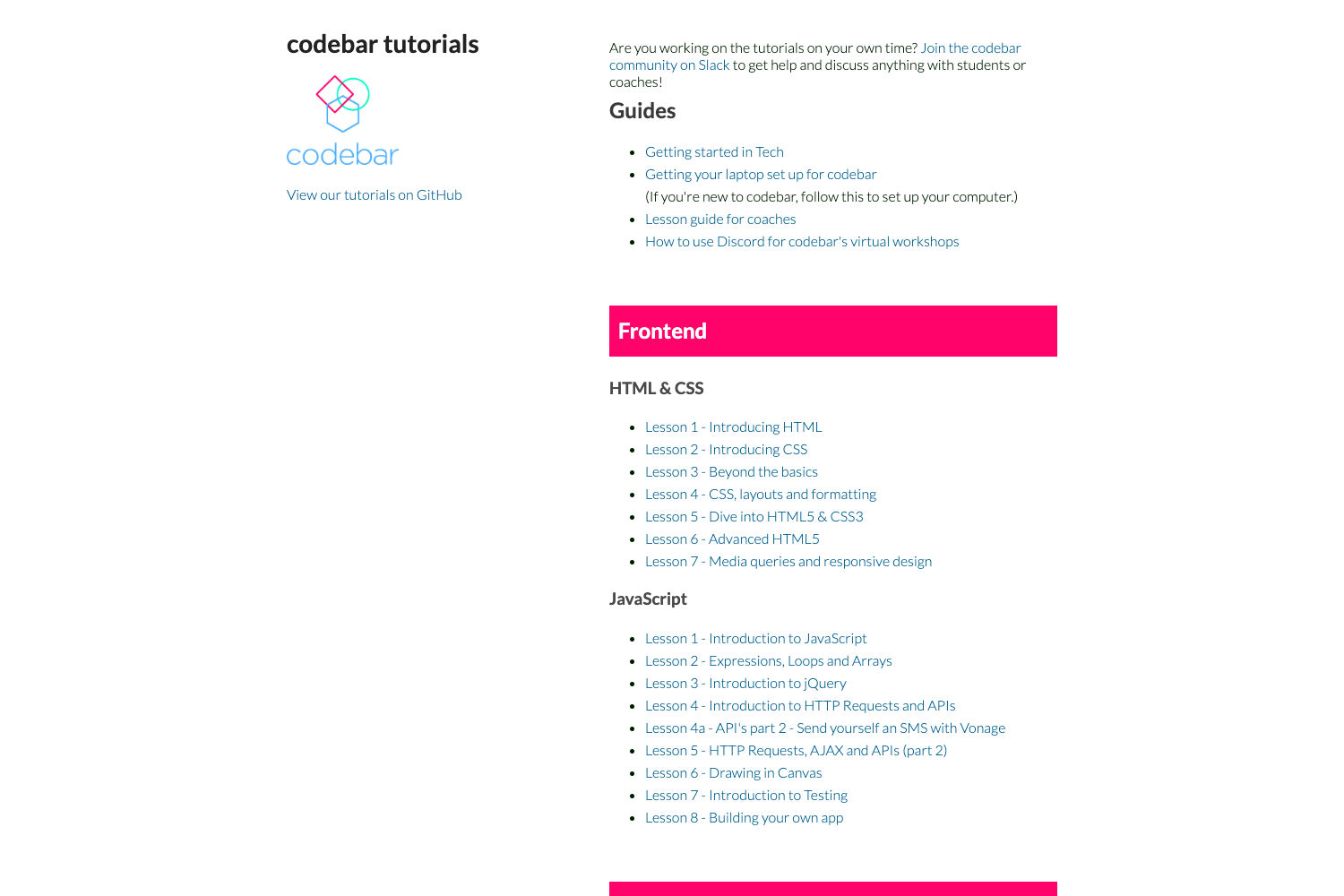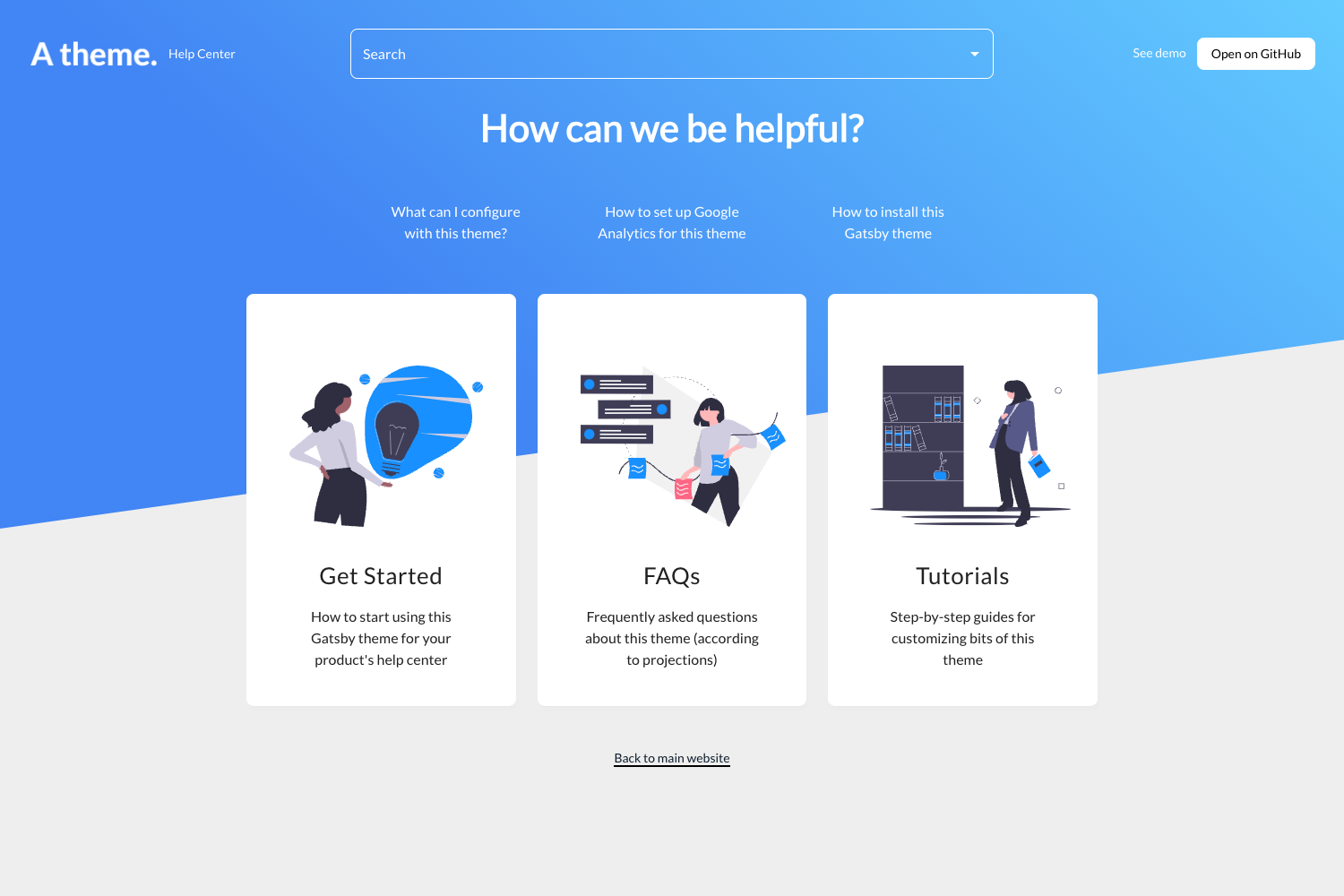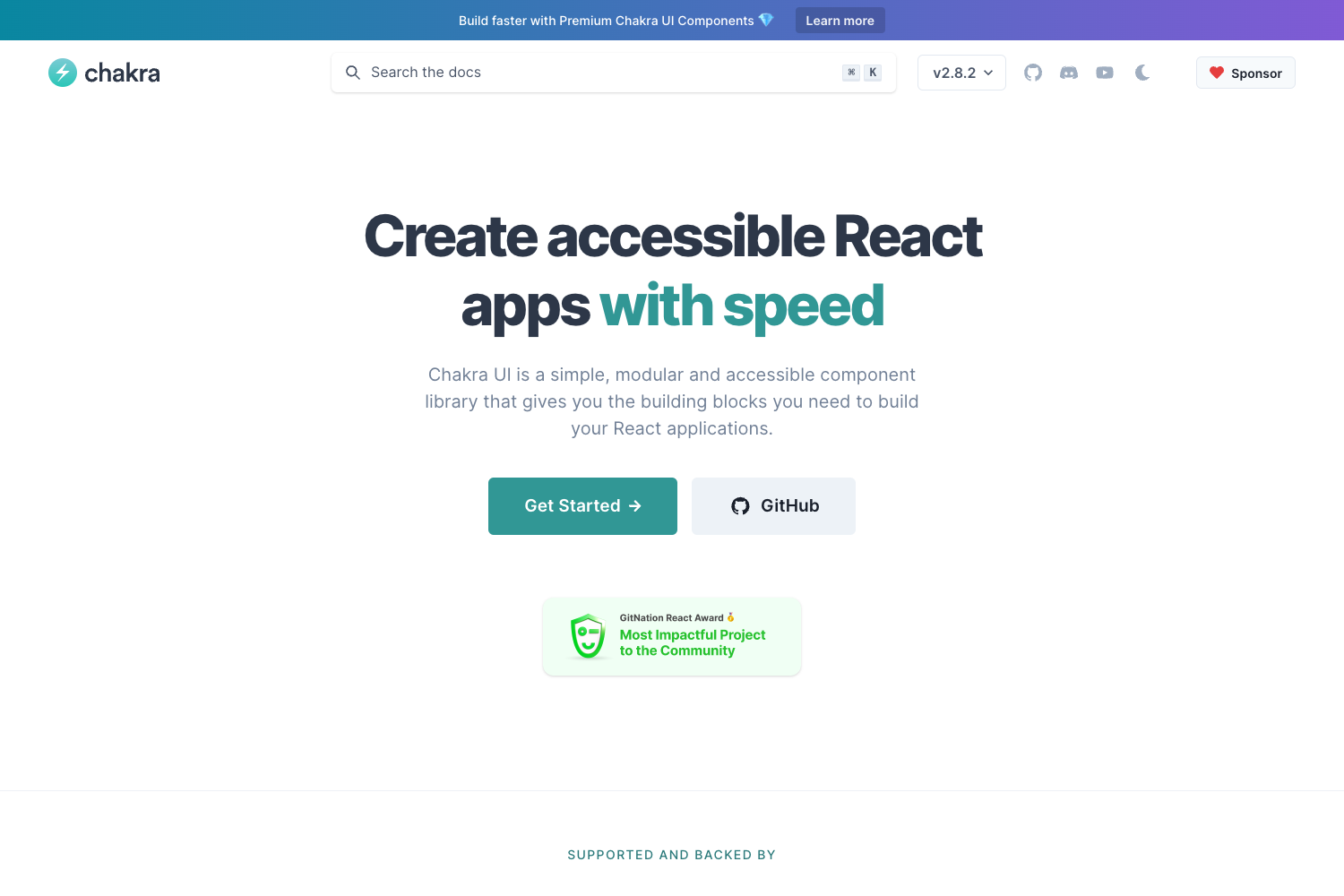
Template details
Jekyll Docs Theme
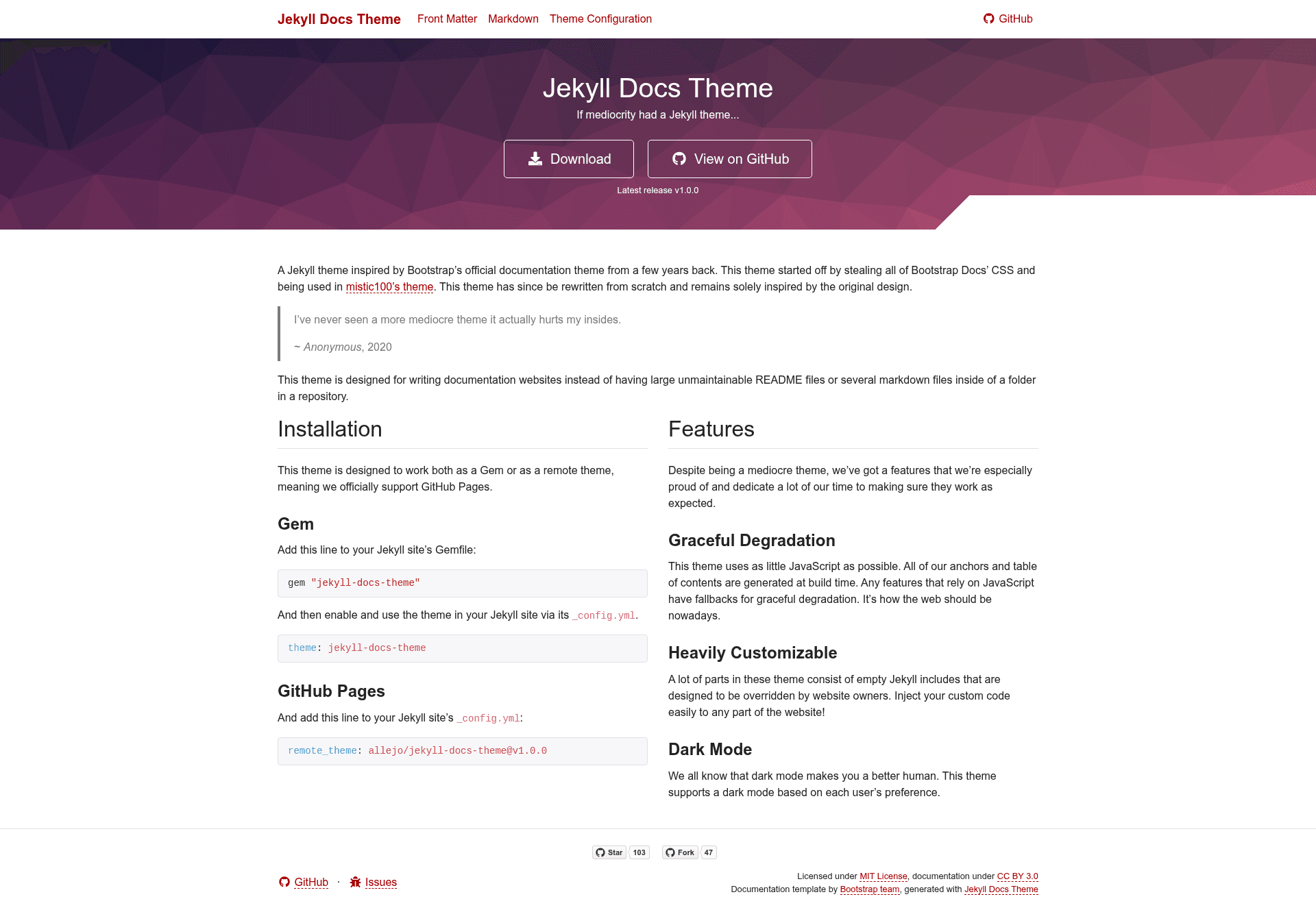
A Jekyll theme for building documentation websites, inspired by Bootstrap's old docs design, with light and dark modes.
About this template
Jekyll Docs Theme is a Jekyll theme for building documentation websites, designed to replace unmaintainable README files and loose Markdown folders with a structured, multi-page docs site. It is an MIT-licensed, open-source theme inspired by Bootstrap's official documentation theme, distributed as the jekyll-docs-theme gem on RubyGems.
What is Jekyll Docs Theme?
Jekyll Docs Theme is a Jekyll theme that turns Markdown content into a static documentation website with a sidebar layout. It takes Jekyll site content — Markdown files with YAML front matter — and renders it into HTML, suitable for hosting on GitHub Pages or any Jekyll build. The theme is created by GitHub user allejo, available in the allejo/jekyll-docs-theme repository, and released under the MIT License. Originally the theme borrowed CSS from Bootstrap Docs via mistic100's jekyll-bootstrap-doc project; it has since been rewritten from scratch and is only visually inspired by that earlier design.
Key Features
- Jekyll integration — installable as a Ruby gem from RubyGems, compatible with standard Jekyll sites and GitHub Pages.
- Documentation-focused layout — built for multi-page docs with navigation, instead of a single long README.
- Bootstrap-inspired design — visual style based on Bootstrap's earlier documentation theme, with a responsive layout and classic typography.
- Light and dark modes — ships with both a light and a dark color scheme; the repository includes screenshots showing each.
- Markdown-based authoring — content is written in Markdown, following Jekyll conventions, and rendered to static HTML at build time.
- MIT License — open source and free to use, modify, and redistribute.
Who is Jekyll Docs Theme for?
Jekyll Docs Theme is aimed at Jekyll users who publish structured documentation rather than a single README or loose Markdown files. Software developers can use it for API references and user guides, open-source maintainers can host contributor documentation on GitHub Pages, and technical writers can get a markdown-driven docs site without building one from scratch.
What can you do with Jekyll Docs Theme?
- Replace a large README — split a long README into multiple linked pages with a sidebar, making the content easier to browse.
- Publish project documentation — turn user guides, setup instructions, and API docs into a standalone documentation site.
- Host docs on GitHub Pages — use the theme directly with Jekyll on GitHub Pages to serve documentation from a repository.
FAQ
Is Jekyll Docs Theme free?
Yes. The theme is open source under the MIT License, so you can use, modify, and redistribute it without paying licensing fees.
Does Jekyll Docs Theme support dark mode?
Yes. The theme includes both light and dark color schemes, and the repository shows screenshots of the theme in each mode.
How do I install Jekyll Docs Theme?
Jekyll Docs Theme is distributed as a Ruby gem named jekyll-docs-theme on RubyGems. Add it to your Jekyll site's Gemfile and set it as the active theme in _config.yml, then run jekyll build or jekyll serve as usual.