Template details
Aria-Docs
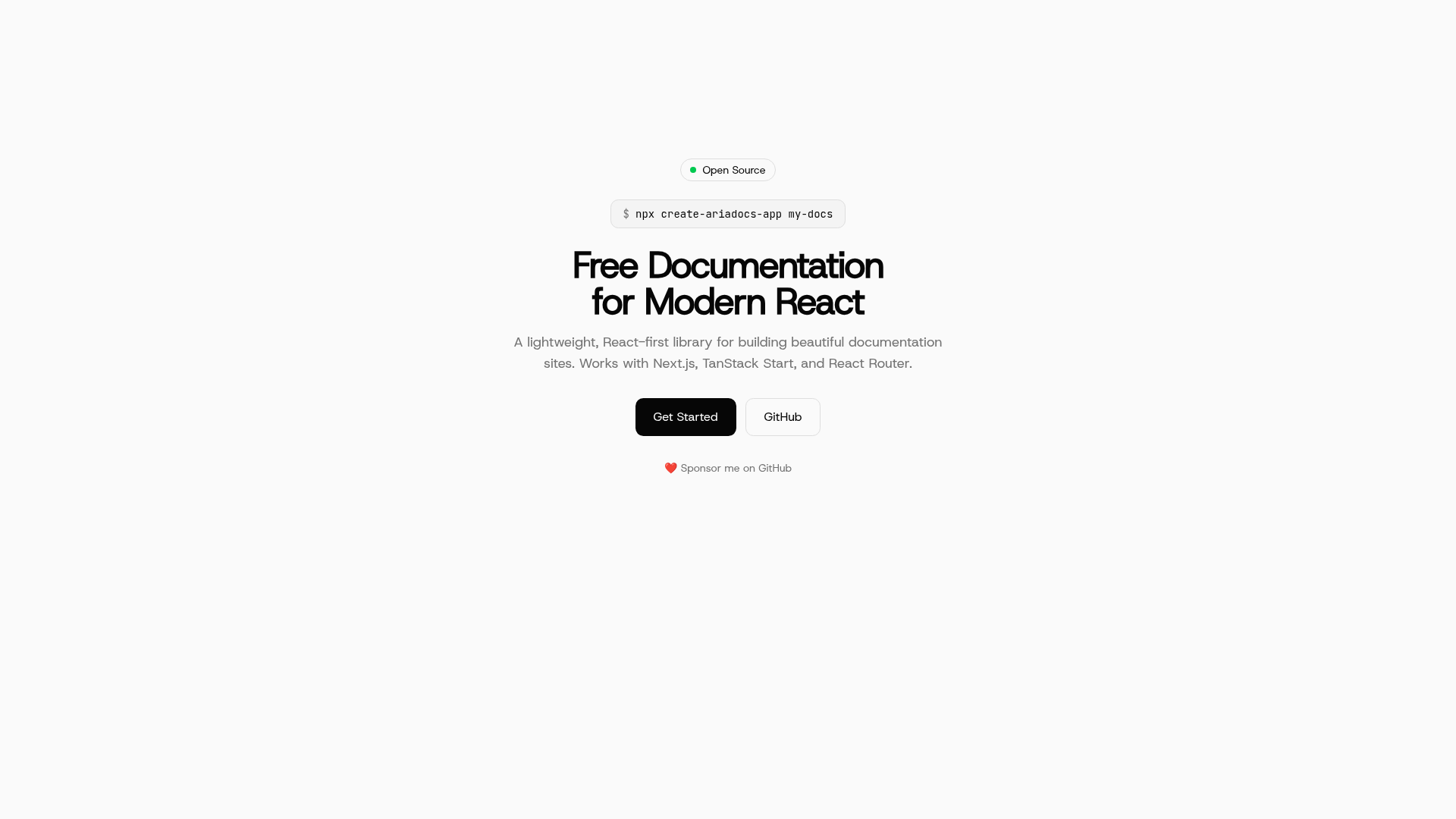
A lightweight MDX documentation builder for React and Next.js with auto-generated navigation and Prism syntax highlighting.
About this template
Aria-Docs is an open-source documentation-building library for React and Next.js that renders MDX content into structured documentation sites with minimal configuration.
What is Aria-Docs?
Aria-Docs is a documentation-building library for React and Next.js that turns a folder of MDX files into a navigable documentation site. It takes a content directory plus a _meta.json file as input and outputs a React-based UI with auto-generated sidebar navigation. The project is maintained by Nisab Mohd under the MIT license and currently has 412 stars on GitHub. It is designed for speed and simplicity, supporting React 19 and Next.js 15 server components.
Key Features
- MDX Support — Write documentation in MDX with full React component support inside markdown.
- Auto-generated navigation — Sidebar structure is derived from
_meta.jsonfiles, eliminating manual menu setup. - Prism syntax highlighting — The built-in
rehypePrismplugin colors code blocks for supported languages. - Server Components — Full support for React Server Components, allowing docs to render server-side.
- Plugin system — Extend the Markdown pipeline with remark and rehype plugins;
remarkGfm,rehypeSlug,rehypeAutolinkHeadings,rehypeCodeTitles, andrehypePrismare exported from@ariadocs/react/plugins. - Framework flexibility — While built for React and Next.js, repository topics also mention TanStack Start and React Router as supported environments.
- Tailwind CSS and shadcn/ui styling — The accompanying documentation site is styled with Tailwind CSS and shadcn/ui components.
Who is it for?
- Open-source maintainers — Publish project documentation without building a custom site; just add MDX files and a
_meta.json. - React and Next.js developers — Add a docs section to an existing app using the
createDocsfunction and React Server Components. - API and library authors — Build reference-style docs with code titles, autolinked headings, and GitHub-flavored Markdown.
What can you do with Aria-Docs?
- Start a docs site quickly — Install
@ariadocs/reactwithpnpm add @ariadocs/react, point it at acontents/docsdirectory, and get a working docs layout. - Write content in MDX — Use
remarkGfmfor tables and strikethrough, andrehypeCodeTitlesto label code blocks. - Create deep-linkable sections — Combine
rehypeSlugandrehypeAutolinkHeadingsso every heading automatically gets an anchor link. - Run a local preview — Use
pnpm --filter web devto run the documentation site included in the repository.
How does Aria-Docs work?
The core is the createDocs function, which receives a content directory, an array of remark plugins, and an array of rehype plugins. It processes every MDX file in that directory through the plugin pipeline and returns a docs object ready to render in React. The quick start example uses remarkGfm plus rehypeSlug, rehypeAutolinkHeadings, rehypeCodeTitles, and rehypePrism, producing the final HTML and navigation structure.
FAQ
Is Aria-Docs free to use?
Yes, Aria-Docs is open source under the MIT license, so it can be freely used in personal and commercial projects.
What frameworks does Aria-Docs support?
It is designed for React and Next.js with explicit support for React Server Components and Next.js 15. Repository topics also reference TanStack Start and React Router as compatible environments.
Does Aria-Docs have syntax highlighting?
Yes, it includes the rehypePrism plugin based on Prism.js, and you can add code block titles with rehypeCodeTitles.
How do I install Aria-Docs?
Install the package with pnpm add @ariadocs/react, then import createDocs and the plugin helpers from @ariadocs/react/plugins.
Who maintains Aria-Docs?
The project is maintained by Nisab Mohd, and it welcomes community contributions, as indicated by the contributions-welcome topic on GitHub.