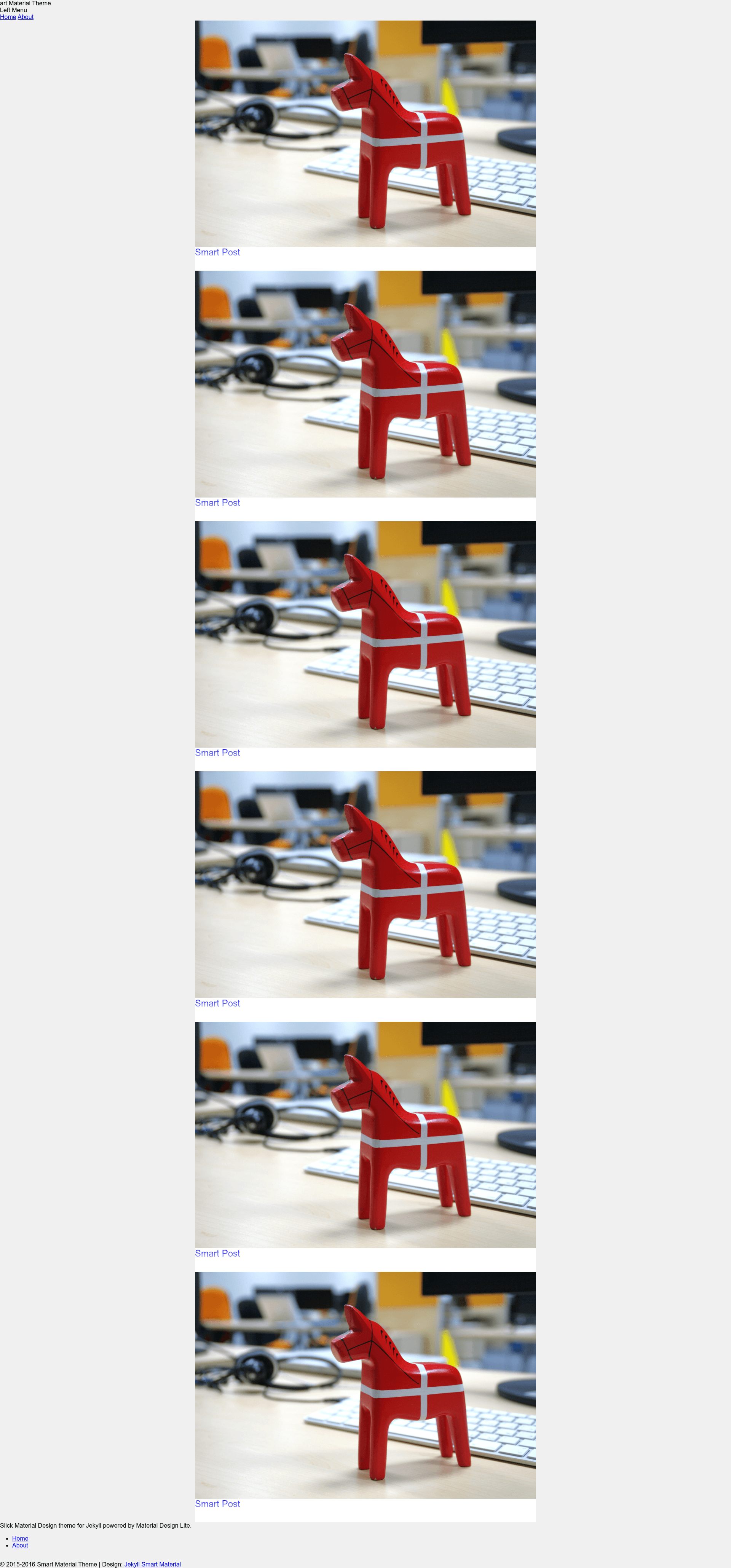
Template details
Jekyll Smart Material
Material Design Lite-powered Jekyll theme for building Material Design-styled blogs and static sites.
About this template
Jekyll Smart Material is a free Material Design Lite-powered theme for the Jekyll static site generator, turning Jekyll's Markdown content into a Material Design-styled website.
What is Jekyll Smart Material?
Jekyll Smart Material is a Jekyll theme built on Material Design Lite v1.2.1, Google's component library for responsive Material Design interfaces. It takes Jekyll's standard content structure — Markdown posts and HTML pages — and renders them with Material Design's visual language. The theme is developed by the GitHub user ssokurenko, with a live demo at https://ssokurenko.github.io/jekyll-smart-material. The repository description is "Smart Material Design theme for Jekyll" and it has 14 stars as of the repository metadata.
What makes Jekyll Smart Material stand out?
- Material Design Lite v1.2.1 — Uses the MDL library, which provides a Responsive Grid, buttons, cards, typography, and other Material Design components out of the box.
- Pure Jekyll workflow — No build step beyond Jekyll; content is written in Markdown or HTML and the theme compiles it into static files.
- One-command local server — After installing Jekyll,
jekyll servefrom the project folder makes the site available at http://127.0.0.1:4000/ for development and testing. - Simple setup — The full setup is three steps: clone
https://github.com/ssokurenko/jekyll-smart-material.git, install Jekyll withsudo gem install jekyll, and runjekyll serve.
Who should use Jekyll Smart Material?
- Jekyll bloggers — If you already maintain a Jekyll blog, this theme restyles your existing posts and pages with Material Design components without requiring a platform change.
- Design-familiar developers — Developers who prefer Google's Material Design language and want a static site generator can fork this theme as a starting point.
- Portfolio and project sites — Individuals can use the theme's clean layout to present a portfolio, documentation, or product landing page.
What can you do with Jekyll Smart Material?
- Start a Material Design blog: Write posts in Markdown, and Jekyll will generate a static blog with a Material Design look.
- Prototype a product page: Use the theme's cards and buttons to quickly assemble a landing page that runs without JavaScript frameworks.
- Learn Jekyll theming: Inspect the repository to see how Jekyll layouts and includes integrate an external CSS framework like Material Design Lite.
How does Jekyll Smart Material work?
The workflow is the standard Jekyll local development loop: fork or clone the repository, install Jekyll as a Ruby gem (sudo gem install jekyll), then run jekyll serve in the project directory. Jekyll builds the site and serves it at http://127.0.0.1:4000/, watching for file changes so you can iterate without restarting.