Template details
simplog
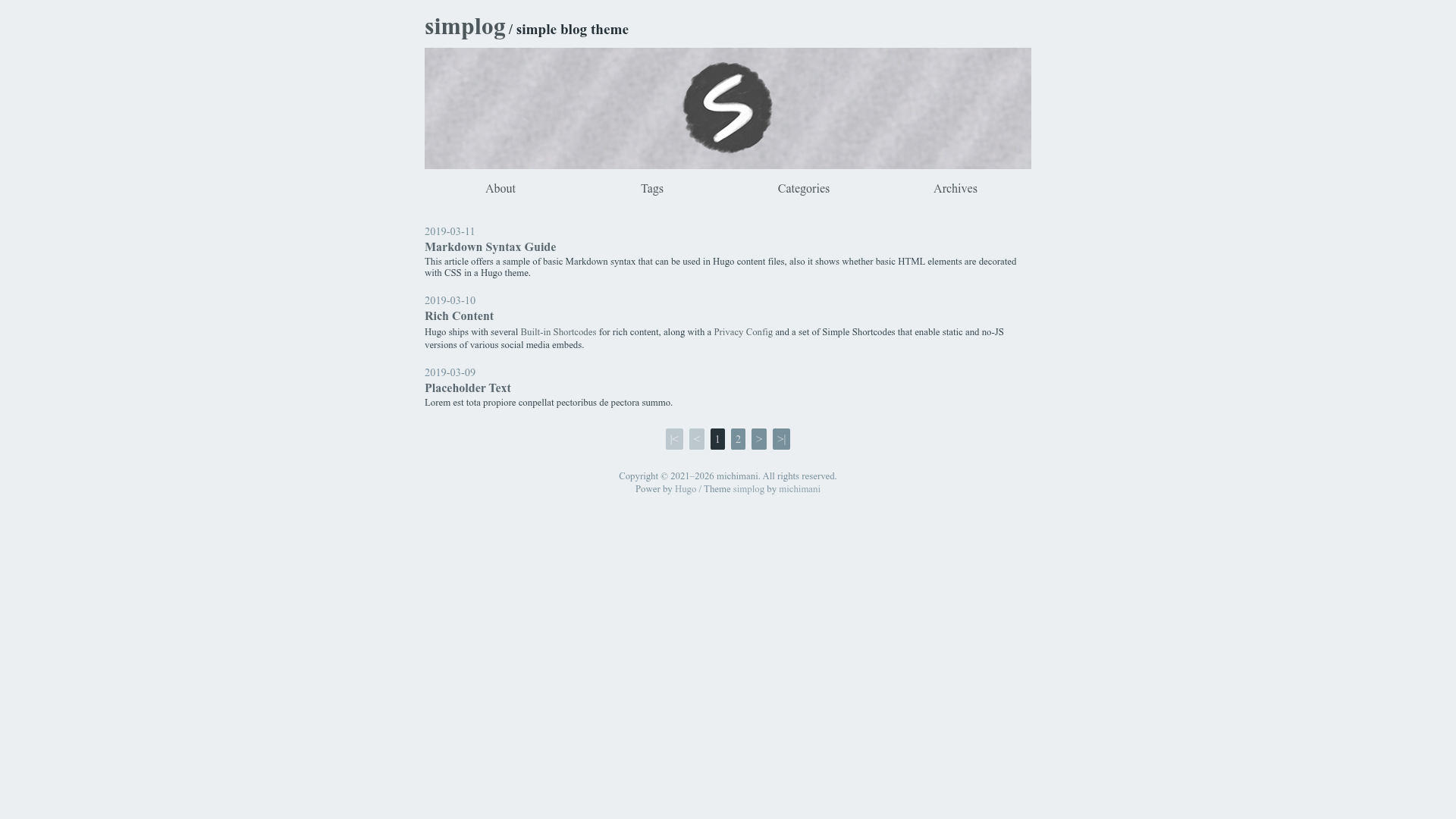
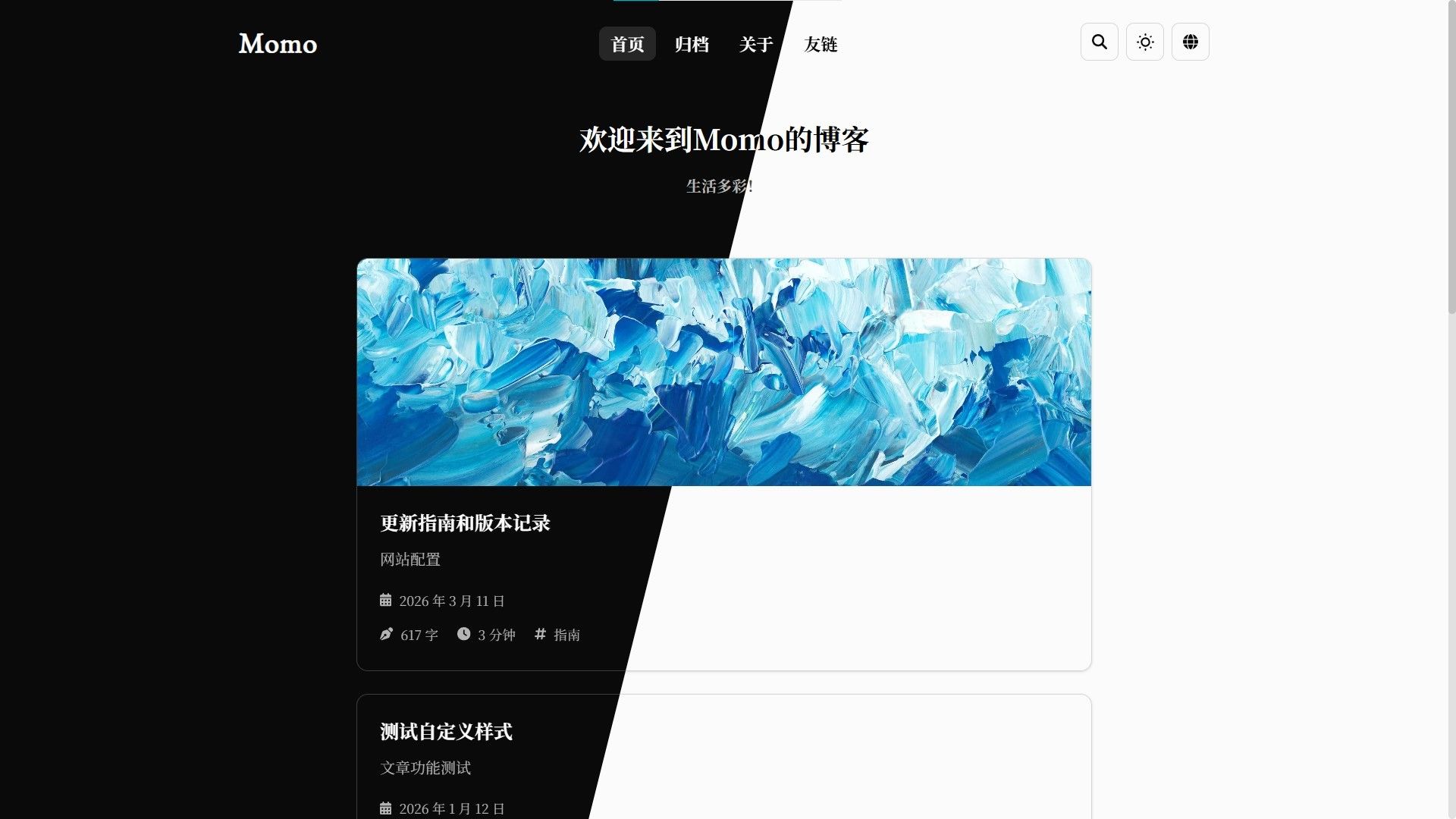
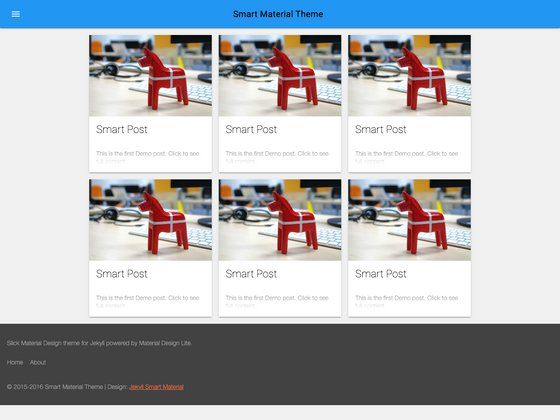
simplog is a simple blog theme for Hugo with theme colors, Disqus, Google Analytics, lazy-load images, and Mermaid support.
About this template
simplog is a Hugo blog theme that renders Markdown content into a responsive blog with tag, category, and archive pages, built by michimani.
What is simplog?
simplog is a simple blog theme for Hugo, created by michimani. It accepts a Hugo site's Markdown content and configuration in config.toml, and generates a static blog with a default, dark, red, green, or blue color theme. The theme requires Hugo Extended v0.150.1 or later because it compiles SCSS to CSS at build time using Hugo's built-in processor. It is distributed as a Git repository that you add as a submodule under ./themes/simplog.
Key Features
- Google Analytics support — Insert your tracking ID in config.toml under googleAnalytics to load the tracking snippet in the head of every page.
- Disqus comments — Set disqusShortname and enable comment=true in both config.toml and individual post front matter; the form appears only when both are true.
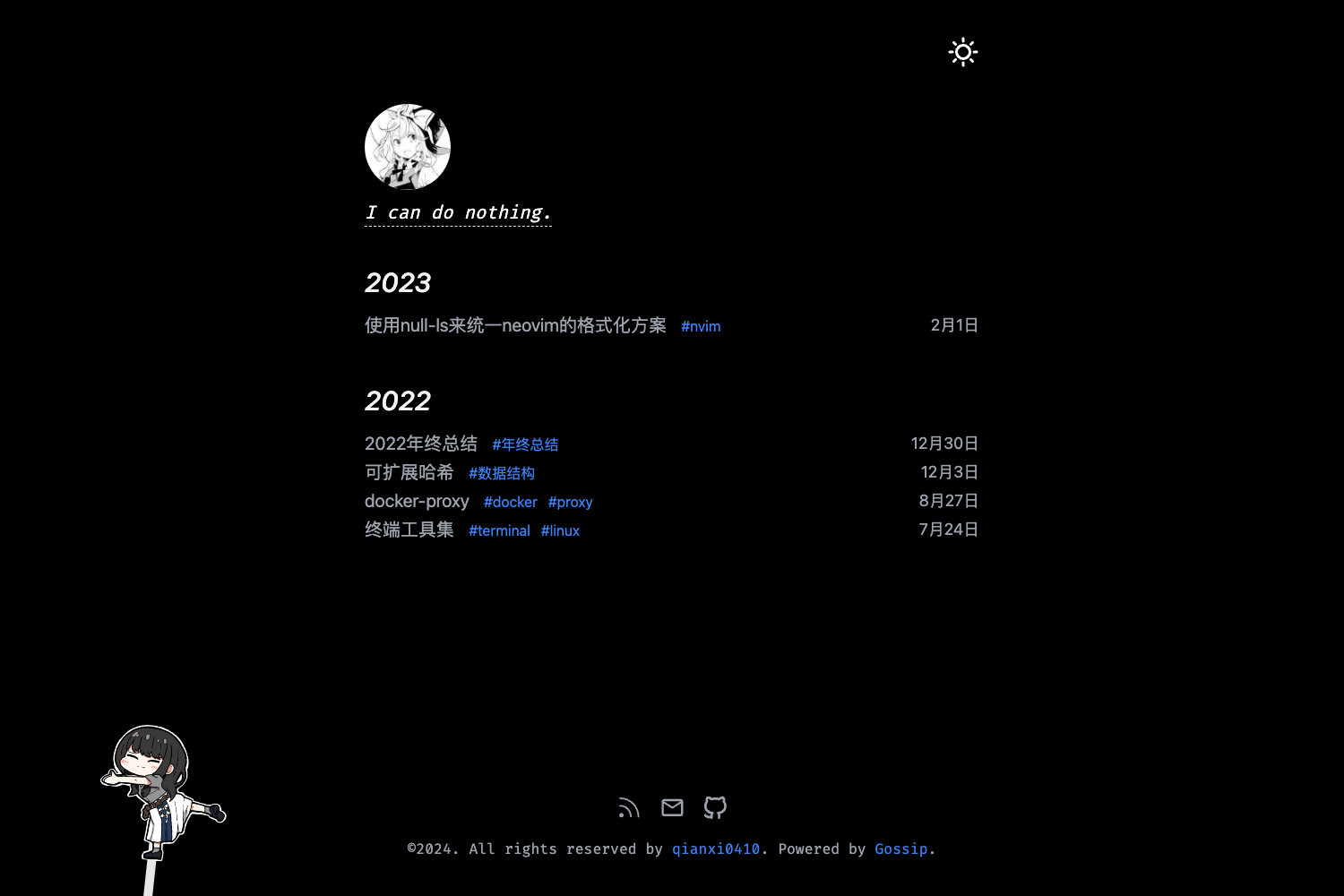
- Five theme colors — Choose default, dark, red, green, or blue via the colorTheme parameter in config.toml.
- Custom CSS — Provide a path to your own stylesheet with the customCSS parameter to override theme styles.
- Adobe Fonts integration — Supply an Adobe Fonts Kit ID via adobeFontsKitId to load custom typefaces (you also need custom CSS).
- Lazy-load image shortcode — Use the shortcode
{{< lazy src="filename.jpg" alt="description" >}}to defer images placed in the images directory, or add abs="y" for full URLs. - Mermaid diagram rendering — Write Mermaid code blocks in Markdown and they are rendered as diagrams on the page.
- Tags, categories, and archives — The theme includes archive, tag, and category pages and displays related posts on each article.
Who is it for?
simplog suits Hugo users who want a lightweight, customizable blog theme without pulling in a large UI framework. Bloggers who need built-in Google Analytics and Disqus comments can enable both by editing config.toml. Developers who want to tweak the theme can use the included devcontainer configuration for VS Code, which sets up Hugo Extended automatically. Writers who need visual diagrams can rely on the Mermaid shortcode instead of generating images separately.
What can you do with simplog?
- Hugo bloggers: Quickly publish a responsive blog by setting a color theme, enabling comments, and adding analytics in config.toml.
- Theme developers: Use the devcontainer in VS Code to start editing the theme with Hugo Extended preinstalled, then run
hugo server --themesDir ../.. --theme simplogfrom the exampleSite directory. - Technical writers: Write posts with Mermaid diagrams and lazy-loaded images using the provided shortcodes, and organize content with tags and categories.
How does simplog work?
Installation uses a git submodule: run git submodule add https://github.com/michimani/simplog.git ./themes/simplog. After configuring config.toml, you can run hugo server --themesDir ../.. --theme simplog to preview, or use the devcontainer for an automated setup.
FAQ
How do I install simplog?
Add the repository as a submodule in your Hugo project's themes directory: git submodule add https://github.com/michimani/simplog.git ./themes/simplog. Then set theme = "simplog" in your config.toml.
Does simplog support comments?
Yes, via Disqus. You must set the disqusShortname in config.toml and set comment = true in both the site's [params.enabled] section and in each post's front matter where you want comments.
How do I change the theme color?
Set the colorTheme parameter in config.toml to one of default, dark, red, green, or blue. The theme applies this color scheme globally.
Can I use my own fonts?
Yes, set your Adobe Fonts Kit ID with adobeFontsKitId and provide matching custom CSS. The theme will load the kit from Adobe's CDN.
Does simplog require a specific Hugo version?
Yes, it needs Hugo Extended v0.150.1 or later, because the theme's SCSS is compiled to CSS at build time by Hugo Extended's built-in SCSS processor. No Node.js tooling is required.