Template details
Momo
A minimalist blog template built with Astro, featuring dark mode, search, i18n, and rich Markdown support.
About this template
Momo is a minimalist blog template built with Astro that generates a static blog with dark mode, local search, bilingual content, and rich Markdown extensions. It is designed for users who want a clean, fast blog without sacrificing modern features.
What is Momo?
Momo is a minimalist blog template built on the Astro framework, maintained by Motues on GitHub. It takes Markdown posts as input and produces a fully static website with built-in search, RSS, categories, and reading statistics. The template is designed to balance a simple, clean aesthetic with a practical feature set.
Key Features
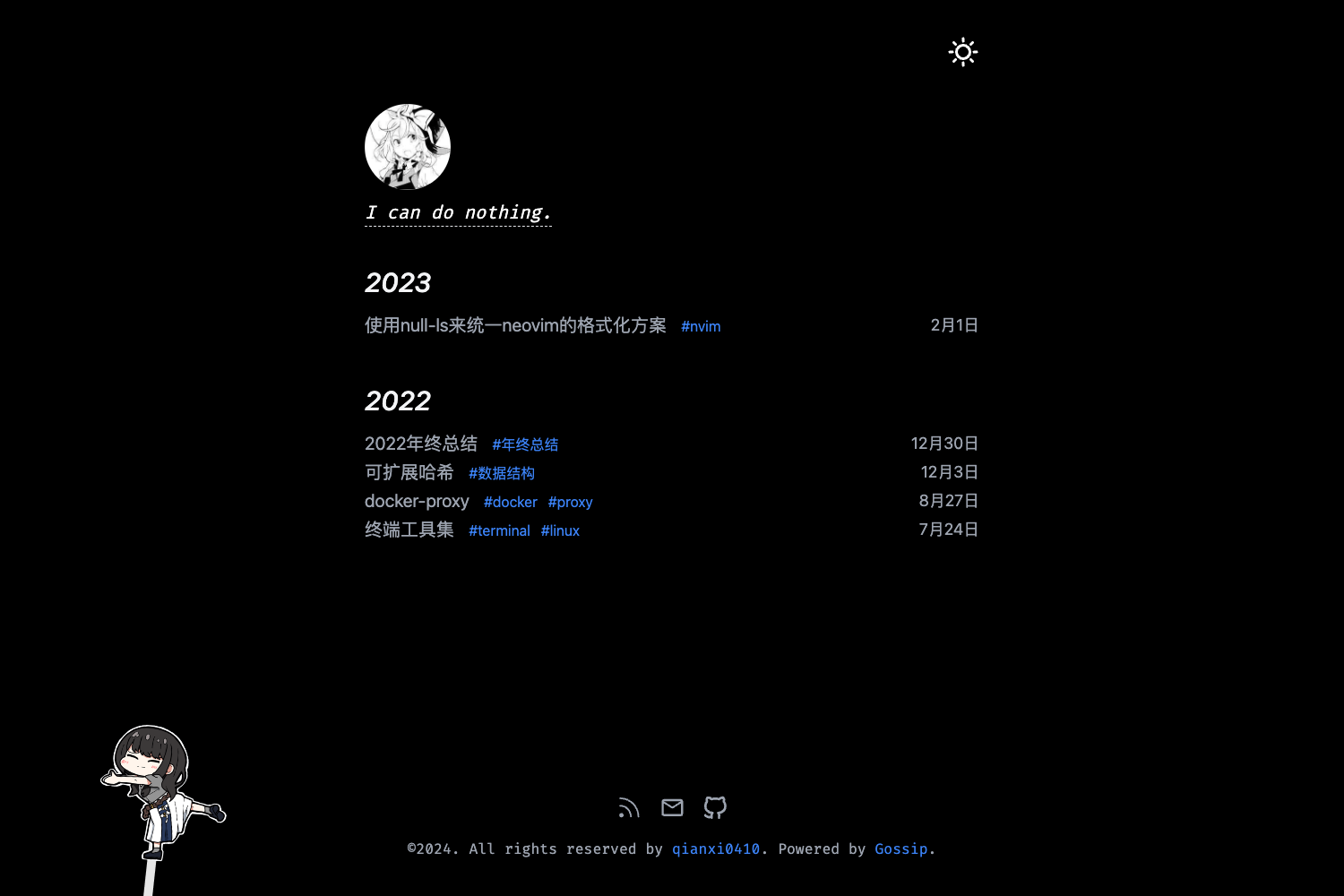
- Minimal design — black-and-white base with blue accents, keeping the page layout clean and focused on content.
- Dark mode — toggles manually or follows the system setting automatically.
- Local search — uses Pagefind to index posts and provide offline, client-side search results.
- Internationalization — supports Simplified Chinese and English with a built-in language switcher.
- Mobile adaptation — components are optimized for mobile screens, delivering the same browsing experience as on desktop.
- Comments — supports local deployment or Cloudflare deployment via the separate Momo-Backend project.
- Rich Markdown syntax — includes KaTeX math, Typst, Alert callouts, GitHub card embeds, and custom syntax.
- Built-in blog utilities — post categories, table of contents, RSS subscription, word count, and estimated reading time.
Who is it for?
- Bloggers who want a fast, minimal Astro site with dark mode and search.
- Bilingual writers who need built-in Simplified Chinese and English support without extra plugins.
- Developers who are comfortable with pnpm and Astro and want a customizable template they can extend.
What can you do with Momo?
- Personal bloggers: create a clean, searchable blog with minimal setup by cloning the repo and running
pnpm install. - Technical writers: publish documentation-style posts with KaTeX math, Typst formulas, and GitHub card embeds.
- Open-source maintainers: deploy a comment-enabled blog using the provided Momo-Backend for local or Cloudflare deployment.
How does Momo work?
Clone the repository, install dependencies with pnpm install, and run pnpm dev to start a local server at http://localhost:4321. Build a production version with pnpm build, which outputs to the dist directory. Create new posts using the pnpm newpost command, specifying a path and optional language code.
Pricing
Momo is open source and free to use. It is hosted on GitHub and can be cloned and deployed without cost.
Alternatives
- Fuwari
- Tyndall
FAQ
Is Momo free?
Momo is an open-source blog template hosted on GitHub. You can clone it, modify it, and use it for personal or commercial projects without a license fee.
Which languages does Momo support?
Momo currently supports Simplified Chinese and English. The i18n feature allows switching between these two languages with a language switcher in the interface.
How do I create a new post?
Use the pnpm newpost command followed by a file path and an optional language code. For example, pnpm newpost docs/test.md zh-cn creates a post in Simplified Chinese; the language defaults to zh-cn if omitted.
Can I use Momo with a comment system?
Yes, Momo includes comment support that can be deployed locally or on Cloudflare, using the separate Momo-Backend project for backend services.