Template details
Kimia UI
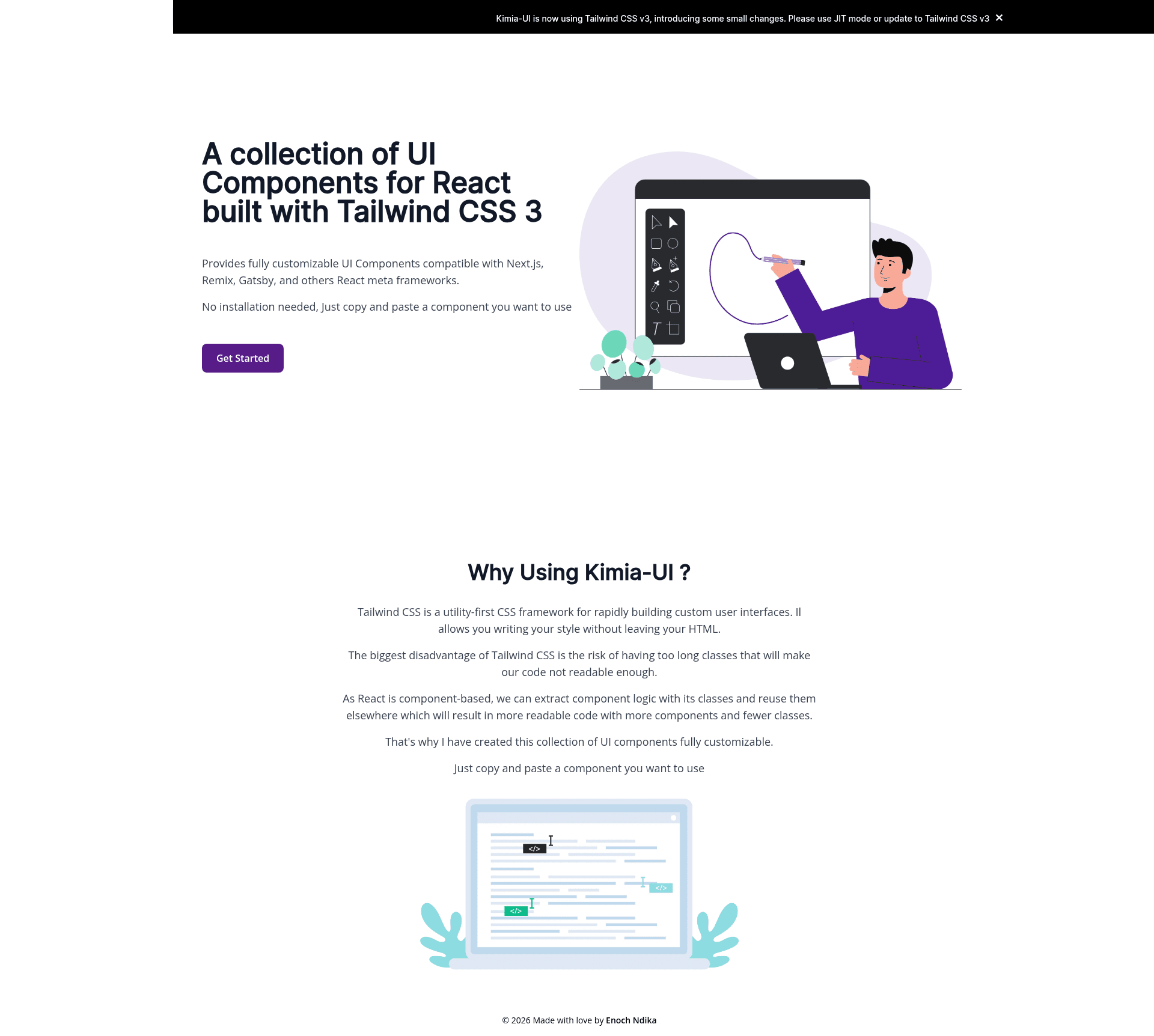
A collection of UI Components for React built with Tailwind CSS 3
About this template
Kimia UI is an open-source collection of copy-paste UI components for React built with Tailwind CSS 3, presented through a Next.js project that lets you browse each component with live code examples.
What is Kimia UI?
Kimia UI is a library of React components that combine Tailwind CSS utility classes with component logic to produce reusable UI elements. Rather than a traditional npm package, it is a GitHub repository organized as a Next.js app where each component lives under src/packages and is displayed on its own page under src/pages/components. The repository is maintained under the enochndika GitHub account and has roughly 340 stars.
Key Features
- Tailwind CSS 3 styling — All components are styled with Tailwind CSS 3 utility classes, letting you keep styling in the HTML without writing custom CSS files.
- React component architecture — Component logic and its classes are bundled into a React component, which reduces the risk of unreadably long class strings.
- TypeScript examples — Each component contains an
examplessubdirectory with each variant written in TypeScript. - Plain React snippets — Each component also provides a
snippetssubdirectory with plain React code, designed for direct copying into your own project. - Copy-paste workflow — You can copy a component and paste it into any React project; no build step or package installation is required.
- Full browser support — The project lists compatibility with Chrome, Firefox, Edge, Safari, and Opera.
- Next.js demo environment — Run
npm run devoryarn devand openhttp://localhost:3000to view the components locally. - Contribution-friendly — A contribution guide covers fixing bugs, improving accessibility, and adding new components.
Who is it for?
Kimia UI is for React developers who want to assemble interfaces by reusing pre-built Tailwind-styled components instead of writing every utility class themselves. It also fits Tailwind CSS users who want examples of how to structure utility classes inside components. Next.js developers can use the repository as a reference for building a component documentation site, and open-source contributors can extend the library by following the documented addition process.
What can you do with Kimia UI?
- Front-end developers: Copy a plain React snippet from the
snippetsfolder into a project to instantly add a styled component. - TypeScript users: Inspect the TypeScript variants in the
examplesfolder to understand the props and structure expected by each component. - Tailwind CSS learners: Study how utility classes are composed within React components to keep markup clean.
- Contributors: Add a new component by creating a folder in
src/packages, includingexamples,snippets, and a.tsxfile, then registering it undersrc/pages/components.
How does Kimia UI work?
Each component lives in its own directory under src/packages. That directory contains an examples folder with TypeScript code, a snippets folder with plain React code, and a .tsx file with the component logic. To explore the collection, launch the dev server with npm run dev or yarn dev and open http://localhost:3000.