Template details
PrimeVue Tailwind
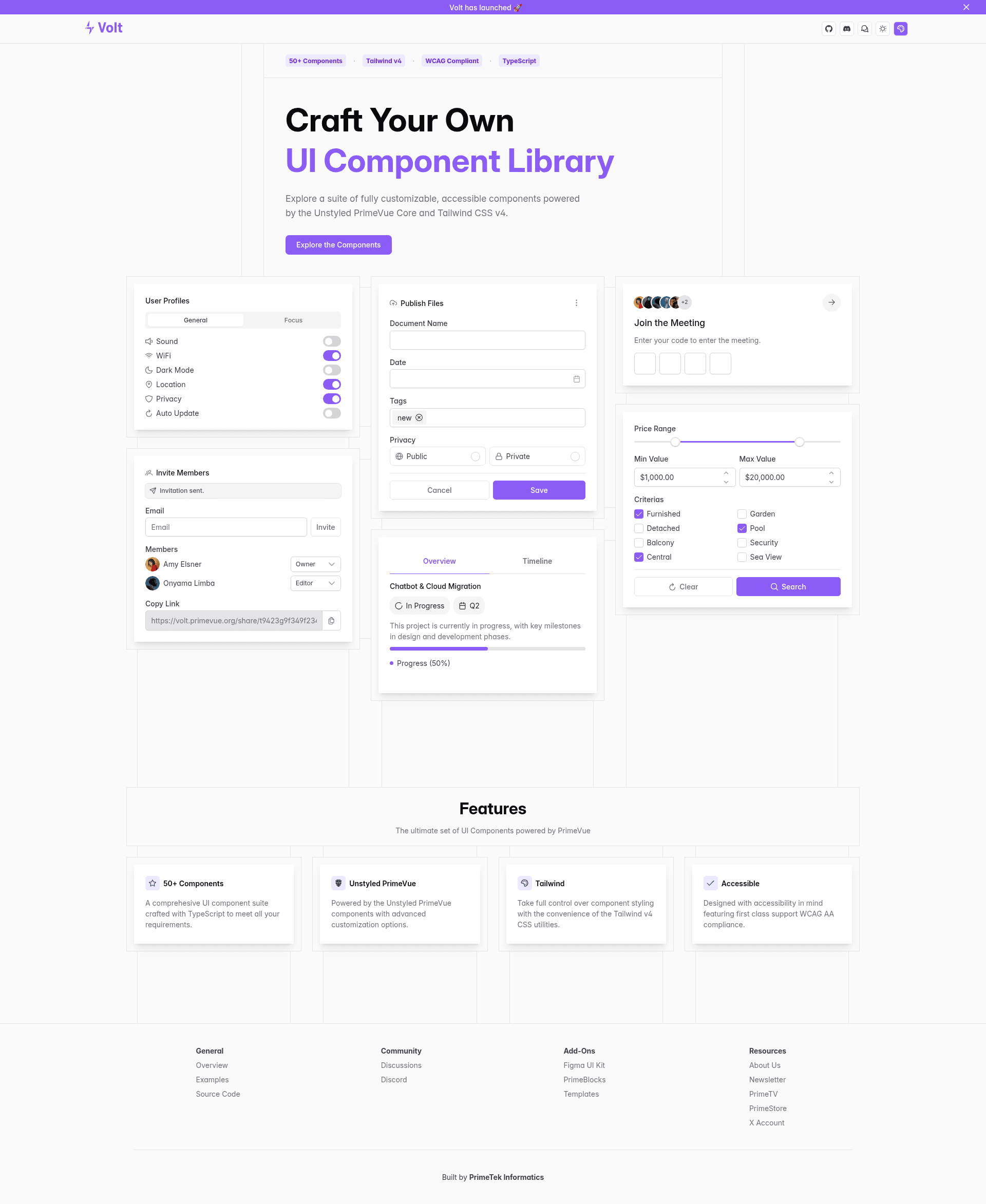
PrimeVue Components Styled with Tailwind CSS
About this template
PrimeVue Tailwind is a set of Tailwind CSS presets for the unstyled PrimeVue UI component library, letting Vue 3 developers style built-in components with utility classes instead of the default theme. Maintained by PrimeFaces, the project ships through the primevue npm package and companion packages, and the GitHub repository currently has about 694 stars.
What is PrimeVue Tailwind?
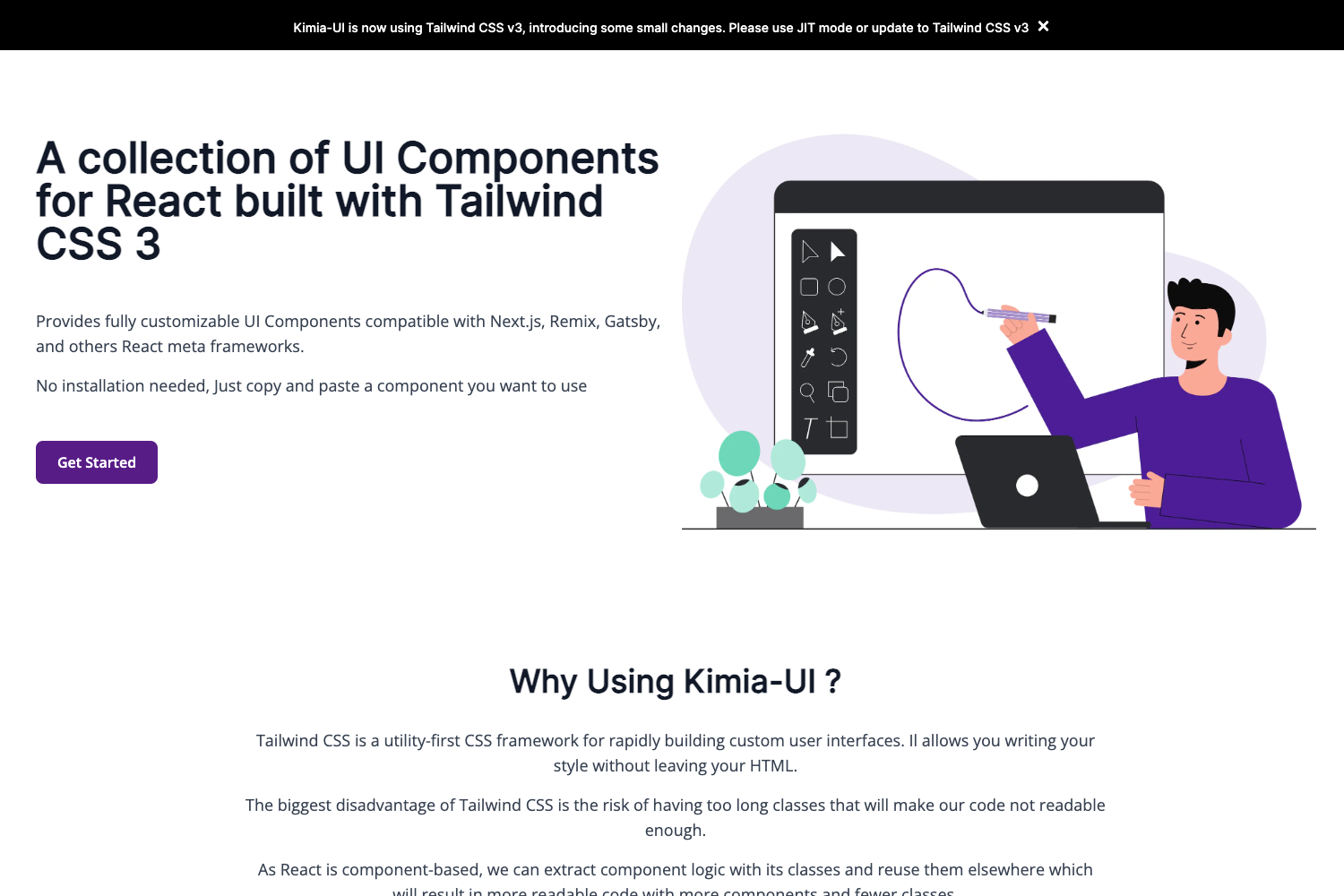
PrimeVue Tailwind is a styling solution that combines PrimeVue's unstyled component system with ready-made Tailwind CSS presets. It takes a Vue 3 application that uses PrimeVue components as input and produces fully styled UI where design tokens map to Tailwind utility classes. The project runs on any Vue 3 setup with Tailwind CSS installed, and the official documentation and live showcase are available at tailwind.primevue.org. The source code is open under the MIT license.
Key Features
- Unstyled PrimeVue components — Enable unstyled mode to remove the bundled theme and take full control of component appearance with your own classes.
- Tailwind CSS presets — Predefined preset mappings translate PrimeVue component class names into Tailwind utilities, so consistent styling requires almost no hand-written CSS.
- Multiple packages — The repository includes primevue, @primevue/core, @primevue/icons, @primevue/themes, @primevue/nuxt-module, @primevue/auto-import-resolver, and @primevue/metadata for flexible integration.
- Nuxt module — @primevue/nuxt-module simplifies setup in Nuxt applications with a single plugin.
- Auto-import resolver — @primevue/auto-import-resolver automatically imports components and composables, reducing manual boilerplate.
- Community channels — The README links to a Discord chat and Prime Discussions forum for direct support and feedback.
- MIT license — The project is free to use commercially under the permissive MIT license.
Who is it for?
PrimeVue Tailwind is built for Vue 3 developers who want the convenience of a full-featured component library but prefer Tailwind CSS for styling. It is especially suited for teams building design systems or design tokens, Nuxt users who want a bundled integration, and front-end developers migrating away from opinionated UI themes.
What can you do with it?
- Design system teams: Create custom branded component libraries by layering Tailwind presets over PrimeVue's unstyled components.
- Vue developers: Style interactive components like dialogs, tables, dropdowns, and form fields with Tailwind utilities instead of writing component-specific CSS.
- Nuxt developers: Add the official module to a Nuxt project to get PrimeVue and Tailwind set up with auto-imports in a few lines of config.
FAQ
Is PrimeVue Tailwind free?
Yes, the entire project is open-source and released under the MIT license, so it can be used in personal and commercial projects without license fees.
Does it work with Nuxt?
Yes, the repository includes a dedicated @primevue/nuxt-module package that provides Nuxt integration, along with an auto-import resolver for on-demand component loading.
What does unstyled mode mean?
PrimeVue components normally include a built-in theme, but unstyled mode removes that theme so you can apply your own Tailwind classes. The presets in this repo map each component's class structure to Tailwind utilities, giving you complete control over the final render.