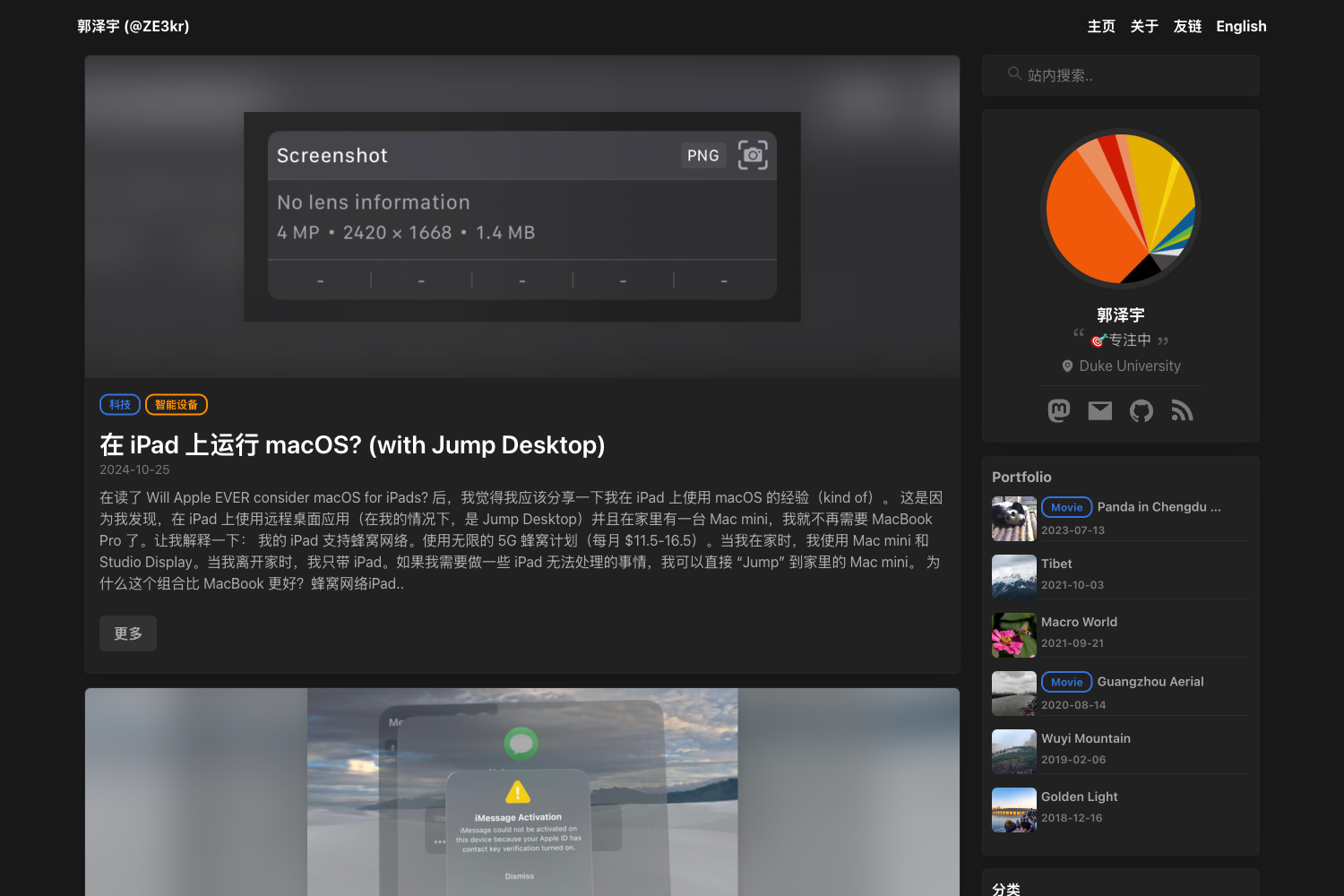
Template details
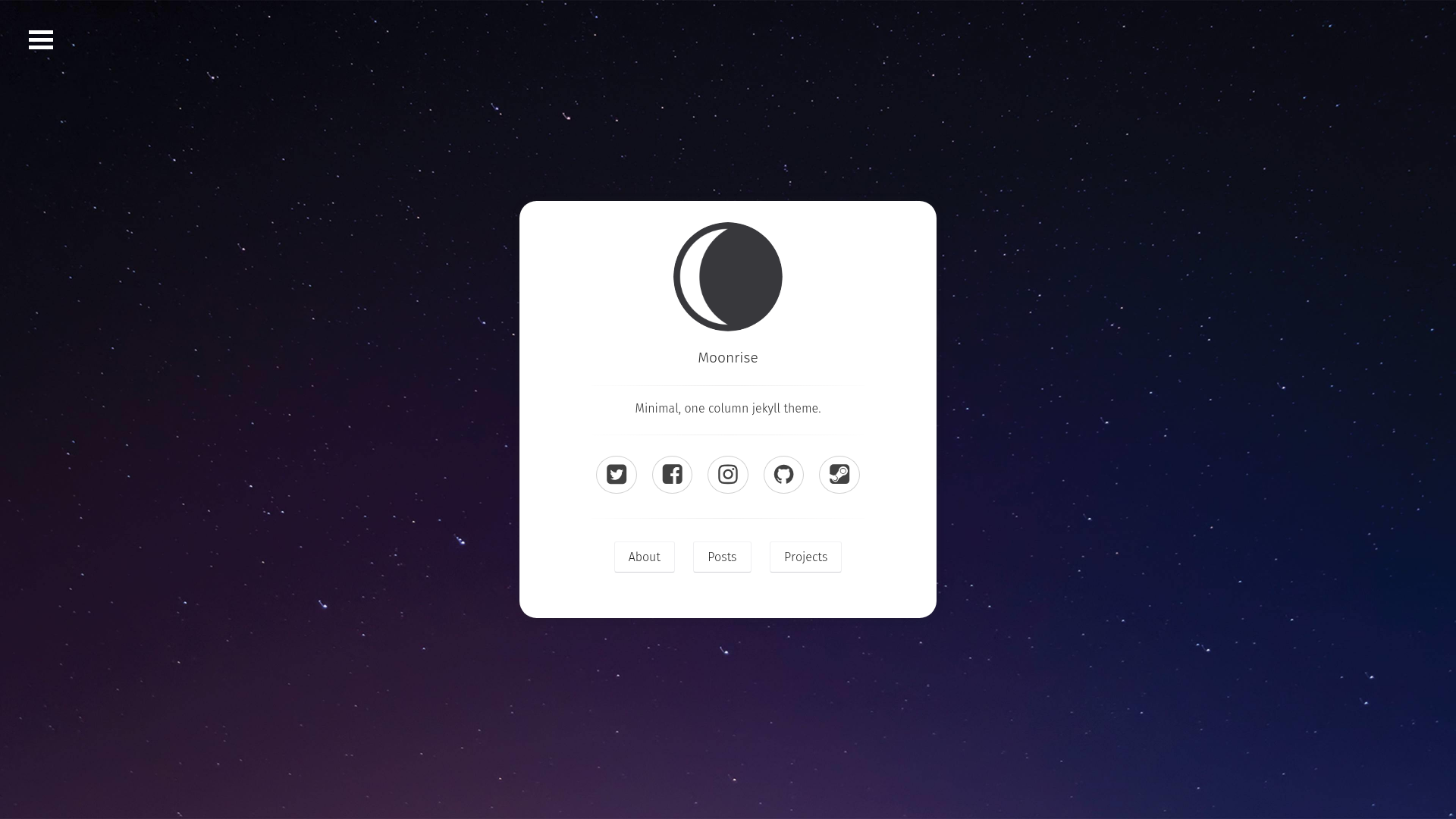
Moonrise
Moonrise is a fresh take on the classic Moon theme, with a modern design, improved responsiveness, and more customization options.
About this template
Moonrise is a free Jekyll theme for personal blogs and portfolios, created by Tolga Tatli as a modernized fork of the classic Moon theme with a responsive layout and extra customization options.
What is Moonrise?
Moonrise is a Jekyll theme that turns Markdown posts and YAML front matter into a static site with a homepage, blog listing, projects page, and about page. It is built on Jekyll and uses Jekyll Compress to minify HTML output, and it is designed to run directly on GitHub Pages. The theme was authored by Tolga Tatli and is available on GitHub under the Moonrise repository.
Key Features
- Minimal, content-first design — Lays out posts and pages with generous whitespace so text and images are the focus.
- Responsive layout — Adapts to phone, tablet, and desktop viewports without extra configuration.
- Syntax highlighting — Highlights code blocks using Jekyll's built-in highlighter.
- Optional post image — Add a
featurelink in a post's front matter to show a hero image at the top of that post. - Social icons — Configure social profile links in the site configuration and they appear as icons in the navigation.
- Projects page — A dedicated page layout for listing your projects, each with a title, description, and link.
- Optional background image — Set a full-page background image via the
backgroundsetting in_config.yml; a color is used if none is set. - MathJax support — Write LaTeX math in posts and have it rendered automatically with MathJax.
- Reading time — Optionally display estimated reading time per post, with a configurable words-per-minute rate that defaults to 200.
- Simple navigation menu — Edit
_data/navigation.ymlto control the menu; external links open in a new window.
Who is it for?
Moonrise is for bloggers and portfolio owners who use Jekyll and want a clean theme without heavy setup. A writer can start publishing Markdown posts quickly, a freelancer can showcase past projects on the projects page, and anyone posting mathematical content can use built-in MathJax support. Developers who prefer to customize can edit the config files and navigation data directly.
What can you do with Moonrise?
- Bloggers: Write posts in Markdown, add optional feature images, and publish to GitHub Pages with reading-time estimates.
- Freelancers and designers: Build a portfolio using the projects page to present work with titles, descriptions, and links.
- Researchers and students: Publish math-heavy posts with LaTeX rendered by MathJax.
- Jekyll users migrating from Moon: Upgrade to a more modern look while keeping similar structure and config options.
How does Moonrise work?
Installation follows a standard Jekyll workflow: fork the Moonrise repository, edit _config.yml for site-wide settings like title, bio, and URL, replace the sample posts in _posts with your own Markdown files, edit index.md in the about folder, and rename the repository to YourUserName.github.io to publish on GitHub Pages. Navigation links are managed separately in _data/navigation.yml.
Pros and cons
- Pros: Free and open source, responsive, supports MathJax, has a projects page, works on GitHub Pages out of the box, minimal design.
- Cons: The built-in Jekyll Compress can cause errors when code blocks use line numbers (
linenos), and the theme does not provide styles for line numbers; the author recommends avoiding them.
Pricing
Moonrise is free to use. The source code is publicly available on GitHub, so you can download it without payment.
FAQ
Is Moonrise free?
Yes, Moonrise is free. The repository is public on GitHub, and you can fork or download it without paying anything.
How do I install Moonrise?
Fork the Moonrise repo, edit _config.yml, remove the sample posts and add your own, update index.md in the about folder, and rename the repo to YourUserName.github.io. That's the whole installation process.
Does Moonrise work with GitHub Pages?
Yes. The live demo runs on GitHub Pages at TolgaTatli.github.io/Moonrise, and the setup is designed for GitHub Pages hosting.
Can I write math equations in my posts?
Yes, Moonrise includes MathJax support, so you can include LaTeX math in Markdown and it will be rendered properly on the page.
Why don't code line numbers look right?
The theme uses Jekyll Compress, which can cause errors if you enable linenos for code blocks, and line numbers aren't styled. The author recommends not using line numbers with this theme.