Template details
Kusa Jekyll
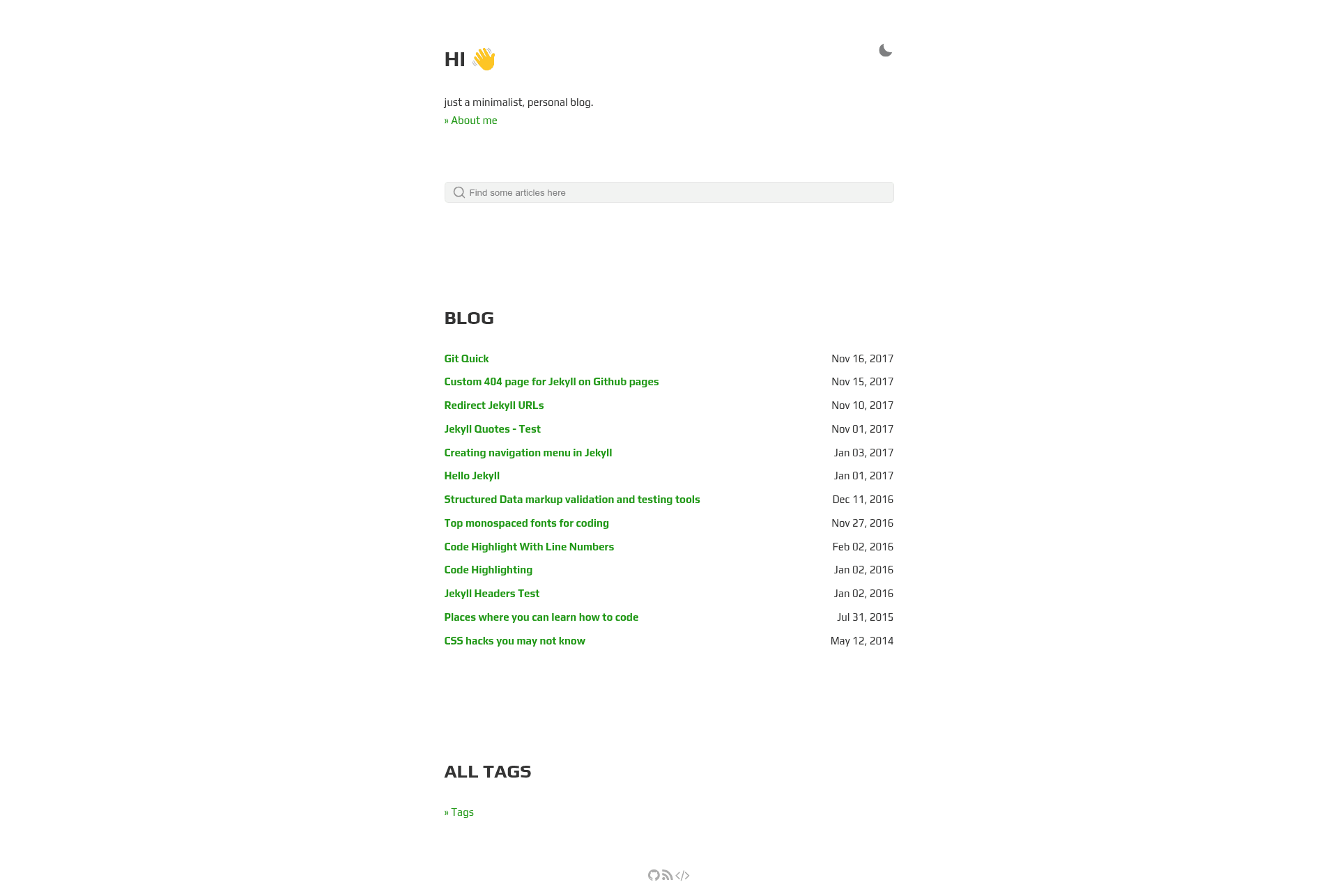
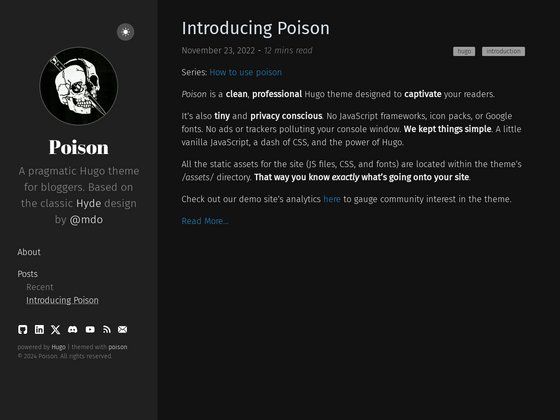
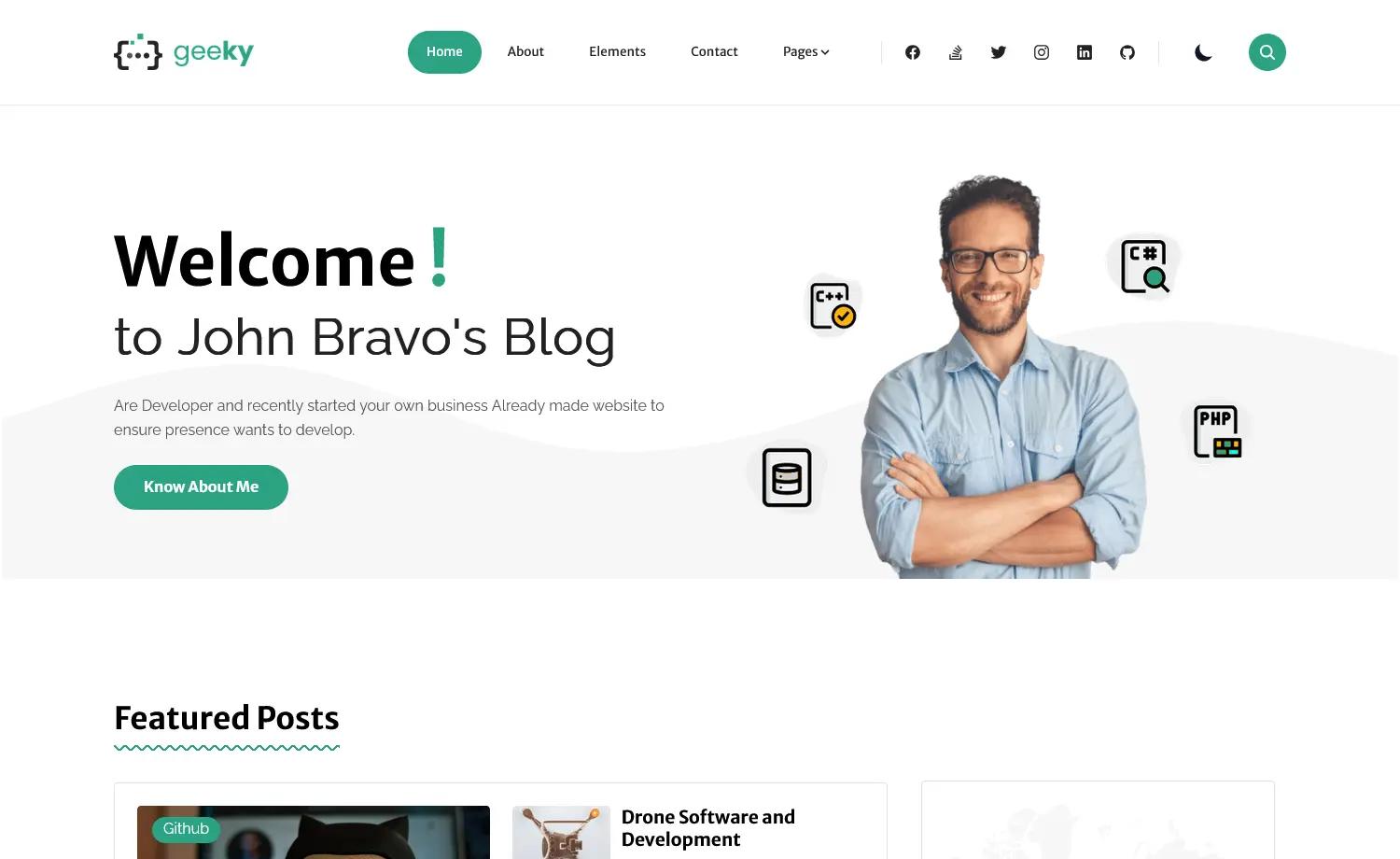
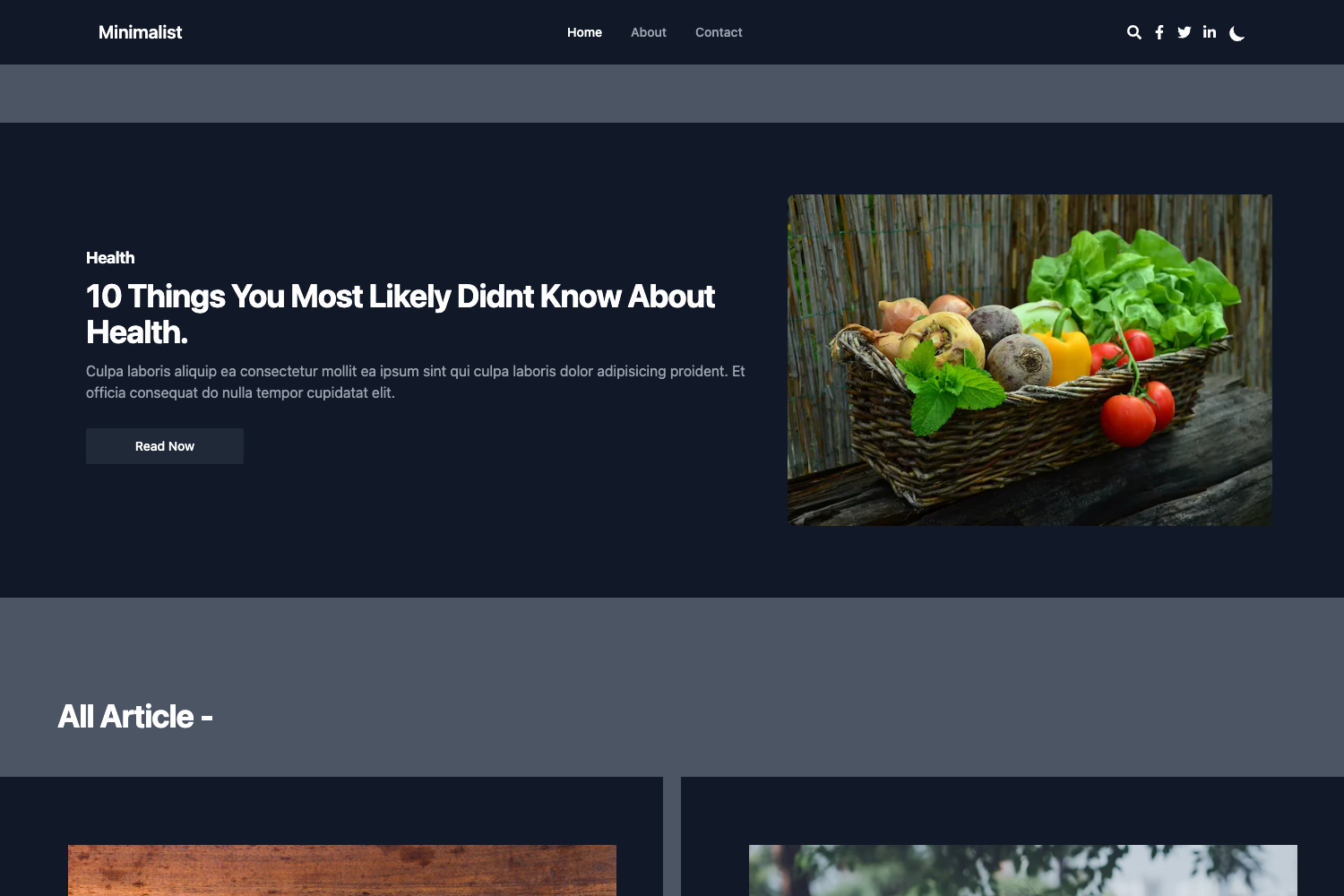
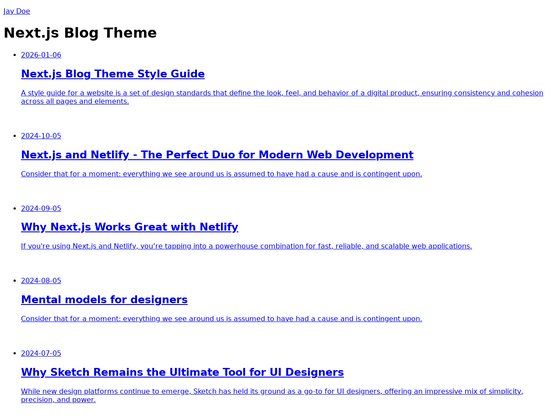
A simple, clean Jekyll blog theme with green accents, auto tagging, search, and a timeline about page.
About this template
Kusa Jekyll is a simple and clean Jekyll theme for personal blogs, forked from the Gesko theme with a new green color palette, expanded about page, and a set of practical features like auto tagging and a built-in search bar.
What is Kusa Jekyll?
Kusa Jekyll is a Jekyll theme that turns Markdown posts into a static blog site. It runs on the Jekyll static site generator (written in Ruby) and uses Sass for styling. The theme is a fork of the Gesko theme, which itself forked from Asko, and is maintained on GitHub by P0WEX. Output is a complete HTML site that can be hosted on GitHub Pages or any static web server.
Key Features
- Play and Source Code Pro fonts — The theme defaults to the Play font for headings and Source Code Pro for code blocks.
- Green color scheme — A new green theme separates Kusa from its Gesko fork, giving the site a fresh, natural look.
- About page with timeline — The redesigned about page includes a timeline component, useful for presenting a biography, work history, or project milestones.
- Auto tagging — Tags are generated automatically, reducing manual front matter work for posts.
- Dark/light theme toggle — Visitors can switch between dark and light modes with a single click.
- Inline CSS — Styles are inlined into the HTML output, which helps with PageSpeed and w3Validator test results.
- Search bar — A search feature lets readers filter posts by keyword directly on the site.
- Atom and JSON feeds — Both feed formats are generated automatically for syndication and subscriptions.
- Tag pages — New tags can be added by creating a folder under the
tag/directory with anindex.htmlfile containinglayout: tagandtag: yourNewTag. - 404 page and robots.txt — A custom 404 page and a robots.txt file are included out of the box.
- Next & previous post navigation — Post articles show navigation links to the previous and next posts.
Who is it for?
Kusa Jekyll is for Jekyll users who want a lightweight, responsive blog theme without heavy JavaScript frameworks. It suits personal bloggers who want search, tagging, and feed support without configuring these features themselves, and developers who want a clean starting point for a custom Jekyll site.
- Personal bloggers — Publish Markdown posts and get a styled blog with tags, search, feeds, and a timeline about page.
- Jekyll developers — Fork the repository and use it as a base for building other static sites, thanks to its Sass architecture and simple Jekyll structure.
- GitHub Pages users — Deploy directly to GitHub Pages by cloning the repo, updating
_config.yml, and removing the optional gtag snippet.
What can you do with Kusa Jekyll?
- Launch a personal blog — Write posts in Markdown and let the theme render them with automatic tagging, search, and next/previous post links.
- Create a portfolio or resume site — Leverage the about page timeline to showcase a chronological career or project history.
- Build a documentation or knowledge base — Use the tag pages and search bar to organize articles, tutorials, or notes into categories.
How does Kusa Jekyll work?
Kusa Jekyll runs using standard Jekyll commands. After cloning the repository, you run bundle install, then bundle exec jekyll build to generate the static site, and bundle exec jekyll serve to preview it locally at localhost:4000. For deployment, update the _config.yml file and, if using GitHub Pages, change the baseurl setting to the right value. A Google Analytics gtag snippet in _layouts/default.html should be removed unless you want analytics.
FAQ
Is Kusa Jekyll free?
Yes, the theme is open source and released under the MIT License, so you can use, modify, and distribute it freely.
Does Kusa Jekyll have dark mode?
Yes, it includes a dark/light theme toggle, letting visitors choose their preferred appearance.
How do I add a new tag?
Create a new folder under the tag/ directory with the name of the tag. In that folder add an index.html file with the front matter layout: tag and tag: yourNewTag, then rebuild the site.
Can I deploy to GitHub Pages?
Yes. You need to update _config.yml and set the baseurl to match your site URL. If your repository is named yournickname.github.io, use the site URL instead of the baseurl.
Does Kusa Jekyll include analytics?
It includes a Google Analytics gtag placeholder in the default layout, but it must be removed or configured with your own tracking ID before production use.