Template details
Minimalist
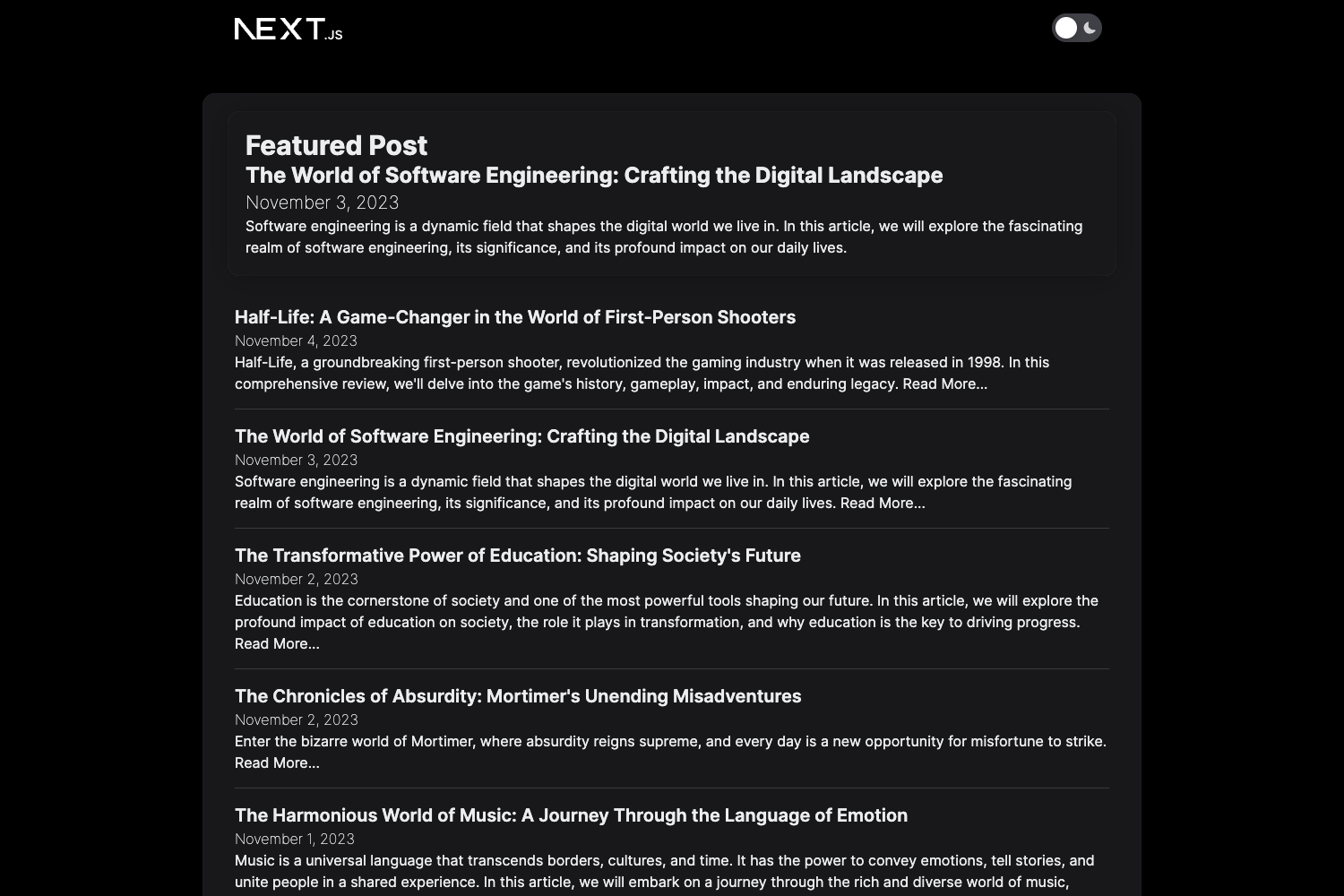
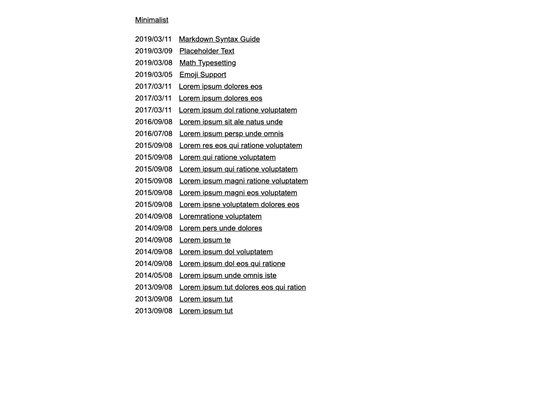
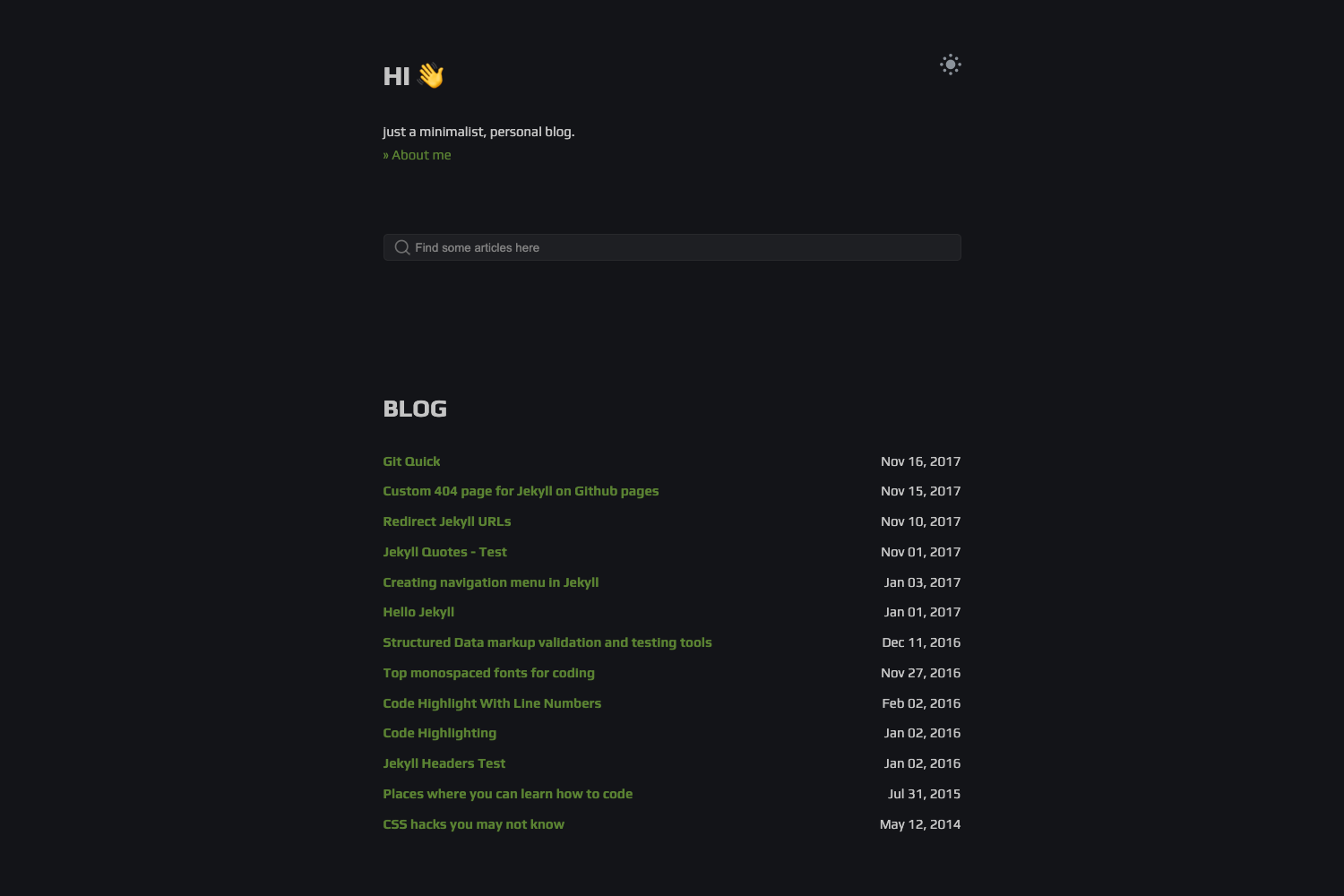
A minimal blog template built with Next.js, TypeScript, Tailwind CSS, Shadcn UI, and Contentlayer.
About this template
Minimalist is a blog template built with Next.js and TypeScript, using Tailwind CSS, Shadcn UI, and Contentlayer to turn Markdown files into a static blog site.
What is Minimalist?
Minimalist is a blog template created by the frontendweb3 GitHub account. It runs on the Next.js framework with TypeScript, and uses Tailwind CSS for styling, Shadcn UI for interface components, and Contentlayer (referred to as Content Layer in the README) to process Markdown content. The template outputs a static blog, and a live demo is available at https://minimalist-nu.vercel.app/. It is designed to be easy to extend and customize.
What makes Minimalist stand out?
- Next.js — The template targets Next.js (listed under the
nextjs13topic) and supports static blog generation and server-side features. - TypeScript — Written in TypeScript for type safety across components and content.
- Tailwind CSS — Utility-first styling with configurable design tokens and the
@tailwindcss/typographyplugin for rich text. - Shadcn UI — Pre-built, copy-paste React components that are fully customizable and styled with Tailwind.
- Contentlayer — Converts Markdown files into typed data for querying posts, making blog content type-safe.
- Lucide icons — A consistent icon set included for UI elements.
- fuse.js — A lightweight fuzzy-search library listed as an additional package, likely used for client-side search across blog posts.
- PNPM/Yarn ready — Install and run with
pnpm installoryarn install, thenpnpm devoryarn devfor local development.
Who is Minimalist for?
- Developers — Get a starting point for a personal blog without building a CMS from scratch.
- Frontend learners — Study a clean Next.js + Tailwind + TypeScript project structure with modern tooling.
- Content writers — Author posts in Markdown and have them compiled automatically into a static site.
What can you do with Minimalist?
- Set up a blog quickly — Clone the repository, install dependencies, and run the dev server to see the blog on http://localhost:3000.
- Customize the design — Adjust Tailwind classes, Shadcn components, and integrated libraries (Lucide, typography plugin) to change the look.
- Publish Markdown content — Add Markdown files that Contentlayer transforms into type-safe post data for the blog.
How does Minimalist work?
- Clone the repository with
git clone https://github.com/frontendweb3/minimalist.git. - Change into the
minimalistdirectory and install dependencies usingpnpm installoryarn install. - Start the development server with
pnpm devoryarn dev, then open http://localhost:3000 to view the result.
FAQ
Is Minimalist free to use?
The template is hosted as a public GitHub repository, but the README does not specify a license. Check the repository for usage terms before deploying commercially.
What technologies does Minimalist use?
Minimalist uses Next.js, TypeScript, Tailwind CSS, Shadcn UI, and Contentlayer. The README also lists Lucide icons, @tailwindcss/typography, and fuse.js as additional packages.
Does Minimalist support Markdown?
Yes. The stack includes a Markdown badge, and Contentlayer processes Markdown content into typed data for the blog.
How do I install Minimalist?
Run git clone https://github.com/frontendweb3/minimalist.git, then install with pnpm install or yarn install, and start with pnpm dev or yarn dev. The site will be served at http://localhost:3000.