Template details
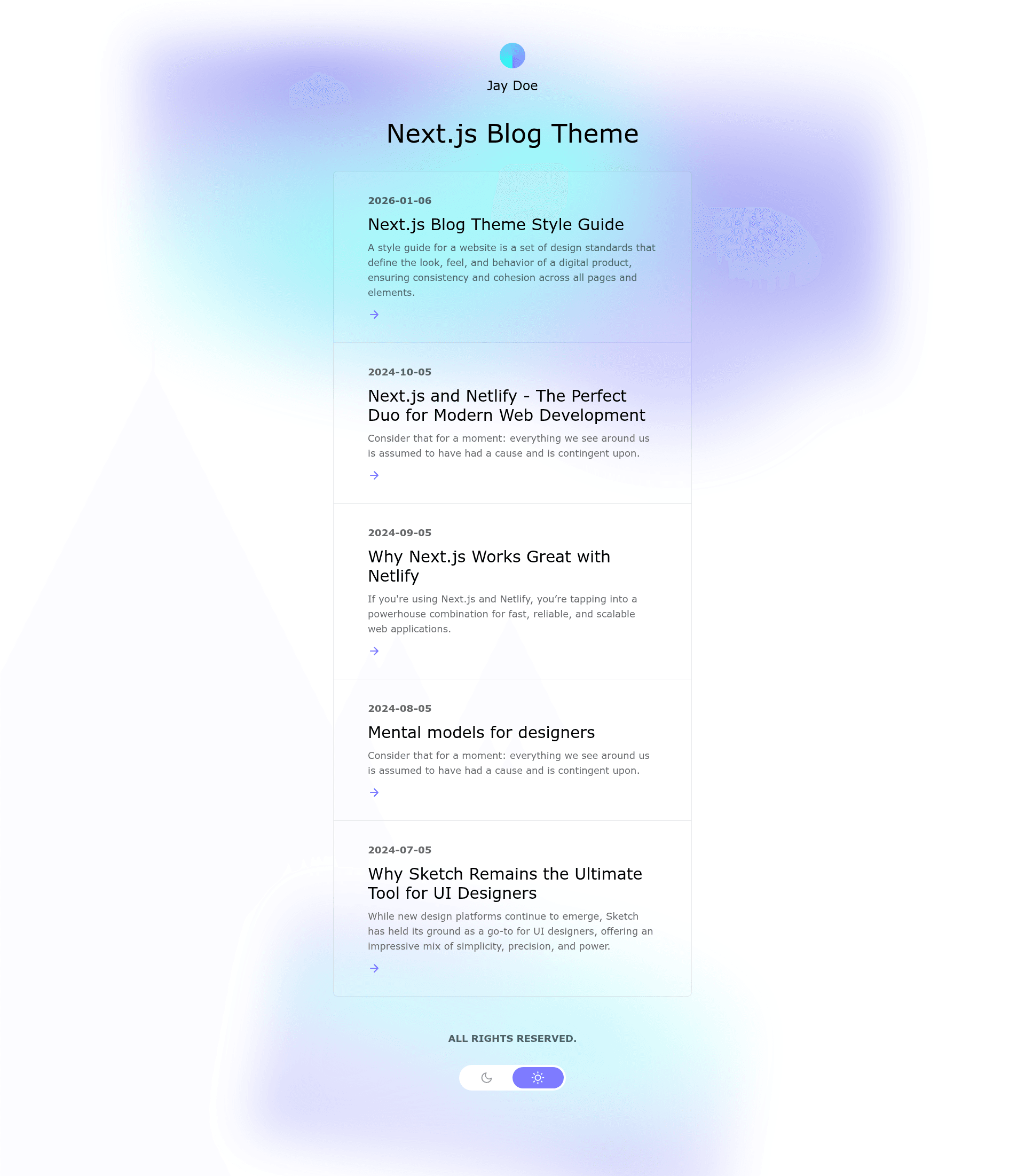
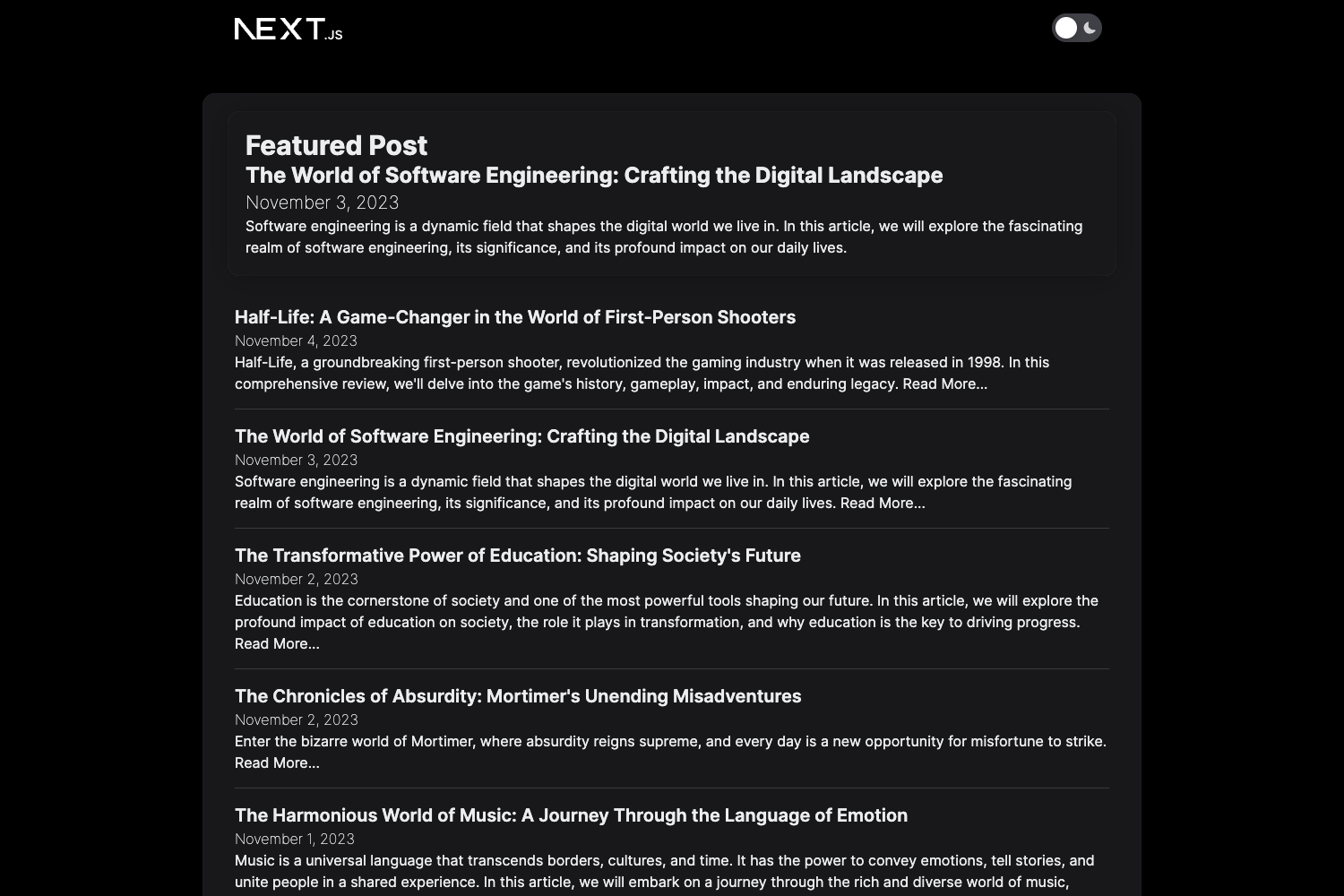
Next.js Blog Theme
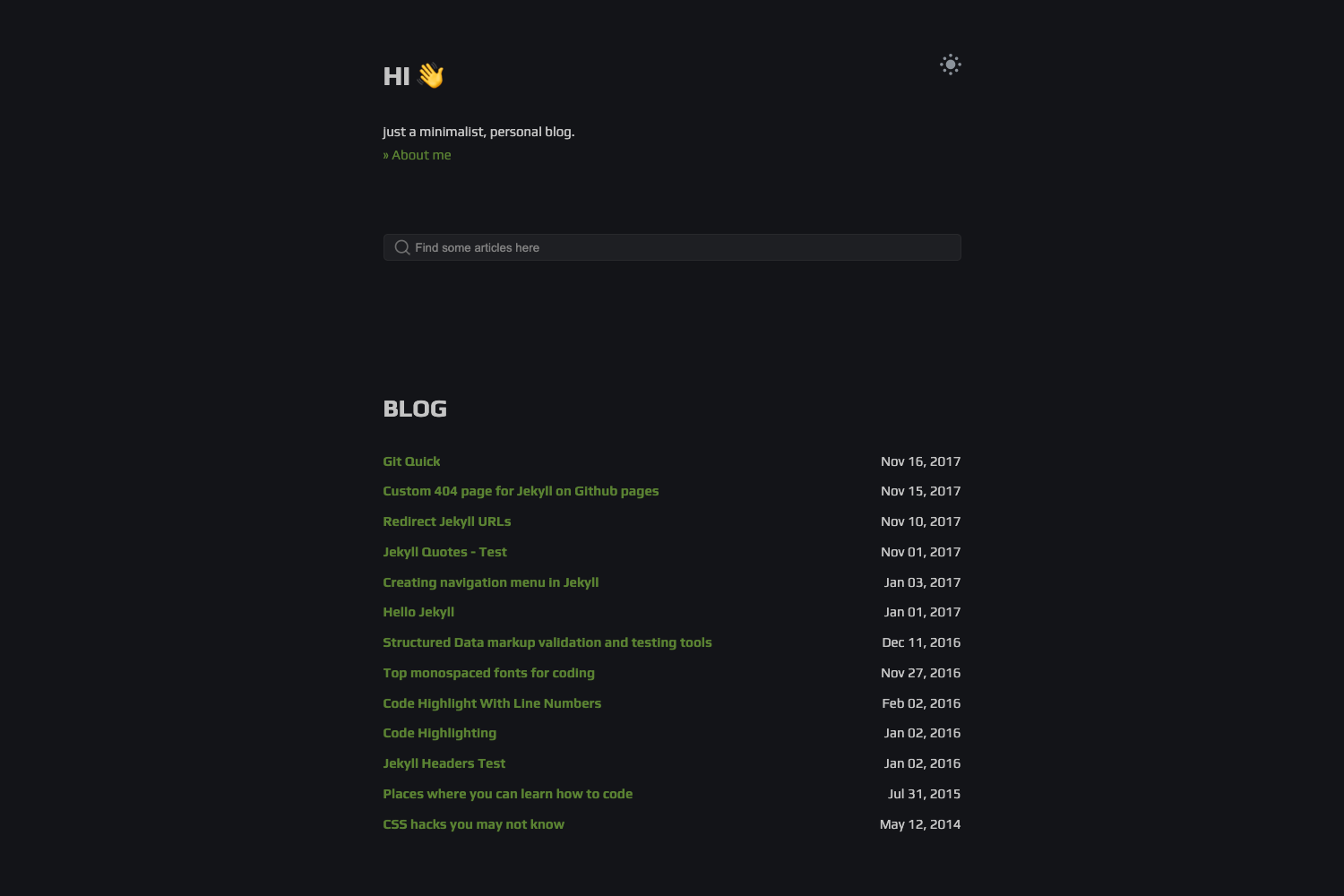
A customizable Next.js and Tailwind blog starter with visual editing and Git Content Source. Designed by the Bejamas agency.
About this template
The Netlify Next.js Blog Theme is a free, open-source blog starter built on Next.js 15 with the Pages Router and Tailwind CSS v4, designed by the Bejamas agency, that turns Markdown/MDX files in a /posts folder into a deploy-ready blog with dark and light themes.
What is the Next.js Blog Theme?
The Next.js Blog Theme is a customizable blog starter template maintained by Netlify and designed by the Bejamas agency. It accepts blog content as .mdx files stored in the project's /posts directory and renders a complete blog using Next.js's Pages Router, with output deployable to Netlify via a one-click button or the setup wizard. The template's look and content are driven by environment variables, making it easy to rebrand without editing code.
Key Features
- Next.js 15 with Pages Router — The starter uses the classic Pages Router with routes defined in a pages directory, avoiding the App Router's conventions.
- Tailwind CSS v4 — Styling is built on Tailwind CSS v4.x, with a default theme and configurable font families for headings and body text.
- Built-in MDX support — Posts are written as .mdx files in the /posts folder, so you can embed React components and pass props directly inside your content.
- Dark and light themes — Both themes are included by default; you switch between them via the BLOG_THEME environment variable or by editing utils/theme-utils.js.
- Environment-variable configuration — Change BLOG_NAME, BLOG_TITLE, BLOG_FOOTER_TEXT, BLOG_THEME, BLOG_FONT_HEADINGS, and BLOG_FONT_BODY either through Netlify's dashboard or through the setup wizard.
- One-click Netlify deployment — A Deploy to Netlify button connects the GitHub repository to a live site with continuous deployment.
- Setup wizard — The nextjs-wizard.netlify.app site walks you through creating the blog and deploying it without touching code.
- Renovate dependency updates — The repo includes a renovate.json file to automatically update dependencies; deleting that file removes the tooling.
Who is it for?
The template suits developers who want a minimal codebase to learn Next.js and Tailwind, content creators who prefer Git-based workflows, agencies shipping client blogs, and anyone who wants a fast, SEO-friendly blog without building from scratch. The environment-variable configuration makes it accessible to users who are comfortable editing settings rather than code.
What can you do with it?
- Personal bloggers: Write posts as .mdx files, embed React components for interactivity, and let readers choose between dark and light themes.
- Technical writers: Publish tutorials or docs in the /posts folder and rely on MDX component support for code samples and interactive demos.
- Agencies and freelancers: Create white-labeled client blogs by setting BLOG_NAME, BLOG_TITLE, and footer text through environment variables, then deploy to Netlify.
How does the template work?
You can start by clicking "Use this template" on GitHub, cloning the new repository, installing dependencies with yarn install, and running yarn run dev to see the blog at localhost:3000. Alternatively, the setup wizard at nextjs-wizard.netlify.app creates and deploys the blog in a few clicks. Content is added by creating .mdx files in /posts; configuration is read from environment variables defined in Netlify's site settings or from defaults in utils/global-data.js.
FAQ
Is the Next.js Blog Theme free?
Yes, the template is open source and free to use. It carries no license fee, and you can deploy it to Netlify's free tier or any hosting that supports Next.js.
How do I add a new post?
Create a new file with the .mdx extension inside the /posts directory. Since the format is MDX, you can pass props and use React components inside the post content.
Can I change the fonts and theme?
Yes. Set BLOG_THEME to control dark or light appearance, and set BLOG_FONT_HEADINGS and BLOG_FONT_BODY to sans-serif, serif, or monospace. These variables can be managed through the Netlify dashboard or the setup wizard.
What is the setup wizard?
The setup wizard at nextjs-wizard.netlify.app is a web app that collects your blog configuration and handles the deployment process, so you can have a blog live on Netlify without manually editing files.
How do I remove Renovate?
If you don't want Renovate's automated dependency updates, delete the renovate.json file from the repository and commit that change to your main branch.