Template details
Poison
A clean, professional, privacy-conscious Hugo theme for dev bloggers with no external dependencies.
About this template
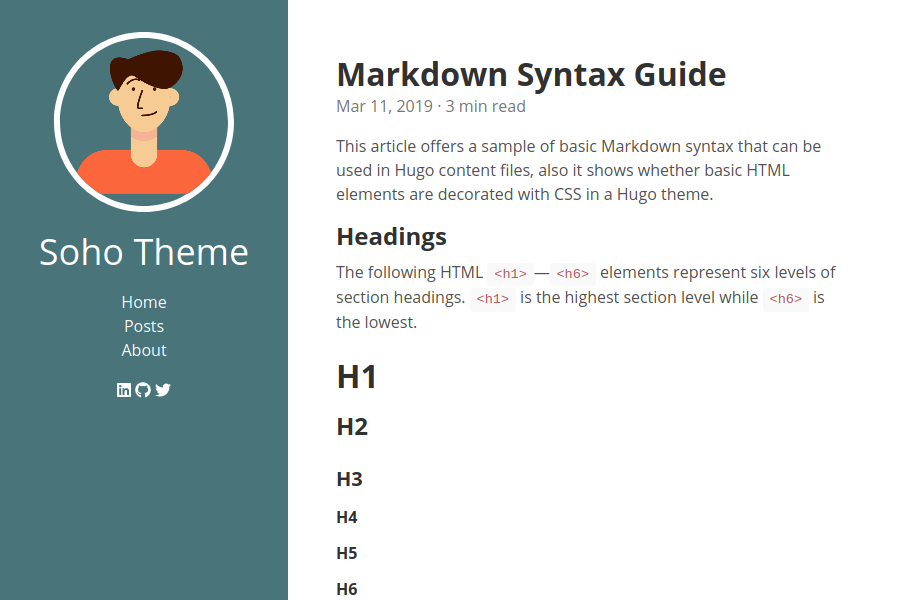
Poison is a clean, professional Hugo theme for developer blogs that renders a static site with no external dependencies unless you explicitly enable them. Built by Luke Orth as a port of Mark Otto's Hyde theme, it ships all JavaScript, CSS, and fonts inside the theme's assets directory so every byte loaded by visitors is accounted for.
What is Poison?
Poison is a Hugo theme that takes your existing Hugo content and configuration — a content directory, config.toml file, and page front matter — and produces a blog with a fixed sidebar, a paginated reverse-chronological front page, and per-post layouts. The theme runs on any Hugo site and is configured entirely through config.toml parameters and front matter. It was created by Luke Orth and is open sourced under the GNU General Public License v3.0. The demo site lives at poison.lukeorth.com.
Key Features
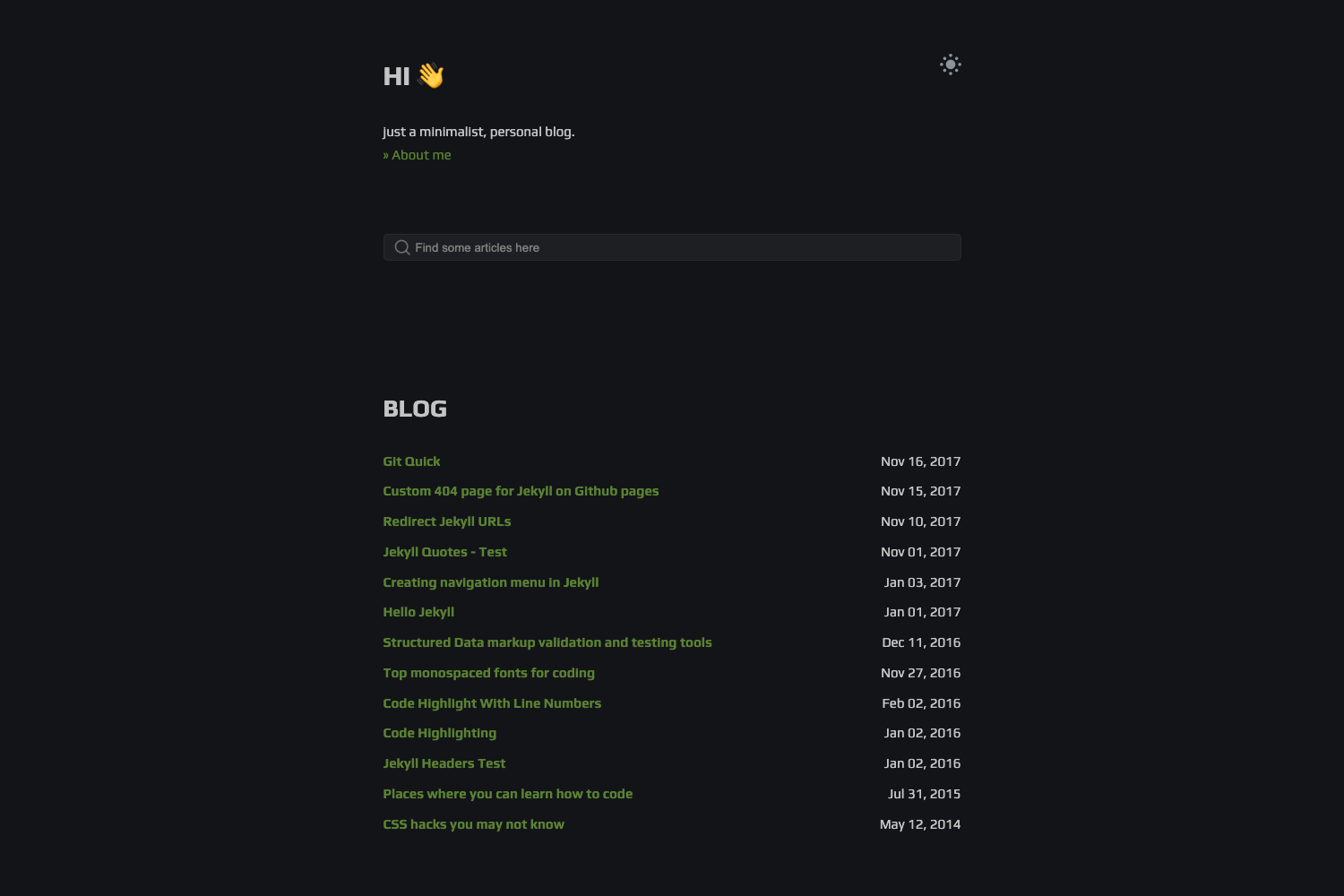
- Light and dark mode — Visitors toggle between light and dark via a button, with the preference saved in local storage; light is the default unless the dark_mode parameter is enabled.
- Table of contents — A floating TOC appears on screens wider than 1600 pixels, and can be disabled site-wide with hideToc: true or per post via front matter.
- Comments — Supports Disqus (free, but injects third-party ad trackers) and Remark42 (self-hosted, lightweight, no user tracking); activated through a few config.toml lines.
- Analytics — Plausible is supported via their paid service or a self-hosted instance; you supply your domain and script URL, and the theme inserts the script tag into the head of every page.
- Email newsletters — Listmonk integration adds a subscription form at the bottom of each post, letting visitors subscribe to your self-hosted newsletter list.
- Series taxonomy — Add a series field to front matter and related posts are grouped with sensible links (e.g., Tutorial One, Tutorial Two).
- KaTeX math — Render math notation inline with
$...$or on its own line with$$...$$; enabling this adds an external dependency. - Tabs, Mermaid, PlantUML, and details — Shortcodes provide tabbed content, rendered Mermaid diagrams, rendered PlantUML diagrams, and collapsible detail dropdowns; Mermaid and PlantUML add external dependencies.
Who is it for?
Poison is for developer bloggers who want a professional-looking blog without shipping trackers or heavy JavaScript frameworks to readers. It suits Hugo users who prefer full control over the exact assets loaded, since every static file lives in the theme's assets directory. It is also a strong fit for privacy-conscious writers who self-host their comment engine, analytics, and newsletter tool using Remark42, Plausible, and Listmonk respectively.
What can you do with Poison?
- Technical tutorial writers — publish posts with code blocks, tabbed examples, details dropdowns, and Mermaid or PlantUML diagrams to explain architecture and flows.
- Math and science bloggers — write KaTeX math inline or as display equations without a separate JavaScript math engine, at the cost of one external dependency.
- Self-hosters — stand up Remark42 for comments, Plausible for analytics, and Listmonk for newsletters, keeping user data on their own infrastructure.
- Privacy-focused bloggers — run a blog with zero third-party requests by simply not enabling the optional integrations.
How does Poison work?
You install Poison by cloning the repository into themes/poison, setting theme = "poison", and pointing your content directory at it. The theme reads config.toml for menu items, brand name, sidebar colors, and optional feature flags, then renders pages with Go's template engine. The front page shows a paginated feed of content from page bundles listed in the front_page_content parameter (default is posts). Custom visual overrides are added in an /assets/css/custom.css file.
FAQ
Is Poison free?
Yes, Poison is open source under the GNU General Public License v3.0. You can use, modify, and redistribute it under the terms of that license, with no cost for the theme itself.
Does Poison require external dependencies?
No. The default theme ships with no JavaScript frameworks, icon packs, Google Fonts, ads, or trackers. External dependencies appear only when you enable optional features like Disqus, Remark42, Plausible, Listmonk, KaTeX, Mermaid, or PlantUML.
How do I change the sidebar colors?
Poison exposes numerous hex color parameters in config.toml, with separate sets for light mode and dark mode. You can customize the sidebar background, text, links, socials, and the moon/sun toggle button, as well as content code colors, link colors, table borders, and more.
Can I disable the table of contents?
Yes. Set hideToc: true in config.toml to disable it site-wide, or add hideToc: true to an individual post's front matter to hide it for that post only.