Template details
Light Hugo
Minimal, responsive Hugo theme with no JavaScript, normalize.css styling, and support for posts and pages.
About this template
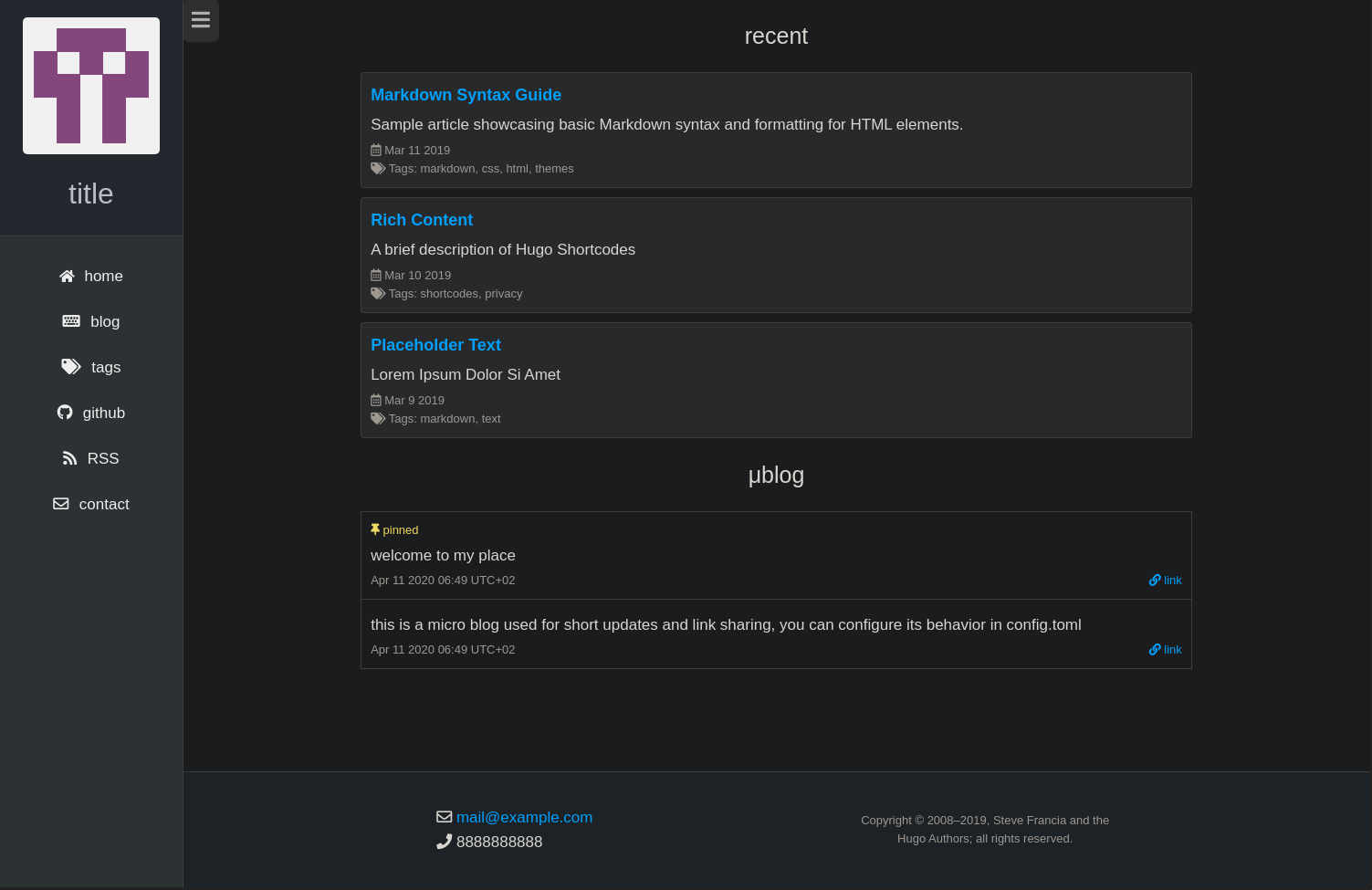
Light Hugo is a minimal, responsive Hugo theme that renders posts and pages using only HTML and CSS, with no JavaScript, built on normalize.css and a material design aesthetic.
What is Light Hugo?
Light Hugo is a bare-bones static site theme for the Hugo site generator that converts Markdown content into a blog-style website. It takes content files written for the posts and pages sections and outputs a responsive, material-styled HTML site. The theme is distributed on GitHub and its example config references the author handle tblyler, though no explicit authorship is credited in the README.
Key Features
- No JavaScript — the theme is built entirely from HTML and CSS, so no client-side scripts run.
- Responsive layout — pages adapt to mobile and desktop viewports.
- normalize.css foundation — uses normalize.css through the normalize-scss port for consistent cross-browser styling.
- Material design aesthetic — described as "material in nature," giving a flat, elevation-based surface look.
- Posts and pages support — posts render as blog entries; pages are shown in a similar single-column layout.
- GitHub markdown styling — rendered Markdown for posts and pages uses a GitHub CSS theme from the markdown-styles project.
- Configurable social links — set GitHub, Twitter, LinkedIn, Facebook, YouTube, email, and a logo via the Params block.
- Extensible head and footer — create
layouts/partials/head.htmlandlayouts/partials/foot.htmlin your Hugo site to append custom elements.
Who is it for?
- Technical bloggers — want a fast, JS-free site for publishing Markdown-based articles.
- Developers — who prefer a minimal Hugo theme they can customize with their own partials and styling.
- Privacy-focused site owners — want a web page with zero JavaScript and minimal dependencies.
What can you do with Light Hugo?
- Personal blog: add Markdown files under the posts section and publish them as a clean, responsive blog.
- Static pages: use the pages content type to present an about, contact, or project page.
- Learning project: study a minimal Hugo theme to see how layouts, partials, and config params fit together.
How does Light Hugo work?
The theme is activated by setting theme = "light-hugo" in your Hugo config file. Site-wide options such as title, author, copyright, and social links are defined in the Params block. Content is added as Markdown files organized under posts or pages, and custom head or footer HTML can be injected by creating the corresponding partial files before compiling the site.
Pros and cons
- Pros: zero JavaScript, responsive layout, simple codebase, and free to use from GitHub.
- Cons: very bare-boned feature set — no built-in search, comments, or interactive components; the minimal style may not suit sites needing richer UI elements.
FAQ
Does Light Hugo use JavaScript?
No. The theme is built exclusively with HTML and CSS, so no JavaScript runs on the page.
What content types does the theme support?
It supports Hugo's posts and pages content types. Posts are treated as blog entries, while pages are displayed in a similar single-column layout.
How do I add social media links?
Set the relevant keys in the Params block of config.toml, including email, github, twitter, linkedin, facebook, youtube, and logo.
Can I customize the head and footer?
Yes. Create layouts/partials/head.html and layouts/partials/foot.html in your Hugo site directory to append your own elements before the closing head and body tags.