Template details
Landing Pad
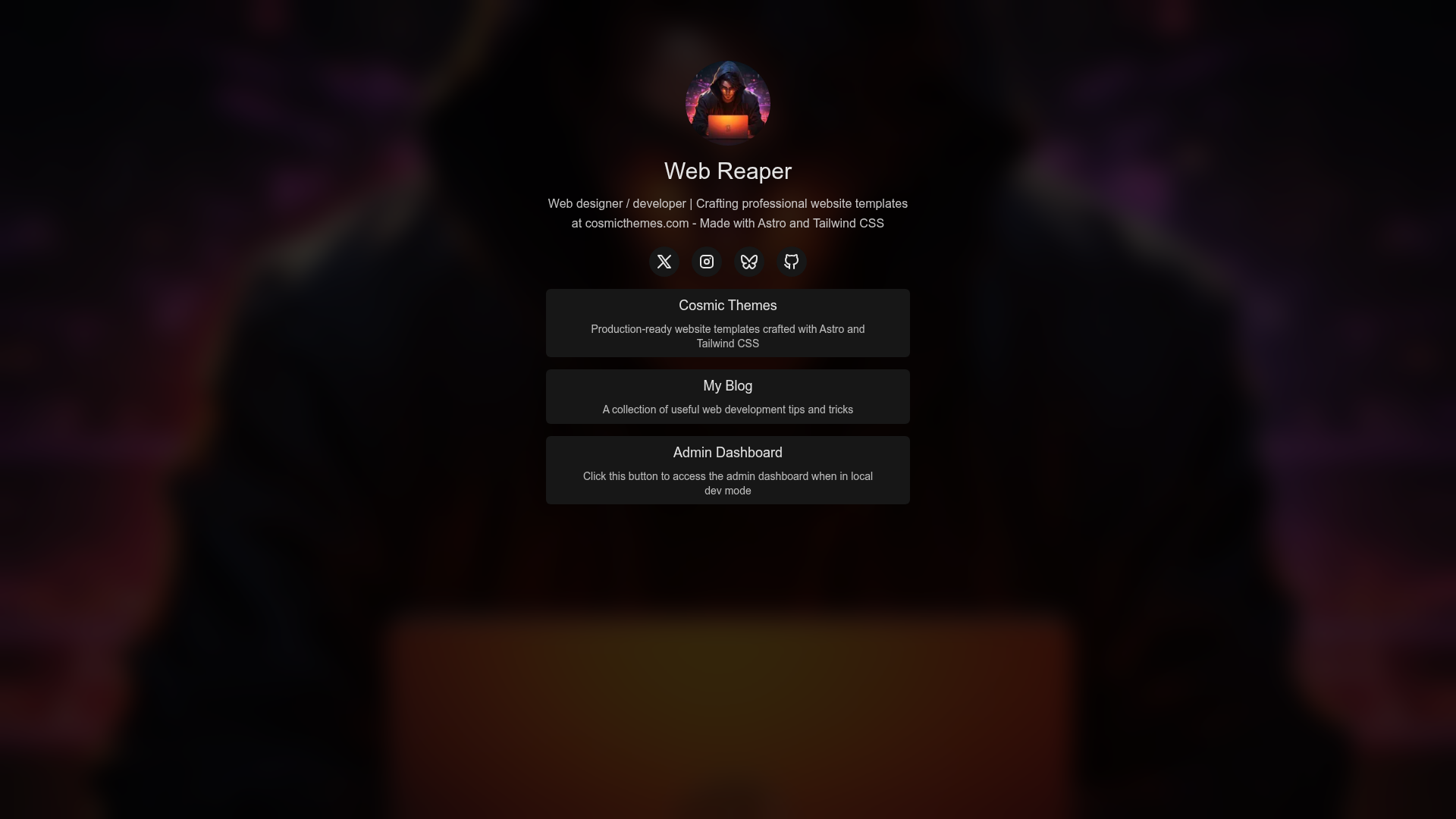
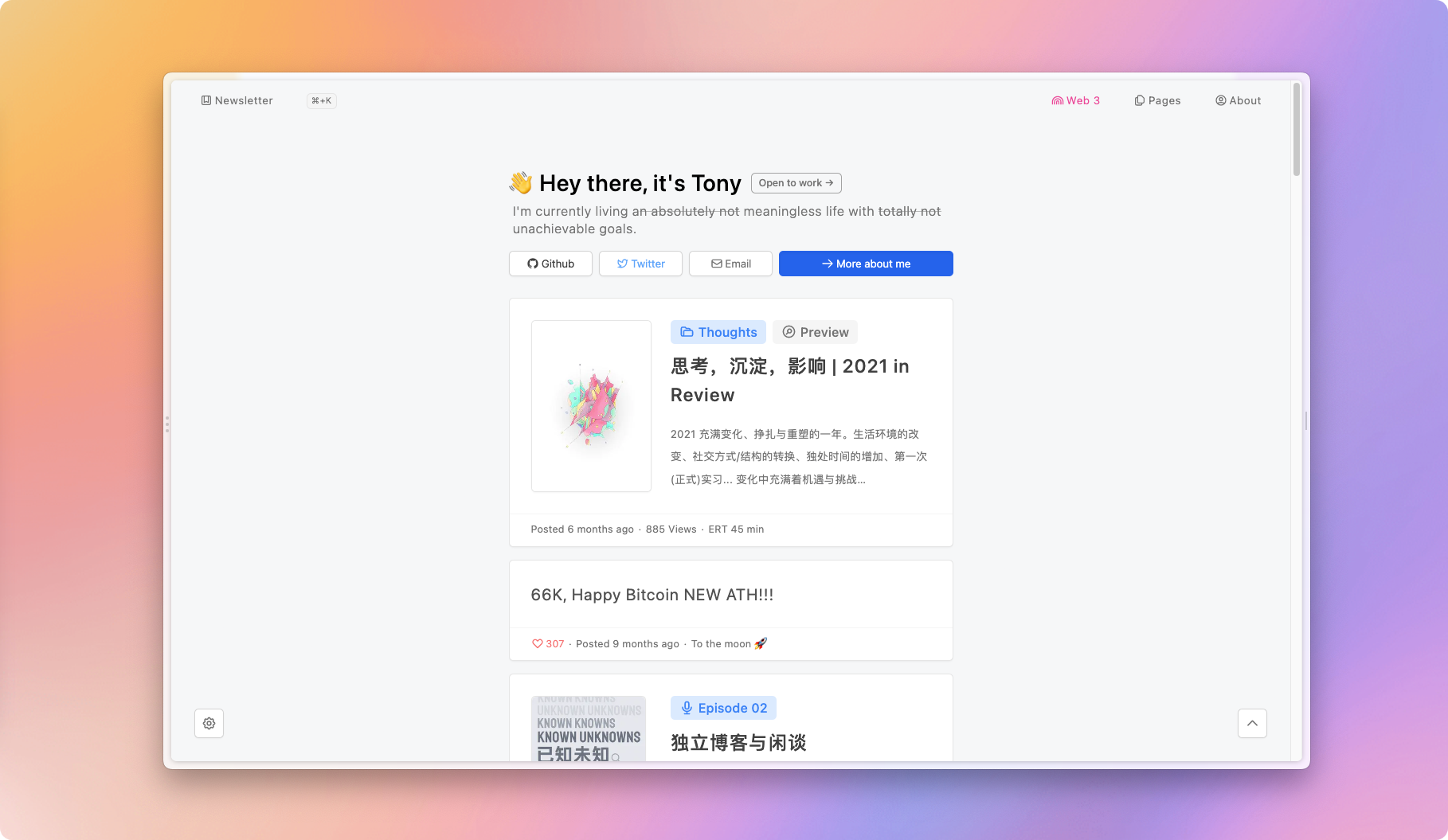
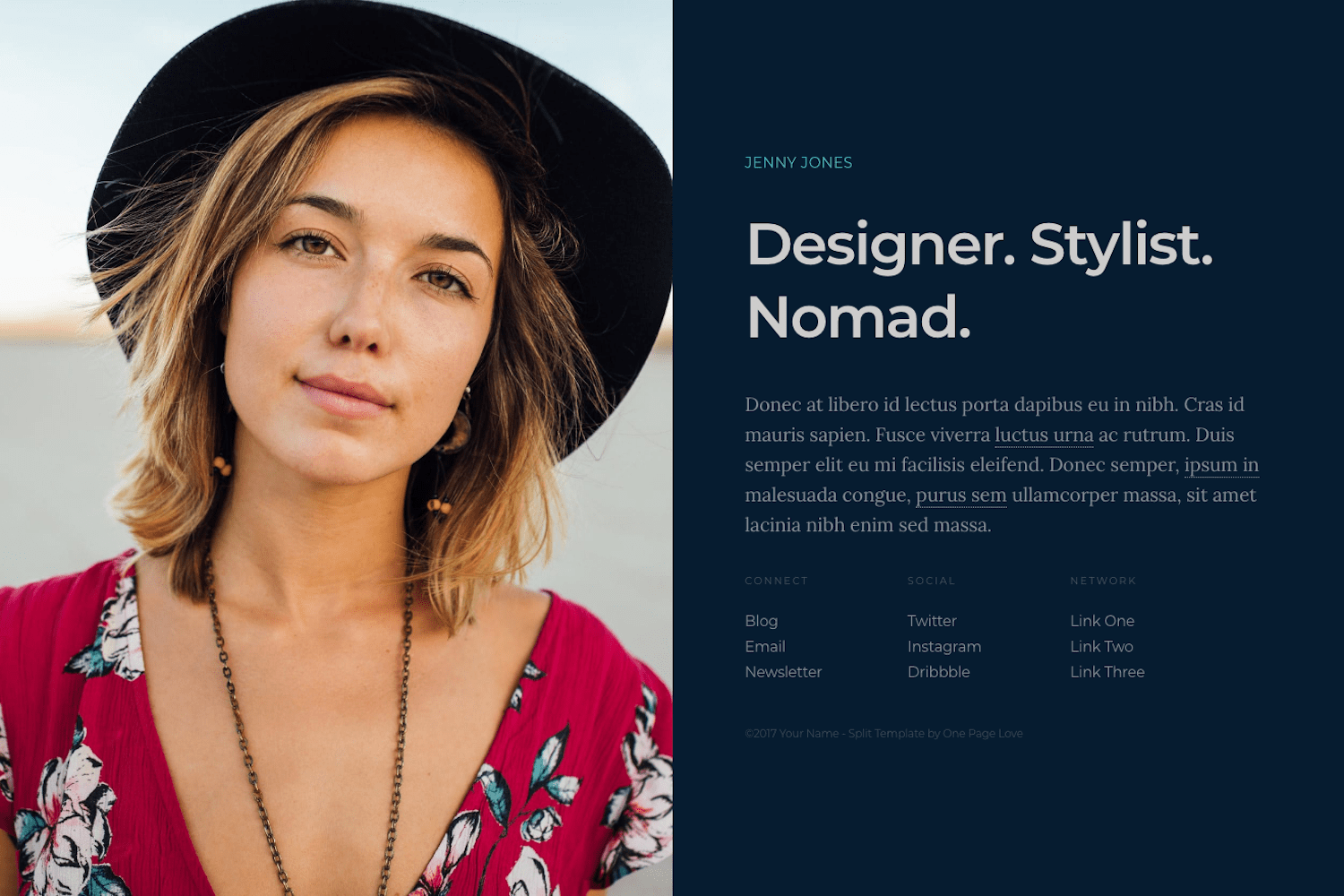
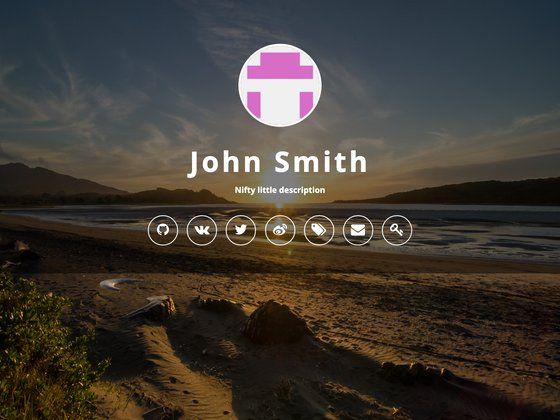
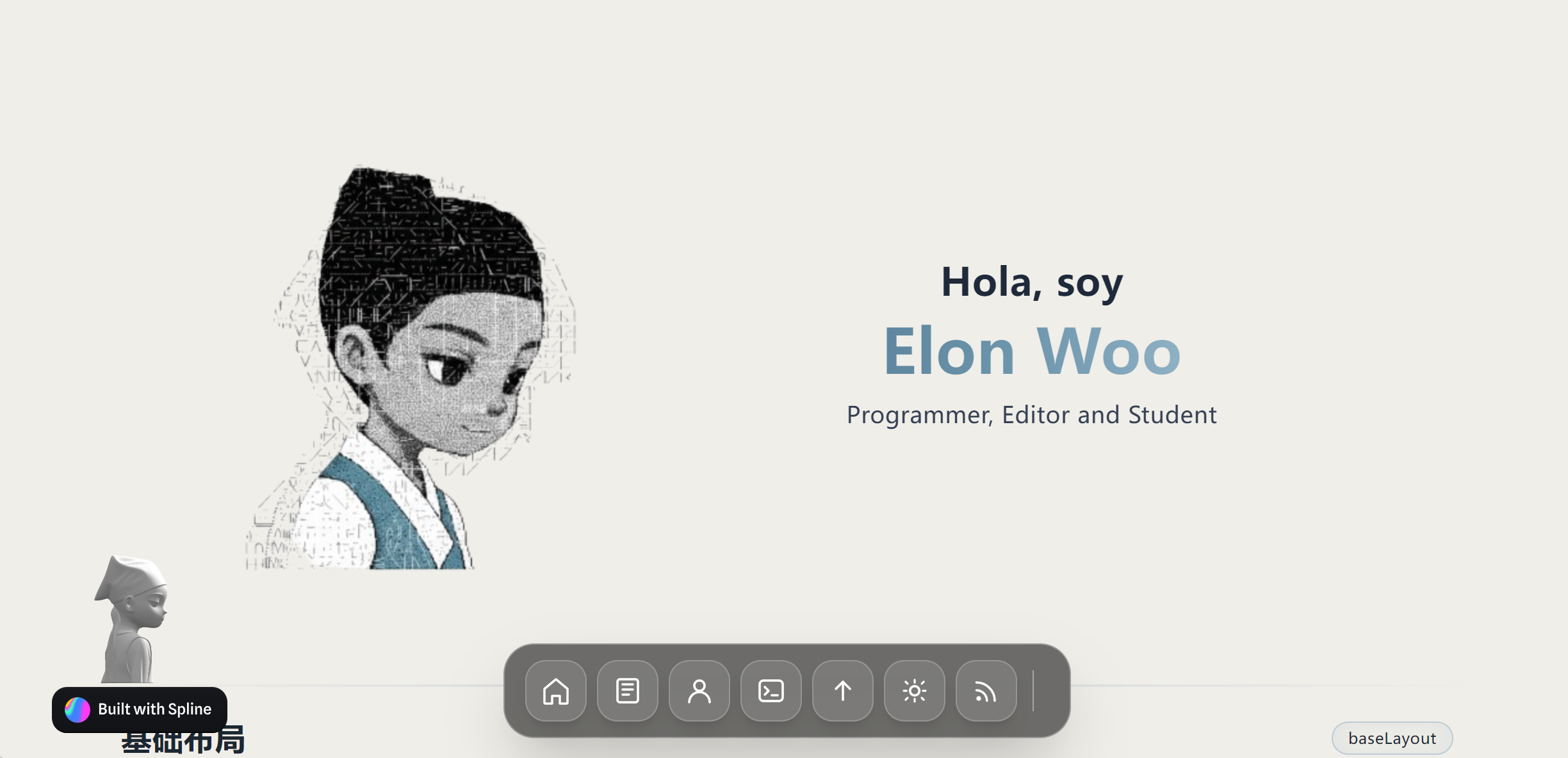
A free and open source template to host your links and socials. Built with Astro, Tailwind CSS, and Keystatic CMS by Cosmic Themes.
About this template
Landing Pad is a free, open-source Astro theme by Cosmic Themes that builds a link-in-bio landing page for hosting links to projects and social media profiles, with content editable through Keystatic CMS. It generates a static site that can be deployed to any hosting provider and is licensed under GPL-3.0.
What is Landing Pad?
Landing Pad is a free Astro theme from Cosmic Themes designed to create a single-page landing site where you can aggregate links to your various projects and social channels. It takes content from markdown files in the src/data directory or from the optional Keystatic CMS admin interface and produces a static site output. The theme is open source, released under the GPL-3.0 license, and includes a no-attribution license option for customers who purchase the All Access plan from Cosmic Themes.
Key Features
- Link-in-bio layout — A production-ready landing page inspired by Linktree, intended to be hosted as a static site with no backend required.
- Keystatic CMS integration — Optional visual editing at
localhost:4321/admin; content can also be edited by modifying markdown files insrc/data. - Astro assets image optimization — Uses the built-in
astro:assetsmodule to optimize images automatically. - Tailwind CSS v4 styling — Styles are handled with Tailwind CSS v4, and colors can be changed in
tailwind.config.cjs. - Pre-configured tooling — Includes Prettier for formatting and ESLint for linting out of the box.
- Static site deployment — Builds to a static
distfolder, ready for deployment to Netlify, Vercel, Cloudflare, or any static hosting provider.
Who should use Landing Pad?
- Developers — Set up a personal links page in minutes by forking the repo, running
npm install, and editing markdown files without needing a CMS. - Freelancers and creators — Maintain a simple page that points to a portfolio, GitHub, LinkedIn, and other social profiles, and update it through the Keystatic CMS admin panel.
- Astro learners — Study a production-ready static theme with pre-configured ESLint, Prettier, Tailwind CSS v4, and Astro assets to see how these tools work together.
What can you do with Landing Pad?
- Personal branding: Host your own link-in-bio page under your domain, replacing a hosted Linktree URL with a static site you control.
- Project aggregation: List multiple open-source projects or products on one page, linking to their repositories or live demos.
- CMS-driven updates: Use the admin dashboard at port 4321 to edit links without touching code, then redeploy the static build.
How does Landing Pad work?
The setup process is straightforward: fork the repository, run npm install, then start a local dev server. Edit content either through the Keystatic CMS admin interface or directly in the markdown files under src/data. Customize colors in tailwind.config.cjs, update the site URL in astro.config.mjs and public/robots.txt, then build and deploy the static output to your preferred host.
Pricing
Landing Pad is free and open source under the GPL-3.0 license. The repository can be forked and used at no cost; the only optional paid component is Cosmic Themes' All Access plan, which provides a no-attribution license in addition to the standard GPL terms.
Alternatives
- Linktree — a hosted link-in-bio service, whereas Landing Pad is a self-hosted static theme you deploy yourself.
FAQ
Is Landing Pad really free?
Yes. Landing Pad is released under the GPL-3.0 license, so you can fork and use it without paying anything. The only paid option is the All Access plan from Cosmic Themes, which gives you a no-attribution license instead of the standard GPL terms.
Do I need Keystatic CMS to edit my links?
No. Keystatic is optional. You can edit the markdown files in the src/data directory directly, or use the visual admin interface at localhost:4321/admin if you prefer a CMS without writing code.
What tech stack does Landing Pad use?
It is built with Astro, uses Tailwind CSS v4 for styling, and integrates Keystatic CMS for content management. Prettier and ESLint are pre-configured, and image optimization is handled by Astro's astro:assets module.
Where can I deploy Landing Pad?
Because the build produces a static site, you can deploy it to Netlify, Vercel, Cloudflare, or any other static hosting provider. The quickstart also mentions updating the site URL in astro.config.mjs and public/robots.txt to match your domain before deploying.
Can I customize the colors and appearance?
Yes. The color scheme lives in tailwind.config.cjs, and you can adjust any code to change the look. The template ships with Tailwind CSS v4, so styling changes are made through Tailwind's configuration and utility classes.