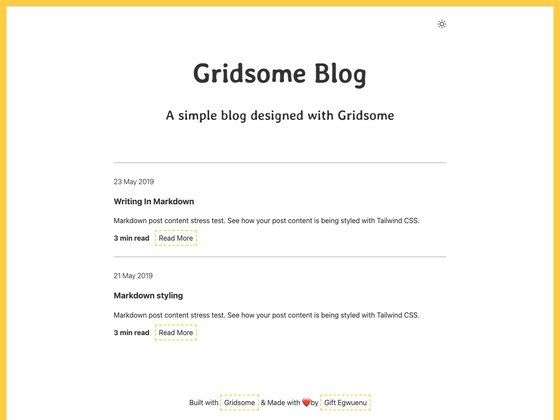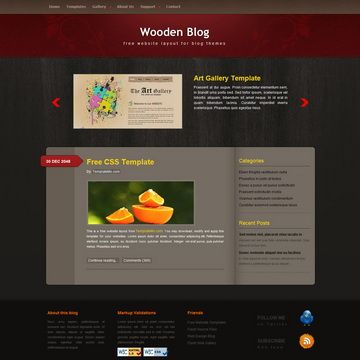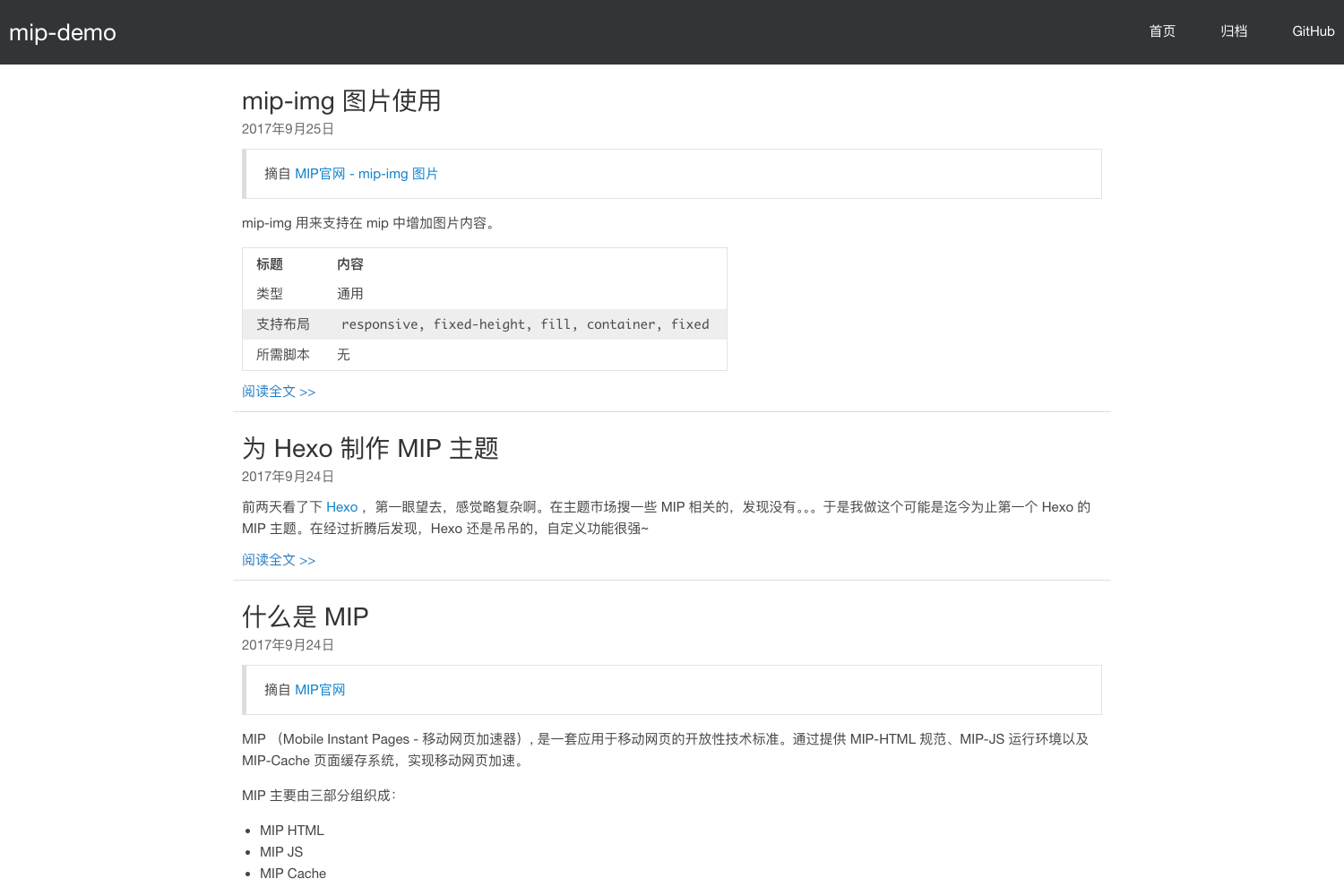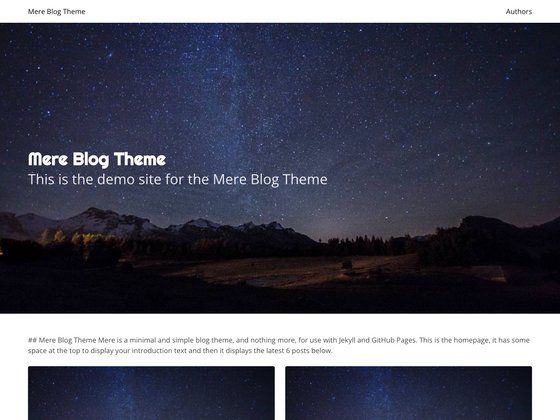
Template details
Vuepress Canvas
A simple Vuepress blog theme inspired by Canvas, using Markdown files for posts and configurable header links.
About this template
Vuepress Canvas is a custom blog theme for Vuepress, a Vue-powered static site generator, that turns a folder of Markdown files into a clean blog with a homepage, post pages, and configurable header links, inspired by the Canvas publishing platform.
What is Vuepress Canvas?
Vuepress Canvas is a Vuepress theme designed specifically for blogging, created by the developer whoan. It takes Markdown files placed in a docs folder and renders them as blog posts, with a Home page driven by a README file. The theme runs on Vuepress 1.x (the classic Vuepress) and is installed by cloning the repository directly into your project's .vuepress directory. It outputs a static website that you can host anywhere, and the author's own blog at whoan.online serves as a working example.
Key Features
- Front matter controls — Set
lastModifiedin a post's front matter to display a custom date, and setprevandnextto link to earlier and later posts in the footer. - Custom header links — Configure an array called
usefulLinksin the config file to add personal links (like GitHub) to the page header, each with a CSS icon class such asfa fa-fw fa-github. - Homepage from README — A README.md in the root of the docs folder is used to render the Home page, and its content other than front matter is ignored by the theme when listing posts.
- Simple installation — Clone the repository into a
.vuepressfolder, runrun.shto see it live, and build with the bundled Vuepress binary at.vuepress/node_modules/.bin/vuepress build. - MIT licensed — The theme is released under the MIT License, so you can freely use and modify it for your own blog.
Who is it for?
Vuepress Canvas is for developers who already write Markdown and want a minimal blog without learning a new CMS. It's a good fit for Vuepress users who want a dedicated blog layout instead of the default documentation theme. The author also positions it as a beautiful, simple alternative to feature-heavy blogging platforms, acknowledging that it intentionally omits tags and search to stay minimal.
What can you do with it?
- Developers and technical writers: Publish a personal blog by dropping Markdown files into the docs folder; the theme automatically generates a post list on the Home page.
- Open-source maintainers: Use the config file to link to your GitHub, Twitter, or other profiles via
usefulLinkswith icon classes. - Self-hosted bloggers: Build a static site with
vuepress buildand deploy it to any static host, since no backend or database is required.
How does Vuepress Canvas work?
Installation is a three-step process: create a docs folder, clone the theme repository into a .vuepress subfolder, and run .vuepress/run.sh. For production, you build the site using the local Vuepress binary with .vuepress/node_modules/.bin/vuepress build — the project explicitly says you must use this local binary rather than a globally installed Vuepress.
Pros and cons
- Pros: Simple to set up, no database, customizable header links, and a clean minimal design as claimed by the author.
- Cons: Lists all Markdown files at the same level regardless of their directory, and has no tags or search bar, as stated in the README's limitations.
FAQ
How do I install Vuepress Canvas?
Create a docs folder, then clone the repository into a .vuepress folder inside it using git clone https://github.com/whoan/vuepress-theme-canvas.git .vuepress. Run .vuepress/run.sh to start a local dev preview.
Why do I get a 404 error?
This happens when there is no README.md in the root of the project. The theme needs it to render the Home page, so add a README.md with front matter to fix the error.
Why don't post titles appear on the main page?
Each Markdown post must have an h1 heading (for example, # My Awesome Post) to be recognized. If the title is missing, the theme won't show it on the Home page.
Does Vuepress Canvas support tags?
No. The README explicitly lists tags as a limitation of the theme. It also doesn't include a search bar.
How do I set a custom post date?
Add lastModified: 'YYYY-MM-DD' to the front matter of a post. You can also set prev and next in front matter to control the footer pagination.