Template details
Kraiklyn
A simple one page Hugo theme for documentation
About this template
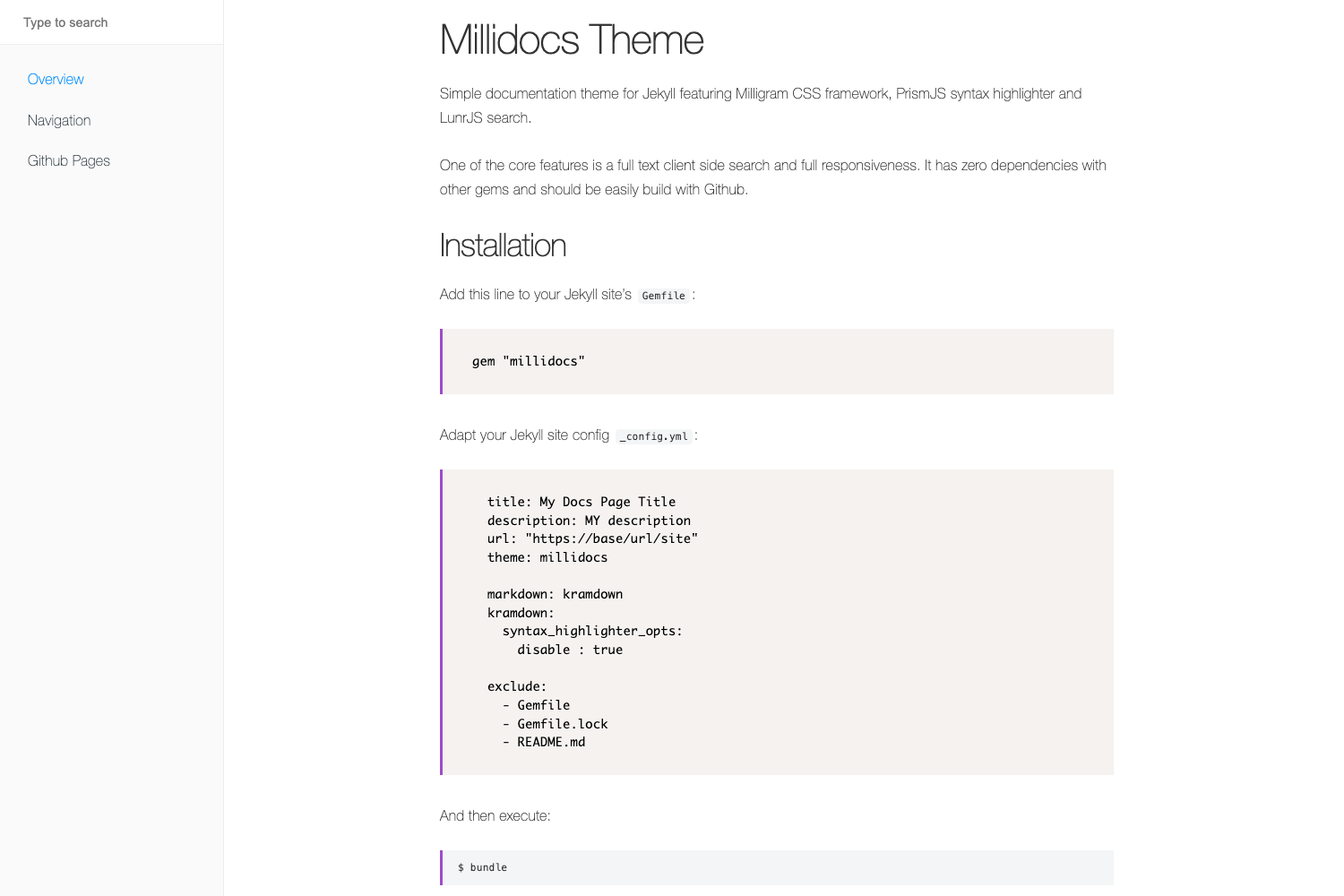
Kraiklyn is a single-page Hugo theme for documentation that renders all content onto one scrollable page with a sidebar navigation menu. It takes Markdown content with front-matter parameters like anchor and weight as input, and produces a mobile-friendly documentation site built by Hugo. This open-source theme is designed for projects that want a compact, easy-to-navigate reference without multi-page complexity.
What is Kraiklyn?
Kraiklyn is a Hugo theme that consolidates an entire documentation set into a single page. The theme reads Markdown files from the site’s content directory, orders them by the weight front-matter value, and builds a sidebar where each item jumps to a section identified by the anchor front-matter parameter. It runs on the Hugo static site generator and is installable by cloning the repository into the themes folder.
Key Features
- Single-page rendering — all site content is displayed on one page; navigation uses the
anchorfront-matter field to scroll to sections. - Unlimited menu levels — the sidebar supports nested menu items with no documented depth limit.
- Mobile friendly — the layout adapts to small screens, making documentation readable on phones and tablets.
- Customizable logo — replace the default logo by creating a
layouts/partials/logo.htmlfile in your site. - Sidebar external links — add links to outside pages via
[[menu.shortcuts]]entries inconfig.toml, and rename the section with theexternalTitleparameter. - Sidebar color options — set
sidebarColorin the[params]section to one of nine values: default, green, purple, pink, red, cyan, blue, grey, or orange. - Useful shortcodes —
blockcreates note, tip, warn, or info callouts;readfiledisplays a file’s contents with an optionalskip-toargument;anchorgenerates cross-reference links to other sections. - Custom CSS support — define the
customCssparameter in your config to load extra stylesheets fromstatic/css.
Who is it for?
Kraiklyn is aimed at anyone who needs a lightweight, single-page documentation site. Technical writers can convert a set of Markdown files into a clean, categorized reference manual. Open-source maintainers can publish project docs with minimal setup, leveraging Hugo’s build pipeline. Developers creating internal wikis or runbooks can benefit from the sidebar navigation and shortcode callouts for warnings and tips.
What can you do with Kraiklyn?
- Create a one-page API reference — structure endpoints as sections with anchors and weights, then cross-link them using the
anchorshortcode. - Build a user manual with callouts — use the
blockshortcode to highlight notes, tips, warnings, and info boxes throughout the page. - Display code examples from files — use
readfileto pull in configuration snippets from separate files, skipping to a specific section when needed. - Customize the visual identity — change the sidebar color, swap in your own logo, and add custom CSS to match your brand.
How does Kraiklyn work?
Content is written as standard Hugo Markdown pages, each with front-matter that defines a unique anchor and a weight for ordering. The theme concatenates all pages onto a single HTML page, generating a sidebar from the anchor values. The anchor shortcode lets you link directly to any section by passing the file path, preserving cross-references that would normally be separate pages.
FAQ
How do I install Kraiklyn?
Clone the repository into your Hugo site’s themes directory and enable it in your site configuration. The theme works with standard Hugo content conventions, so no additional build tools are required.
How do I change the sidebar color?
Add sidebarColor to the [params] section of your config.toml. Available values are default, green, purple, pink, red, cyan, blue, grey, and orange.
How do I add external links to the sidebar?
Define entries under [[menu.shortcuts]] in your config file, each with a name and url. You can also set externalTitle to change the heading of that sidebar section.
How do I add custom CSS?
Set the customCss parameter in your configuration to a list of stylesheet paths, such as customCss = ["css/custom.css"], and place the files in the static/css directory.
Does Kraiklyn support multi-page sites?
No — the theme is explicitly a one-page documentation theme. All content is rendered on a single page, which is ideal for concise docs but not for sites requiring separate URLs for each topic.